


How do I fix QuMagie upload failures after updating QuMagie to 2.9.2?
Applicable products
- QTS
- QuTS hero
- QuMagie
Overview
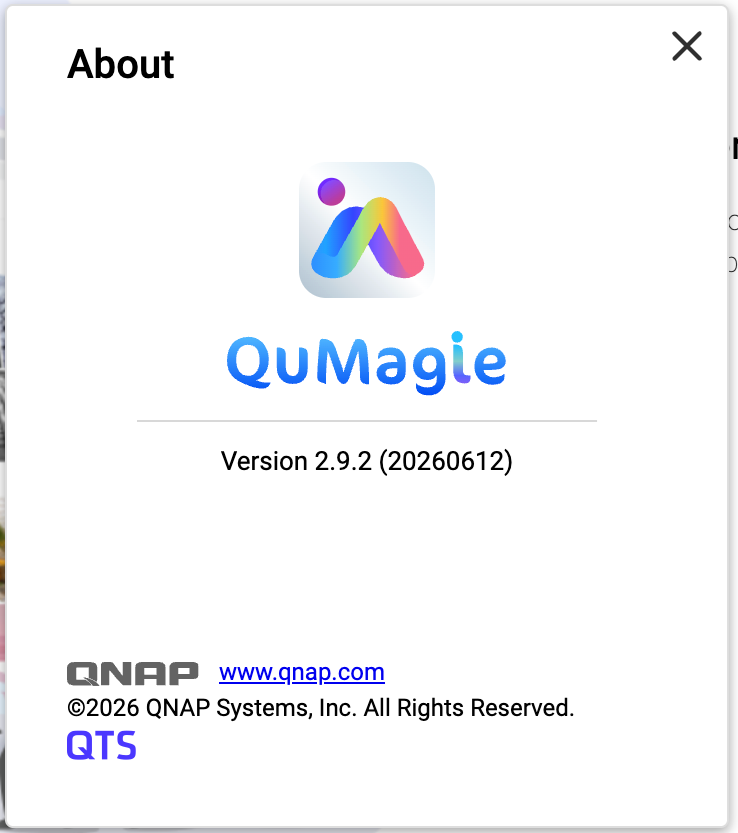
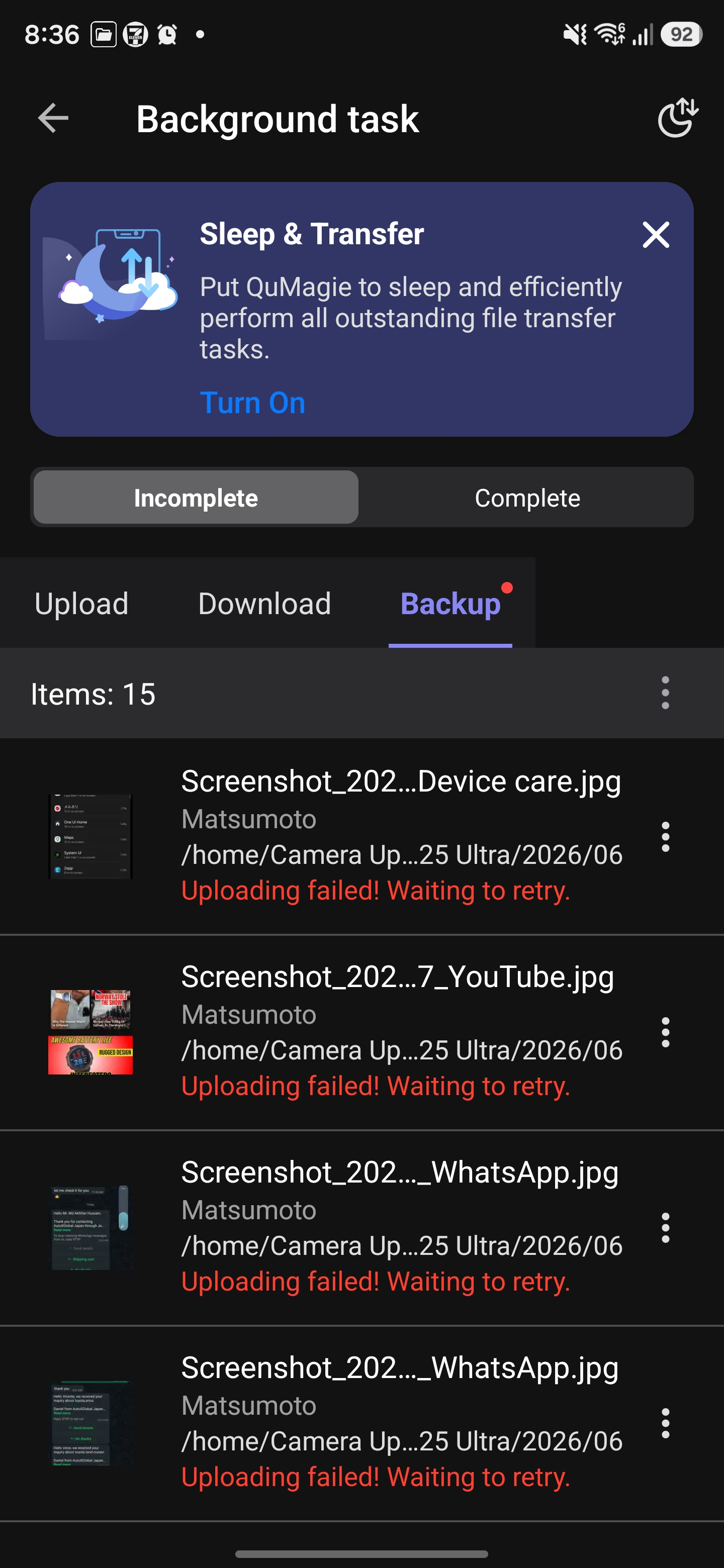
After you have installed QuMagie 2.9.2 (20260612) on your NAS, you may encounter upload failures when using the QuMagie mobile app (Android / iOS).
QuMagie 2.9.2 (20260612) does not include a required security fix. This may cause errors when the mobile app uploads files, resulting in upload failures.
This issue affects the following QuMagie versions:
| Component | Affected Version |
|---|---|
| QuMagie (NAS) | 2.9.2 (20260612) |
| QuMagie (Android) | 2.9.0 and earlier |
| QuMagie (iOS) | 2.6.0 and earlier |
If you are using QuMagie 2.9.2 (20260612) and if you see upload failure messages, then your QuMagie is affected by this issue.
Solution
To fix this issue, follow these three steps:
Step 1: Update QuMagie (NAS Application) to 2.9.3
- Log in to the NAS as an administrator.
- Go to App Center.
- Enter QuMagie in the search bar.
- Ensure that the available version is 2.9.3 (or later), and then click Update.
- Wait for the installation to complete and confirm that the version is now 2.9.3 (or later).
Step 2: Update QuMagie (Mobile App)
| Platform | Recommended version |
|---|---|
| Android | 2.9.1 or later |
| iOS | 2.6.1 or later |
- On your mobile device, go to Google Play Store or Apple App Store.
- Search for QuMagie.
- Tap Update and confirm that the app has been updated to the recommended version or later.
Step 3: Re-upload previously failed files
Previously failed upload tasks cannot be resumed automatically. You need to manually re-upload these files after completing the updates.
- Open the QuMagie mobile app.
- Select the files that previously failed to upload.
- Upload the files again.
- In most cases, after you have updated QuMagie both on your NAS and on your mobile device, you should be able to upload files normally. No additional configuration is required.
- If upload tasks still fail, see the Troubleshooting section below.
Troubleshooting
If you still cannot upload files even after trying the solution above, we recommend following these steps:
- On the NAS, go to App Center, locate QuMagie, and verify that QuMagie has been updated to 2.9.3 or later.
- On your mobile device, verify the QuMagie App version:
- Android: 2.9.1 or later
- iOS: 2.6.1 or later
- Completely close the QuMagie mobile app (remove it from the background), restart the app, and then try uploading files again.
- If this issue still persists, contact QNAP Technical Support for further assistance.
Still need help?
Post your question in QNAP Community. QNAP staff and experienced users will reply.


