


How do I fix QuMagie upload failures after updating QuMagie to 2.9.2?
Applicable products
- QTS
- QuTS hero
- QuMagie
Overview
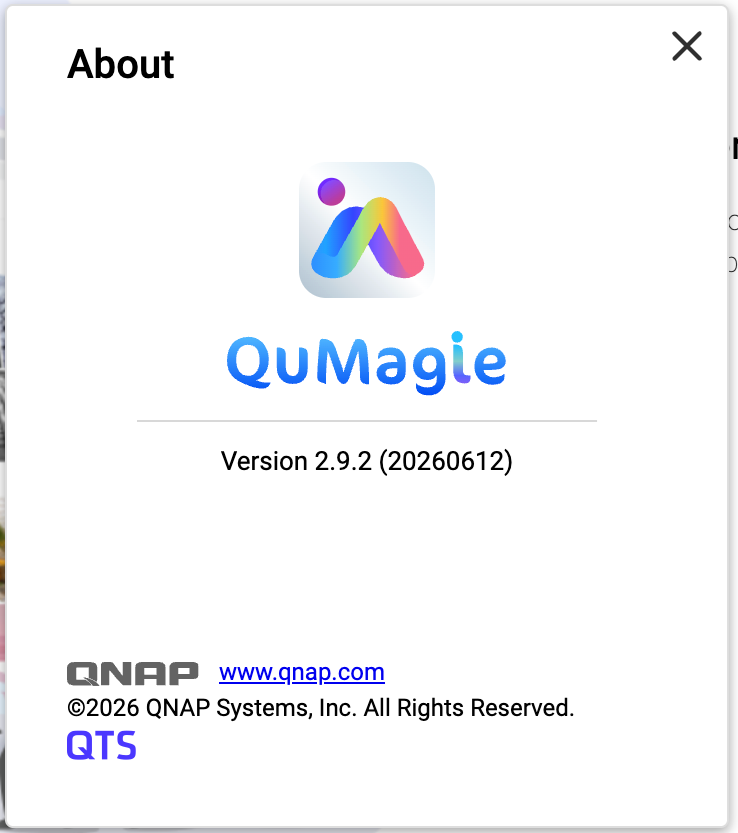
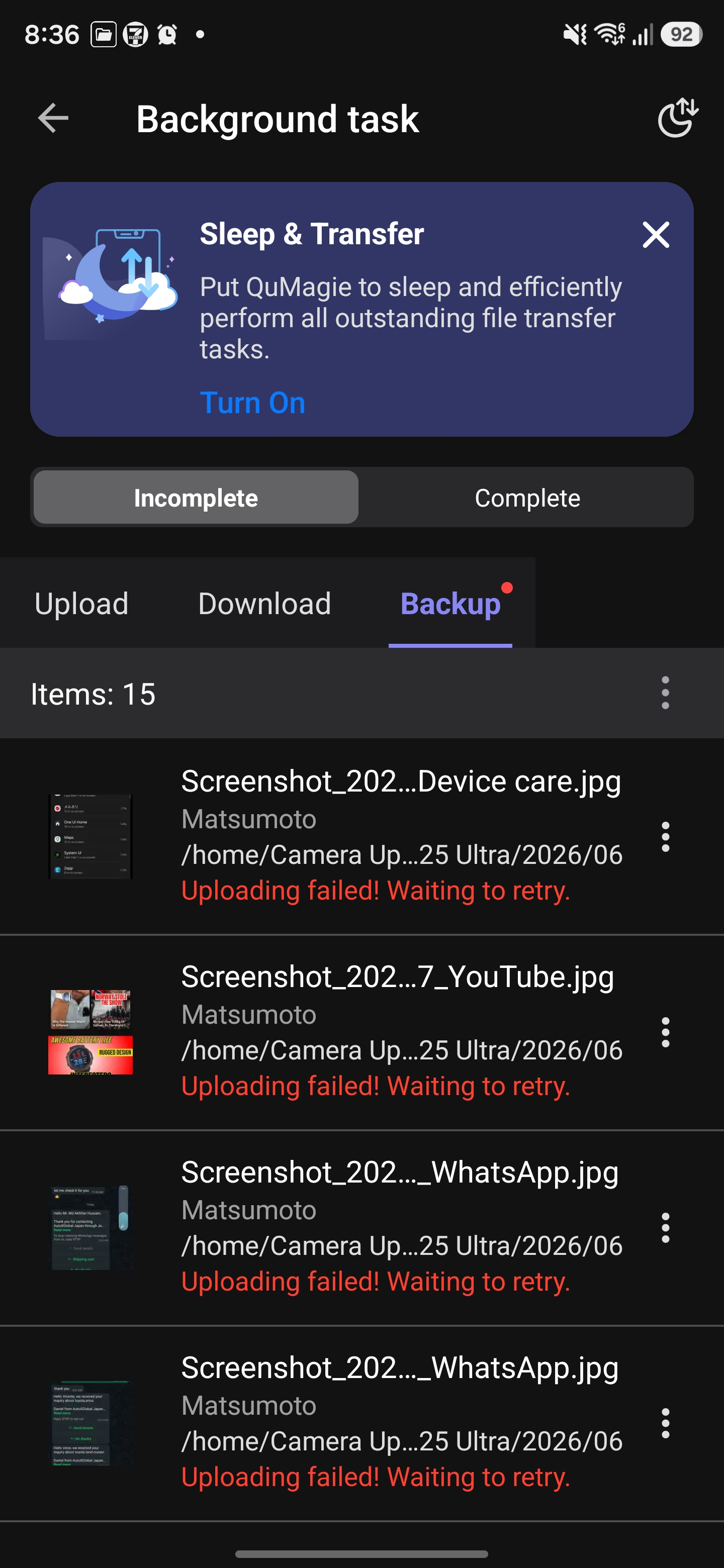
After you have installed QuMagie 2.9.2 (20260612) on your NAS, you may encounter upload failures when using the QuMagie mobile app (Android / iOS).
QuMagie 2.9.2 (20260612) does not include a required security fix. This may cause errors when the mobile app uploads files, resulting in upload failures.
This issue affects the following QuMagie versions:
| Component | Affected Version |
|---|---|
| QuMagie (NAS) | 2.9.2 (20260612) |
| QuMagie (Android) | 2.9.0 and earlier |
| QuMagie (iOS) | 2.6.0 and earlier |
If you are using QuMagie 2.9.2 (20260612) and if you see upload failure messages, then your QuMagie is affected by this issue.
Solution
To fix this issue, follow these three steps:
Step 1: Update QuMagie (NAS Application) to 2.9.3
- Log in to the NAS as an administrator.
- Go to App Center.
- Enter QuMagie in the search bar.
- Ensure that the available version is 2.9.3 (or later), and then click Update.
- Wait for the installation to complete and confirm that the version is now 2.9.3 (or later).
Step 2: Update QuMagie (Mobile App)
| Platform | Recommended version |
|---|---|
| Android | 2.9.1 or later |
| iOS | 2.6.1 or later |
- On your mobile device, go to Google Play Store or Apple App Store.
- Search for QuMagie.
- Tap Update and confirm that the app has been updated to the recommended version or later.
Step 3: Re-upload previously failed files
Previously failed upload tasks cannot be resumed automatically. You need to manually re-upload these files after completing the updates.
- Open the QuMagie mobile app.
- Select the files that previously failed to upload.
- Upload the files again.
- In most cases, after you have updated QuMagie both on your NAS and on your mobile device, you should be able to upload files normally. No additional configuration is required.
- If upload tasks still fail, see the Troubleshooting section below.
Troubleshooting
If you still cannot upload files even after trying the solution above, we recommend following these steps:
- On the NAS, go to App Center, locate QuMagie, and verify that QuMagie has been updated to 2.9.3 or later.
- On your mobile device, verify the QuMagie App version:
- Android: 2.9.1 or later
- iOS: 2.6.1 or later
- Completely close the QuMagie mobile app (remove it from the background), restart the app, and then try uploading files again.
- If this issue still persists, contact QNAP Technical Support for further assistance.
Bạn vẫn cần hỗ trợ?
Hãy đăng câu hỏi của bạn trong Cộng đồng QNAP. Nhân viên QNAP và những người dùng giàu kinh nghiệm sẽ trả lời.


