


How to replace old QID with the newly created QID in the NAS?
最後修訂日期:
2022-06-24
Applicable Products:
- myQNAPcloud
You need to log in to the NAS locally using your administrator account to be able to open the myQNAPcloud app: 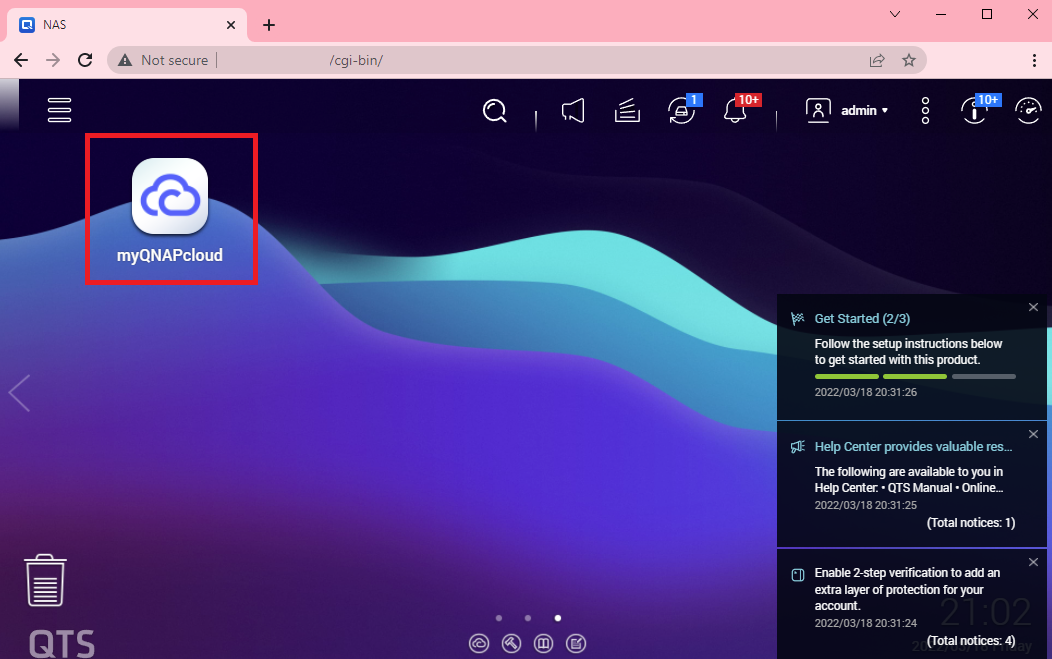
Once the app loads, in the Overview Tab click the sign out button next to the QID to sign out your old QID account:
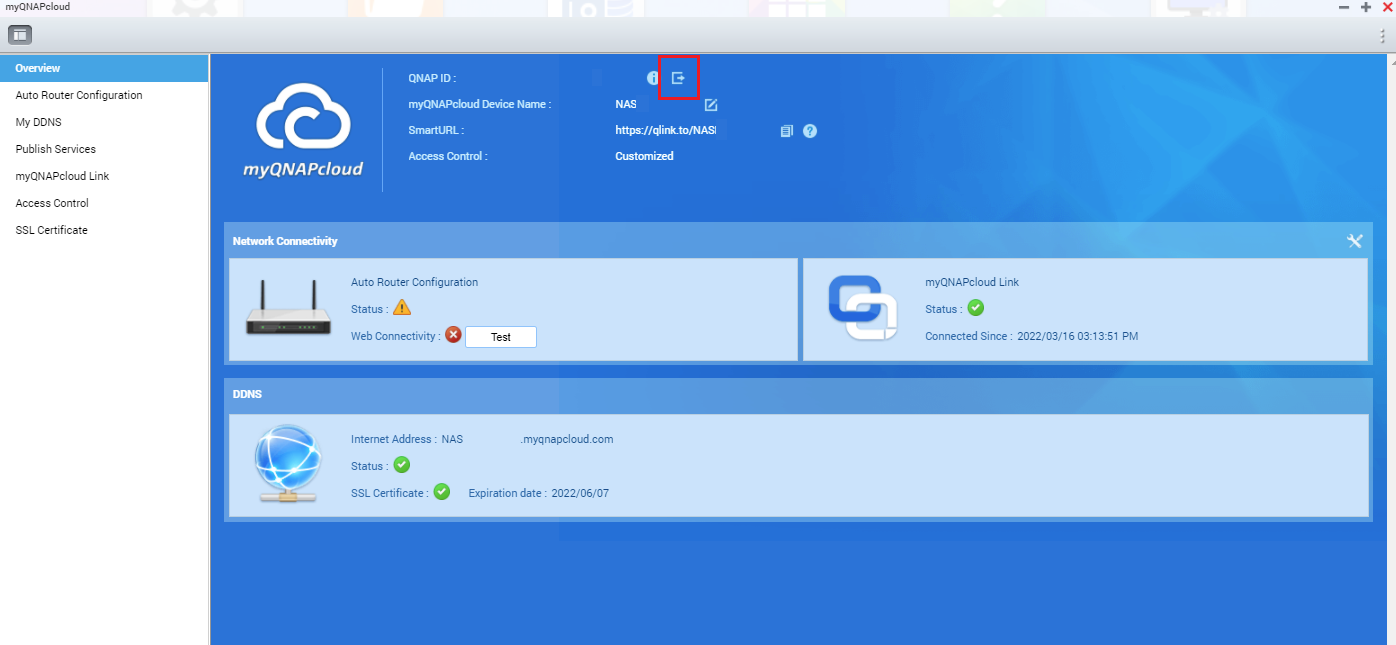
Once signed out, you can then sign in your new account by clicking the Get Started button:

See below additional link for reference:
Can I Change My Email Address for My QID Account?
Accessing your QNAP device with myQNAPcloud service
需要進一步協助,歡迎前往官方社群發文,與其他用戶及 QNAP 專家交流。 前往 QNAP 官方社群


