


QXP-10G2U3A
Up to 10Gbps Speeds for Fast File Transfer and Storage Expansion

The QNAP USB 3.2 Gen 2 Expansion Card provides speeds of up to 10Gbps – double that of USB 3.2 Gen 1 – to greatly boost data transfer speeds. With two ports, the QNAP USB 3.2 Gen 2 Expansion Card provides compatibility with newer, faster USB 3.2 Gen 2 devices to accelerate file transfers and backup. The QNAP USB 3.2 Gen 2 Expansion Card can be installed in either a QNAP NAS or Windows®/Ubuntu® PC.
1
Dual-port USB 3.2 Gen 2 Type-A connectivity. Both ports provide up to 10 Gbps data transfer speeds and are backwards compatible with previous-generation USB devices.
2
Supports USB Attached SCSI Protocol (UASP) to provide convenient fast file sharing and intensive data transfer.
3
Uses advanced low-power processes, following standard PCIe/USB bus Power Management to reduce power consumption.
4
Supports overcurrent detection and short circuit protection.
5
Supports Windows 8.x / 10 (32/64-bit) and Ubuntu desktop 20.04 LTS. No driver is required.
Expand your Storage by Connecting to a QNAP USB JBOD
By using a QNAP USB 3.2 Gen 2 Expansion Card in your QNAP NAS or PC, you can connect a QNAP USB JBOD to back up and expand your storage. The USB 3.2 Gen 2 Expansion Card supports both QNAP NAS and Windows®/Ubuntu® PCs without requiring drivers. You can configure RAID and monitor disk health using the QTS/QuTS hero Storage & Snapshots Manager on a QNAP NAS, or by using the QNAP JBOD Manager utility on your computer.
Learn More: TL USB JBOD
-

NAS Expansion: Install the QNAP USB 3.2 Gen 2 Expansion Card and connect to a QNAP USB JBOD device, adding additional storage capacity with up to 10Gbps transmission speeds.
-

PC Expansion: Install the QNAP USB 3.2 Gen 2 Expansion Card and connect to a QNAP USB JBOD device to take advantage of a 10Gbps DAS solution.
Check Compatible NAS Models
Click to learn incompatible devices
Always consult the compatibility list before purchasing add-ons and accessories for your NAS.
QNAP Accessories Store
Get all the original accessories in one place and easily upgrade your QNAP NAS.
Need help?
Contact us now to get more recommended products or solutions catered to your needs and requirements!
People Also Viewed
-
TL-R1200PES-RP
PCIe Interface 12-bay JBOD, supporting SATA drives, for petabyte-scale expansion designed specifically for QNAP NAS
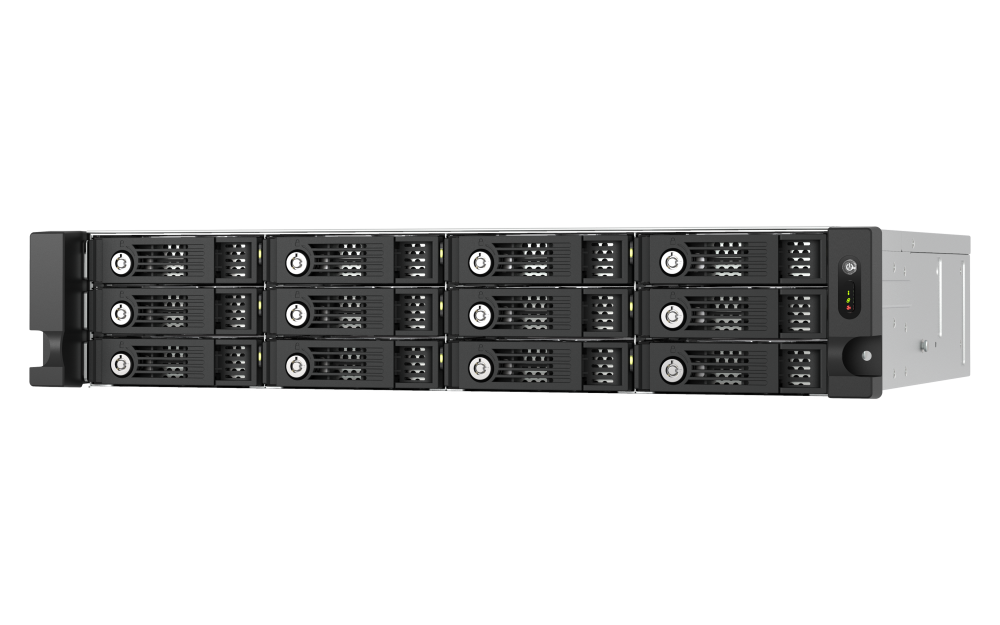




TL-R1200PES-RP
PCIe Interface 12-bay JBOD, supporting SATA drives, for petabyte-scale expansion designed specifically for QNAP NAS


