


How to copy folder and files to external drive by Hybrid Backup Sync 3
最後修訂日期:
2022-03-30
Procedure
1. Please make sure the external drive can be seen in File Station first.

2. Open Hybrid Back Sync 3 and find Sync > One-Way Sync Job

3.Select Local NAS

4. Add a paired folder

5.Select the source folder
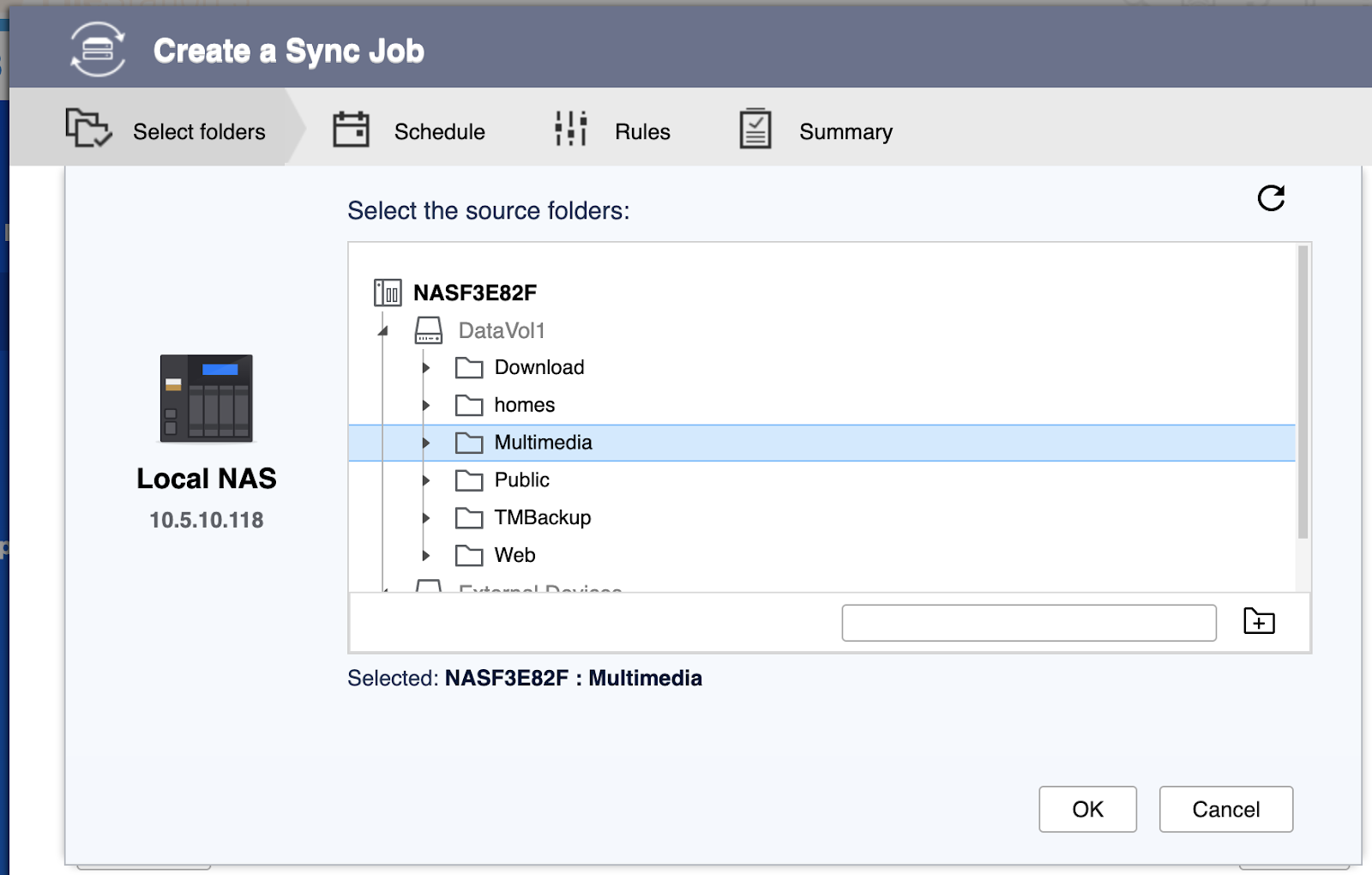
6.Select the destination folder on External Devices
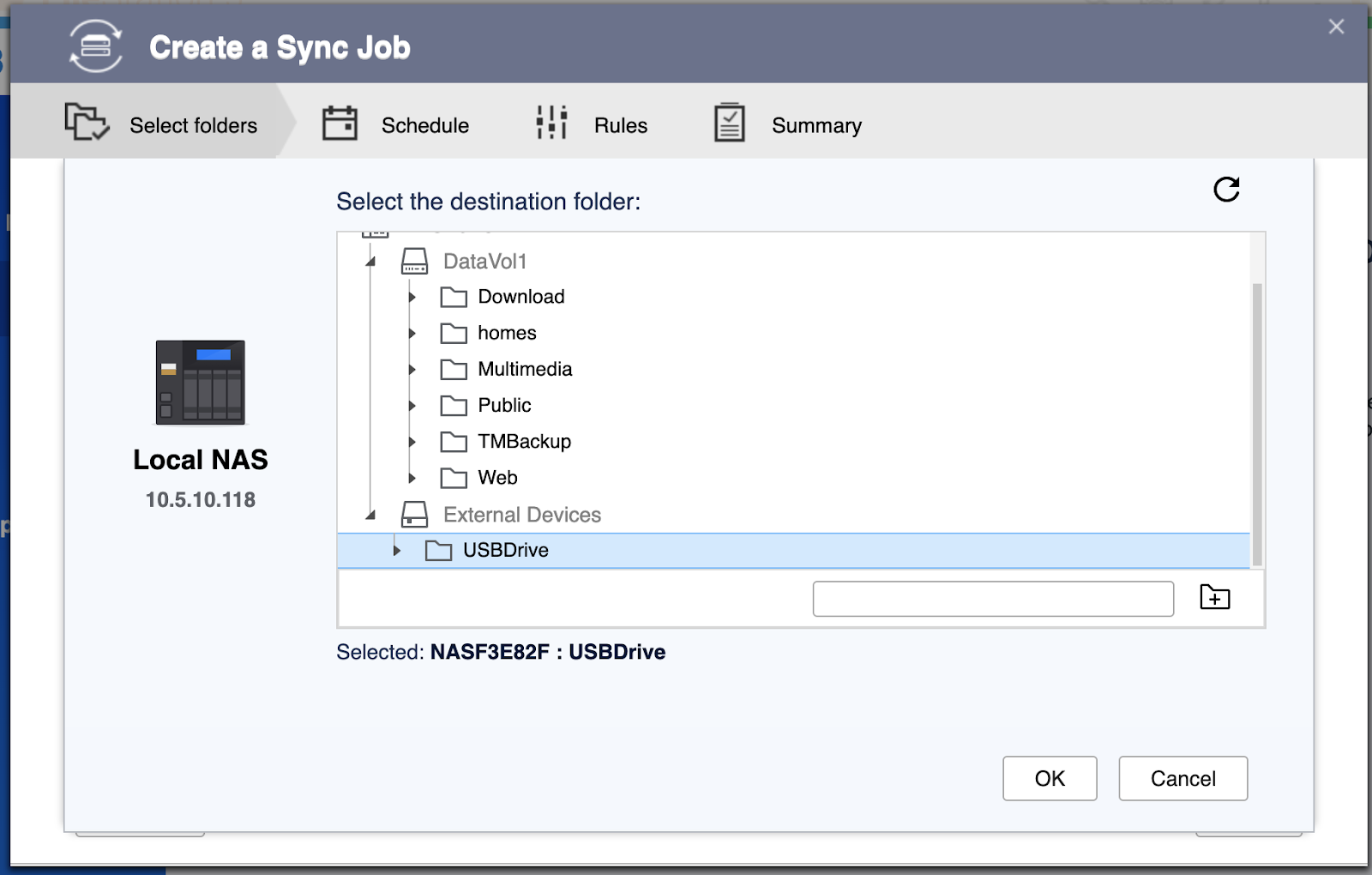
7. Selecting the folders, and press Next

Set the Job schedule

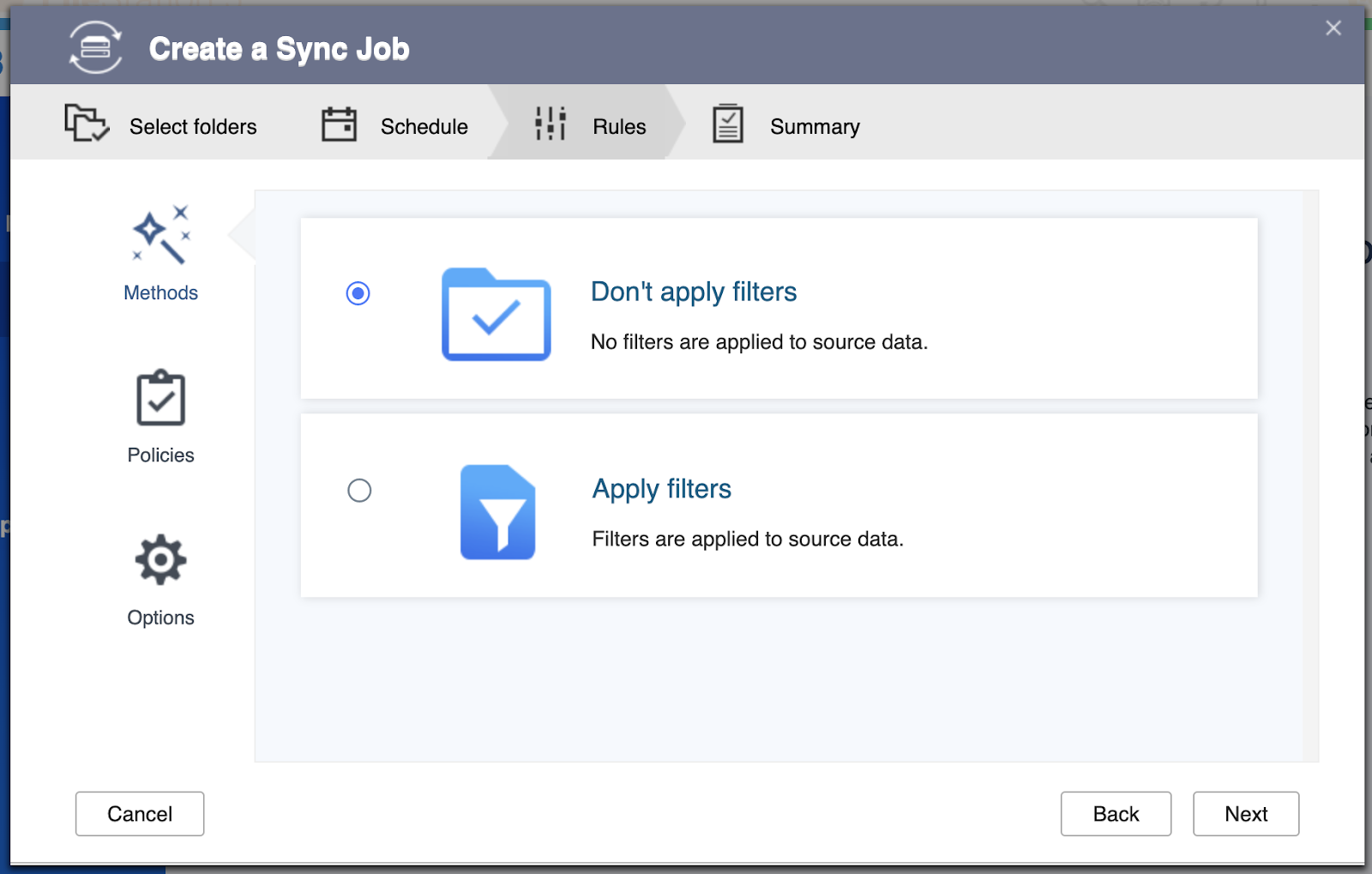
Rules
Create the job

Sync Now

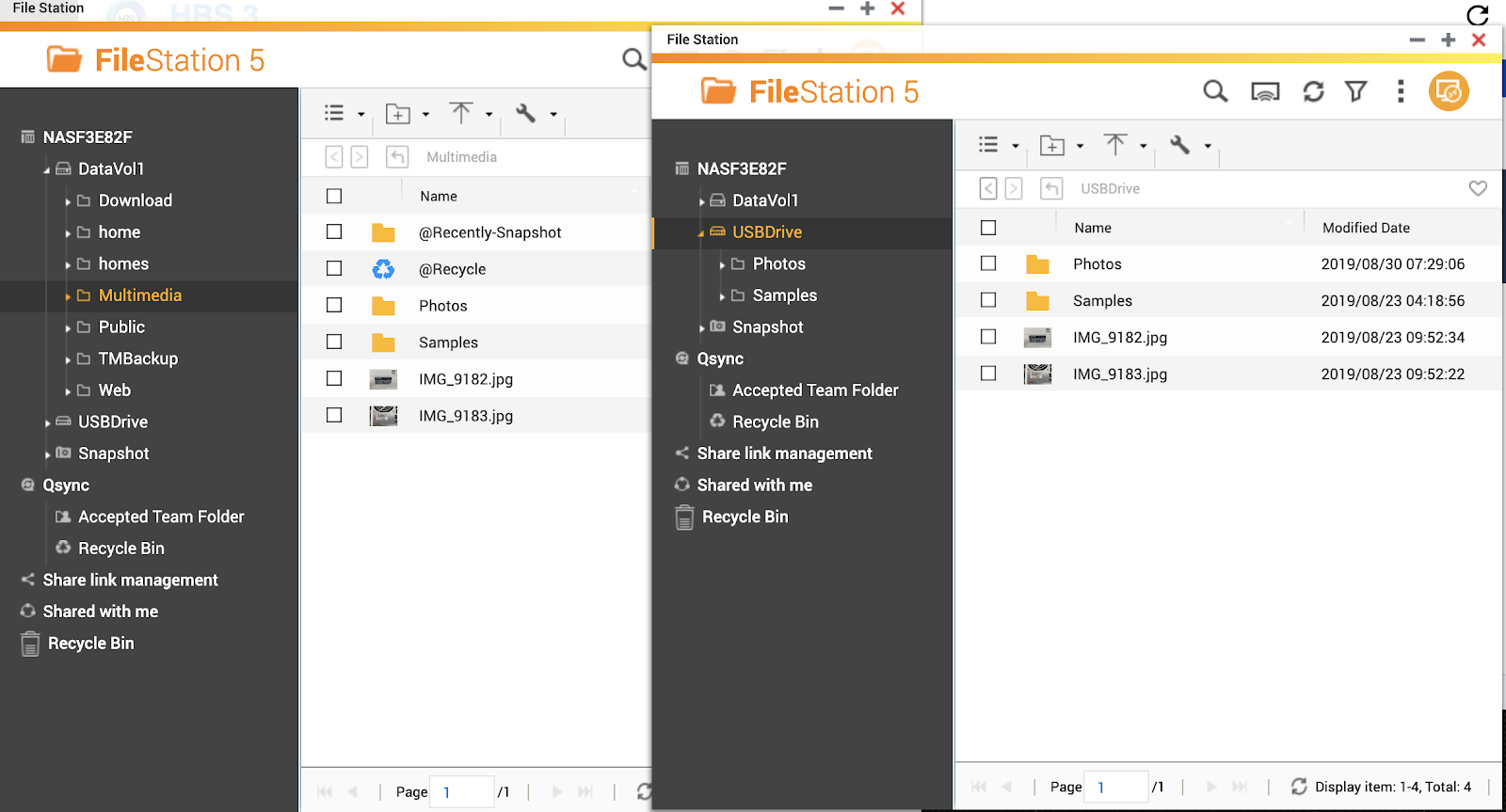
The Result
If you meet error after syncing,
Please help to open a ticket by QNAP Service Portal
And share us the screenshots of what you see and collect the Debug report. 
Related Links:
How to rename an external USB drive
需要進一步協助,歡迎前往官方社群發文,與其他用戶及 QNAP 專家交流。 前往 QNAP 官方社群


