


SMB disk is not visible in Time Machine accessing with Local QTS account
Applied models:
-
All NAS Series
Applied Firmware:
-
All QTS Firmware Versions
You are following the guide Using Time Machine to Back Up Macs to a QNAP NAS via SMB but you find that the SMB HDD is not visible as shown in the image below:

This could be because you only enable “Access with local QTS accounts” such as in below image:
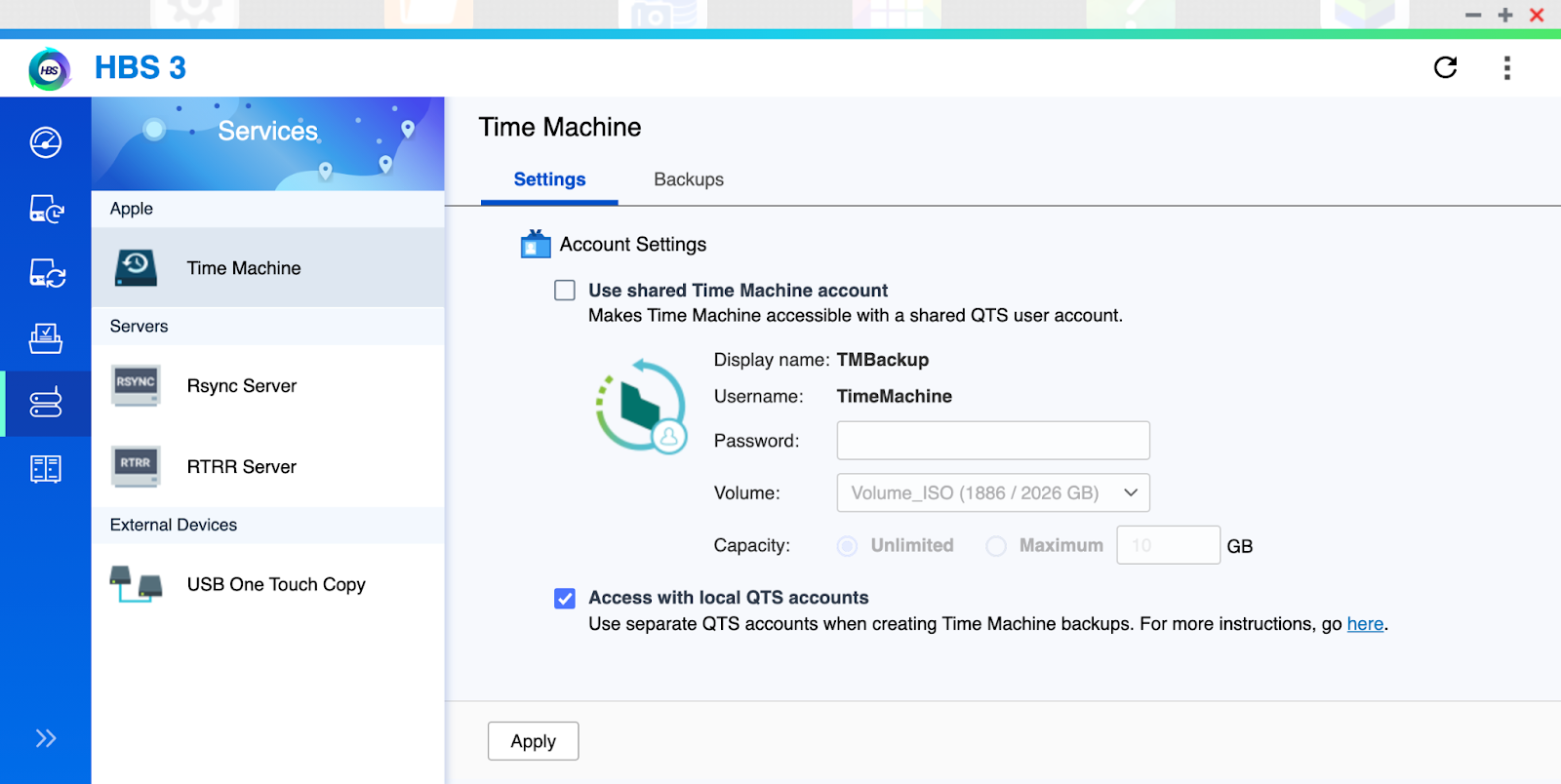
You could enable “Use shared Time Machine account” and check if you are able to see the SMB connection as below:
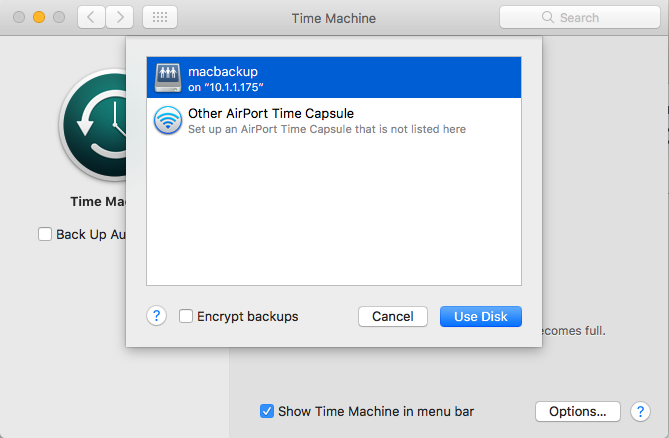
Enabling the "Shared Time Machine account" is a must for supporting mutiDNS. You do not need to use it but you must keep it enabled for it to show the SMB connection shared.
さらにサポートが必要な場合は、コミュニティで他のユーザーや QNAP の専門家にご質問ください。 QNAP コミュニティへ


