


TL-R1210TC4-RP (USB 4)
12-Bay Rackmount USB 4 Type-C JBOD
The redundant-power rackmount TL-R1210TC4-RP offers twelve SATA 6Gb/s hard drive slots, supporting 3.5-inch/2.5-inch SATA HDDs or SSDs. With a USB 4 Type-C interface, it is also compatible with Thunderbolt 3/4, delivering data transfer speeds up to 40Gbps, ideal for high-efficiency data storage and long-term backup. With dual power redundancy and a rackmount form factor, it is particularly suitable for SMBs in server rooms, integrating with NAS or servers for archiving, backup, and data sharing, offering a stable, scalable, and 24/7 operational storage solution.
Please Note:
1. TL-R1210TC4-RP currently only supports QTS 5.2.x (or later) and QuTS hero 5.2.8 (or later) operating systems.
2. When connecting this product via the QXP-40G2UC, some NAS models require a minimum BIOS version update. Please refer to the Compatibility List
3. TL-R1210TC4-RP is compatible with USB 4 (for NAS, Windows PC), Thunderbolt™ 3 (for NAS) and Thunderbolt™ 4 (for NAS, Windows PC).
4. TL-R1210TC4-RP is compatible with USB 4 and Thunderbolt™ 4 only. USB 3 and earlier versions are not supported.
5. With the optional RAIL-B02 rail kit, it can be installed in any standard 19-inch rack meeting the ANSI/EIA-RS-310-D specifications.
6. TL-R1210TC4-RP can only be migrated with TL USB series JBODs, and not with other JBODs or devices.
7. To avoid abnormal performance, you must follow the proper power-on and power-off procedures as per the user manual.
8. To ensure optimal system compatibility, transfer performance, and data integrity, please connect the external enclosure directly to the USB port of your NAS or PC. Do not connect a USB hub or docking station between the host system and the expansion unit.
Flexible Expansion for NAS, PCs
Compatible with QTS 5.2.x/QuTS hero 5.2.8 (or later), Windows 11 (or later), Ubuntu 22.04 (or later), and other systems, TL-R1210TC4-RP provides flexible expansion of storage space up to 312 TB (maximum raw capacity: twelve bays * 26 TB), ensuring both data security and management convenience.
High-Speed 40Gbps Transfer
Utilizing USB 4 high-speed transfer, speeds can reach 40Gbps (actual speeds depend on the device and cables used). It also supports QNAP NAS, Windows systems compatible with Thunderbolt™ 4.
Note: A USB 4 Type-C cable is included, and we recommend using a USB cable no longer than 1 meter.
Supports SATA Hard Drives
Equipped with SATA 6Gb/s hard drive slots, ensuring reliable continuous read performance for smooth and fast operations.
Supports UASP
Supports UASP (USB Attached SCSI Protocol), which significantly improves transfer speeds and reduces data delay and wait times.
High Stability with redundant power supply
Provides 250W stable power, with dual power modules ensuring uninterrupted service and system stability.
Host-based power management
When the main device powers on or off, JBOD automatically synchronizes, improving system stability and reducing operational risks.
USB 4 Type-C connectivity delivers even faster read performance!
TL-R1210TC4-RP is equipped with a USB 4 Type-C port, supporting 40Gbps high-speed transfer, allowing fast large-file transfers via the USB interface, offering wider application, higher efficiency, and greater convenience. Coupled with the built-in UASP (USB Attached SCSI Protocol), it significantly boosts transfer speeds, reducing data delays and wait times.
Note: To utilize UASP, your computer and OS must support it.
-
QTS RAID 0
Read 2976 MB/sWrite 2551 MB/s -
QTS RAID 5
Read 2976 MB/sWrite 1970 MB/s -
Windows RAID 0
Read 2275 MB/sWrite 2276 MB/s -
Windows RAID 5
Read 2760 MB/sWrite 849 MB/s -
Ubuntu RAID 0
Read 2982 MB/sWrite 2192 MB/s -
Ubuntu RAID 5
Read 2961 MB/sWrite 1351 MB/s
| QTS RAID 0 |
Read
2976
MB/s
|
Write
2551
MB/s
|
|---|---|---|
| QTS RAID 5 |
Read
2976
MB/s
|
Write
1970
MB/s
|
| Windows RAID 0 |
Read
2275
MB/s
|
Write
2276
MB/s
|
| Windows RAID 5 |
Read
2760
MB/s
|
Write
849
MB/s
|
| Ubuntu RAID 0 |
Read
2982
MB/s
|
Write
2192
MB/s
|
| Ubuntu RAID 5 |
Read
2961
MB/s
|
Write
1351
MB/s
|
Tested in QNAP laboratories. Data may vary depending on actual environment.
Test Environment:
NAS: TS-h2477AXU,AMD Ryzen™ 7 7700 8-Core Processor, 32GB DDR5 RAM, QNAP QXP-40G2UC PCIe Gen3 x4
OS: QTS 5.2.9
Volume type: 12 x Samsung 860 Pro 512GB SSD
More Space for Your NAS
With QNAP NAS's Storage & Snapshots Manager, you can easily set up independent RAID groups, create storage pools, monitor S.M.A.R.T. status, and configure notifications to keep track of your hard drive health.
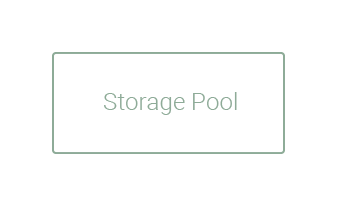
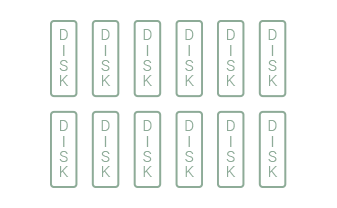
Dual USB 4 Expansion Card for Greater Flexibility in NAS Expansion
Install the QXP-40G2UC expansion card on your NAS and instantly add two USB 4 Type-C ports with speeds up to 40Gbps, upgrading your storage performance across the board.
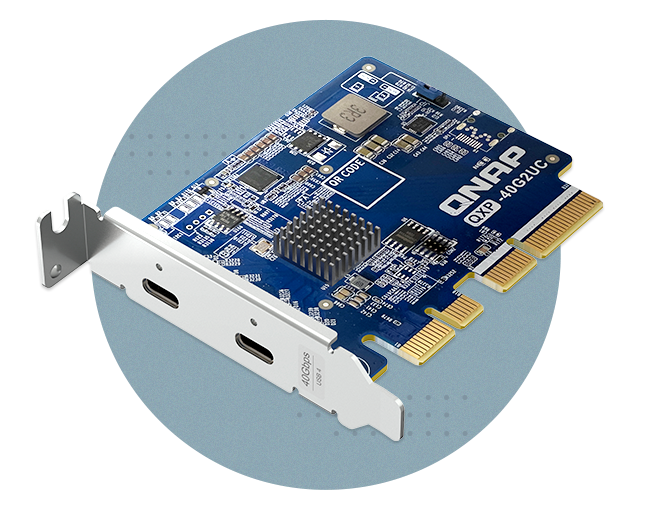
Expand Your NAS, Flexible and Efficient
USB 4 JBOD can be connected to a QNAP NAS TS-h1277AXU-RP by installing the USB 4 card without complicated network setup—just plug and play to expand storage capacity. It supports high-speed transfers and hot-swapping, making it an ideal choice for enhancing NAS storage flexibility.
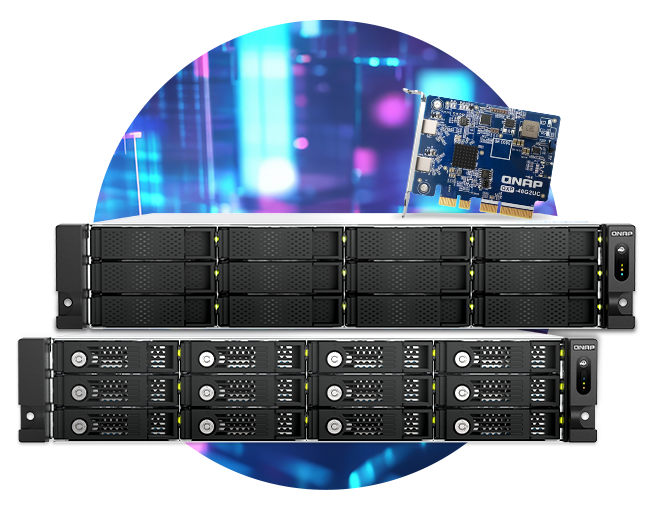
Expand for Your Windows® Computers
Build a Large-Capacity Dedicated Database
Whether it's large files, 4K videos, or work materials, you can easily store them, freeing up space on your local storage.

Monitor JBOD Status Anytime
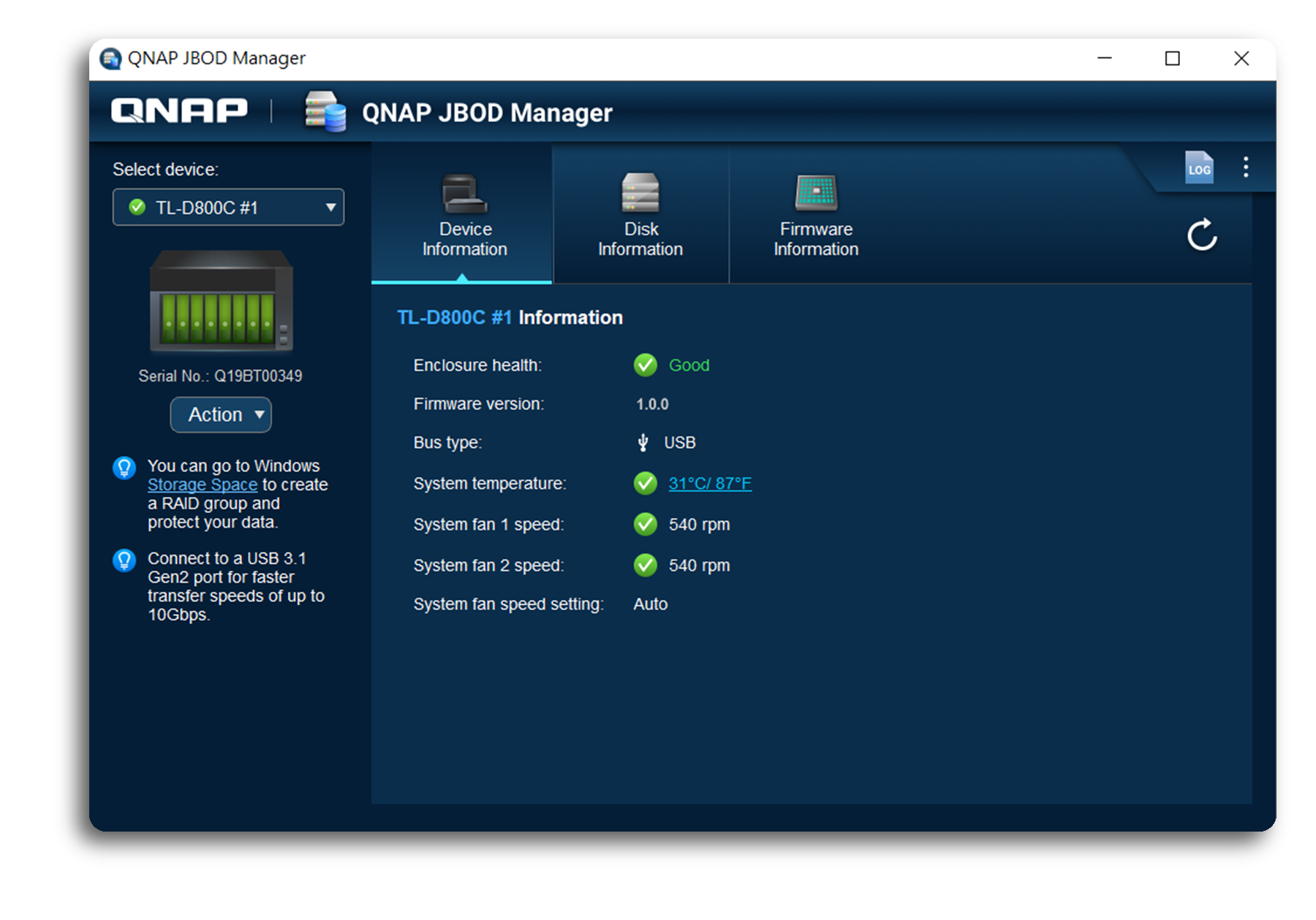
Windows® PC users can monitor or set up the system and disk status of TL-R1210TC4-RP via QNAP JBOD Manager, including checking device health, fan speed. The system will record all events within the device, and when an abnormal condition occurs, real-time desktop notifications will be provided to keep you informed.
1. Windows users can easily manage TL-R1210TC4-RP with the latest JBOD Manager v1.3.
2. Linux users can easily manage TL-R1210TC4-RP with the latest JBOD Manager v1.1.
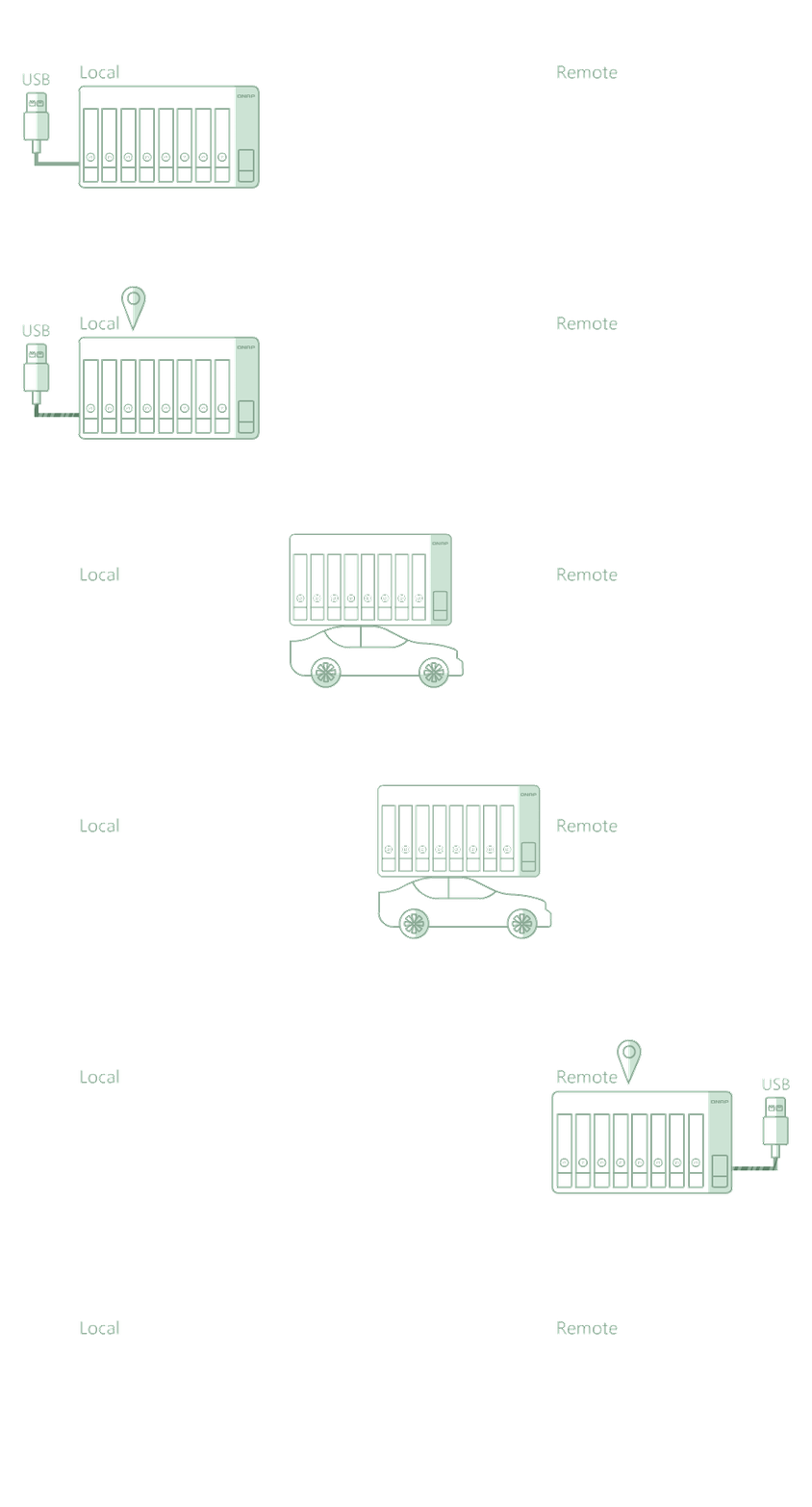
Too Time-Consuming for Remote Transfers? Just Ship the Entire Data!
When transferring large files or a single large dataset, network transfers can be time-consuming and bandwidth-heavy, often taking days to complete and impacting productivity. With TL-R1210TC4-RP, you can perform remote data migration by simply installing the hard drives, setting up a software RAID, and then shipping the entire unit to the target location. Once connected to a NAS or PC, it’s plug-and-play, enabling rapid large-file migration.
Note: If a software RAID is configured, TL-R1210TC4-RP data migration only supports use on another host with the same system.
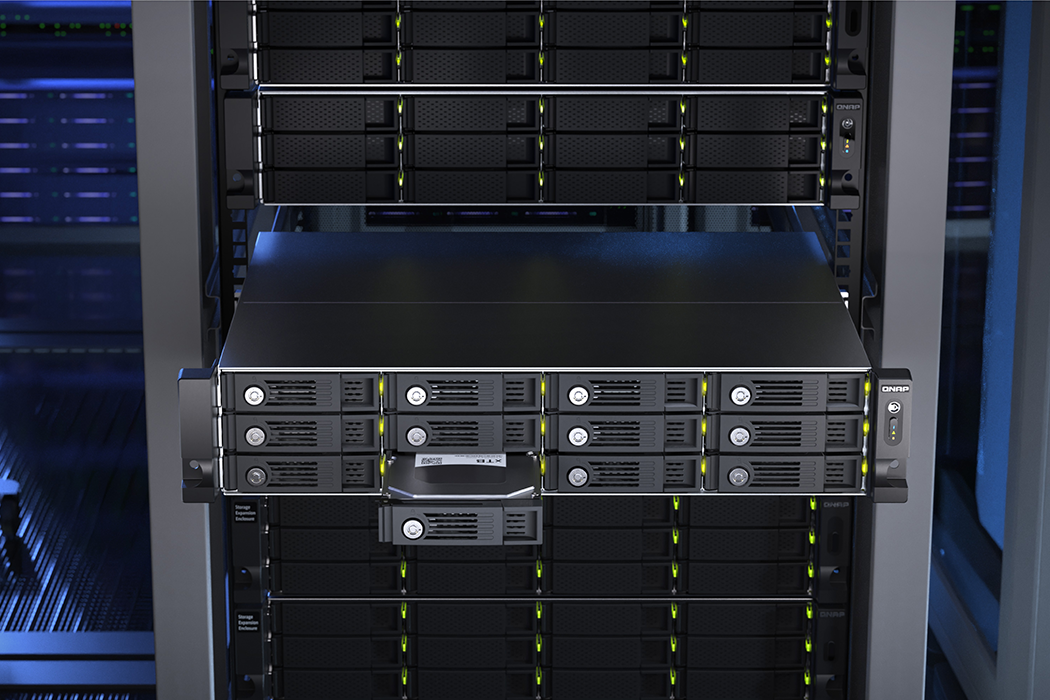
Reliable Redundancy for Your Server Room
TL-R1210TC4-RP uses a metal enclosure, effective cooling, and a redundant power design. Even when operating at maximum load it maintains stable and reliable performance, ensuring enterprise-critical data is fully protected.
Extend hardware warranty up to 5 years
The TL-R1210TC4-RP is backed by a 3-year warranty at no additional cost.
You can also purchase a warranty extension that extends your warranty coverage up to 5 years.

Need help?
Contact us now to get more recommended products or solutions catered to your needs and requirements!
Optional Accessories
-

PWR-PSU-250W-DT02
250W Delta power supply
Dimension (L × W × H): 8.66 × 6.97 × 2.2 (inch)
Weight: 0.76 (kg)
For safety information and operating instructions, please refer to the documentation of your original QNAP product.
-
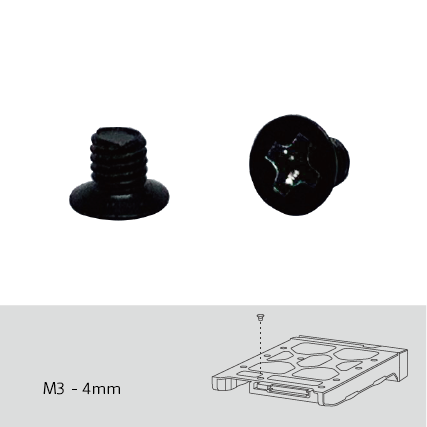
SCR-HDD25A-96
Screw pack for 2.5" HDD / SSD intallation, 96 pieces, Flat head machine screw
Dimension (L × W × H): 0.04 × 4.65 × 5.04 (inch)
Weight: 0.01 (kg)
-
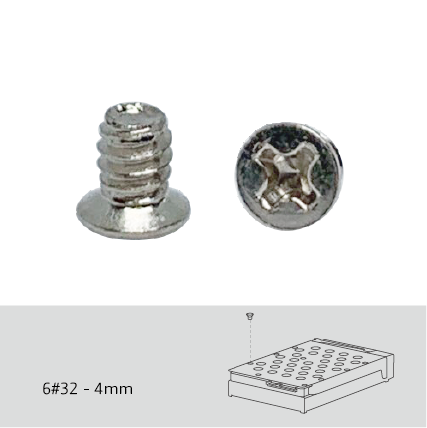
SCR-HDD35B-96
Screw pack for 3.5" HDD intallation, 96 pieces, Flat head machine screw
Dimension (L × W × H): 0.04 × 4.65 × 5.04 (inch)
Weight: 0.03 (kg)
-
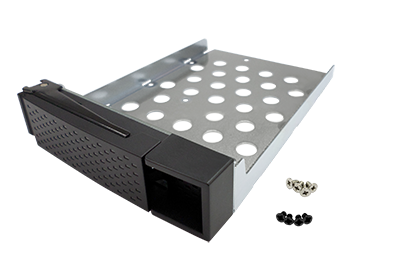
SP-TS-TRAY-WOLOCK
Black HDD tray with black flat head machine screw x6 for 2.5" HDD & silver flat head machine screw x8 for 3.5" HDD
Dimension (L × W × H): 7.28 × 5.51 × 1.57 (inch)
Weight: 0.20 (kg)
-
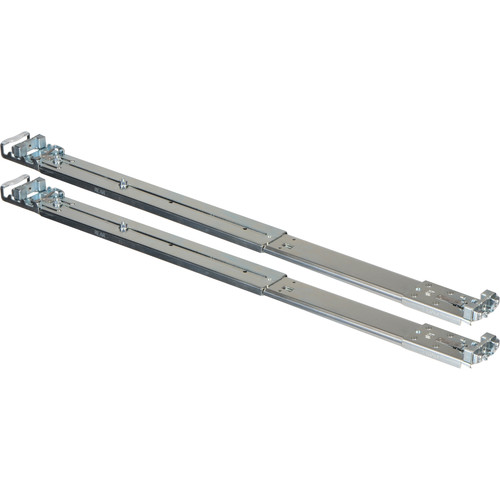
RAIL-B02
new rail kit for new 1U & 2U NAS: TVS-471U, 1253U, etc
Dimension (L × W × H): 29.06 × 3.94 × 2.76 (inch)
Weight: 2.48 (kg)
This rail kit is designed for racks with 25-inch mounting depth. You may need to reserve some space when installing and adjusting the rail kit for racks with 18-inch mounting depth. For installation details, click https://qnap.to/rail-b02.


