Why do I get a connection error when switching to QuMagie from another app on iOS?
Last modified date:
2024-03-27
Applicable Products
QuMagie iOS
Scenario
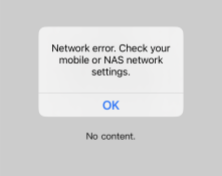
After switching back to QuMagie App from another app and accessing an album, photo, or video, a network connection error message appears.
Solution
If you are using QuMagie and switch to another app, QuMagie is put into the background and if you do not return to QuMagie within 7 minutes, the iOS system will disconnect QuMagie from your QNAP device. When returning to QuMagie, QuMagie will automatically reconnect and log you into your QNAP device. If QuMagie cannot connect, then a network connection error will appear.
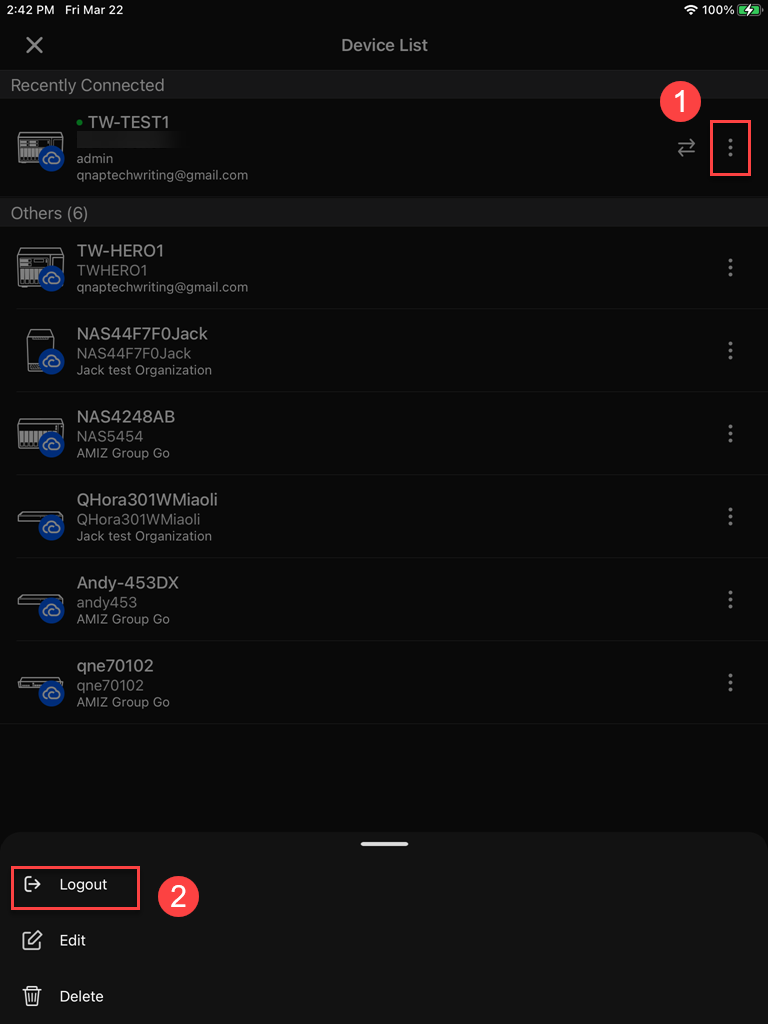
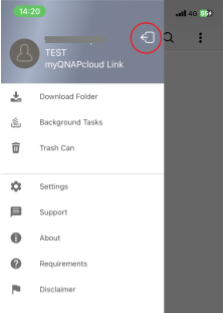
To reconnect you can log out and then log back in by tapping the following icons:
QuMagie 1.9 or earlier
QuMagie 2.0 and later