


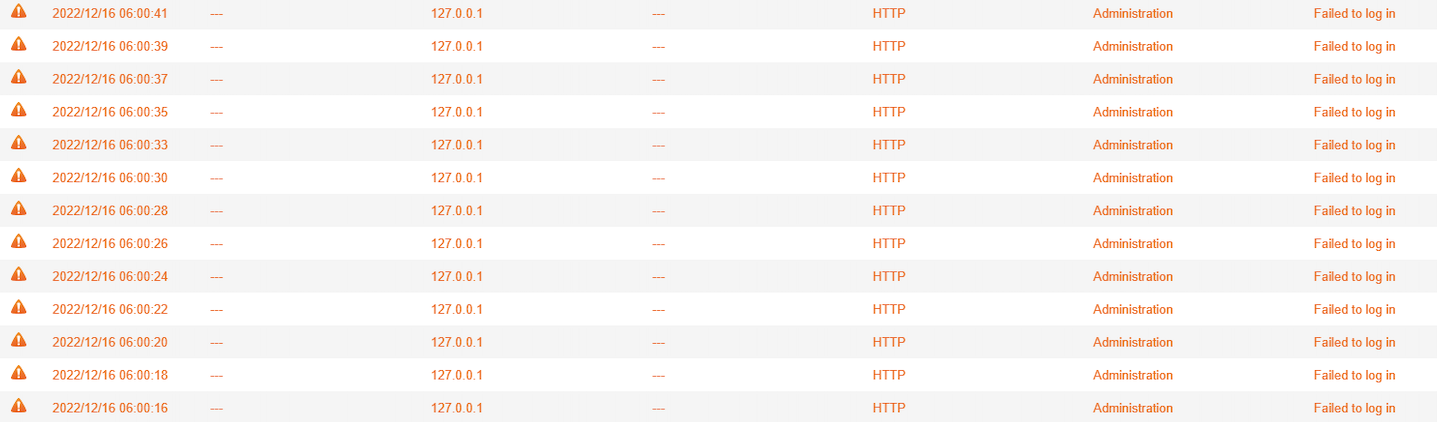
What should I do if receiving the warning message "Failed to log in" from 127.0.0.1 via HTTP ?
Last modified date:
2026-01-20
Applicable Products
- Security Center
Symptom
Cause
The warnings are generated since Security Center app token was expired, QTS fails to log in for running Security Checkup scan schedule. Re-opening Security Center in QTS to renew the app token fixes this issue.
Procedure
Log in QTS as an administrator
Open Security Center
- Perform scan once (optional)
Done.
For further assistance, ask other users and QNAP experts in the community. Go to QNAP Community


