


Qsirch
The AI-powered search engine for your NAS
One search bar to find every file on your NAS. From keyword to deep AI semantics — unlock more powerful search as your NAS grows.
What is Qsirch?
Qsirch is QNAP's dedicated NAS search engine. Its intuitive interface lets you switch between standard search (keyword / AI semantic) and RAG Search, quickly finding files stored on your NAS or accessing advanced data analysis.
-

AI Knowledge Search (RAG Search) NEW
Combines Retrieval-Augmented Generation (RAG) and LLM technology. AI-powered enterprise search supports natural language queries and analytical insights.
-

AI Mode New in 7.1.0
Powered by a dual-core LLM × VLM AI engine — search documents, images, videos, and audio with a natural-language phrase. All inference runs locally on your NAS.
-

AI Semantic Search
Deeply understands the semantics and context of your query to deliver faster, more precise image search results.
-

Keyword Search
Instantly find documents, images, videos, music, and emails by keyword — blazing fast.
AI Knowledge Search (RAG Search) Beta :
AI-Powered Analysis Search, Build Your NAS Knowledge Base
Qsirch combines cloud LLMs and RAG technology to support AI-driven natural language search, delivering accurate information and insights. Deploy On-prem RAG for complete enterprise privacy.
RAG Search supports Word, Excel, PPT, PDF, Email (.eml), and TXT file formats.

One sentence. Search every media format.
Powered by a dual-core LLM × VLM AI engine, search documents, images, videos, and audio simultaneously — all AI inference runs locally on your NAS with zero data leakage risk.
Requires a QNAP NAS (x74 series or above) with a compatible NVIDIA or Intel discrete GPU (16GB VRAM or more). View Compatibility List
-

AI Summary
Generate full summaries of documents, images, videos, and audio directly in search results — no need to open files.
-

Document Semantic Search
Pinpoint the most relevant paragraphs inside PDF, DOCX, PPTX, TXT, MD — no keywords needed, no file opening required.
-

Image Semantic Search
Describe what you're looking for in plain language. No filename memorization, no manual tagging — AI reads the photo directly.
-

Video Semantic Search
Type a description to jump directly to the key moment in a video. Bidirectional transcript sync — no scrubbing.
-

Audio Semantic Search
Auto-transcribe voice and audio. Semantic search pinpoints the exact second a phrase was spoken.


More Intuitive, More Precise Image Search
Beyond traditional keywords, AI Semantic Search understands the meaning and context of your query. Describe what you're looking for in natural language — supports 23 languages. Available on all compatible QNAP NAS models.
Requires a 64-bit x86 NAS, QTS 5.0.1 (or above) / QuTS hero h5.0.1 (or above), and 8 GB RAM.
-
Semantic Image Search
Enter a description of the photo you want to find and get all matching images (e.g. "a puppy running on grass").

-
Explore Similar Images
Use search results to explore more similar images — it's that simple!

Find Any File Format in Seconds
Search by filename, full text, modification date, metadata (author, EXIF, IPTC, etc.), and email subject/content — all in an instant.

Image Text Recognition, Supports 12 Languages
Built-in AI OCR recognizes text within images, making scanned documents and screenshots fully searchable by keyword. Select and extract text with precision.

Smart Index Scheduling, Your NAS, Your Rules
Put indexing control in your hands — decide when it runs, when it pauses, and for how long.

-

Scheduled Indexing
Schedule indexing for off-peak hours so your NAS stays free for other workloads during the day.
-

Pause & Auto-Resume
Pause anytime during meetings, video editing, or backups. Set an auto-resume timer — no manual action needed.
-

Transparent Progress
See real-time processing speed and estimated time remaining (e.g. "~32 min left", "~50 files/min") — no more guessing.
-

Separate View for AI & Full-Text Index
The dual-tab interface shows progress for each index type separately. Pause, resume, and schedule controls are shared and apply to both at once.
AI Semantic Index requires a QNAP NAS x74 series or above.
All indexing runs locally on your NAS — no files uploaded to the cloud, no bandwidth consumed.
Available from Qsirch 7.1.0 and above.
QNAP NAS Built for Every Use Case
-

TS Series
Home / SMB NAS
AI Semantic Search -

QAI-h1290FX
Edge AI Storage Server
Built-in GPU ModuleAI Mode Ready -
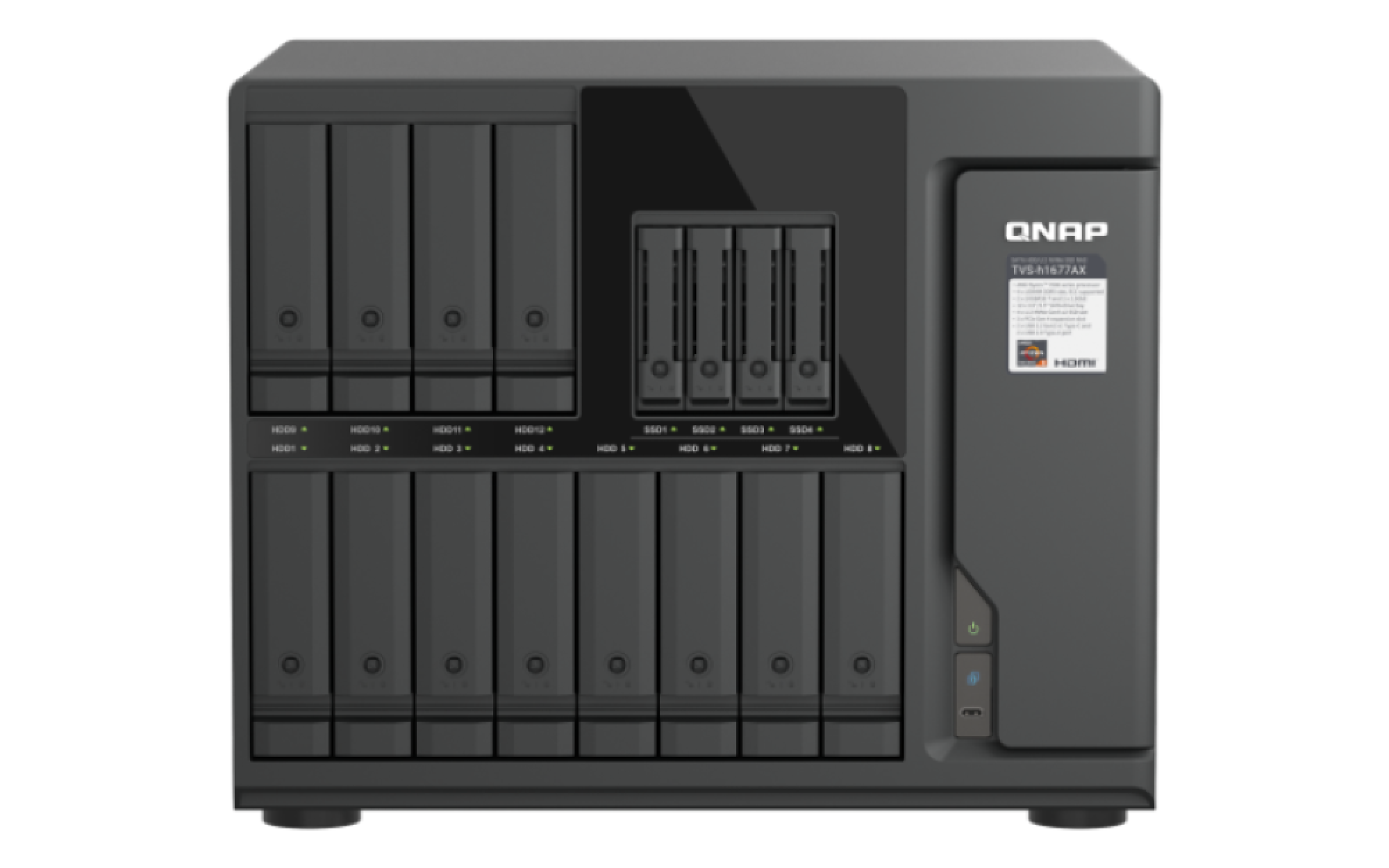
TVS-h1677AX
Enterprise NAS
With Compatible GPUAI Mode Ready


