QuTS hero

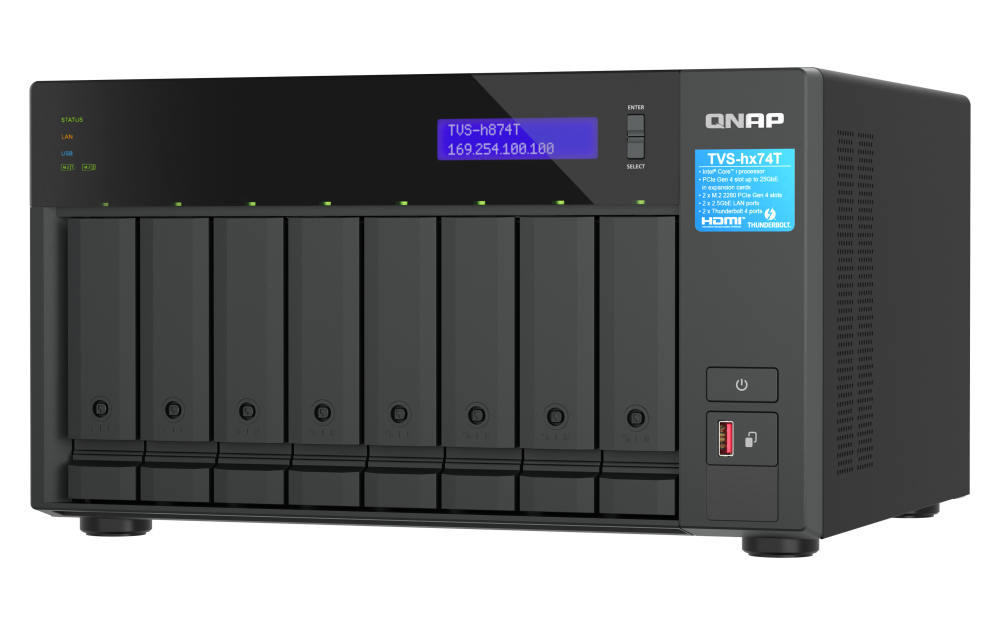
QuTS hero is the operating system for high-end and enterprise QNAP NAS models. With Linux and ZFS, QuTS hero supports advanced data reduction technologies for further driving down costs and increasing reliablility of SSD (all-flash) storage.

System
Applications

QuTScloud

QuTScloud is the operating system for QNAP Cloud NAS virtual appliances. With the possibility of on-premises and cloud deployment, QuTScloud enables optimized cloud data usage and flexible resource allocation at a predictable monthly cost.

System
Applications

QES

QES is the operating system for dual-controller QNAP NAS models. With FreeBSD and ZFS, QES is flash-optimized, capable of driving outstanding performance for all-flash storage arrays.

System
Product
Resources

QNE Network

QNE Network is the operating system for QuCPE, QNAP's universal customer premises equipment series. Run virtual network functions, freely configure software-defined networks, and enjoy benefits such as lowered costs and reduced management efforts.

System
Applications

QSS

QNAP Switch System (QSS) is the configuration interface for QNAP's managed switch series. Enable management functions such as link aggregation, VLAN, and RSTP, to take care of your network topology with ease.

System

QVR Pro

QVR Pro is the network video recorder software for QNAP's QVR Pro video surveillance appliances. QVR Pro can be also used with a series of apps, such as face recognition and door access control, making it versatile for a range of scenarios.

System
Applications
Resources

QVR Face

QVR Face is a smart facial recognition solution featuring real-time live streaming video analytics from connected cameras. It can be integrated into multiple scenarios to provide intelligent attendance management, door access control management, VIP welcome systems and smart retail services.

System
Resources

QVR Elite

QVR Elite is the subscription-based network video recorder software for QNAP's QTS, QuTS hero, and QNE Network operating systems. Its low monthly fee enables homes and small businesses to build a cost-effective and flexible video surveillance system.

System
Resources

Smart Video Solutions

QNAP smart video solutions provides integrated intelligent packages such as video conferencing and smart retail, boosting productivity for individuals and businesses.

Video Conferencing
Smart Retail

Redefining your Media Experience

How to Choose the Best NAS for Plex

QNAP NAS with Plex bring you the perfect multimedia experience. But when it comes to finding the right NAS, which of QNAP’s variety of solutions is best for your needs? We help narrow it down to help you chose the ideal NAS to host your Plex Media Server.

Plex and NAS

The Best NAS for Plex - QNAP

Easy installation

It only takes a few minutes to set up the Plex Media Server on your NAS. Plex Media Server allows you to store all media including movies, photos, and music in the NAS. You can enjoy stored media on multiple devices, including smartphones, tablets, HDTV via mainstream media streaming devices (e.g., Roku, Apple TV, Chromecast, and Fire TV).

Plex Easy Install on QNAP

24/7 accessible media

QNAP NAS can run 24/7 without requiring daily power off, which creates a stable network environment for Plex to offer you continuous multimedia streaming and access to media anytime and anywhere.

24/7 accessible media

Why Do I Need to Consider Transcoding Capabilities of a NAS?

Transcoding is crucial when it comes to enjoying your files smoothly without any type of interruptions. In some cases where we store original high definition content in formats such as .mkv, .mp4 and etc, we would often face the challenge of file incompatibility with different streaming players. While on-the-go, while we're about to stream high-def content stored at home, without transcoding down to a suitable resolution would cause your bandwidth to lag. This is where Plex comes in; as it transcodes your stored media and lets you play your media on different media players and devices without problems.

Because Plex does not utilize hardware transcoding engines, but rather only use software transcoding, it mainly relies on the processor of the NAS. As some NAS on the market comes equipped with hardware transcoding engines, keep in mind that Plex does not utilize any hardware transcoding engine and only the power of the CPU. Our suggestion: to guarantee a smooth video playback, we suggest users choose the NAS model which has at least an Intel based CPU for HD content transcoding, and Intel® Core™ i3 (or higher end) for most of the scenario including extreme high bit rate HD video content.It is recommended to check out the official NAS compatibility list by Plex. Decide between your budget and the transcoding capability.

Why Do I Need to Consider Transcoding Capabilities of a NAS?

Store your Plex DVR

If you’ve been paying home TV cable boxes pricey monthly fees, then you may consider the all-new Plex DVR feature* recently released by Plex for its Plex Pass users. The integration between DVR, Plex, and QNAP can drastically redefine your home TV lifestyle. You can easily record your favorite TV shows and view them a few hours later while skipping through commercials.

  • Install digital antennasPlex works with all types of indoor or outdoor digital antennas. Simply choose your preferred brand. (Remember, you get what you paid for!)
  • Connect digital tunersPlex currently works with HDHomeRun digital tuners. They are easy to set up and work with all digital antennas.
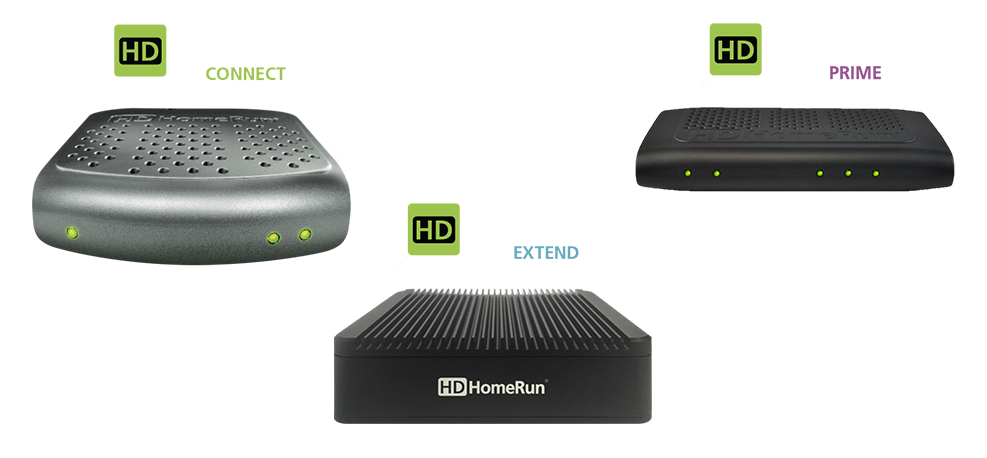
  • Set up Plex DVRPlex makes adding digital tuners super easy, by automatically detecting all channels available in your area, and customizes your TV program guide.

Because QNAP NAS is also connected to your home network, you can easily set up the NAS as the ultimate storage for all your recorded content. For more details about Plex Live TV, click here.

Choose specification

      Show more Less

      This site in other countries/regions:

      open menu close menu back to top