QuTS hero

QuTS hero is the operating system for high-end and enterprise QNAP NAS models. With Linux and ZFS, QuTS hero supports advanced data reduction technologies for further driving down costs and increasing reliablility of SSD (all-flash) storage.

System
Applications

QuTScloud

QuTScloud is the operating system for QNAP Cloud NAS virtual appliances. With the possibility of on-premises and cloud deployment, QuTScloud enables optimized cloud data usage and flexible resource allocation at a predictable monthly cost.

System
Applications

QES

QES is the operating system for dual-controller QNAP NAS models. With FreeBSD and ZFS, QES is flash-optimized, capable of driving outstanding performance for all-flash storage arrays.

System
Product
Resources

QNE Network

QNE Network is the operating system for QuCPE, QNAP's universal customer premises equipment series. Run virtual network functions, freely configure software-defined networks, and enjoy benefits such as lowered costs and reduced management efforts.

System
Applications

QSS

QNAP Switch System (QSS) is the configuration interface for QNAP's managed switch series. Enable management functions such as link aggregation, VLAN, and RSTP, to take care of your network topology with ease.

System

QuRouter

QNAP’s QuRouter OS simplifies managing high-speed and high-coverage LAN/WAN. With NAT, VPN, security, and QuWAN SD-WAN, network management is made easier and remote connections more secure.

System
Applications

QVR Elite

QVR Elite is the subscription-based network video recorder software for QNAP's QTS, QuTS hero, and QNE Network operating systems. Its low monthly fee enables homes and small businesses to build a cost-effective and flexible video surveillance system.

System
Resources

QVR Pro

QVR Pro is the network video recorder software for QNAP's QVR Pro video surveillance appliances. QVR Pro can be also used with a series of apps, such as face recognition and door access control, making it versatile for a range of scenarios.

System
Applications
Resources

QVR Face

QVR Face is a smart facial recognition solution featuring real-time live streaming video analytics from connected cameras. It can be integrated into multiple scenarios to provide intelligent attendance management, door access control management, VIP welcome systems and smart retail services.

System
Applications
Resources

Smart Video Solutions

QNAP smart video solutions provides integrated intelligent packages such as video conferencing and smart retail, boosting productivity for individuals and businesses.

Video Conferencing
Smart Retail

Solution for NAS disconnection caused by Malware Remover update

Mobile App

QNAP offers a wide range of mobile apps for NAS management, multimedia, surveillance, and download management, providing you with a hands-on way to control your NAS wherever you are.

Qfile

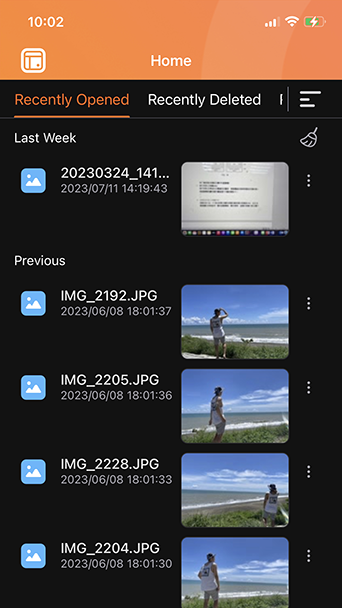
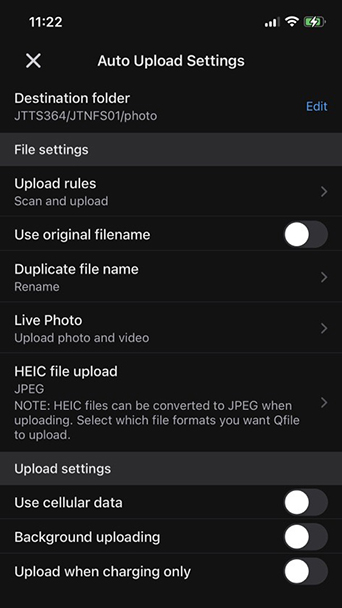
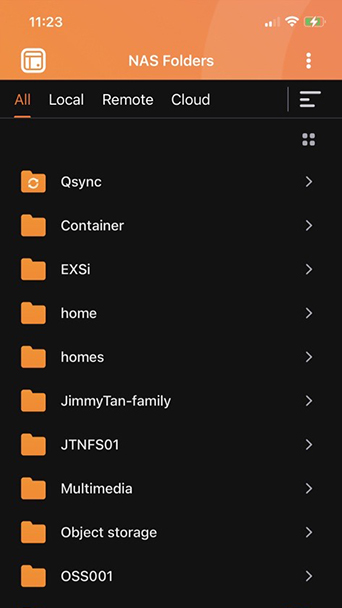
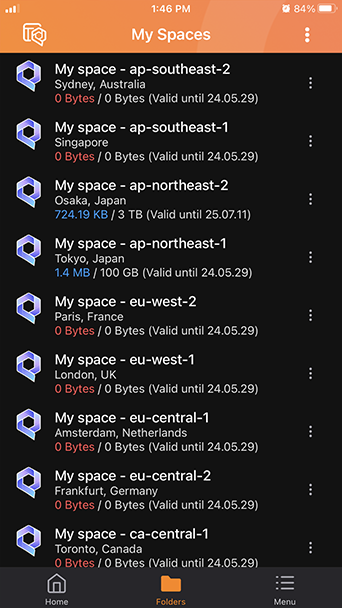
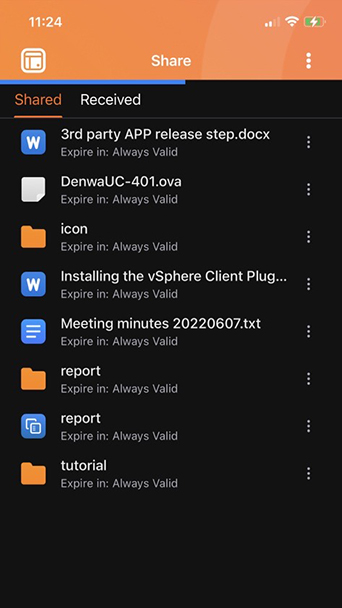
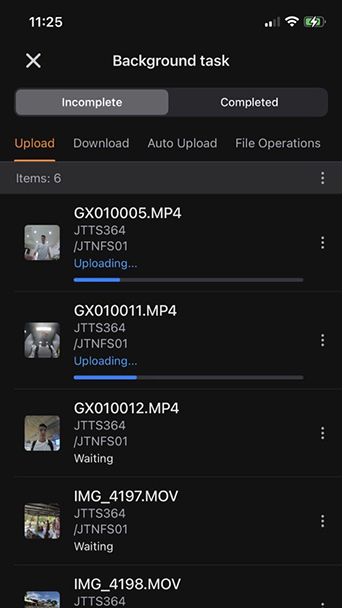
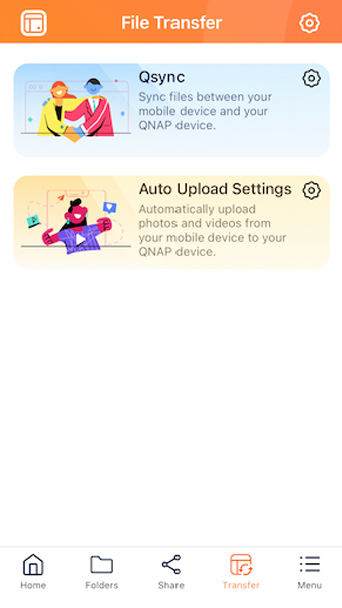
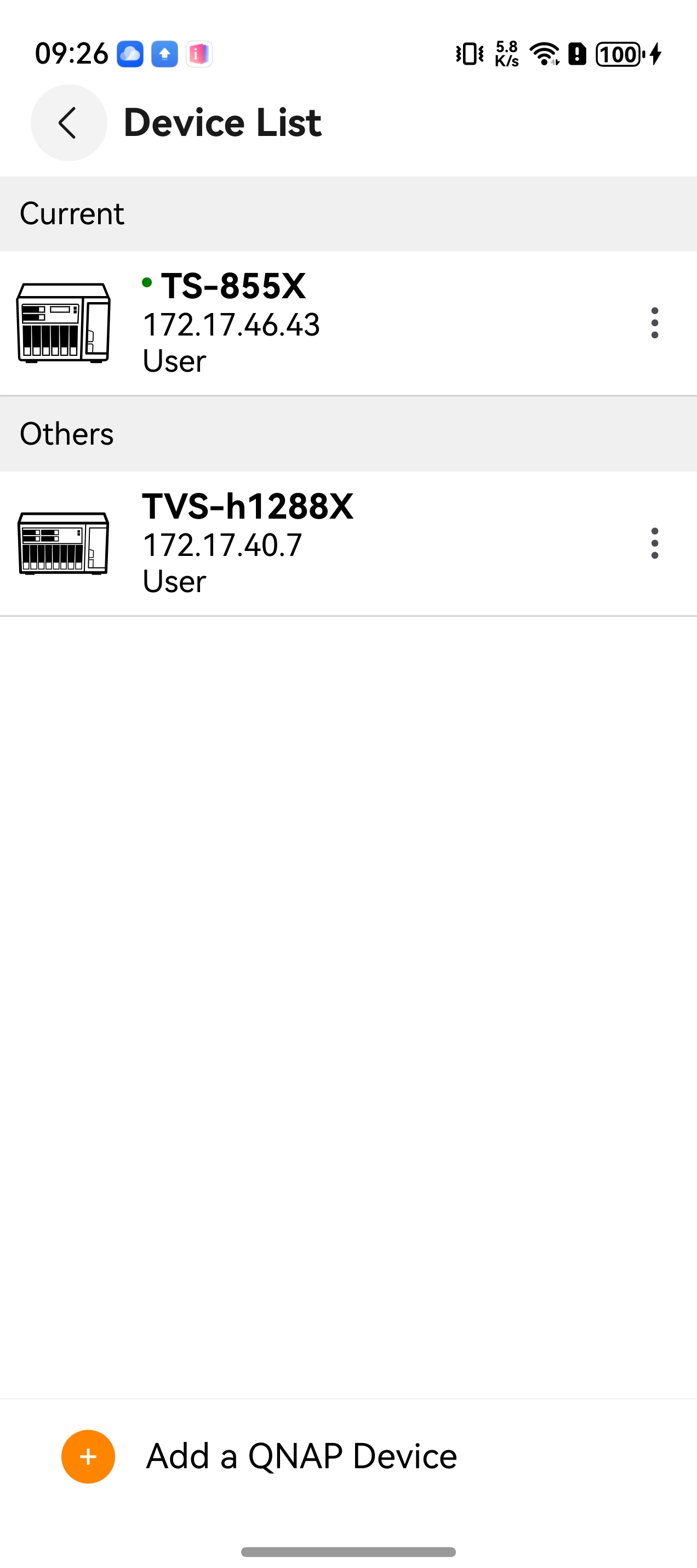
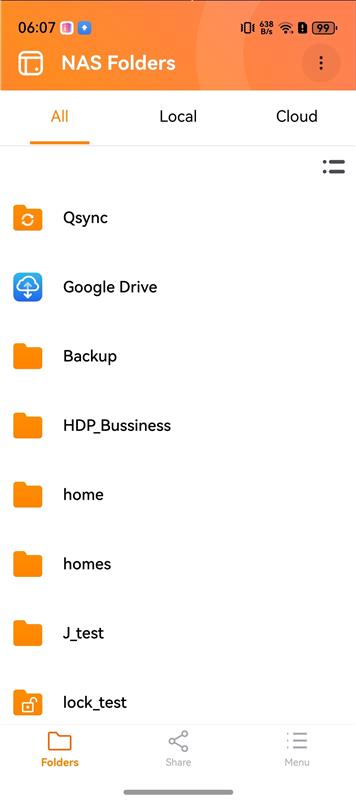
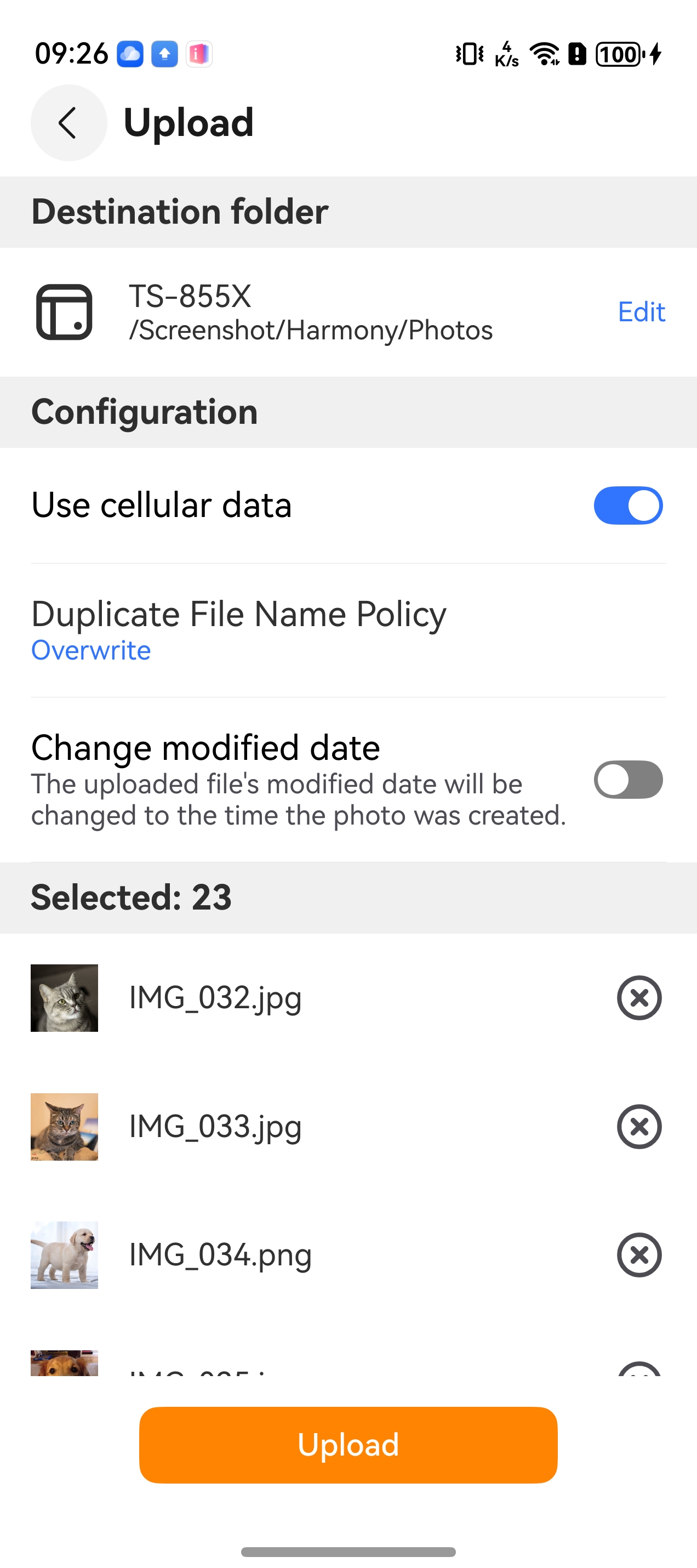
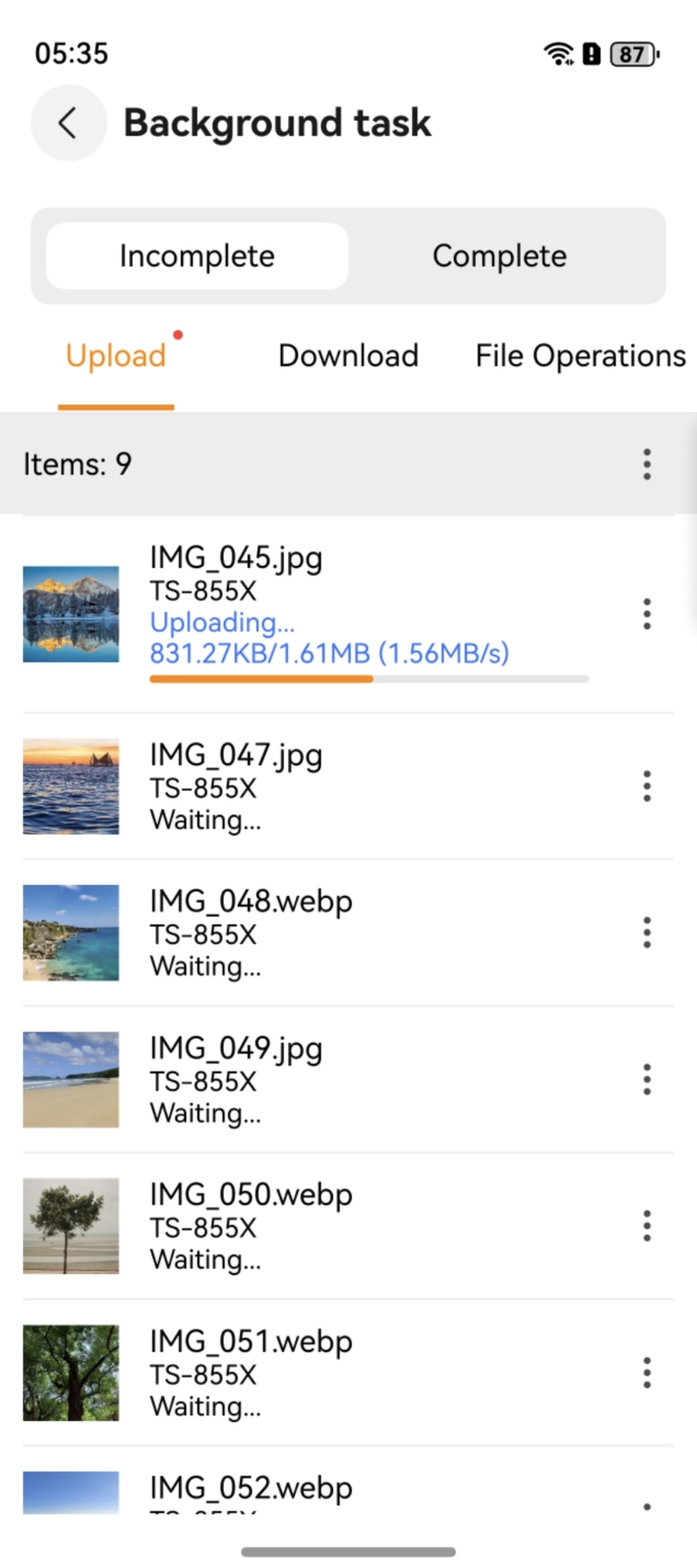
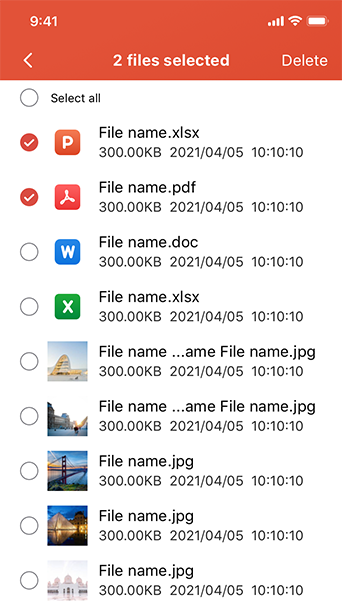
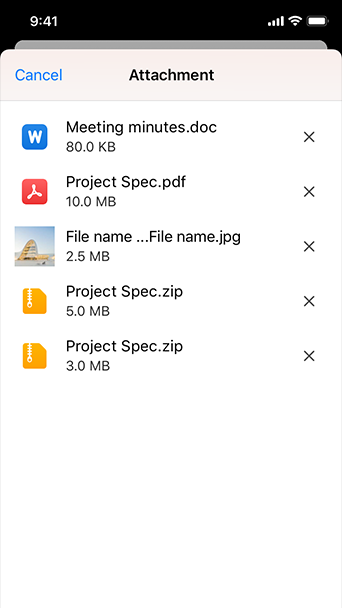
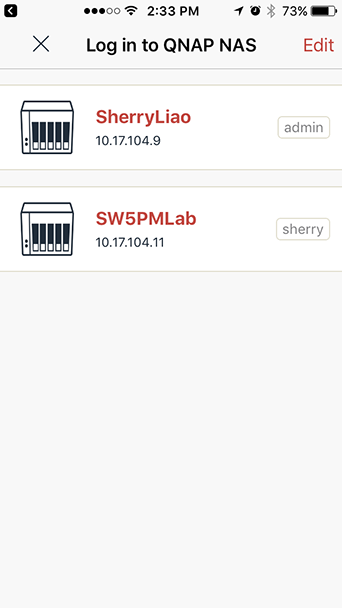
With the Qfile app, you can remotely access the files on your NAS wherever you are. Qfile also allows you to easily backup all your phone photos to your NAS, freeing up precious space on your mobile device. Make cross-device and cross-platform file-sharing super convenient by using Qfile on your mobile device.
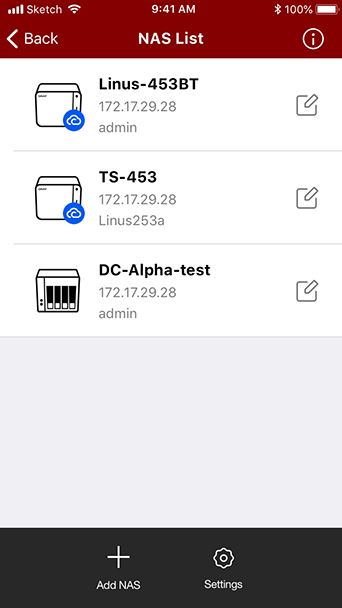
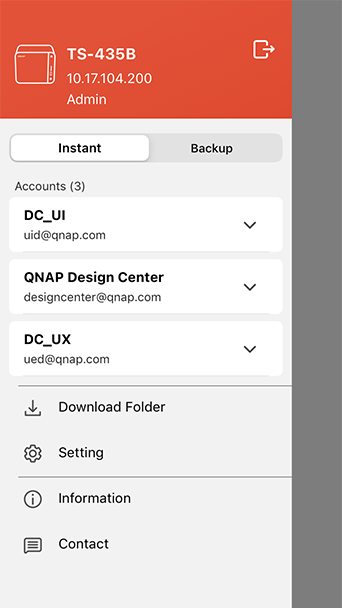
Manage multiple QNAP devices
Browse all your files
Comprehensive file management
Auto-upload photos
Stream multimedia contents
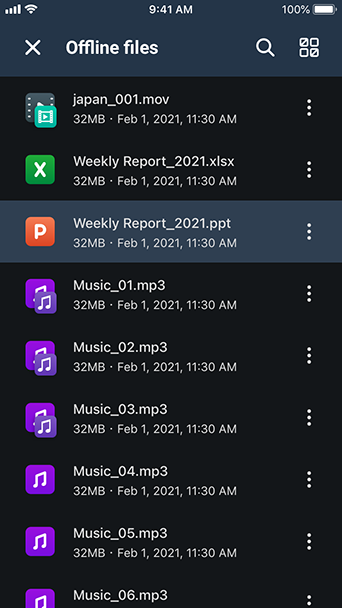
Offline file reading
Folder & file sharing

Qmanager

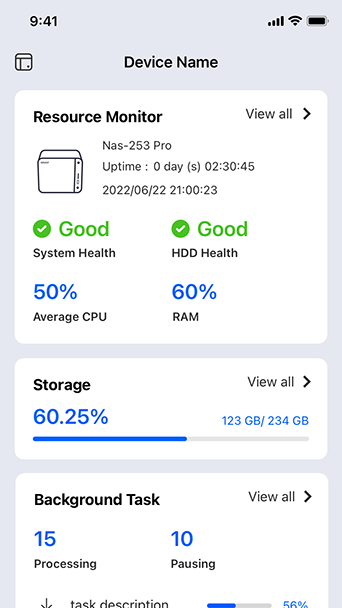
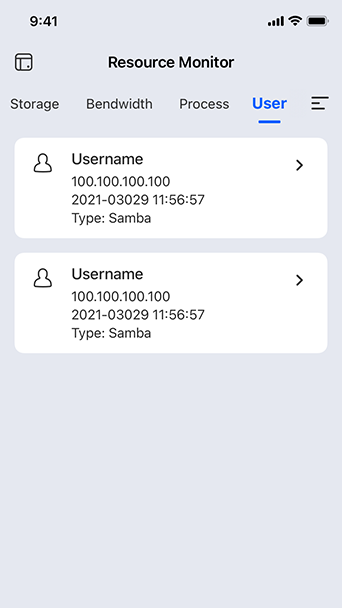
Ever wanted to monitor and manage your Turbo NAS with your iOS® or Android™ mobile device? The Qmanager app makes it easy.
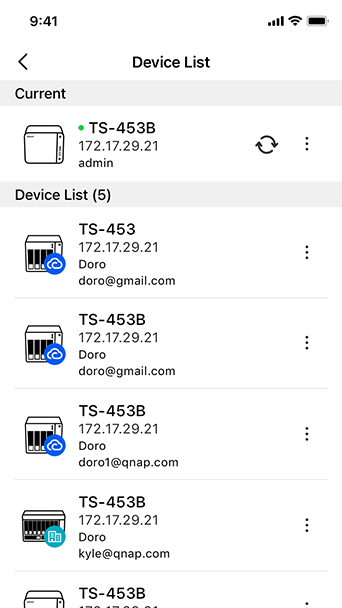
Manage multiple Turbo NAS units
Monitor system status
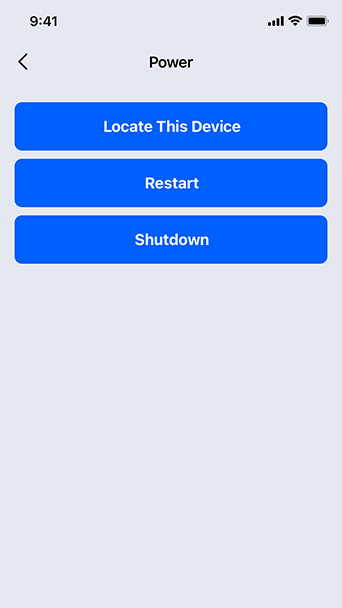
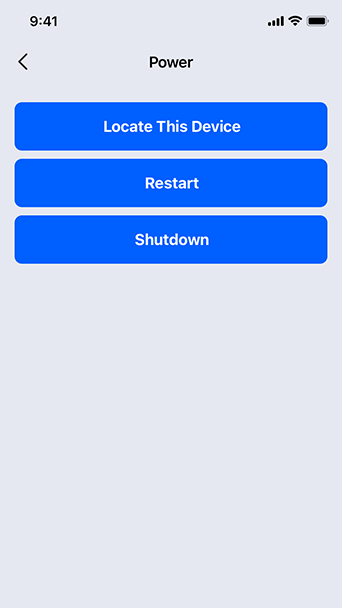
Shutdown/restart remotely
Monitor connection status
Manage system services
Manage download/backup tasks
Identify the NAS

Qsync Pro

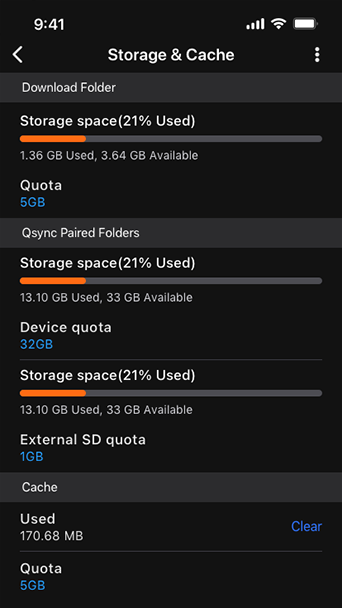
Qsync Pro synchronizes data and folders between your mobile devices and NAS, allowing you to access data on your NAS anytime anywhere.

    System Requirements:
  • QNAP NAS running QTS 4.3.4 (or later) and Qsync Central.
  • Mobile devices running Android 5.0/iOS 11 (or later).

    Note (Android): If your QNAP NAS is incompatible with QTS 4.3.4 (or later), you must use Qsync 2.0.9. Please note that this version of Qsync has been discontinued and will not receive any further updates after December 2020.
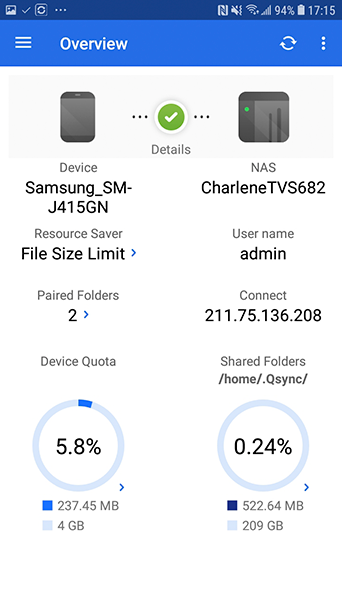
View All Connection Statuses at a Glance
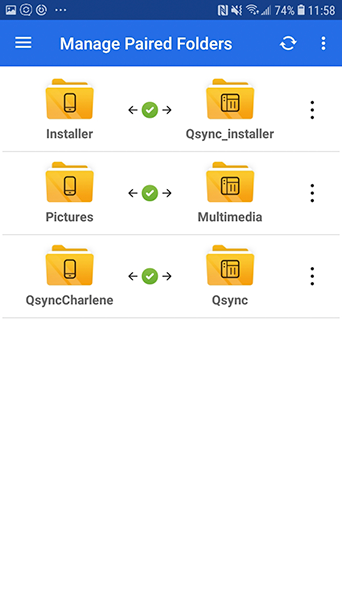
Flexibly Pair Folders
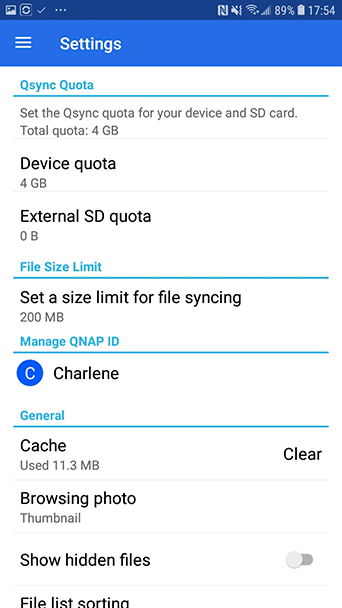
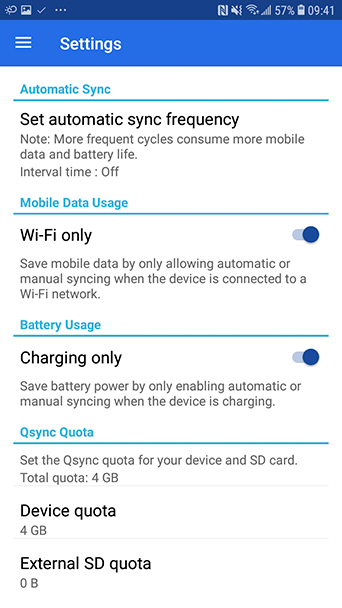
Set Qsync Device Quota
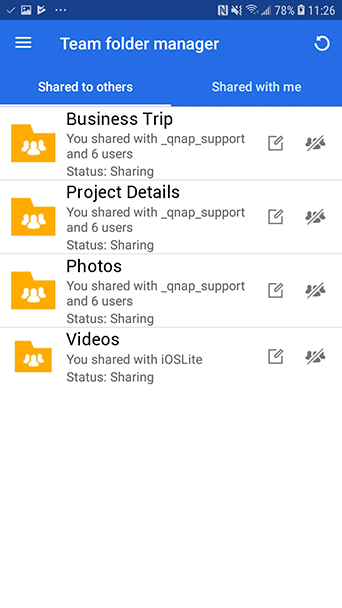
Manage Your Team Folders
Upload Photos to Your NAS
Only Auto-Sync Charging Devices or Those with Wi-Fi Connection
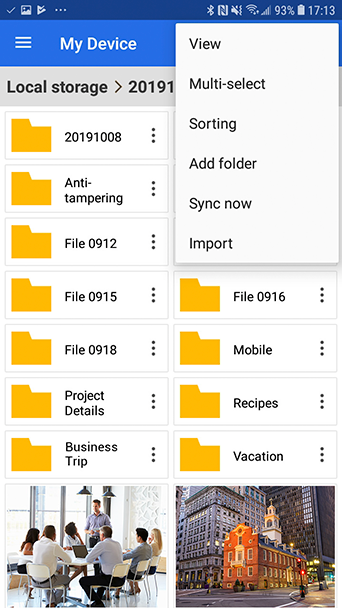
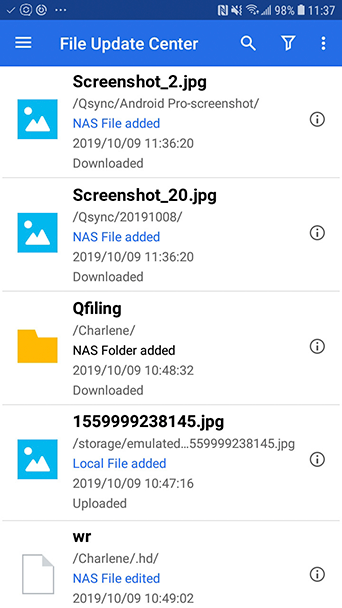
View File Synchronization Status
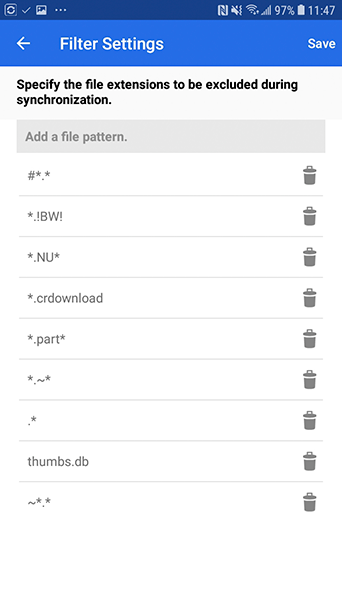
Synchronize Specific File Type

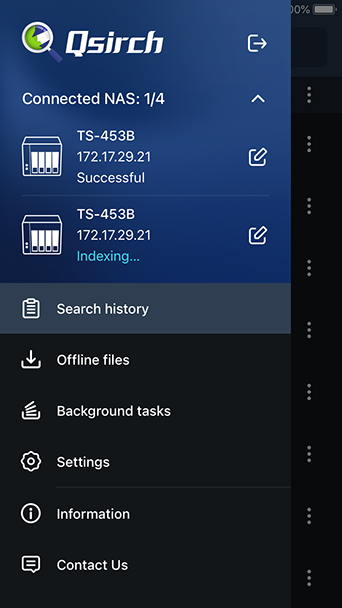
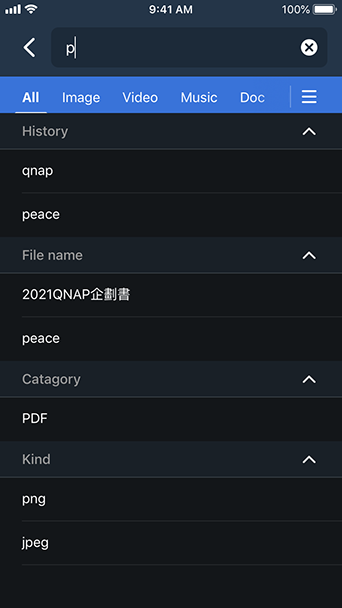
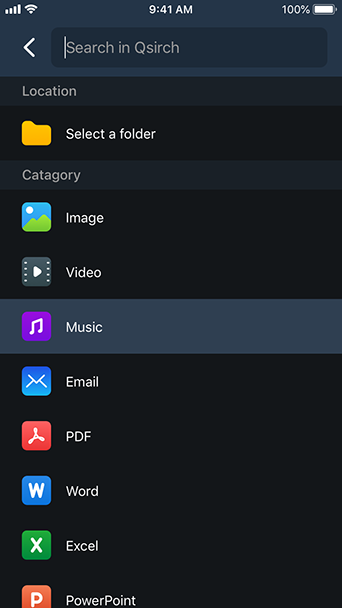
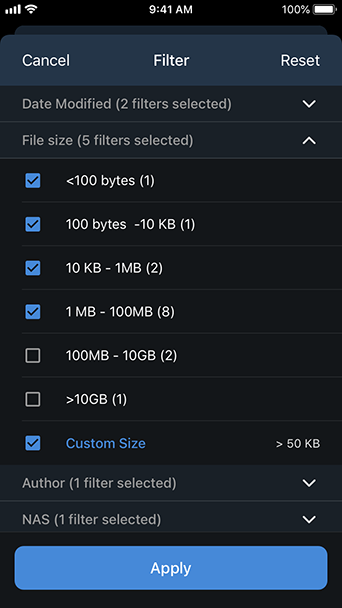
Qsirch

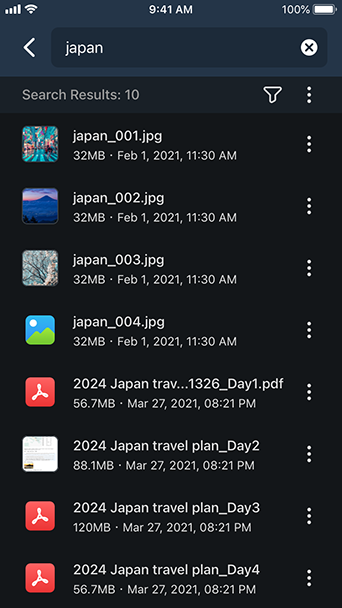
Instantly find files with Qsirch
Search Multiple NAS at One Time
Search While You Type
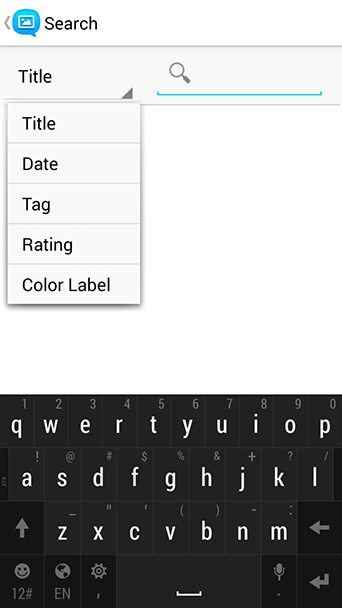
Search by Category
Comprehensive Search
Visible Search Results
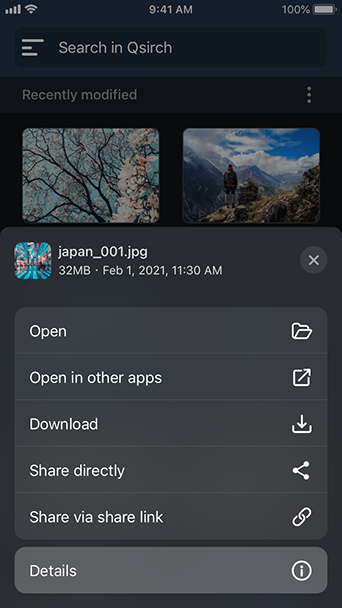
Preview, Download and Share
Offline Search

KoiMeeter

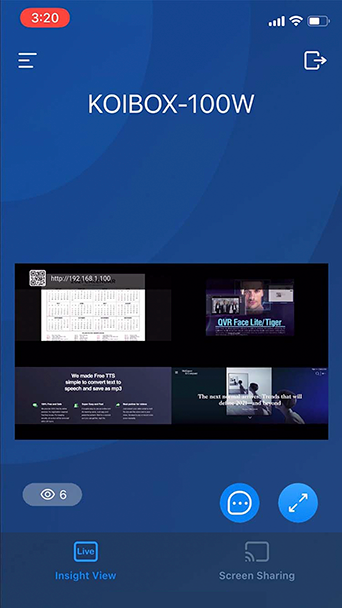
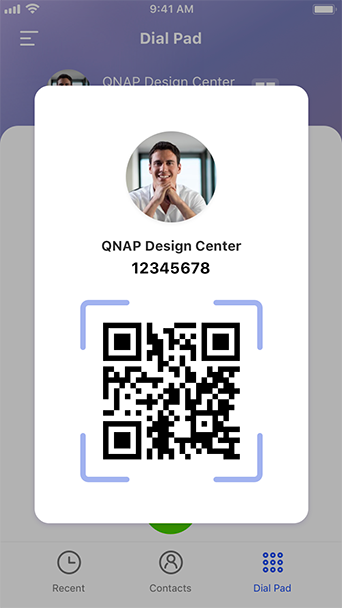
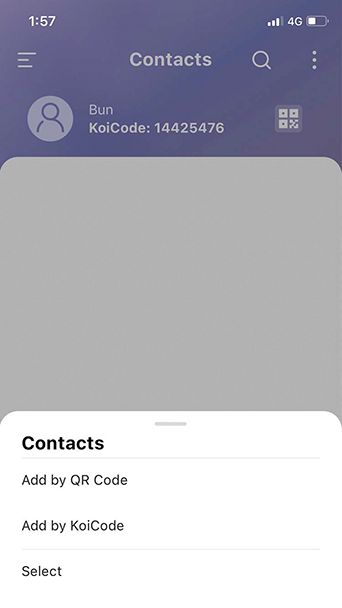
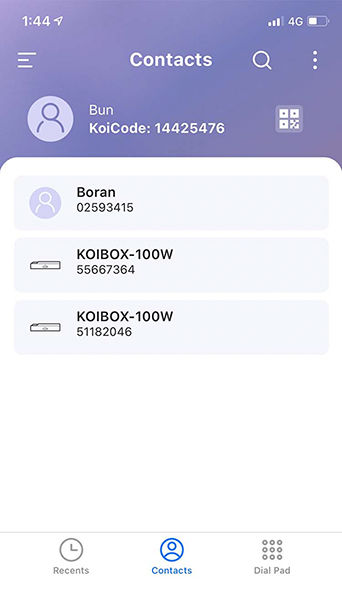
Conveniently make video calls from your mobile phone or join a KoiBox video conference. Easily view presentations on your phone and share your mobile phone screen.

System requirements: iOS 12.1 (or later); Android 6.0 (or later)
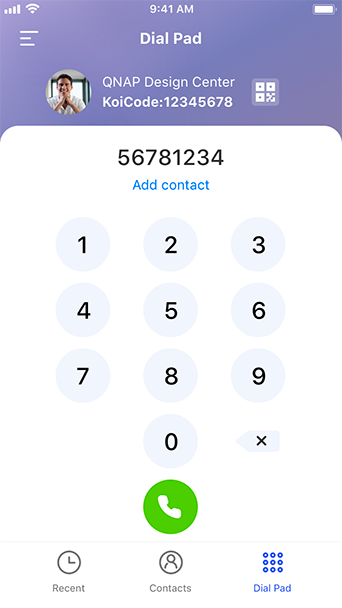
Dial pad
Remote view and share mobile phone screens
Instant QR code
Add contacts
Contact list

Qnotes3

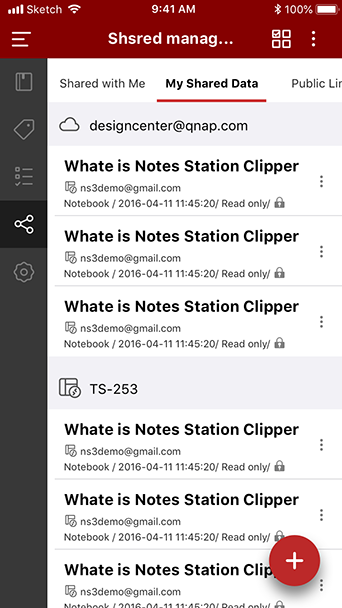
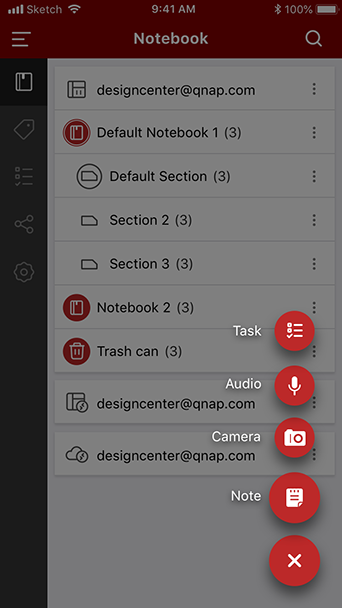
Share your inspirations with a convenient note-taking tool for mobile devices.
Brand-new user interface
Synchronization and offline editing
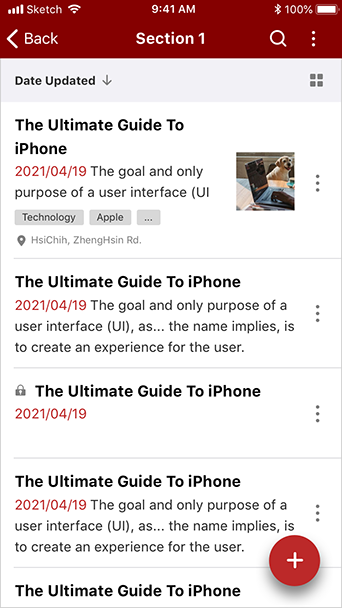
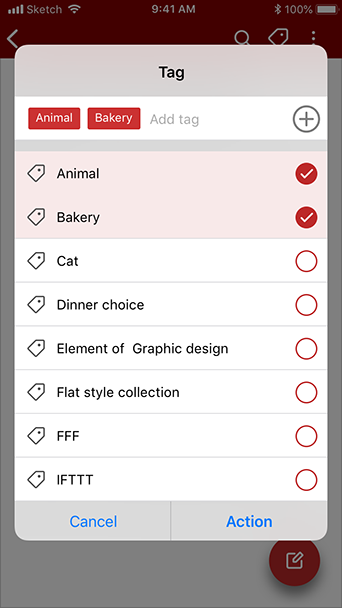
Add tags
Team Collaboration
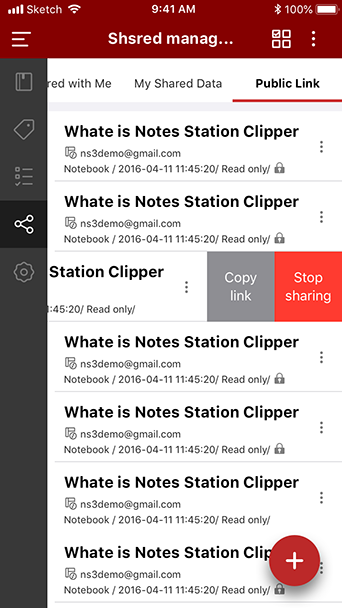
Share notes and manage shared list
Audiovisual notes

Qsync

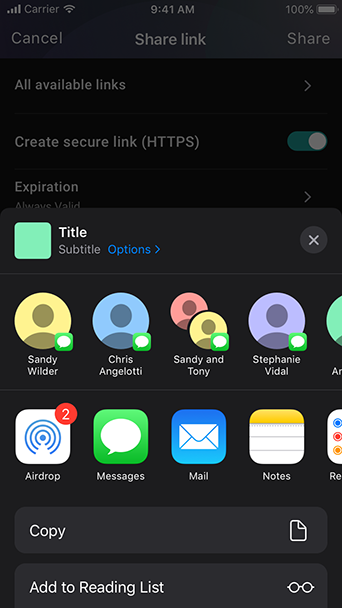
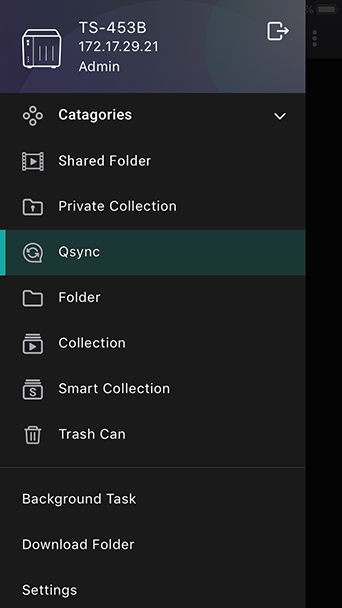
Qsync allows you to browse files on your NAS and connect to Qsync Central for convenient cross-device management.
Synchronize Phone Folder to the NAS
Offline File
Manage Team Folders
Auto-sync on Power or with Wi-Fi Connection

Qnotes

A handy mobile app for taking and sharing notes on the go.
Sync with Notes Station or save notes offline
Work with add-ons
Use multimedia in your notes
Feel free to share
Collaborate with team members
Quickly read recent notes

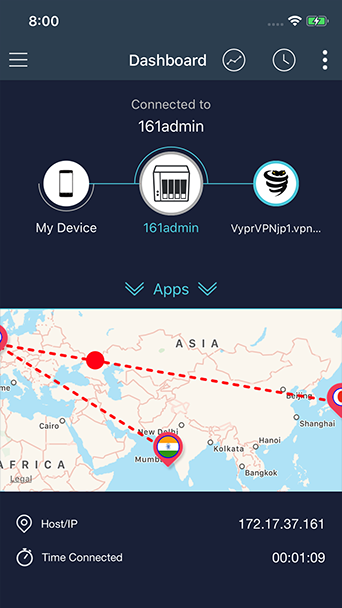
QVPN Device Client

Connect to your QNAP devices over VPN with QBelt

*Supported OS: QTS 4.3.5 (or later) with QVPN 2.0 to enable the QBelt protocol.
Easy connectivity
Tier 2 VPN Connections
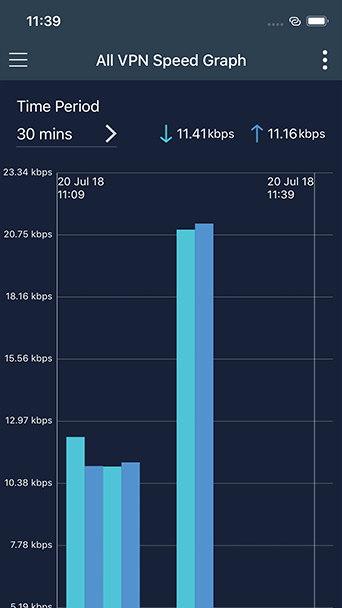
Speed Control
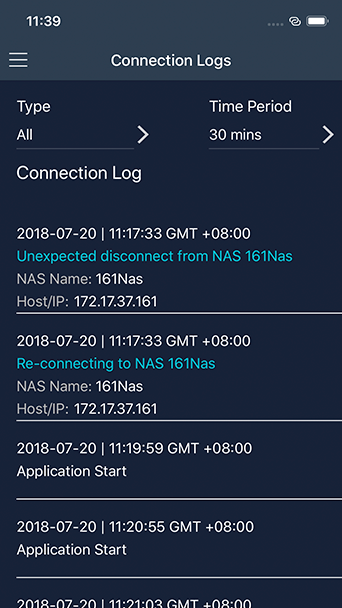
Connection History
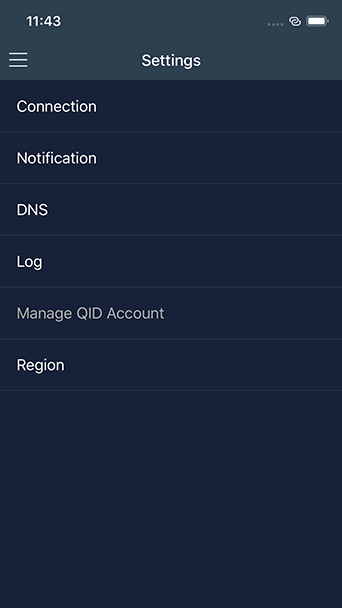
Advanced Settings

QmailClient

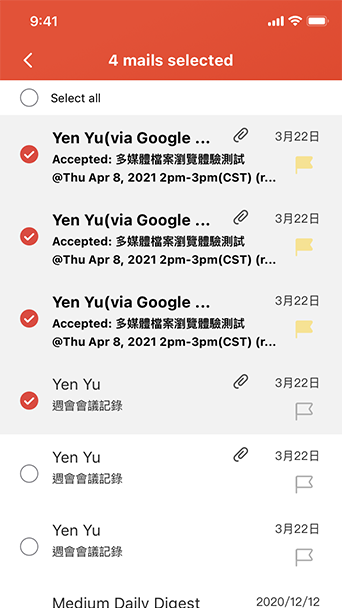
Quickly check & manage multiple email accounts anytime and anywhere
Instantly switch multiple email accounts
Easily manage your Inbox
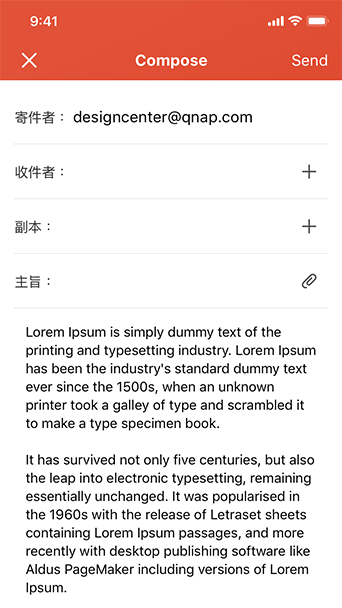
Send emails and attachments directly from your NAS or cloud accounts
Send emails with large attachments
Easy to use
Push Notifications

QRM+

Remotely manage all your networked devices.
Customized dashboard
Screenshot, edit and share
Remote troubleshooting
Informative logs
Instant notifications

Qcontactz

Securely store your valuable networking resources
View all contacts in a single dashboard
Easily import your contacts
Instantly find and merge duplicates
Add new contacts

QuMagie Mobile

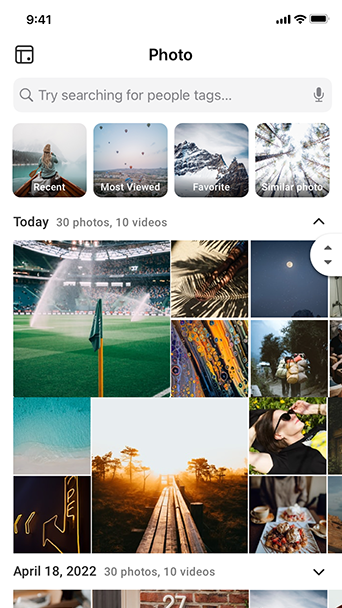
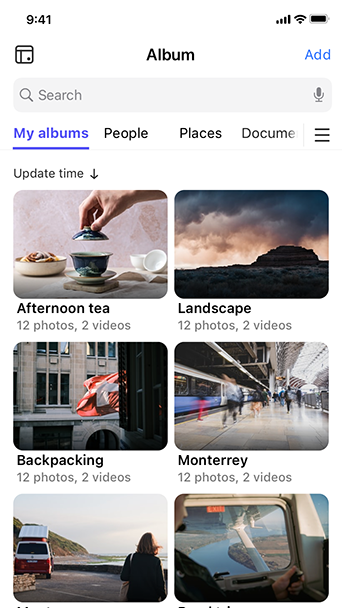
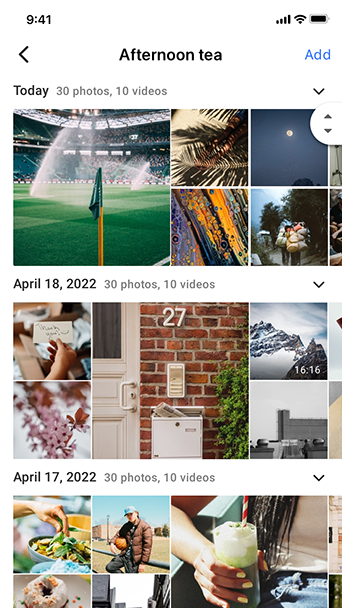
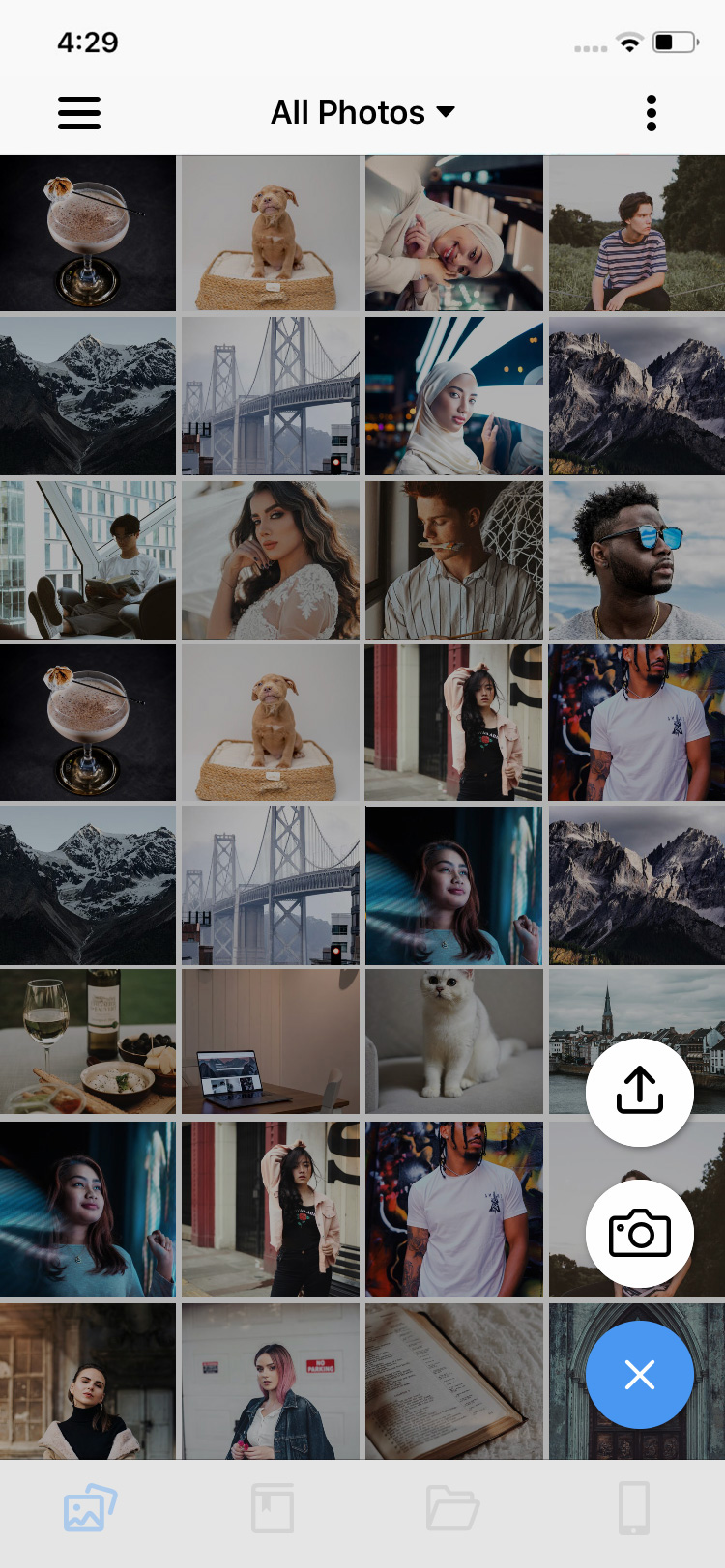
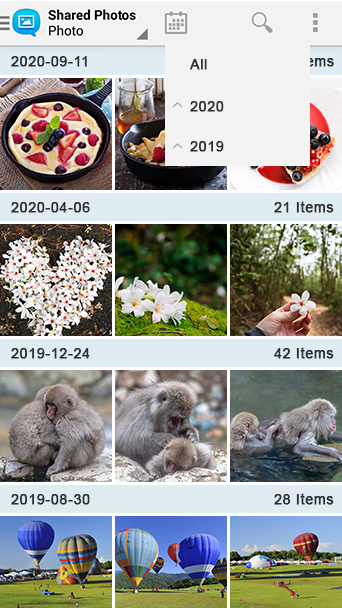
QuMagie Mobile allows you to view photos in the NAS on mobile devices anytime and anywhere.
View photos anytime and anywhere
Group and manage photos in different albums
View people photos in specified album
View things photos in specified album
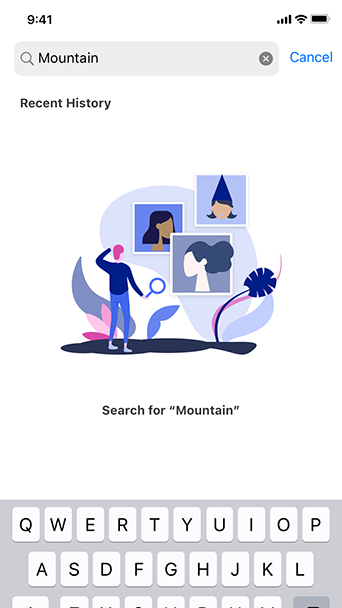
Find photos faster
Automatically upload photos

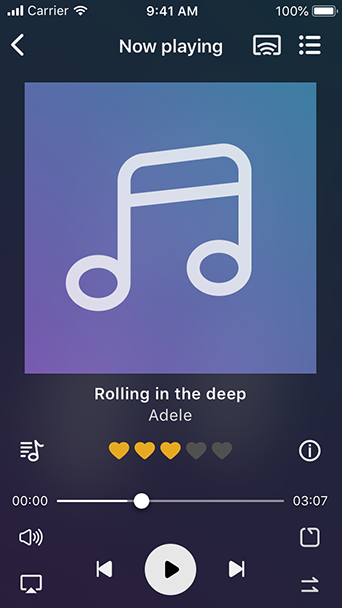
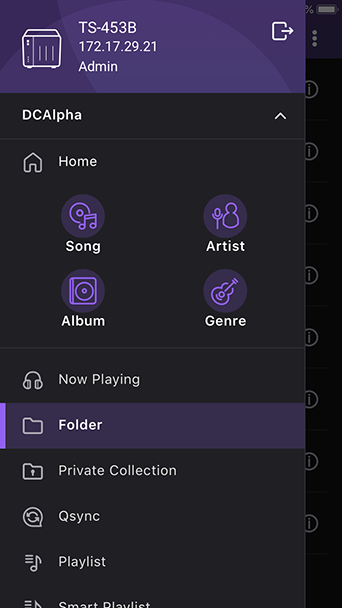
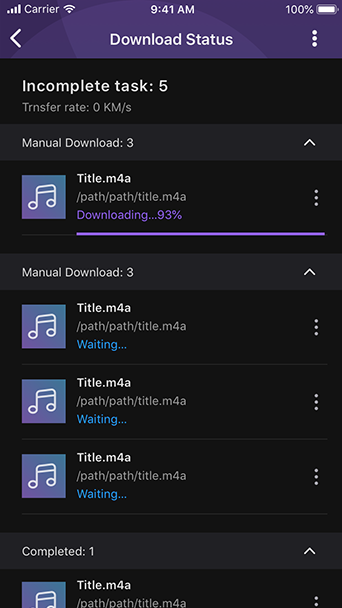
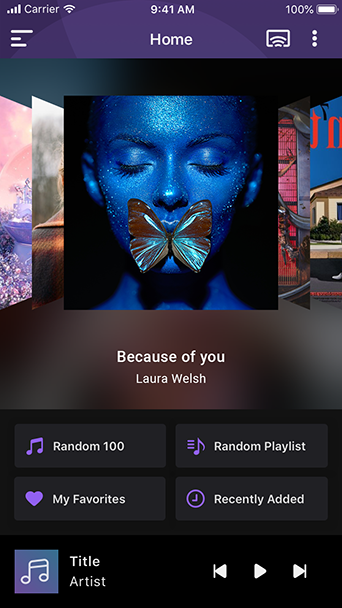
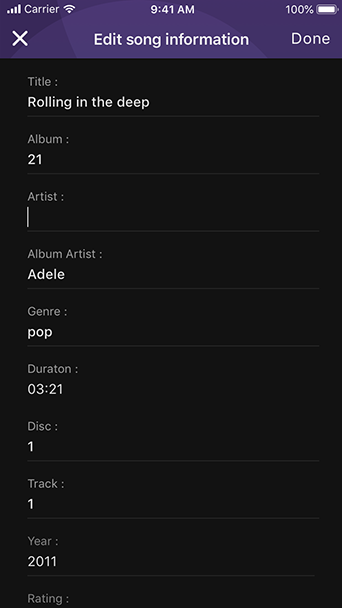
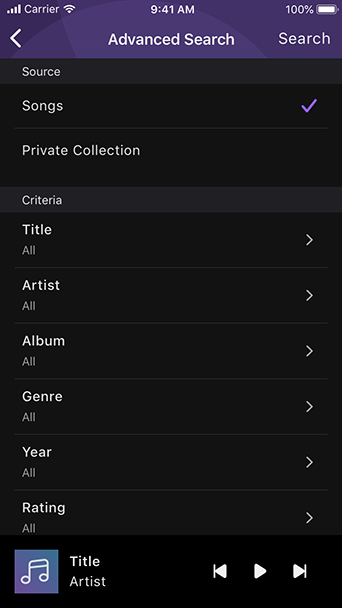
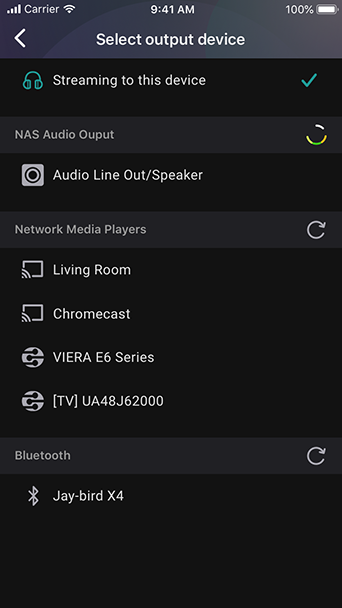
Qmusic

Ever wanted to stream and enjoy the music stored on your Turbo NAS with iOS® and Android™ mobile device? The free Qmusic app allows you to listen to your terabytes of music collection on the Turbo NAS anytime and anywhere.
Play music on demand
Browse music library flexibly
Play music offline
Enjoy music with one click
Edit playlists online
Music searching

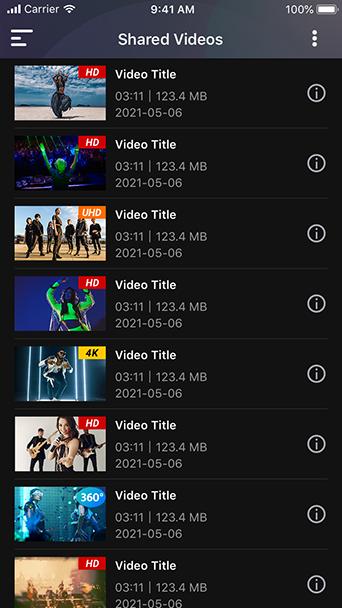
Qvideo

The free Qvideo app allows you to enjoy and share the video collection stored on your Turbo NAS from mobile devices anytime and anywhere.
Enjoy videos on demand
Stream videos via Chromecast
Video browsing
Share beautiful moments
Organize videos
Sync videos with your Turbo NAS

Qphoto

The Qphoto app allows you to easily browse and share the photos on your Turbo NAS anytime and anywhere with mobile devices.
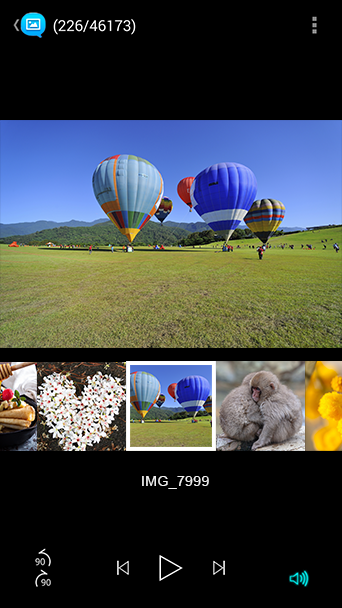
Photo browsing
Easily search for photos
Enjoy slideshows
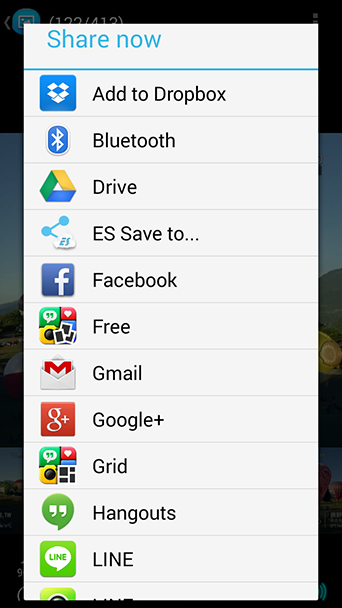
Instant photo sharing
Save your great moments
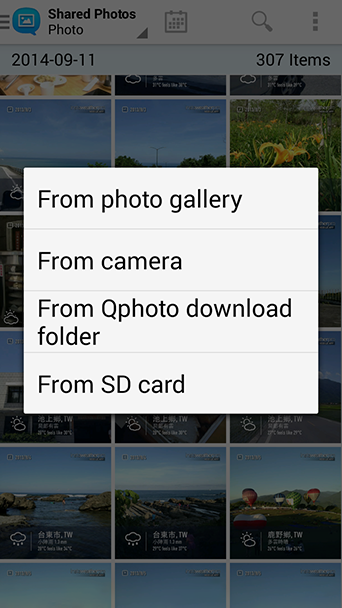
Sync photos with NAS
Private Collection
Instant Upload to NAS
View Photos on your Mobile Device

Qremote

When enjoying the HD Station, rather than hardware remotes, Qremote app is so convenient to make your mobile devices as a handy remote control.

Multimedia content playback

Control playback of videos, music and photos stored in the Turbo NAS remotely and enjoy them on TV without additional gadgets like a controller, USB keyboard or mouse.

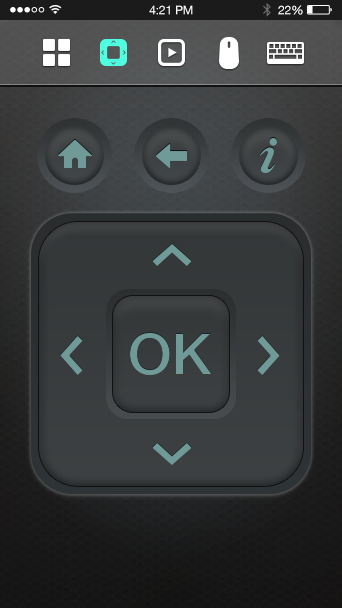
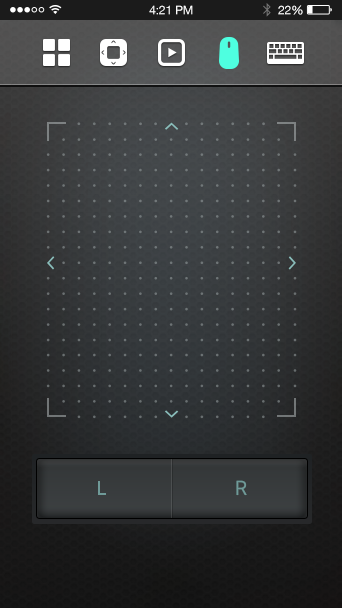
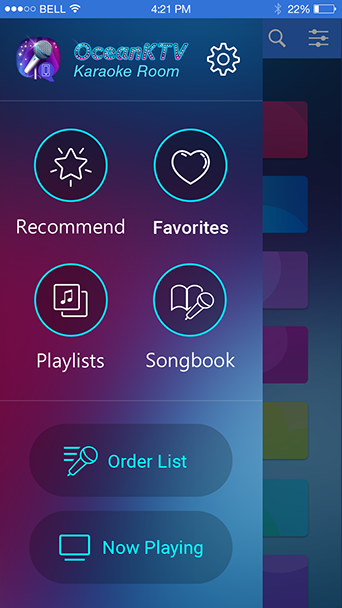
OceanKTV Client

Turn your tablet into a remote control

An easy way to remotely control OceanKTV

The OceanKTV Client allows you to control OceanKTV on a QNAP NAS with a tablet device. You can browse the song list and request, adjust the volume, add special effects, and more.   Tutorial

Qget

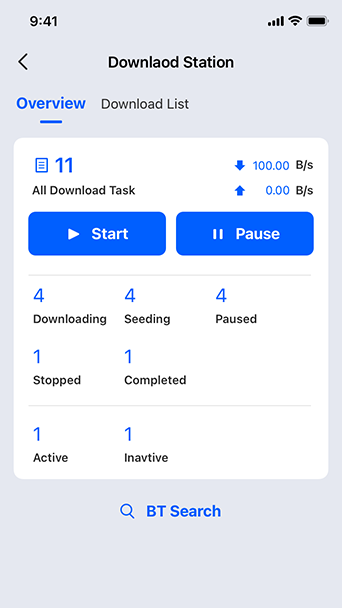
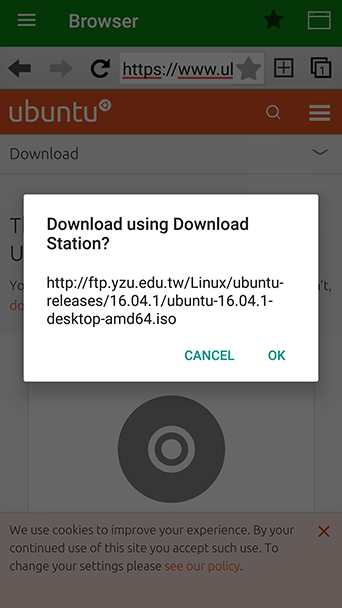
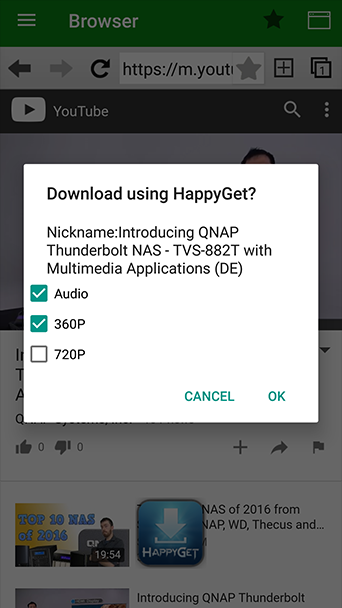
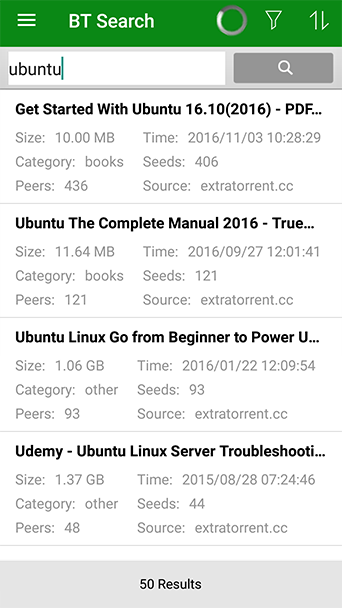
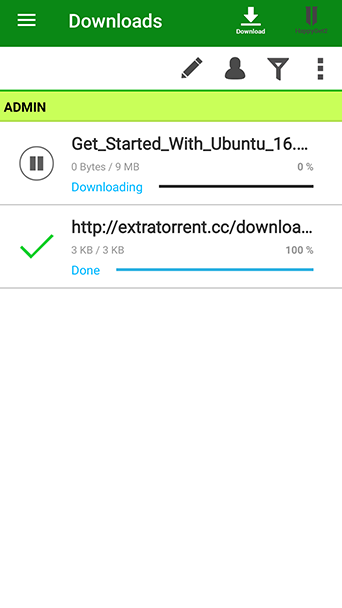
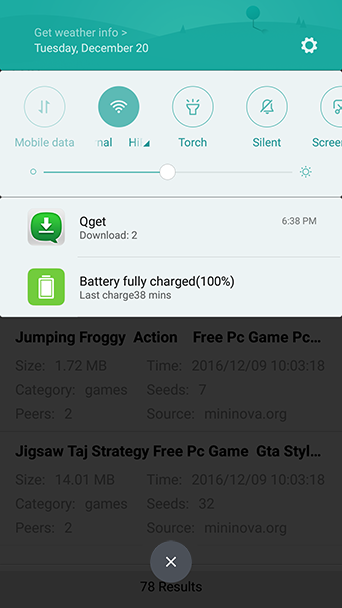
Easily search download sources, download contents to the Turbo NAS, and manage download tasks on mobile devices.
Download files on the go
Back up videos from video sharing sites
BT search
Manage download tasks
Instant notification

Photo Tagger

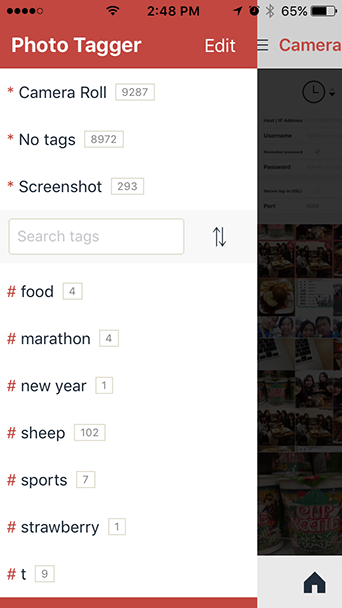
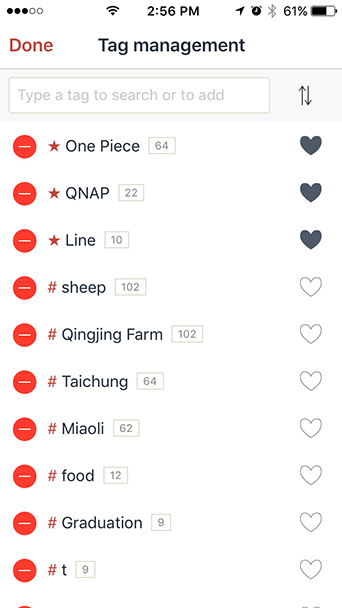
Easily Manage your Photos with Tags
Manage Photos with Tags
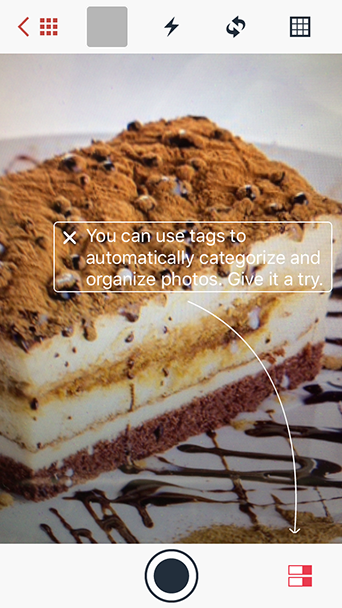
Add Tags Before Taking Photos
Set Shortcuts to your Favorite Photos
Upload Tagged Photos to your NAS

QVR Pro Client

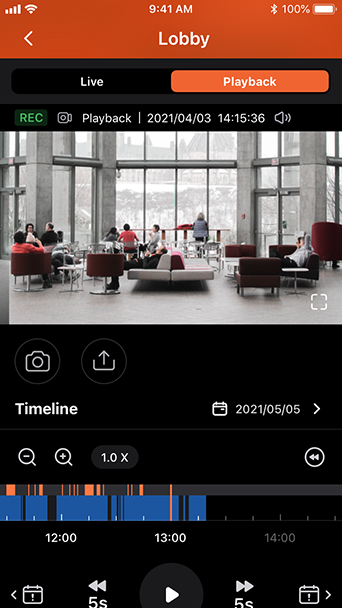
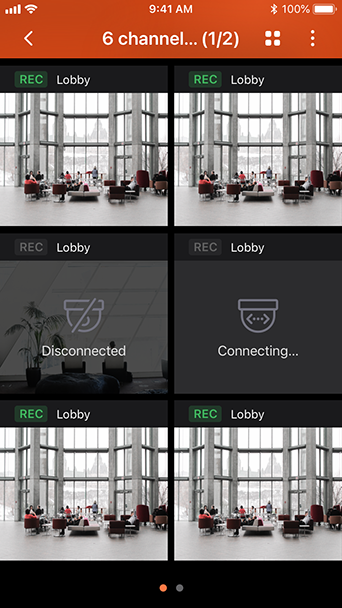
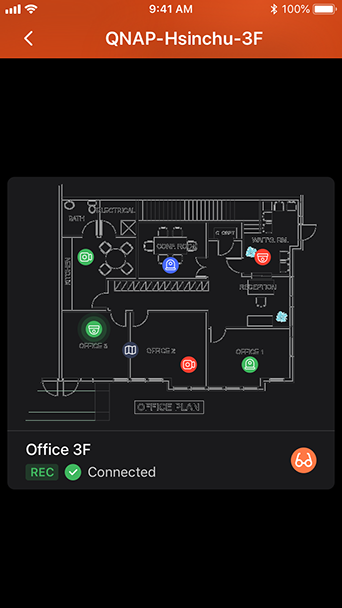
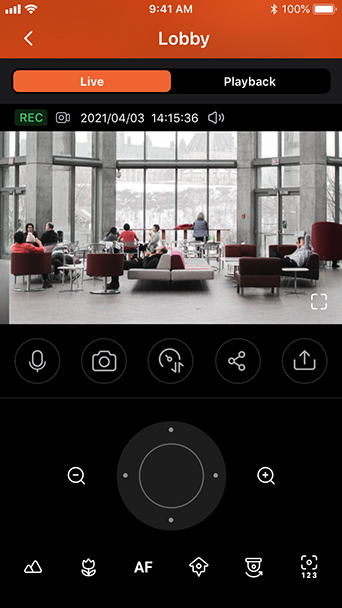
Monitor surveillance videos at anytime with a powerful mobile app.
One-touch switching between playback and live monitoring
Multi-channel browsing
Electronic map (E-map)
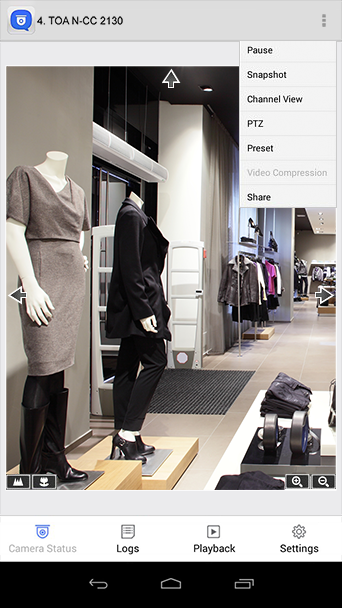
PTZ control and preset position control
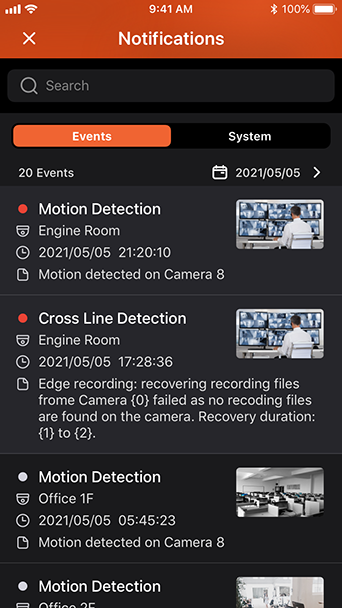
Event notifications
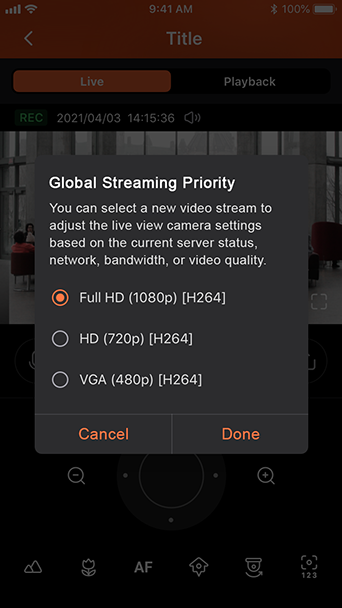
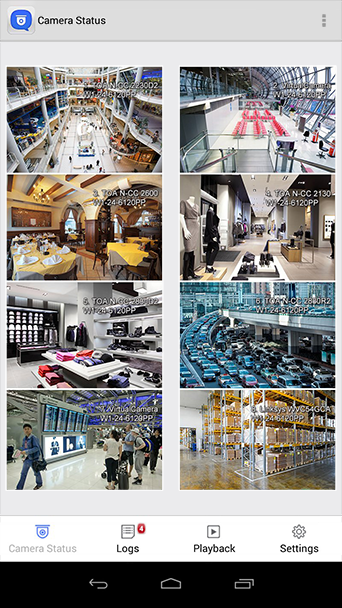
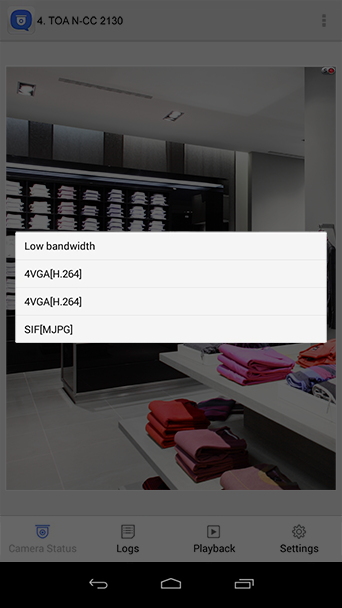
Low bandwidth mode

Vmobile

Vmobile is a mobile surveillance app for remote and wireless monitoring of IP cameras managed by the Turbo NAS with Surveillance Station or the VioStor NVR.
Mobile surveillance
Profile management
PTZ control and preset position control
Event notification
Low bandwidth mode
Video playback
Quick search by date and time

Vcam

Turn your mobile device into camera

Use your mobile device as an IP camera

With the Vcam mobile app, you could record any moment around you to your QNAP NAS. The Vcam solution provides a great way to deploy a home surveillance system without purchasing expensive IP camera.   Tutorial

QuRouter

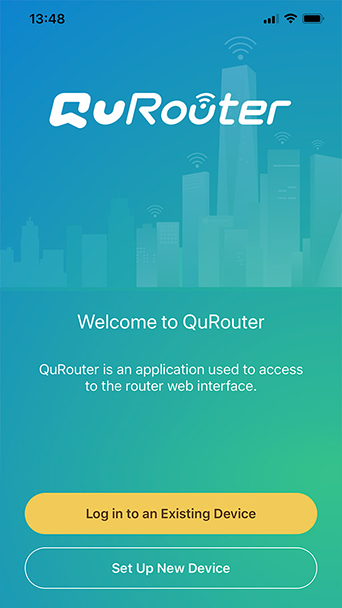
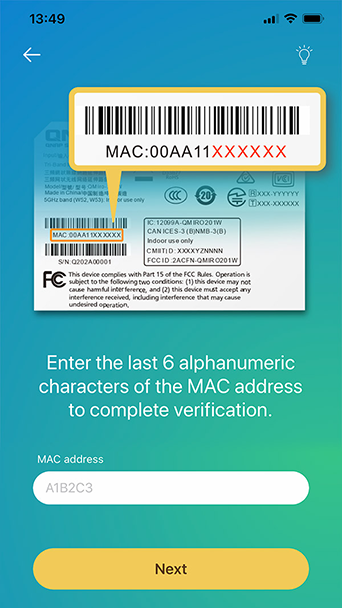
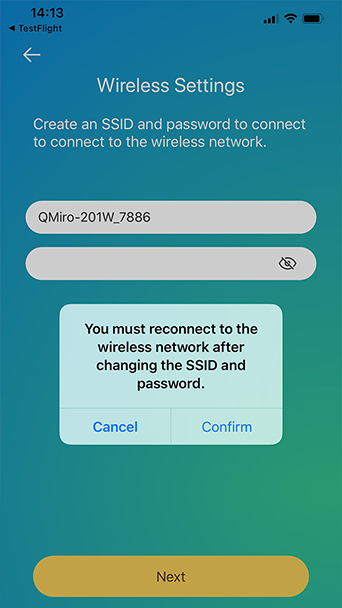
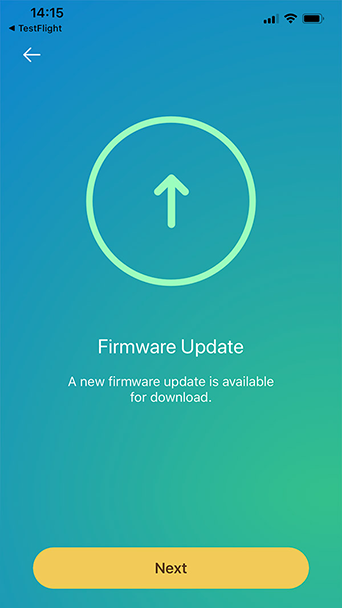
You can easily complete network settings for your QMiro/ QMiroPlus routers using the QuRouter App. With Bluetooth and a settings wizard you are only five steps away from setting up your smart home network and cloud storage applications.

* Mobile devices running Android 9/iOS 12 (or later).
Log in to your device
Verify your device
Set up wireless network
Firmware update notification
Log in with your QNAP ID
Start your QMiro journey

Choose specification

      Show more Less

      This site in other countries/regions:

      open menu close menu back to top