


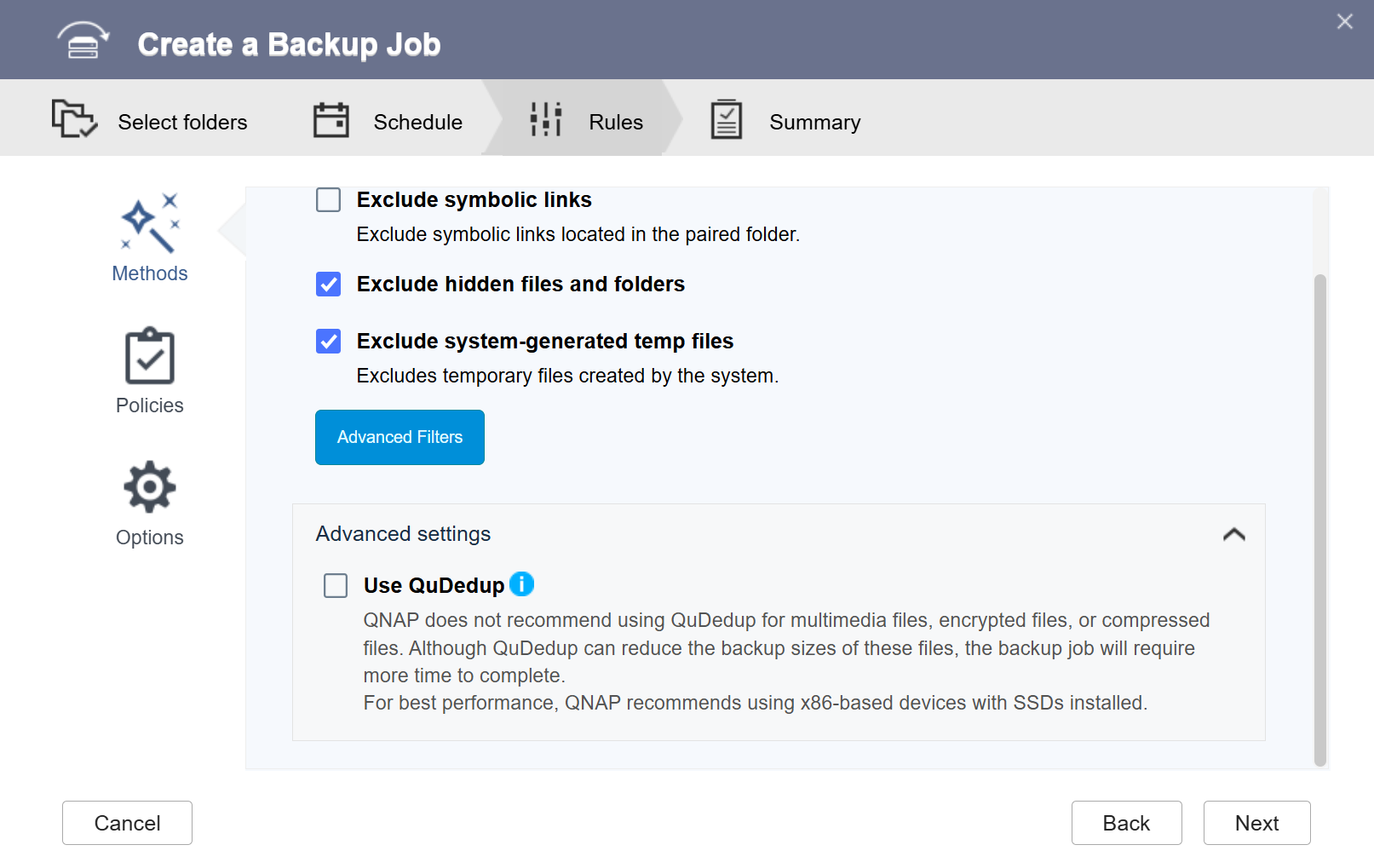
Why are HBS backups to the cloud in .qdff format even when QuDedup is disabled?
Applicable Products
Hybrid Backup Sync (HBS 3)
Reason
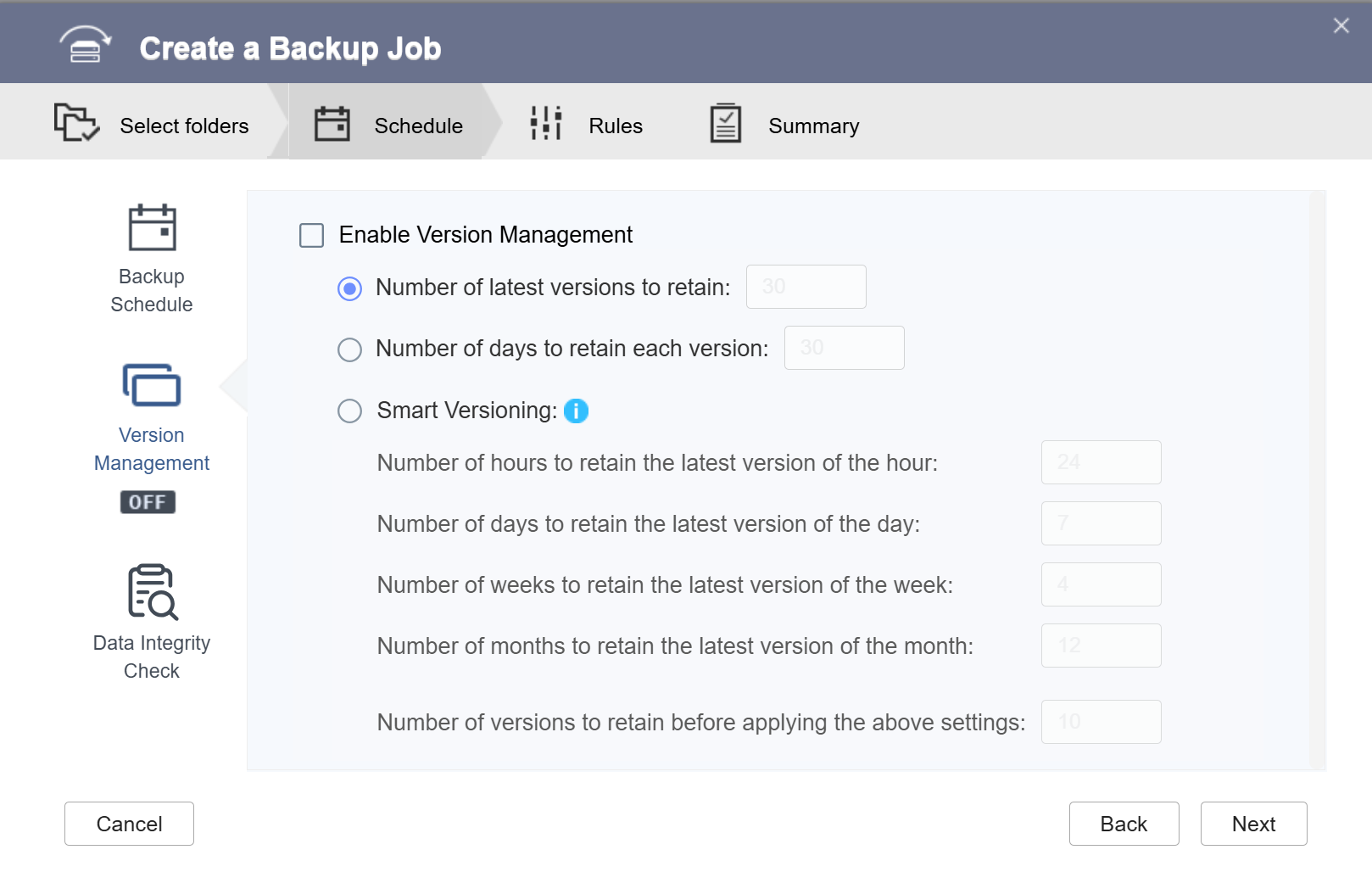
By default, if you enable version management when creating a backup job in HBS 3, the backup folder created by the job will be in .qdff format. This is normal in this case.
Solution
Because version management can only be configured during job creation, you cannot disable or enable it afterwards.
If you don't want future backups to be in .qdff format, you can delete the existing backup job and create a new backup job where both QuDedup and version management are disabled.
If you need to extract data from an existing .qdff folder, you can use one of the following methods:
- Create a restore job in HBS 3.
For details, see "Restore jobs" in Hybrid Backup Sync. - Use the QuDedup Extract Tool on Windows, macOS, or Ubuntu.
For details, see How do I extract .qdff files using the QuDedup Extract Tool?
Further Reading
For further assistance, ask other users and QNAP experts in the community. Go to QNAP Community


