


Where can I view the Qsync files of every user?
Last modified date:
2017-03-20
Applicable Products:
- Qsync
-
Log in to QTS as an administrator.
-
Go to Control Panel > Privilege > Shared Folders > Share Folder.
- Locate homes in the shared folder list and click Edit Shared Folder Permission.
- Click Add and assign the Read/Write permission.
- Apply the setting.
-
Open File Station.
- Click
 (More settings) in the top-right corner.
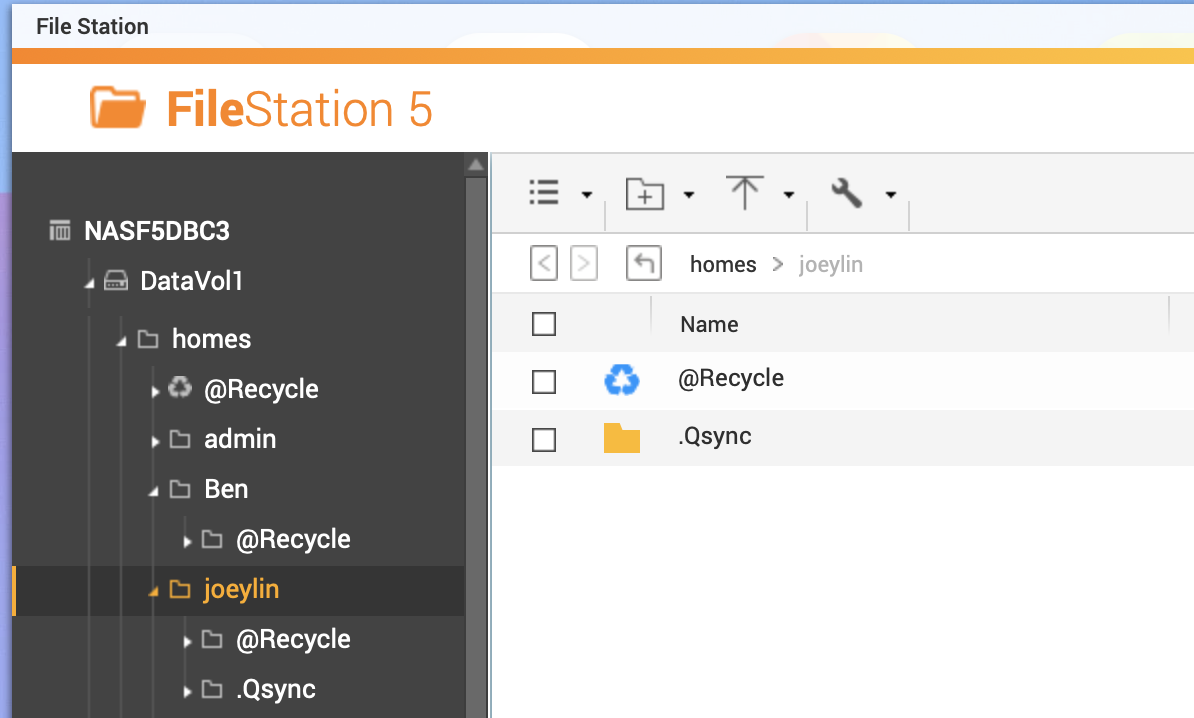
 - In the General tab enable the option Show hidden files on NAS.
- A folder named .Qsync appears in every user’s home folder.
- Click
For further assistance, ask other users and QNAP experts in the community. Go to QNAP Community


