


New approach to storage and snapshot management in QuTS hero h5.3 and later
Last modified date:
2025-10-26
Applicable Products
- QuTS hero h5.3.0 or later
Overview
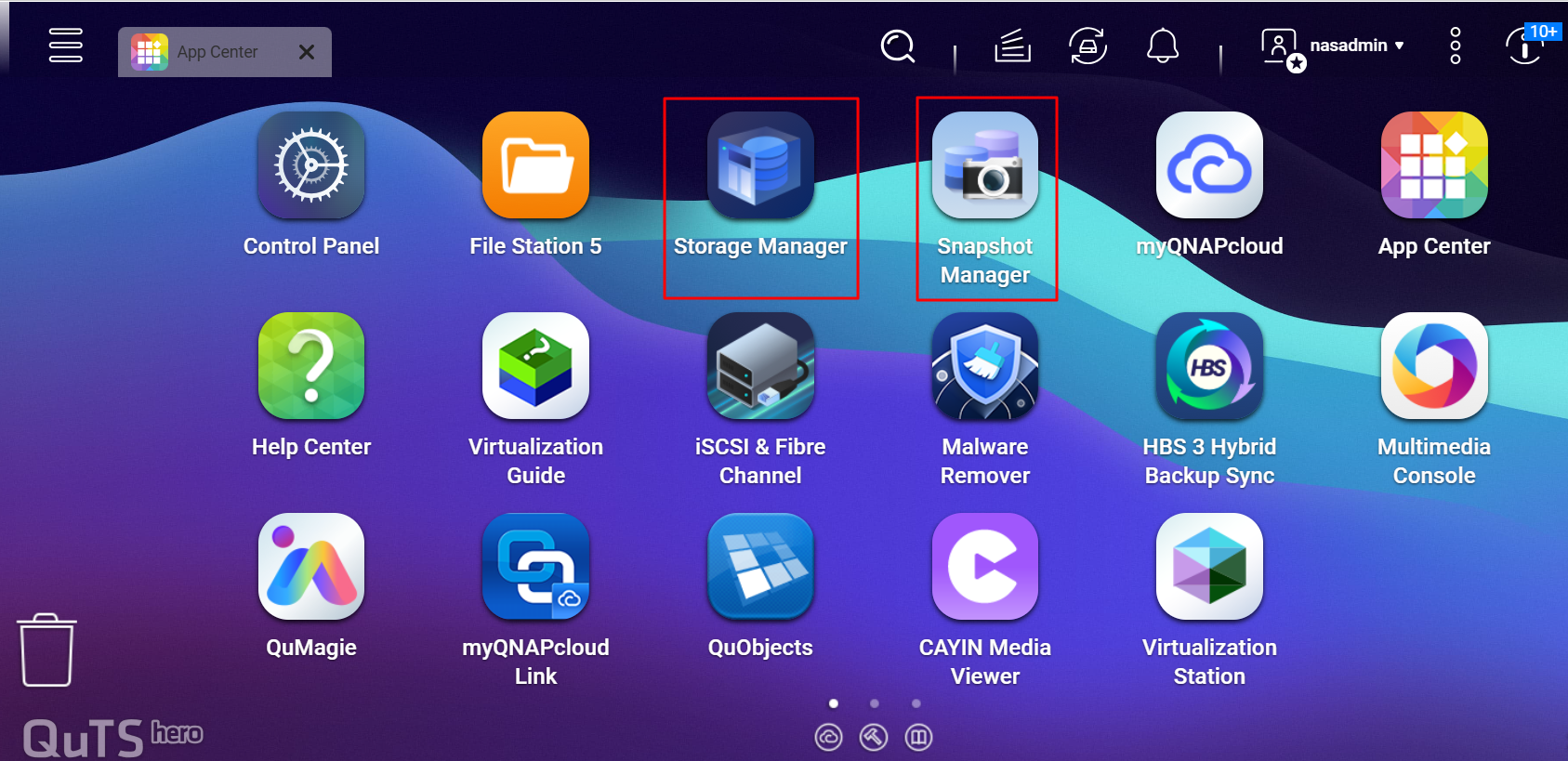
Snapshots help protect your data from accidental deletion, ransomware, and other data loss scenarios by allowing you to quickly restore files or entire volumes. In QuTS hero h5.3 and later, storage and snapshot management have been separated to provide a clearer and more focused experience. Storage Manager handles storage tasks, while Snapshot Manager manages snapshots.
Details
- Storage Manager: Create, manage, and monitor storage components such as RAID groups, storage pools, and shared folders.
- Snapshot Manager: Create, view, and manage snapshots for shared folders and LUNs. Configure snapshot schedules and retention policies here.
To access these managers in QuTS hero h5.3 or later:
- Open the Main Menu and select Storage Manager to manage storage.
- Open the Main Menu and select Snapshot Manager to manage snapshots.
Tip: You can also find shortcuts for each utility on the QuTS hero desktop.


