QTS 6.1 Easier to set up. Safer to log in. Simpler to manage.
A cleaner look, setup that walks you through every step, and login with your fingerprint or a security key. QTS 6.1 makes your NAS easier for everyone at home and at work.
Get the highlights
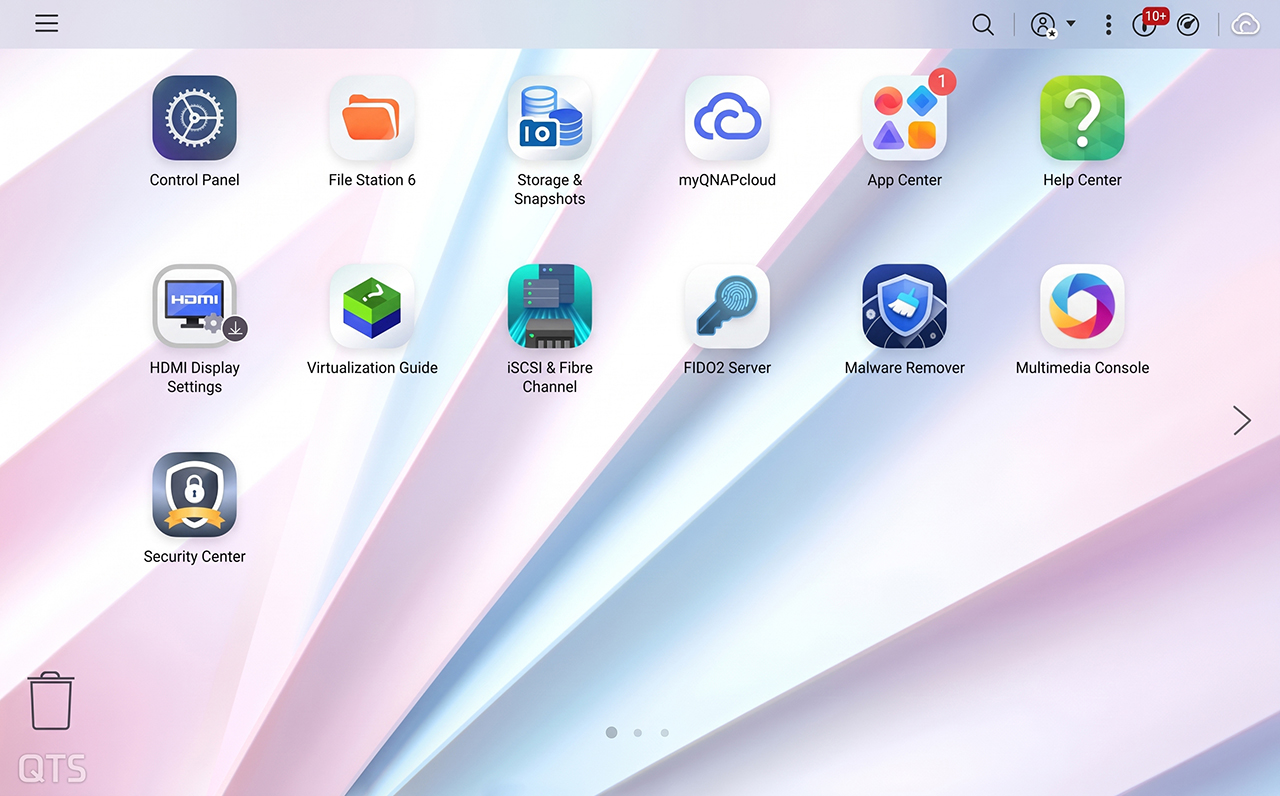
New look
Cleaner menus and icons that are easier on the eyes
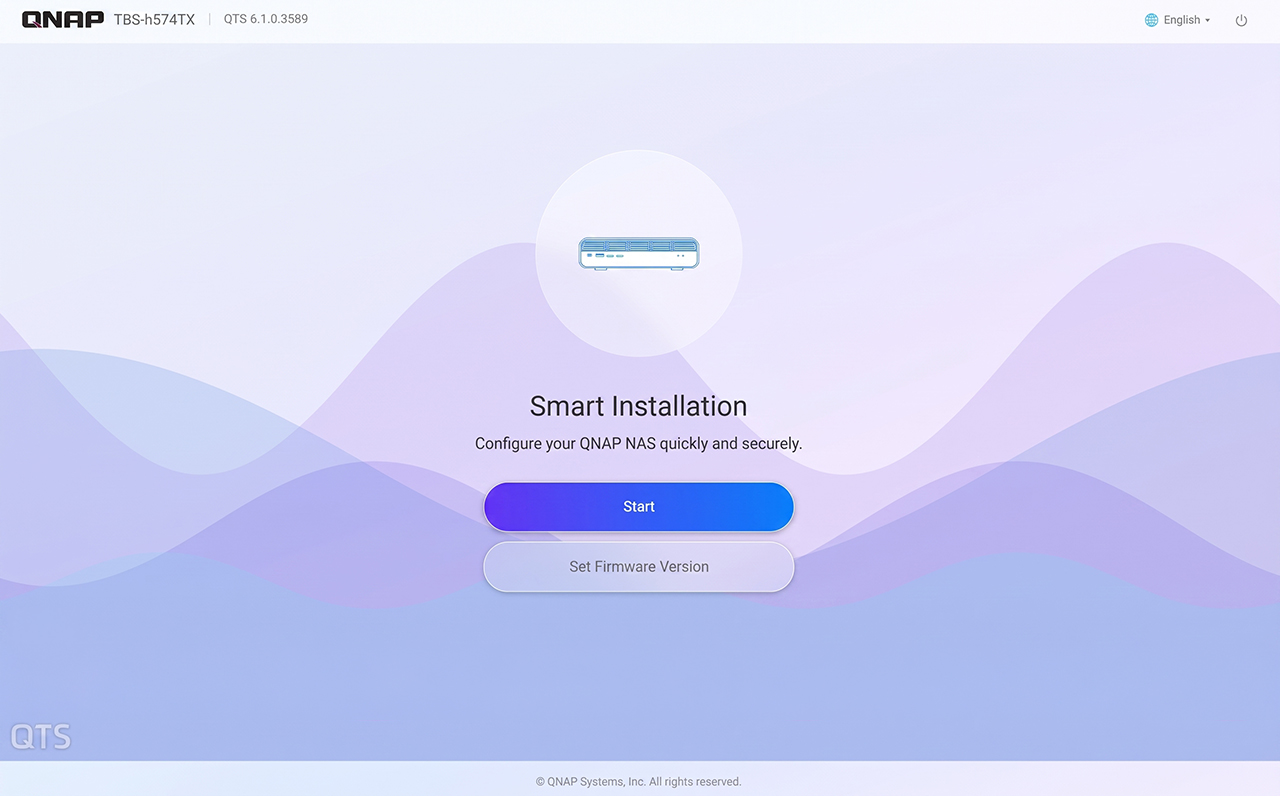
Guided setup
Set up a new NAS by following clear steps on screen
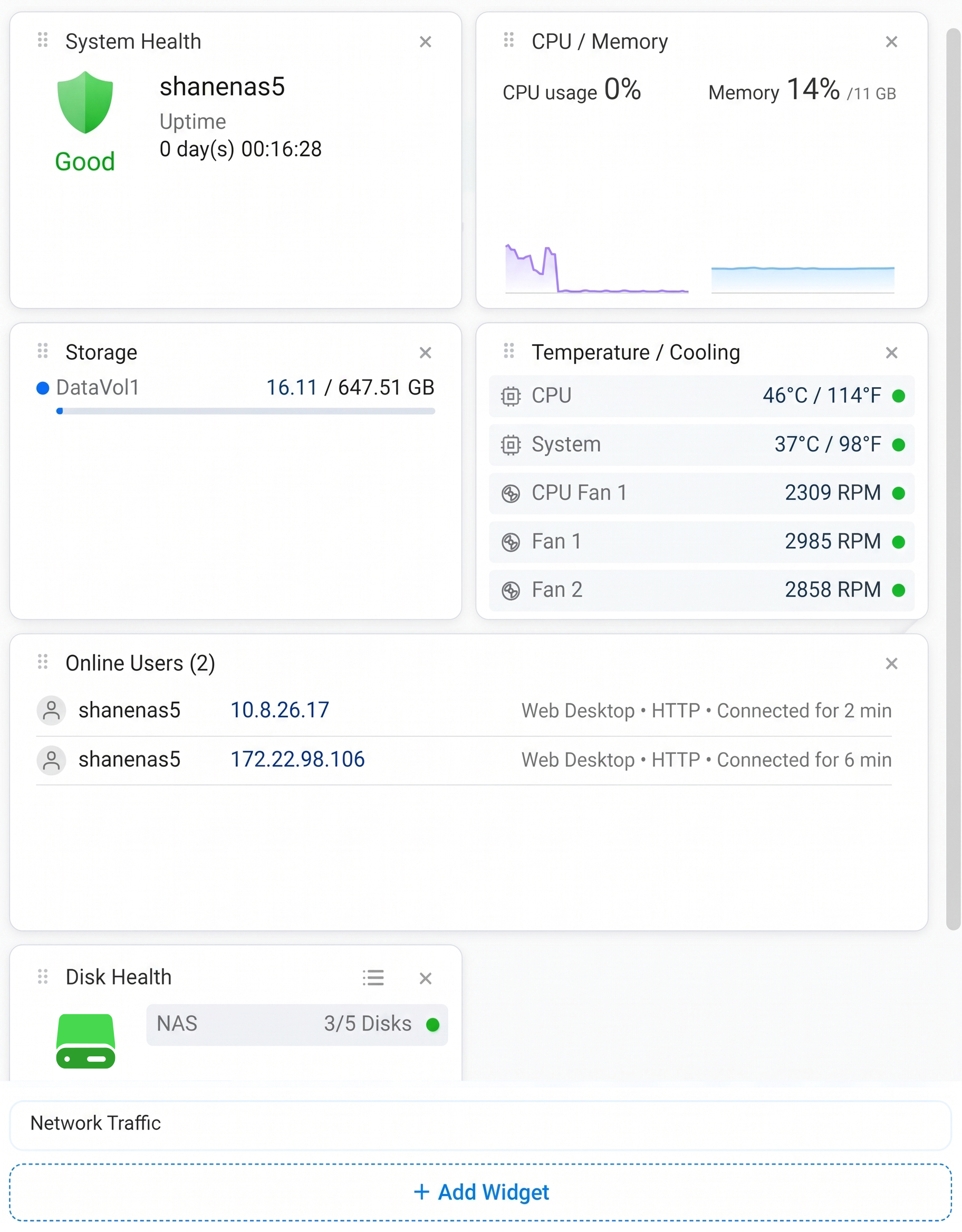
Dashboard
See how your NAS is doing at a glance, on every device
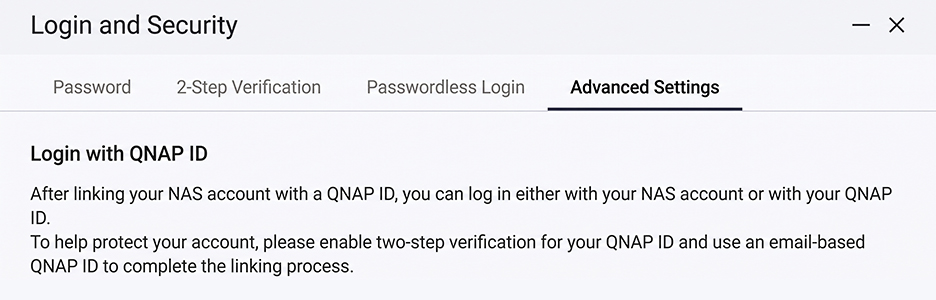
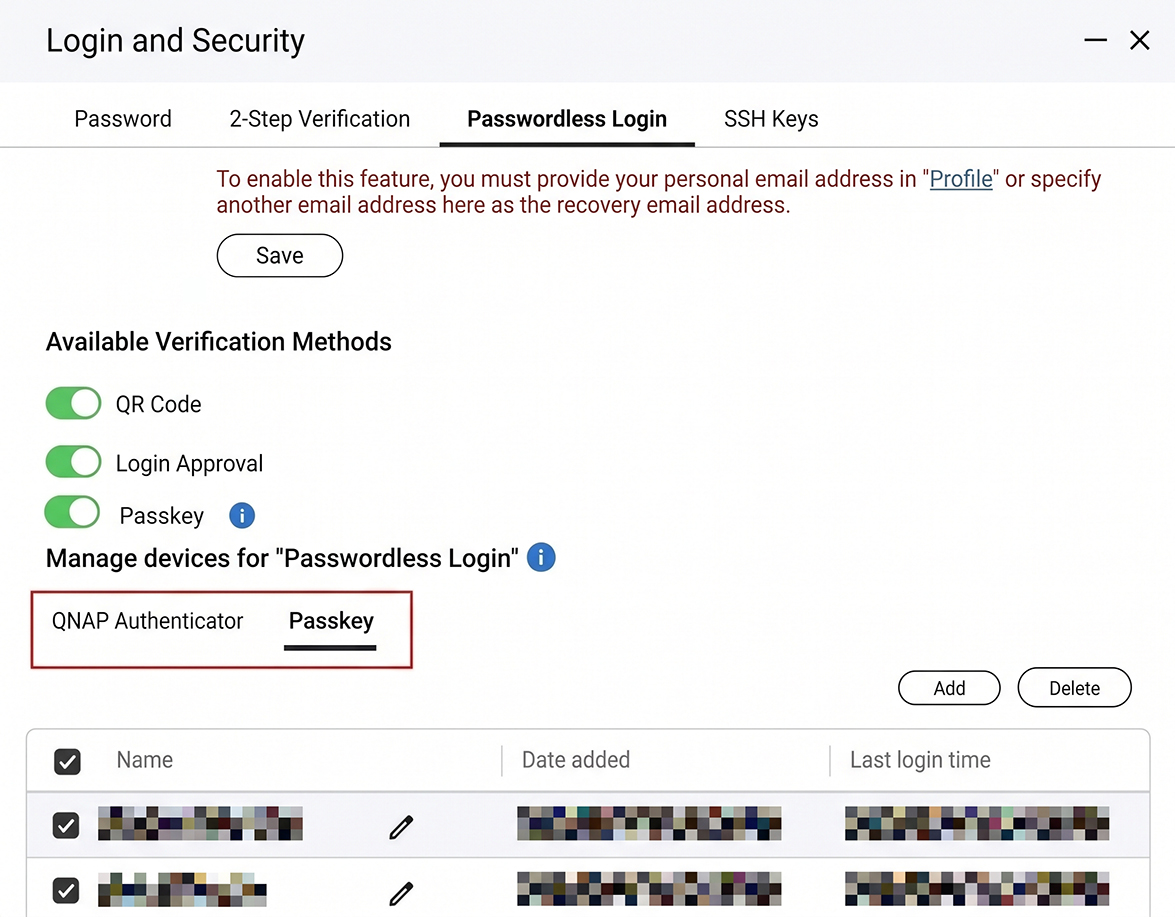
Passkey
Log in with your fingerprint or a security key
Snapshot Replica
Interrupted backups pick up right where they left off

Natural Language Query
Find what you mean, not just your keywords.
Precise AI Summary
Effortlessly extract key information with advanced AI analysis.
AI on QTS
Find files by describing them. Manage your NAS by chatting.
Experience
Everyday NAS tasks, made easier
A cleaner look that's easier on the eyes
QTS 6.1 refreshes colors, fonts, icons, and spacing across the whole system. Menus, dialogs, and control panels are cleaner and more consistent, so what you need is easier to find, whether you've used QTS for years or just unboxed your first NAS.
Set up your NAS one clear step at a time
System initialization guides you from one stage to the next, with the same clean design all the way through. Just follow the steps on screen until your NAS is ready to use.
See how your NAS is doing, at a glance
System health, CPU and memory, storage space, and temperature, all on one screen. Add or remove cards to show what matters to you. Your layout syncs through your QNAP account, so it looks the same wherever you log in.1
Try it: arrange your dashboard
A simplified demo: add or close widgets and watch your other device follow along.
This computer
System Health
CPU / Memory
CPU usage 0%Memory 14%
Storage
DataVol116.11 / 647.51 GB
Temperature / Cooling
CPU46°C / 114°F
System37°C / 98°F
Disk Health
NAS3/5 Disks
Another device
Security
Logging in gets easier. Breaking in gets harder.
Reliability
Steady underneath. Reliable every day.
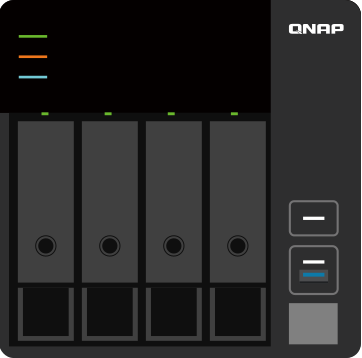 Source NAS
Destination NAS
Source NAS
Destination NAS
Snapshot Replica
Backup interrupted? It picks up where it stopped
If a Snapshot Replica transfer gets cut off, it resumes from the last checkpoint and sends only what's left, not the whole snapshot again. Your backup finishes sooner and uses less bandwidth, even on an unstable connection.
Both the source and destination NAS must support resumable transfers and use a supported backup method.
- Stability
- Security
- Hardware support
Linux Kernel
A stronger foundation, working quietly in the background
QTS 6.1 moves to Linux Kernel 6.6, bringing years of improvements from the Linux community: steadier performance under heavy use, better protection against new security threats, and support for newer hardware.
AI on QTS
AI that helps you get more from your NAS
Find files by describing them, get things done by chatting, and let AI help plan your storage. Run AI on your own NAS hardware, in the cloud, or both.
 AI Service Center
Choose where your AI runs
AI Service Center manages the AI models your NAS apps use, all in one place. Keep things private by running AI on your own NAS with its CPU, iGPU, NPU, or graphics card, or connect to OpenAI, Gemini, or Azure when you want more power. Mix both to balance speed, cost, and privacy.
- CPU
- iGPU
- NPU
- GPU
- OpenAI
- Gemini
- Azure

Qsirch
Describe it. Qsirch finds it.
Can't remember the file name? Describe what's in it, and Qsirch finds the best matches.2
 QuAgent
Just ask your NAS
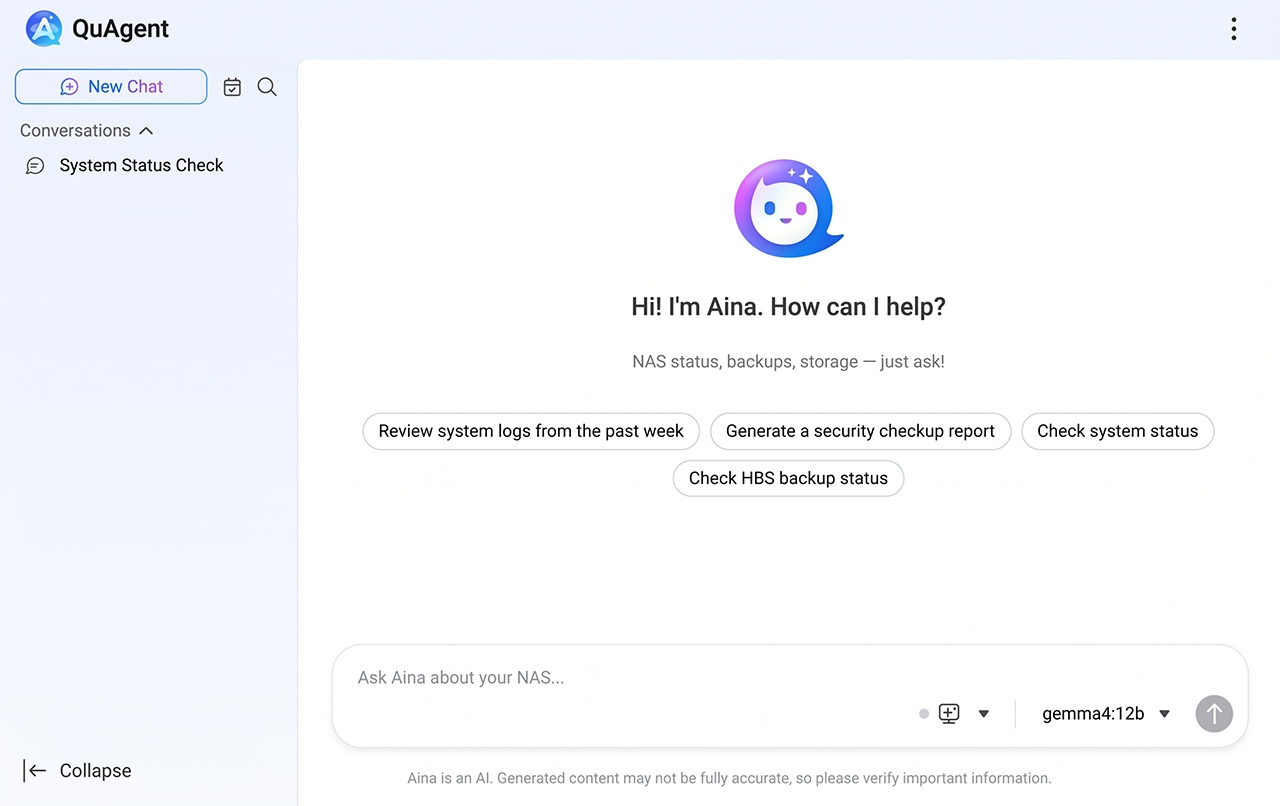
Chat with QuAgent in everyday words to check your NAS status, handle files, review backups, or set up schedules.
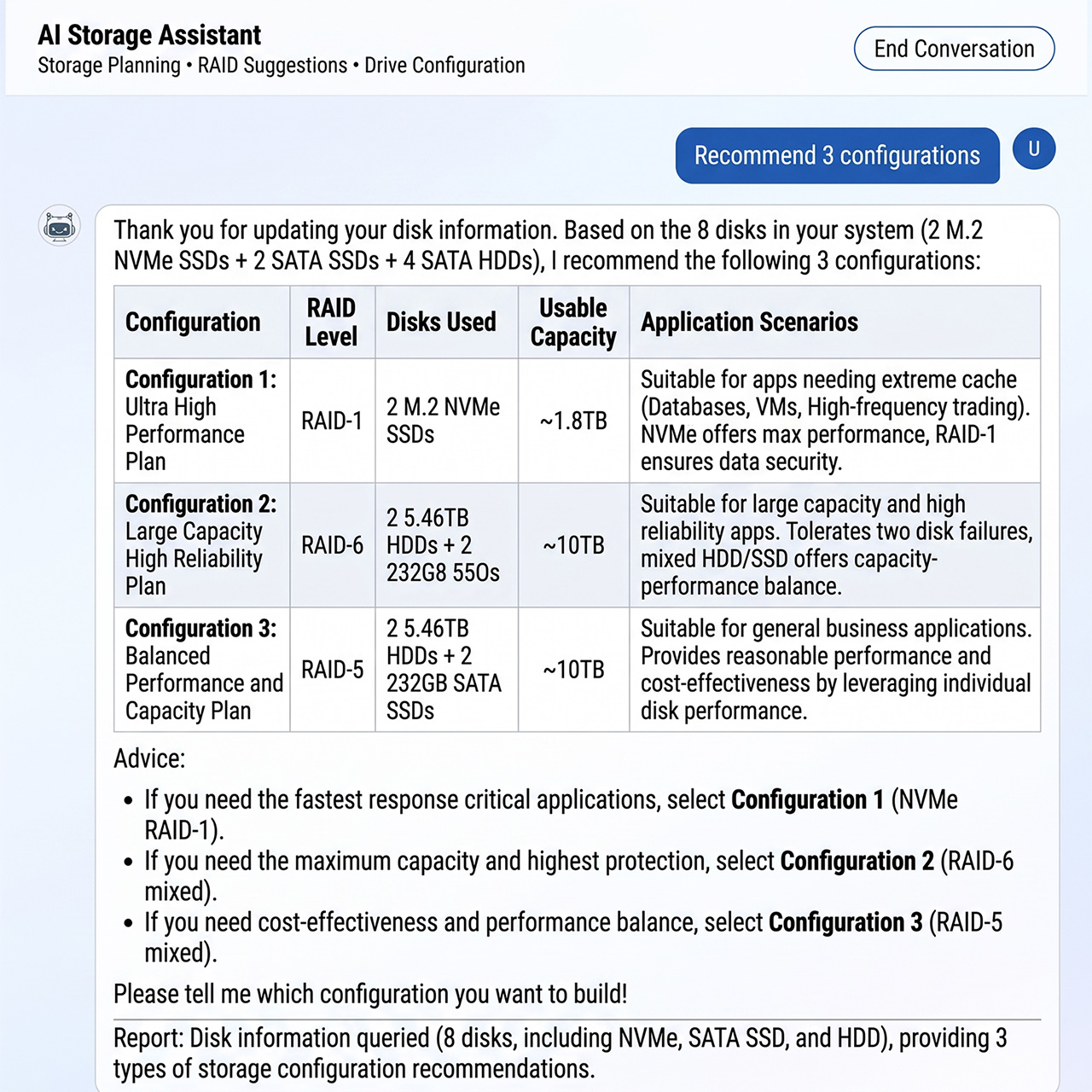
 AI Storage Assistant
Say what you need. AI suggests the RAID.
During setup, describe how you'll use your NAS and get storage recommendations made for you. No RAID homework required.
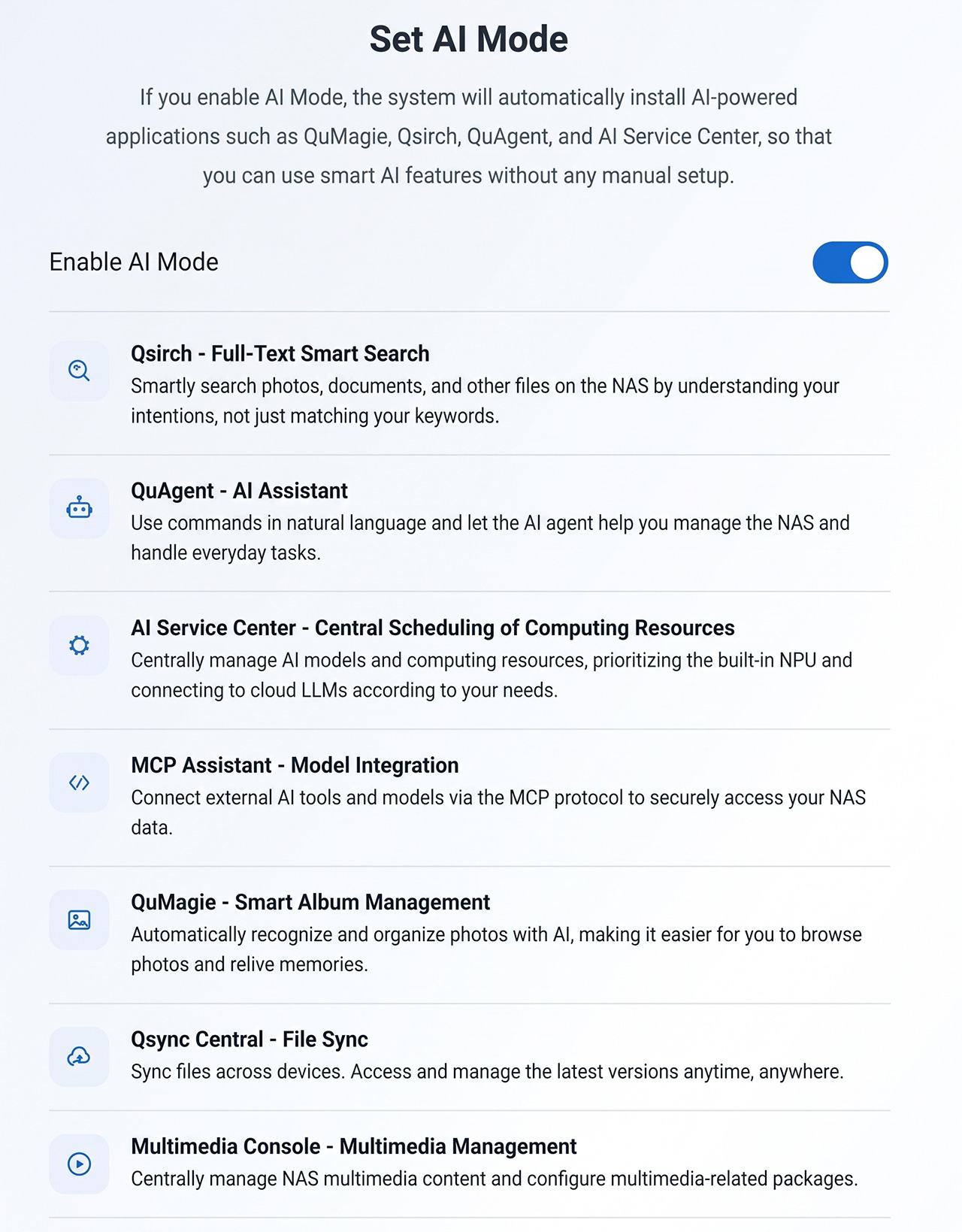
 AI Mode
QAI series: AI ready right after setup
Turn on AI Mode during setup and the AI apps you need install automatically, with an interface built around AI.3
Hardware
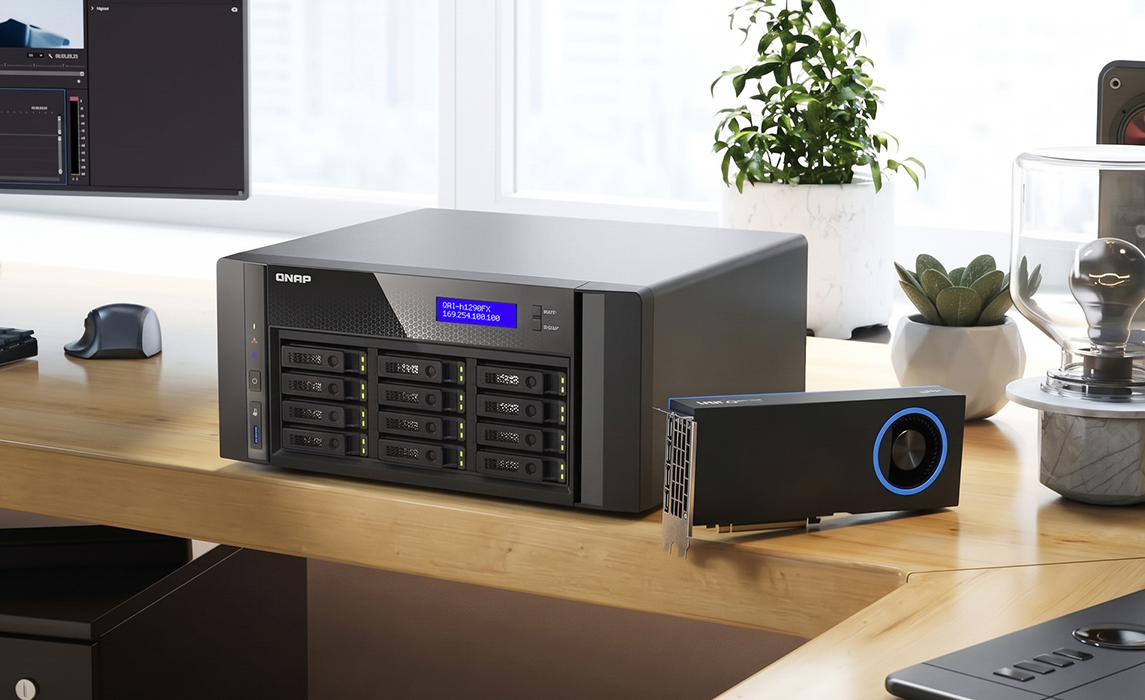
Intel Arc Pro B70 graphics card support
Add an Intel Arc Pro B70 graphics card to a supported model, then check its model, temperature, utilization, and memory usage right in Control Panel, next to the rest of your hardware.4
-
Model
Intel Arc Pro B70
-
Temperature
-
Utilization
-
Memory usage
Update your NAS today
Before you update, read the Important Notes and Known Issues in the release notes.