


QDA-UMP Use an M.2 PCIe NVMe SSD in a U.2 PCIe NVMe SSD drive bay for PC and NAS
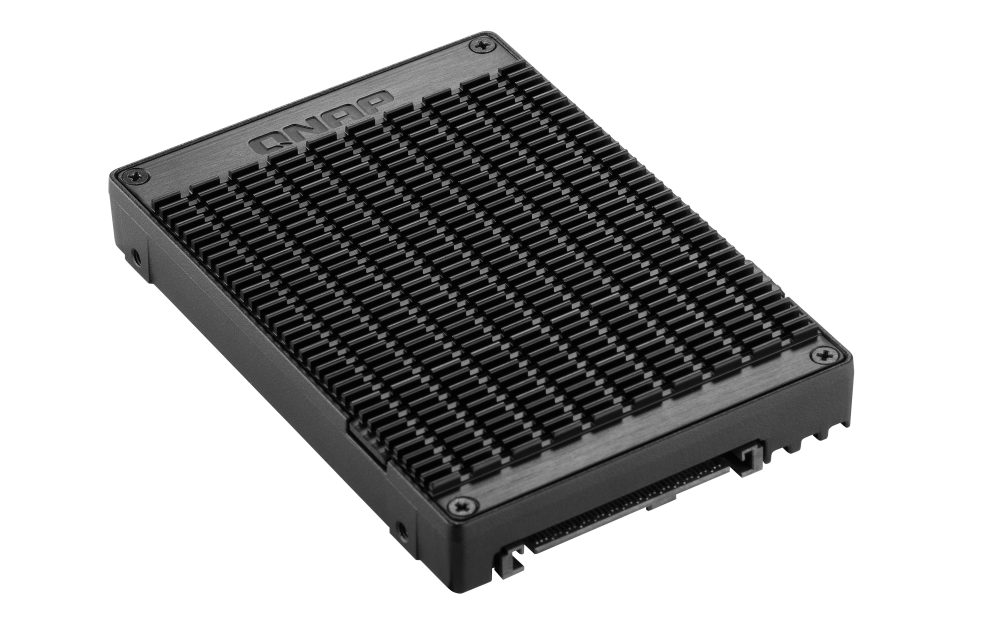
The QDA-UMP can accommodate an M.2 PCIe 3.0 x4 NVMe SSD within a 2.5-inch U.2 (SFF-8639) PCIe 3.0 x4 NVMe SSD drive bay. No software driver is required for the QDA-UMP, and it can be installed in a PC/workstation (Windows®, Linux®) or QNAP NAS to replace an expensive U.2 SSD with a more-affordable M.2 SSD.
1
Use an M.2 2280 (M key) PCIe NVMe SSD in a U.2 PCIe NVMe SSD drive bay (M.2 SSD sold separately).
2
Up to PCIe 3.0 x4 file transfer speeds.
Architecture diagram

High-quality construction for better heat dissipation
The M.2 SSD thermal pads and aluminum-alloy metal frame assist in dissipating heat from the M.2 SSD to ensure high performance.

Install in a PC/workstation for higher performance with lower costs
Use the QDA-UMP to install a M.2 SSD in the 2.5-inch U.2 SSD tray of a high-end PC/workstation (Windows® or Linux®), and easily deal with tasks that require intensive data transmission (such as on-the-fly video editing, server-grade applications, or online gaming). Users can use utilities from their SSD manufacturer or third-party providers (for example: CrystalDiskInfo) to view the health status of the installed SSD.
Note: Consult your PC system provider if the PC operating system supports U.2 NVMe SSD.

Install in QNAP NAS for efficient yet cost-effective storage
Install one or more QDA-UMP in a NAS to maximize PCIe bandwidth utilization in a cost-effective way by using M.2 SSD instead of expensive U.2 SSD for optimizing data-intensive applications. It can also boost IOPS performance when configuring SSD caching. Users can monitor drive health and manage SSD usage from the QTS Storage & Snapshots Manager.
Note:
1. QTS 4.4.1 / QuTS hero h4.5.1 (or later) is required for the QNAP NAS.
2. QTS / QuTS hero identifies a QDA-UMP as a single volume (no matter one or two drives installed).
3. When using Qtier in QTS with HDD storage pool in RAID protection (such as RAID 1/5/10), then two SSDs are required in the SSD pool (for example, two QDA-UMP, or one SSD plus one QDA-UMP)
4. If a QDA-UMP drive fails and needs replaced: you must disable Qtier to make the QDA-UMP drive data move to the NAS-based storage pool, and then replace the failed QDA-UMP drive.

QNAP Accessories Store
Get all the original accessories in one place and easily upgrade your QNAP NAS.
Need help?
Contact us now to get more recommended products or solutions catered to your needs and requirements!
People Also Viewed
-
QXP-3X4PES
Use a PCIe Gen 3 x4 card to connect your NAS to TL PCIe Interface JBOD for storage expansion

-
TL-R1200PES-RP
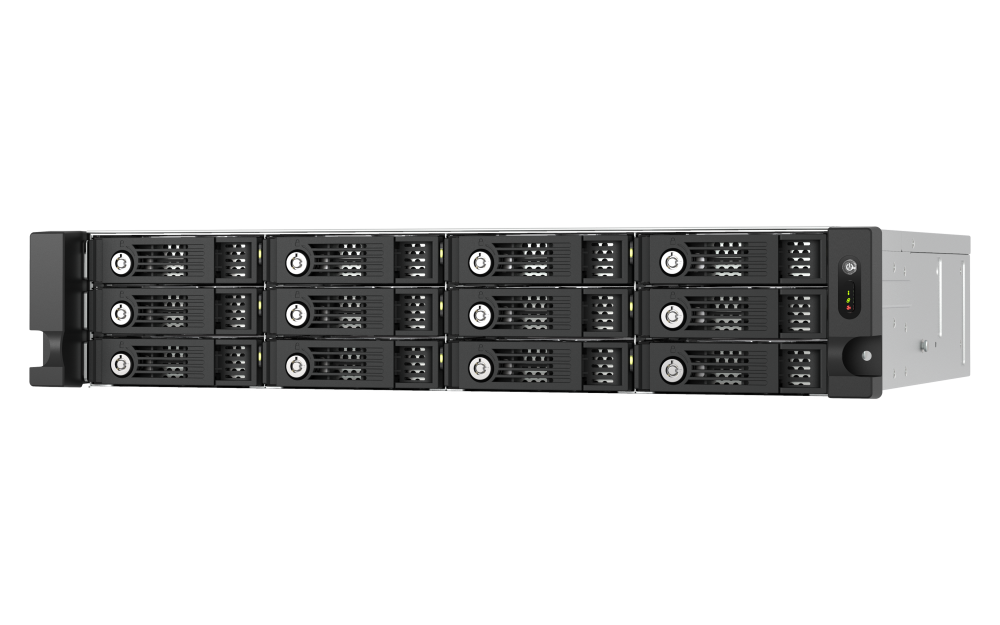
PCIe Interface 12-bay JBOD, supporting SATA drives, for petabyte-scale expansion designed specifically for QNAP NAS



QXP-3X4PES
Use a PCIe Gen 3 x4 card to connect your NAS to TL PCIe Interface JBOD for storage expansion
TL-R1200PES-RP
PCIe Interface 12-bay JBOD, supporting SATA drives, for petabyte-scale expansion designed specifically for QNAP NAS


