


QXP-T32P
Transform your NAS into a Thunderbolt™ 3 NAS
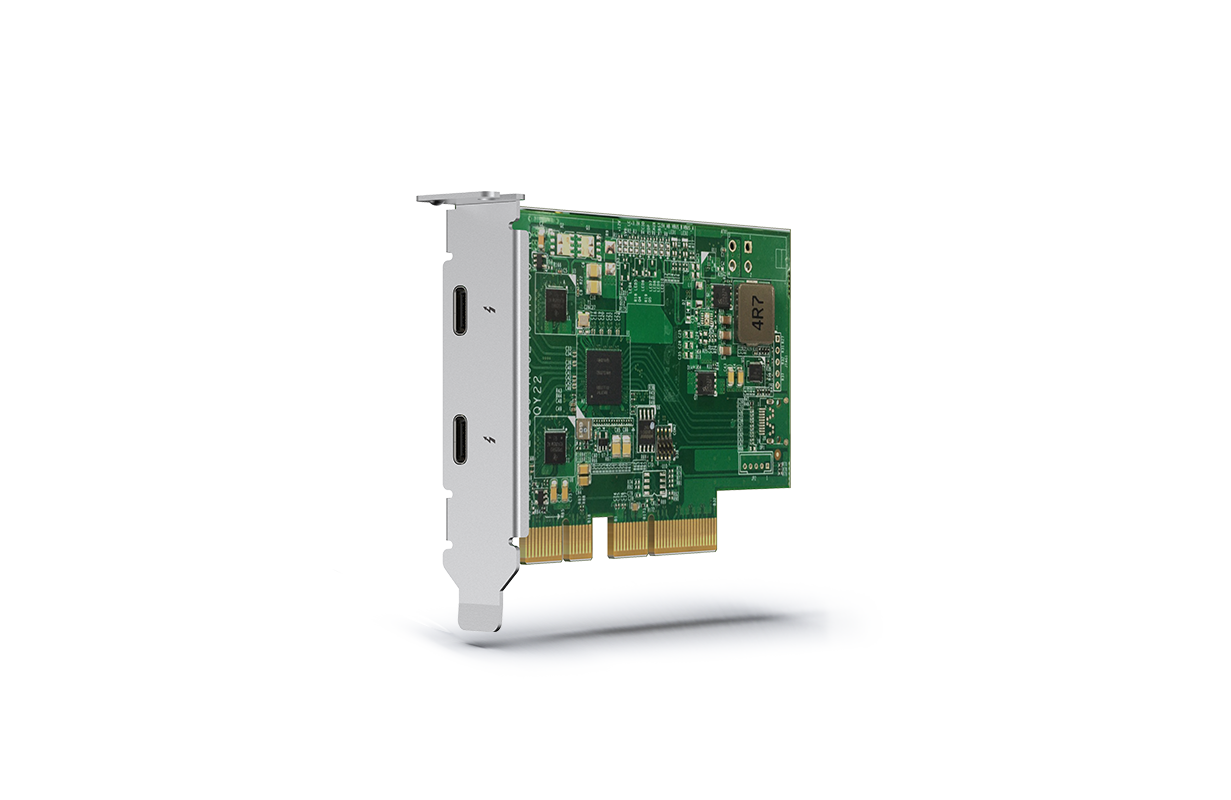
The Thunderbolt™ 3 Expansion Card enables high-speed data transfer to accelerate everyday tasks and applications. Video editing studios in particular can greatly benefit by being able to smoothly transfer, display and edit 4K videos in real-time. Thunderbolt™ 4 devices can also be used by a NAS with a Thunderbolt™ 3 Expansion Cards when connected using standard Thunderbolt™ 4 or Thunderbolt™ 3 certificated cables.
Streamlined Video Editing Collaboration
By using Thunderbolt™ 3 expansion cards, teamwork between Final Cut Pro® and Adobe Premiere Pro® users becomes faster and easier. With SMB protocol support, Final Cut Pro® users can create a library on a NAS volume and use it as if it were a local storage device. Every team member can centrally store video resources in the same NAS shared folder, greatly improving productivity for highly-collaborative projects in multi-workstation environments.

Thunderbolt™ 3 Expansion Card Usage Scenarios
-
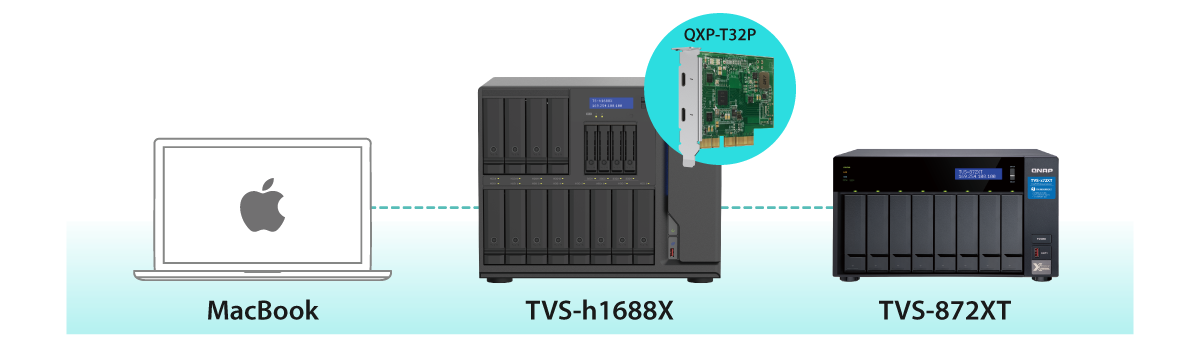
Daisy-chain up to 6 QNAP Thunderbolt™ devices
A NAS with a Thunderbolt™ 3 expansion card can be daisy-chained with up to 6 QNAP Thunderbolt™ devices, including other QNAP Thunderbolt™ NAS and Thunderbolt 3 to 10GbE Adapter (QNA Series).
-

Connect legacy devices
When used with an Apple Thunderbolt™ 3 (USB-C) to Thunderbolt™ 2 adapter* (sold by Apple), legacy Thunderbolt™ 2 MacBook can be connected to your Thunderbolt™ 3 NAS for sharing files and accessing centralized data.
*Please note that Thunderbolt 2 connection speed will only be able to reach up to 20Gb/s.
QNAP Thunderbolt™ 3 Certified Cables
Use a certified Thunderbolt™ 3 40Gbps cable (with the Thunderbolt icon and “3”). Get the best cables for your work environment.
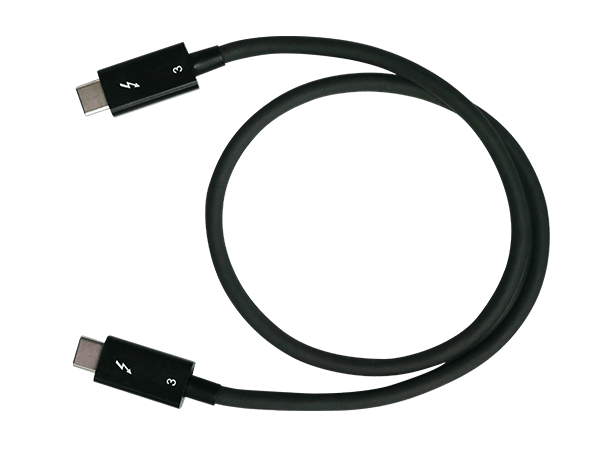 CAB-TBT305M-40G-LINTES |
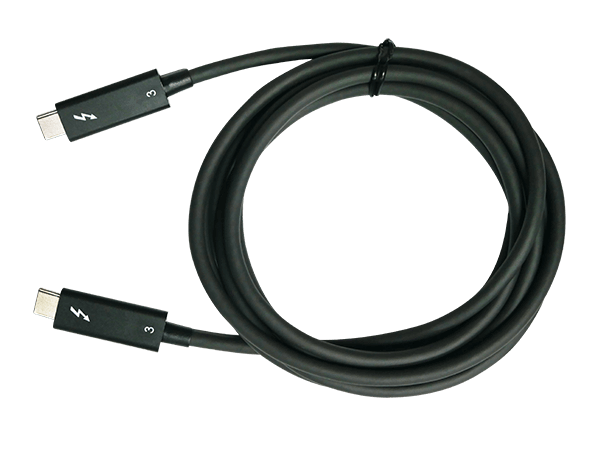 CAB-TBT320M-40G-LINTES |
|
| Length | 0.5m | 2m |
| Thunderbolt™ 4 | Supported | Not supported |
| Thunderbolt™ 3 | Supported | Supported |
| Buy now | Buy now |
Note: If you connect a Thunderbolt™ 4 host to a Thunderbolt™ 3 NAS, you must use a Thunderbolt™ 4 certificated cable or a passive Thunderbolt™ 3 cable that is shorter than 0.8 meters.
Always consult the compatibility list before purchasing add-ons and accessories for your NAS.
Compatible NAS models
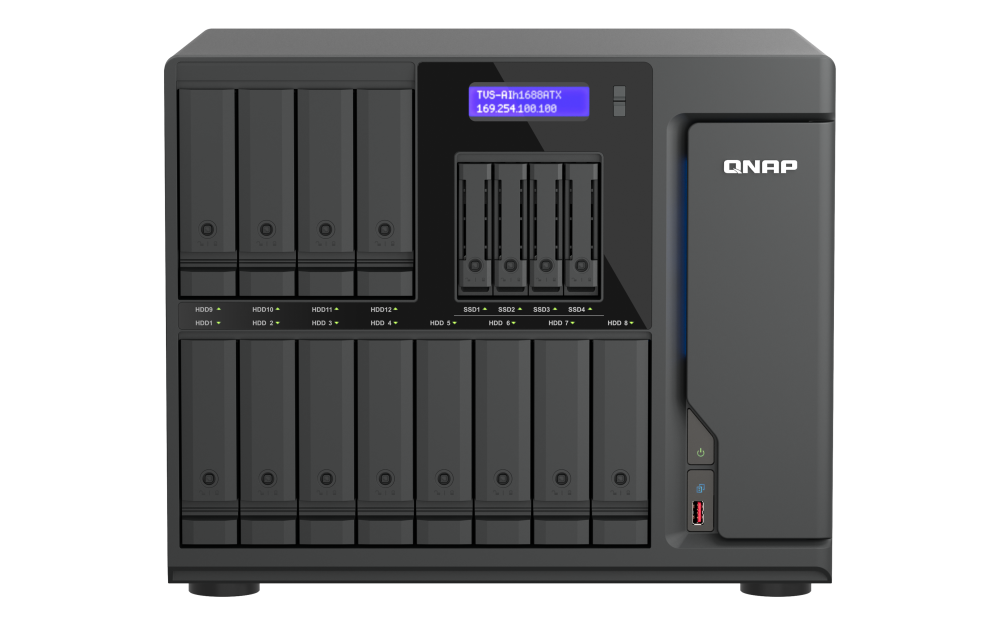
 TVS-h1288X |
 TVS-h1688X |
| Note: The QXP-T32P can only be installed in a PCIe Gen 3 x4 slot in the TVS-h1288X or TVS-h1688. | Note: The QXP-T32P can only be installed in a PCIe Gen 3 x4 slot in the TVS-h1288X or TVS-h1688. |
| Learn more | Learn more |
Check Compatible NAS Models
Click to learn incompatible devices
Always consult the compatibility list before purchasing add-ons and accessories for your NAS.
QNAP Accessories Store
Get all the original accessories in one place and easily upgrade your QNAP NAS.
Need help?
Contact us now to get more recommended products or solutions catered to your needs and requirements!
People Also Viewed
-
QXP-3X4PES
Use a PCIe Gen 3 x4 card to connect your NAS to TL PCIe Interface JBOD for storage expansion

-
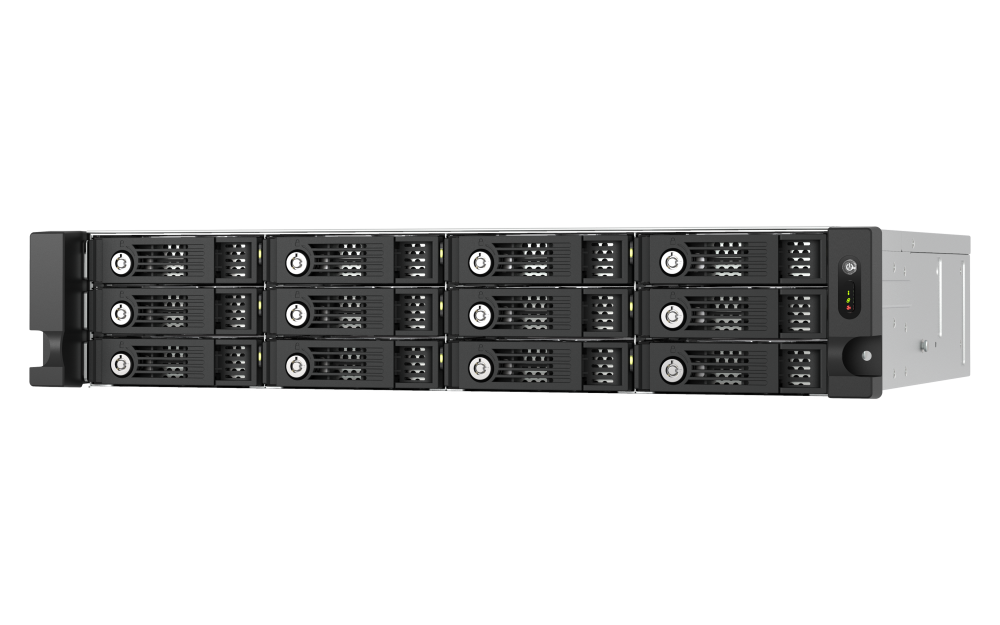
TL-R1200PES-RP
PCIe Interface 12-bay JBOD, supporting SATA drives, for petabyte-scale expansion designed specifically for QNAP NAS



QXP-3X4PES
Use a PCIe Gen 3 x4 card to connect your NAS to TL PCIe Interface JBOD for storage expansion
TL-R1200PES-RP
PCIe Interface 12-bay JBOD, supporting SATA drives, for petabyte-scale expansion designed specifically for QNAP NAS
Optional Accessories
-

CAB-TBT3-0M7
0.7m Thunderbolt3 Type-C 40Gbps passive cable
Dimension (L × W × H): 700 × 12.4 × 6.5 (mm)
Weight: 0.04 (kg)
-

CAB-TBT320M-40G-LINTES (EOL)
- Active Thunderbolt 3 Type-C Data Cable.
- Maximum transfer speed: 40Gb/s.
- Length: 2.0 meters.
- Supports some USB transfer protocols, does not support native DP Alt Mode, USB3.1 Gen1, and Gen2.
Dimension (L × W × H): 10 × 240 × 295 (mm)
Weight: 0.09 (kg)
Active Thunderbolt3 cable doesn’t support native DP alternate mode and USB3.1 Gen1 & Gen2 mode


