


Why does my network expansion card update freeze after a firmware update?
Last modified date:
2024-04-09
Applicable Products
QTS, Network Expansion card
Scenario
After updating the firmware on a NAS without an internet connection, the Network Expansion Card firmware update freezes at 0%.

Solution
After updating the QTS firmware, you need to update the Advanced Network Driver to the same QTS version. This ensures that the expansion card firmware update can complete successfully. Use the following process:
- Reboot the NAS.
The frozen process should be removed. - Download the Advanced Network Driver manually from the QNAP Download Center.
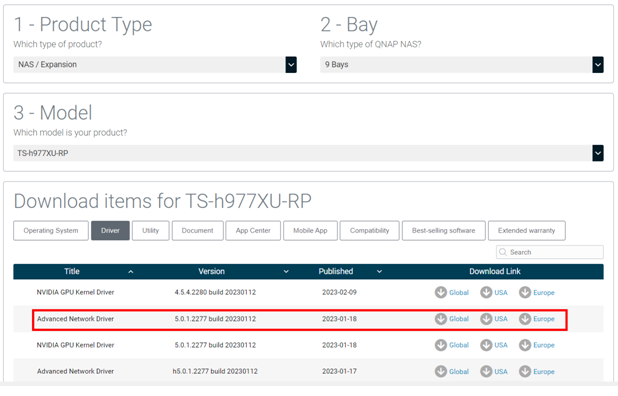
- Sign in to the NAS.
- Open App Center and manually install the drivers.
- Open Network & Virtual Switch.
A prompt displays. - Start the expansion card firmware update again.
For further assistance, ask other users and QNAP experts in the community. Go to QNAP Community


