


Why can’t I enable biometric authentication in Qfile Pro on my mobile device?
Applicable Products
Qfile Pro iOS 4.5.3 or later, Qfile Pro Android 4.5.1 or later
Overview
When you sign in to Qfile Pro using your QID account and try to enable biometric authentication, you may see a message stating that you have reached the device limit for biometric authentication. In this case, you will not be able to enable biometric authentication on the new device. Biometric authentication for Qfile Pro can only be enabled on a maximum number of mobile devices. You will be unable to enable biometric authentication new mobile devices after enabling it on the maximum number of devices.
Solution
To enable biometric authentication on a new device after reaching the maximum number of devices, you must first remove account access for one or more devices from your QNAP account from the QNAP Account webpage.
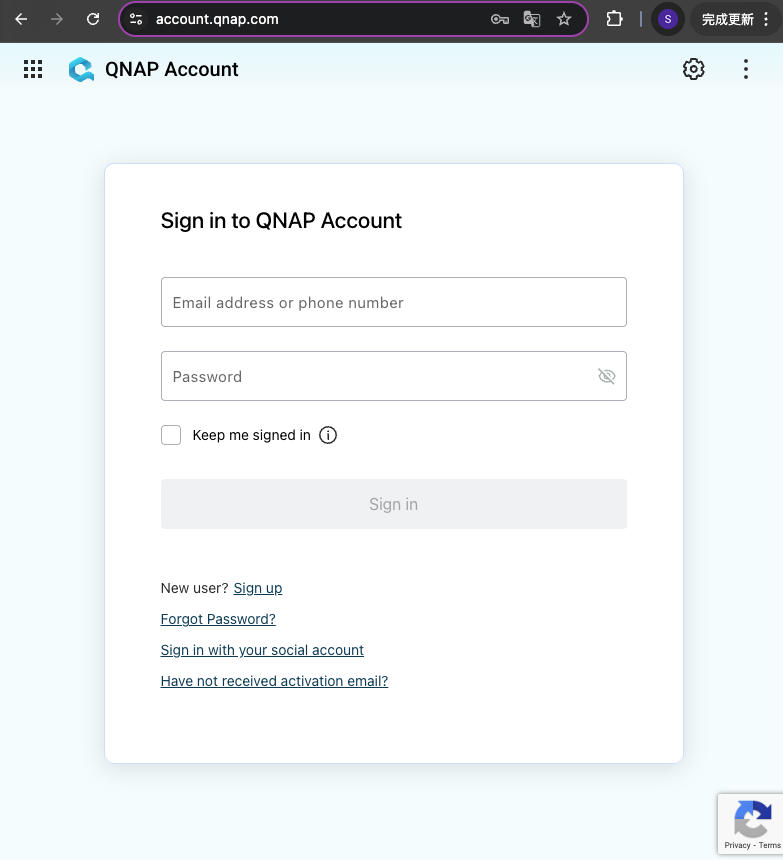
- Sign into your QNAP account via the QNAP Account webpage.
- In the left menu, go to Security.
- Go to the Logged in Devices tab.
- In the Account Access column, click Remove Access.
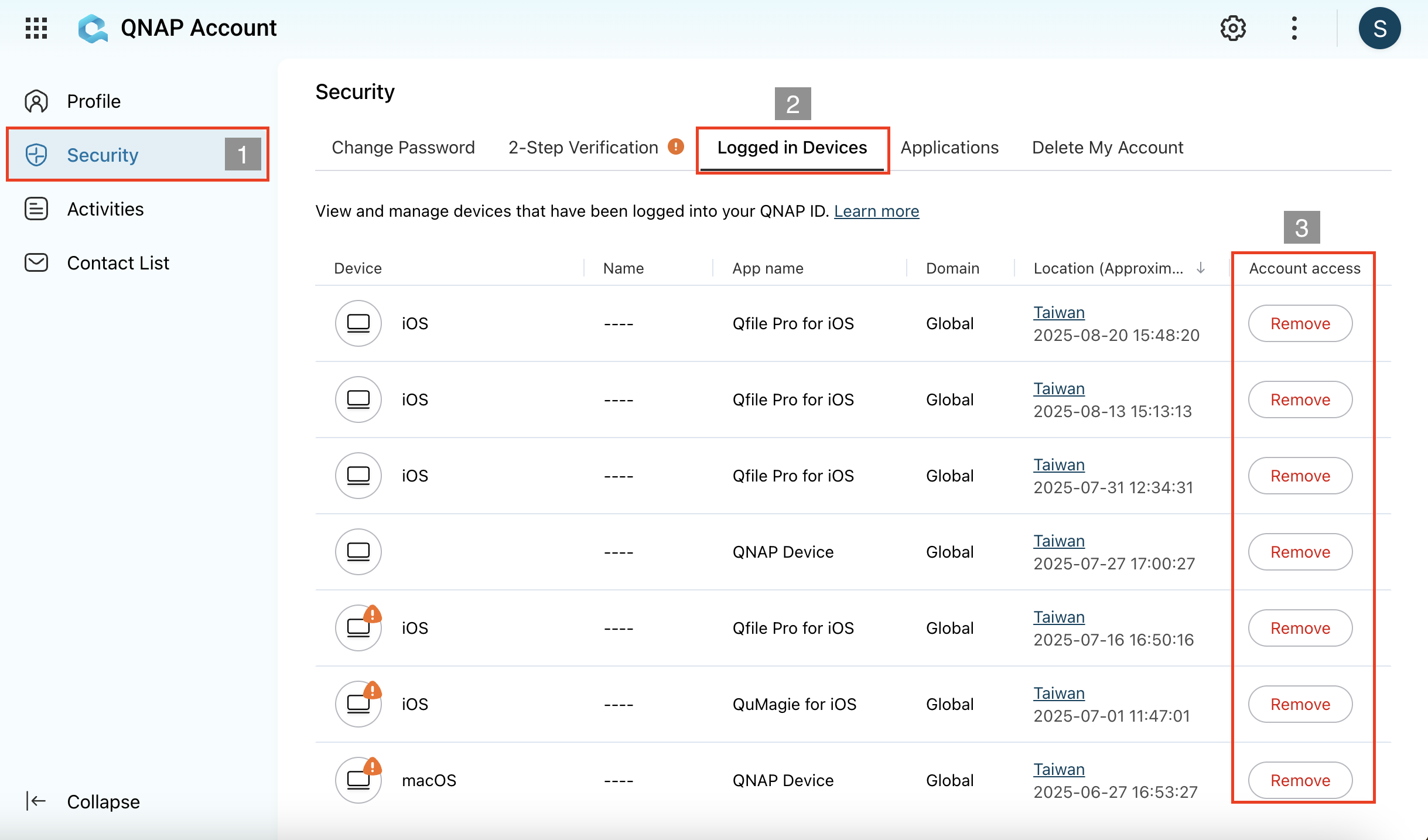
Removing access for a device will log the device out of QNAP Account. You do not need to disable biometric authentication on the device. You can remove a device's account access without having access to the device, if the device is lost or stolen for example.
- On the new mobile device, sign into Qfile Pro, go to Settings > Manage QNAP ID and enable biometric authentication.


