


How to set up a UniFi Controller in Container Station?
Last modified date:
2019-03-27
- Open Container Station, go to the "Create" page and search for “UniFi”.
- Find the “jacobalberty/unifi” image and click “Create”.
- Select the image version and click "Next" to open the "Create Container" configuration wizard.


- Give the container a recognizable name (this example uses "UniFi_Controller") and configure the CPU and memory limits for the container.
- Go to "Advanced Settings" > "Network" and set the container to Bridge Mode.
- Click "Create".


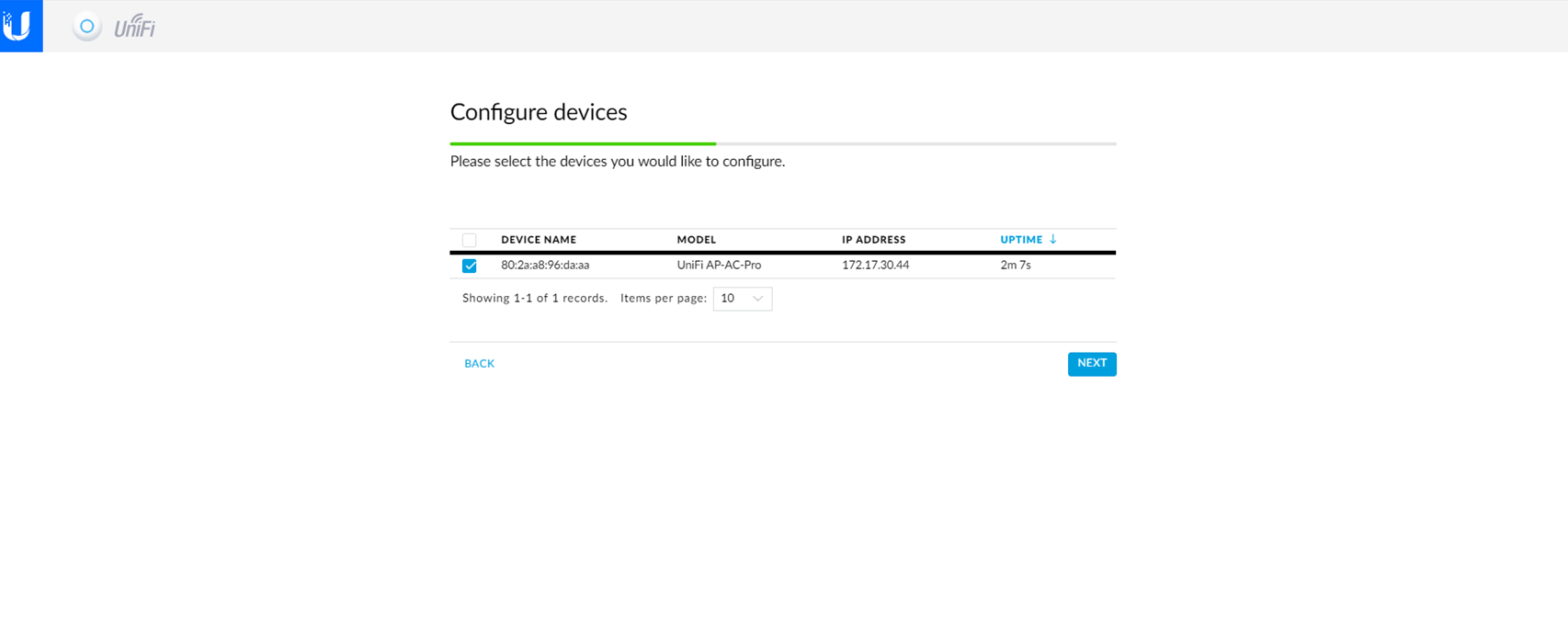
- Go to the "Overview" page and open the UniFi_Controller container. This will start the UniFi Setup Wizard.


- Select the devices to configure and use with your UniFi Controller container.

For further assistance, ask other users and QNAP experts in the community. Go to QNAP Community


