


My device was removed from myQNAPcloud system, how to reactivate?
Last modified date:
2022-03-30
Applied models:
-
All NAS Series
Applied Firmware:
-
All Firmware Version
The customer has received the auto-reply from QNAP as shown on the picture below.
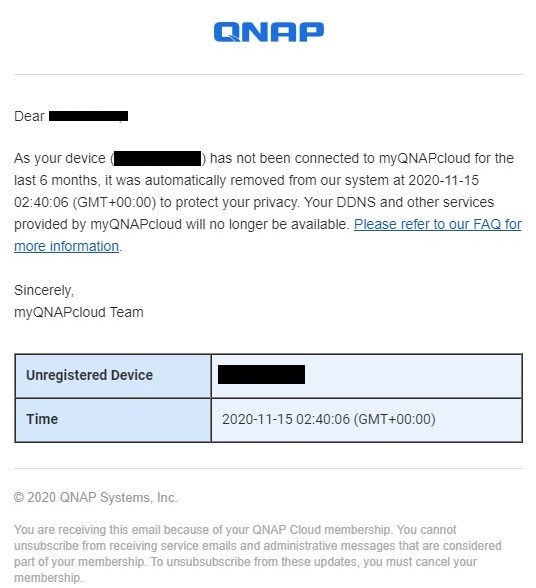
It is informed that his device named XXXXXX, has not connected to the myQNAPcloud for the last 6 months, so it was automatically removed, but what happens if the customer wish to reactivated, well in that case, you may try to login again using the myQNAPcloud account and same device name as used before, and if it is still available, then it will remain with the same name without problems, re-activating it.
For further assistance, ask other users and QNAP experts in the community. Go to QNAP Community


