


How do I find out if my NAS uses an ARM or x86 processor?
Datum poslední úpravy:
2023-01-10
Applicable Products
All NAS Series
Procedure
All Intel and AMD processors are x86.
If you are unsure of what processor your NAS uses, you can check using your NAS or the QNAP website.
Check using your NAS
- Log in to your NAS with an administrator's account.
- Open the Control Panel.
- The CPU is listed in the top section.
Check using the QNAP website
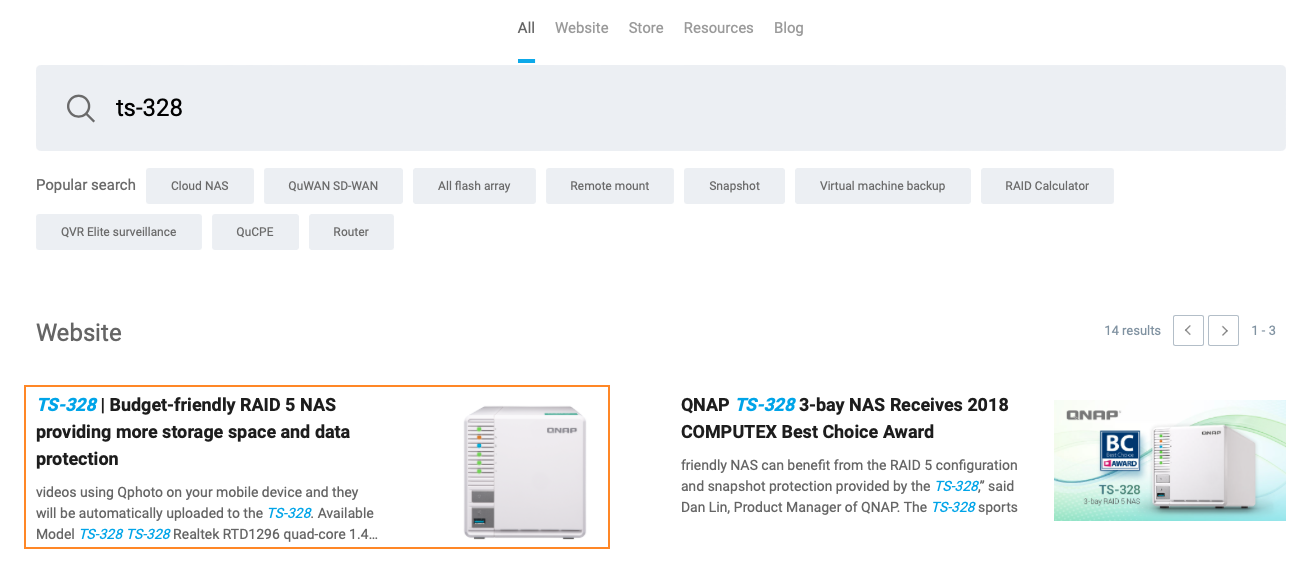
- Click here to go to QNAP Search.
- Search for your NAS model name and select the first result.
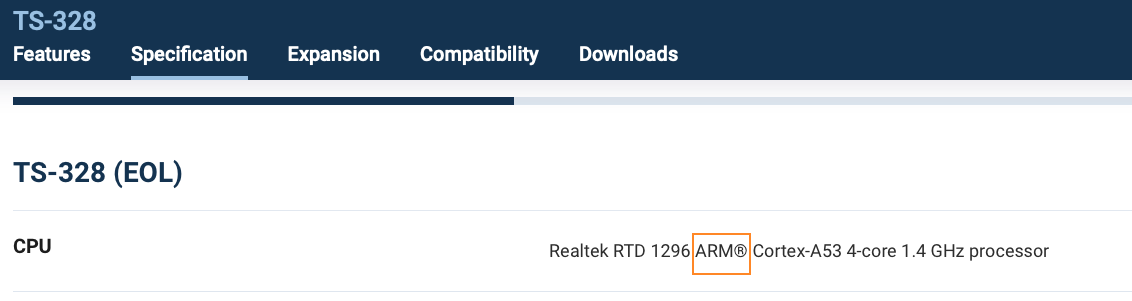
- Go to Specification > Hardware Specs > CPU. The type of processor will be listed.
Pro další pomoc se zeptejte ostatních uživatelů a odborníků QNAP v komunitě. Přejít do komunity QNAP


