


How can I determine whether my NAS uses an ARM or x86 processor?
Last modified date:
2023-01-10
Applicable Products:
- All NAS Series
Follow the steps below to determine the processor type on a QNAP NAS:
- Click here to go to QNAP Search
- Input the NAS model name as the keyword then select the first result
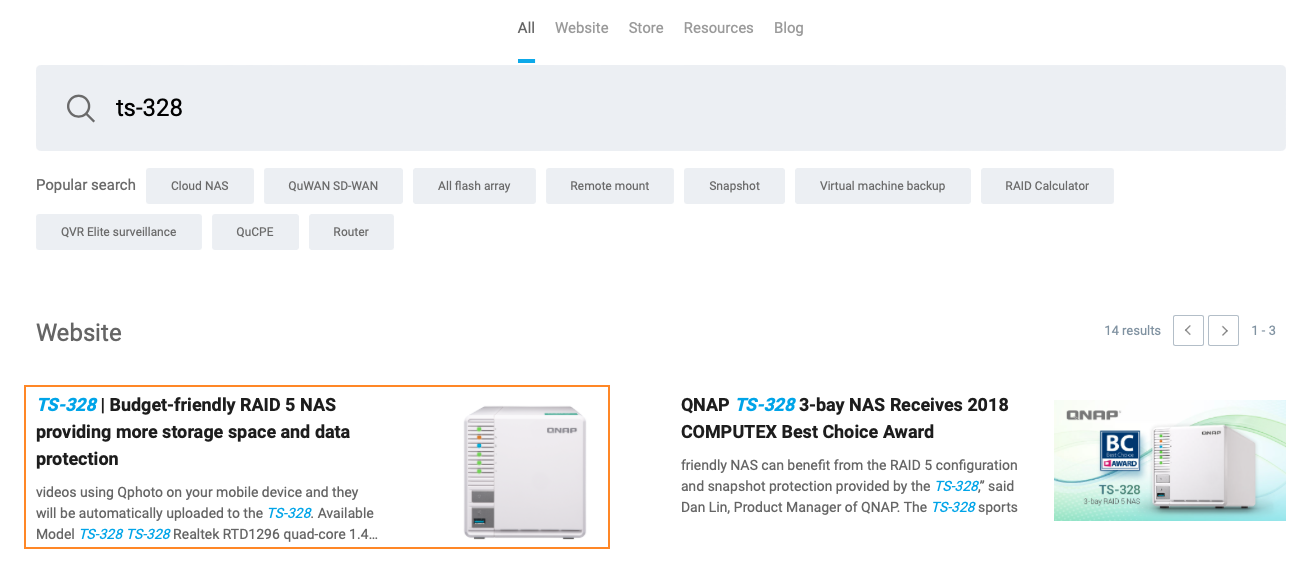
-
Find Specification > Hardware Specs > CPU
-
ARM models will clearly list an ARM processor.
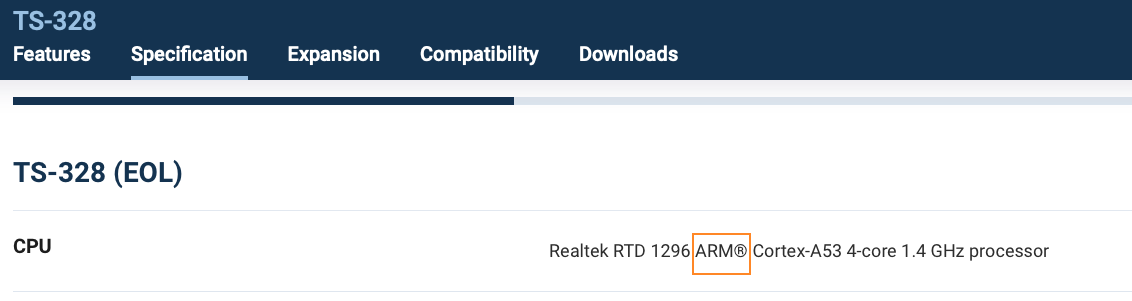
-
x86 models will use Intel or AMD processors.
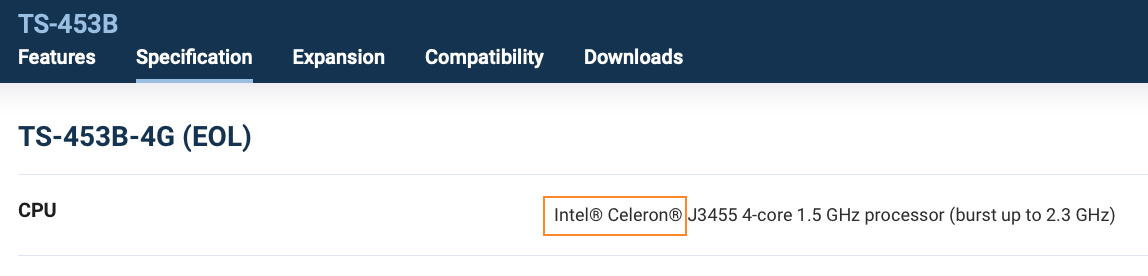
-
Still need help?
Post your question in QNAP Community. QNAP staff and experienced users will reply.


