


How do I get information of denied packets in QuFirewall?
Last modified date:
2023-09-06
Applicable Products
QuFirewall
Details
- Open QuFirewall.
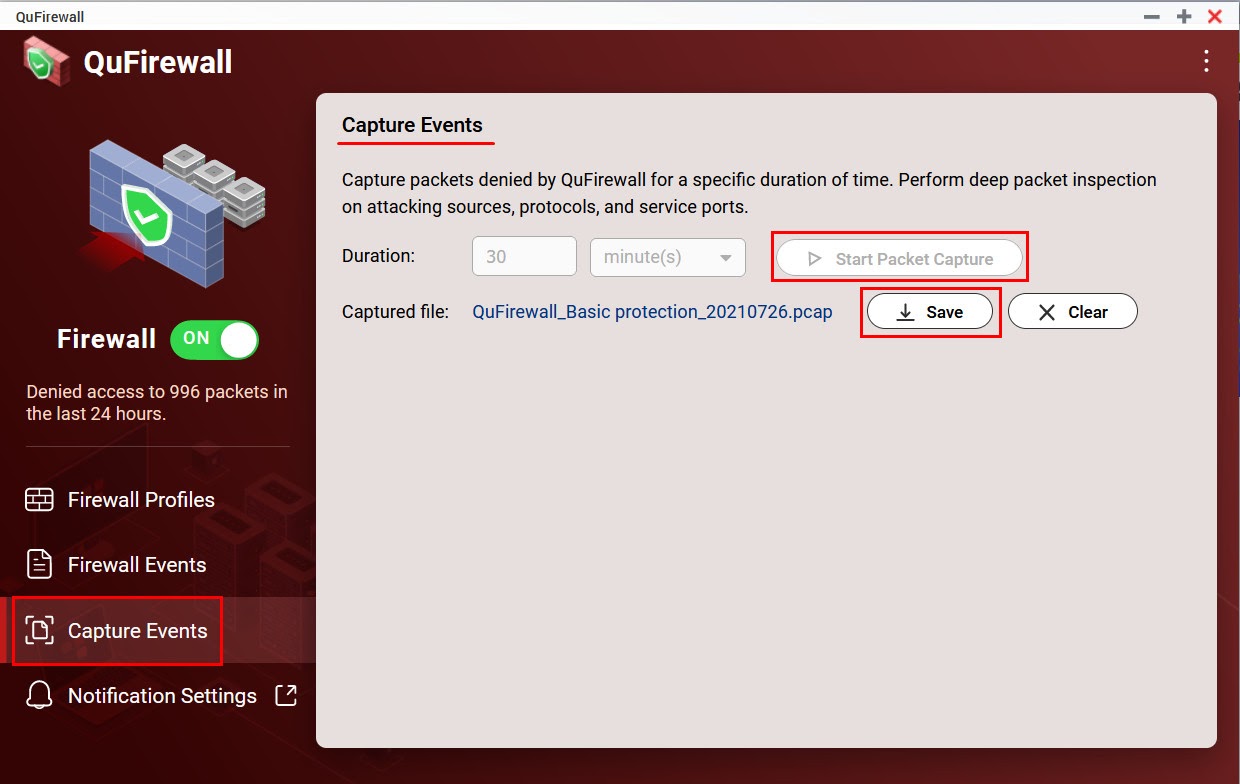
- Go to Capture Events.
- Configure a Duration and click Start Packet Capture.
- Once your specified duration of time has passed, click Save.
- A PCAP file containing the captured packets is downloaded to your device.
Further Reading
For further assistance, ask other users and QNAP experts in the community. Go to QNAP Community


