


Frequently asked questions about HybridDesk Station & HD Player
Datum poslední úpravy:
2023-01-03
Applicable Products
HybridDesk Station, HD Player
How to update Chrome in HD Station?
A Can't update Chrome message displays when updating Chrome in HD station.
To manually update Chrome in HD station, use the following process:
- Log in to HD Station as an admin user.
- Open Chrome and click Reinstall Chrome.
A new browser window opens
- Click Download Chrome.
The Get Chrome for Linux window opens.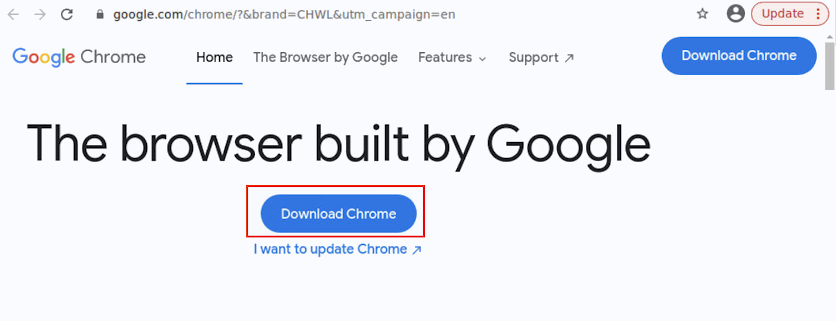
- Select the Debian version.
- Click Accept and Install.
The package download begins.
- After the download completes, open the package.
A terminal window opens. - Enter i and press Enter.
Chrome begins the update.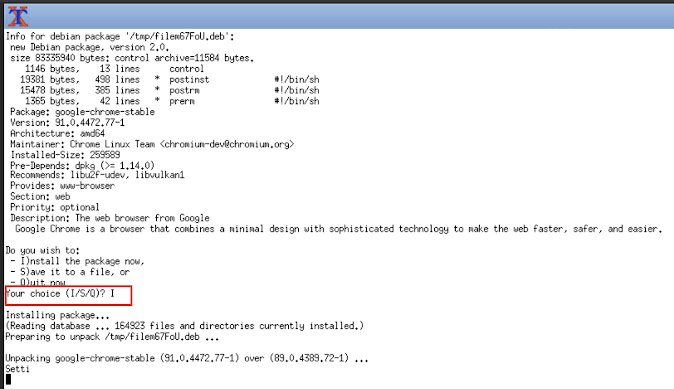
Does HD Player support casting to AirPlay?
HD Player does not support casting to AirPlay.


