


How do I update the firmware and reset the display order for EJ JBODs?
Last modified date:
2018-03-02
The front-panel display indicates the order of EJ JBOD (expansion enclosures for ES NAS).
Users can redetect and reset the displayed numbers by going to "Storage Manager" > "Disks" > "Recover" > "Reinitialize Enclosure ID".
The ES NAS checks for EJ JBOD firmware updates after it reboots. These firmware updates are automatically applied.
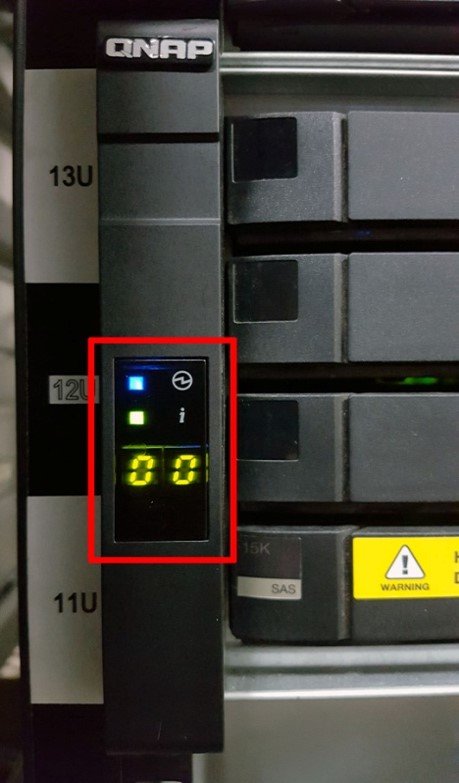
The front-panel display indicates the order of this EJ JBOD.
Để được hỗ trợ thêm, hãy hỏi những người dùng khác và chuyên gia QNAP trong cộng đồng. Đến Cộng đồng QNAP


