


How do I update the firmware and reset the display order for EJ JBODs?
최신 업데이트일:
2018-03-02
The front-panel display indicates the order of EJ JBOD (expansion enclosures for ES NAS).
Users can redetect and reset the displayed numbers by going to "Storage Manager" > "Disks" > "Recover" > "Reinitialize Enclosure ID".
The ES NAS checks for EJ JBOD firmware updates after it reboots. These firmware updates are automatically applied.
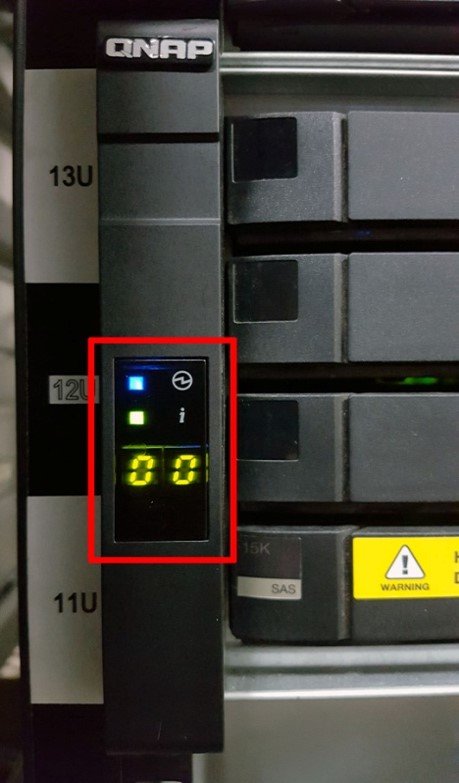
The front-panel display indicates the order of this EJ JBOD.
추가 도움이 필요하시면 커뮤니티에서 다른 사용자 및 QNAP 전문가에게 문의해 보세요. QNAP 커뮤니티로 이동


