


Why I am getting an error “Unable to retrieve the WOPI URL” when opening the MS Office files in the File Station of NAS?
Applicable Products:
- File Station
An error appeared “System Message, Unable to retrieve the WOPI URL” when editing an MS Office File from File Station.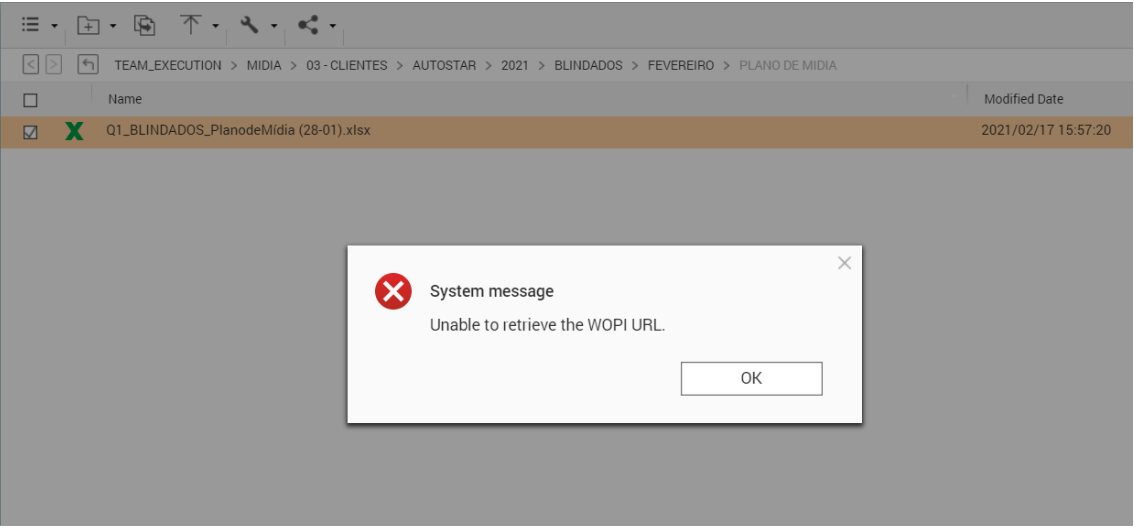
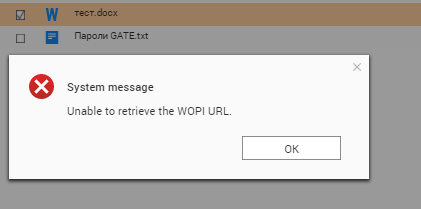
This indicates that NAS primary DNS server is not able to resolve the “qct.api.myqnapcloud.com"
Troubleshooting:
Ensure the Network & Virtual Switch has WAN IP address or internet access.
Try to use the Google DNS server 8.8.8.8 as Primary DNS server of the NAS.
Check if the myQNAPcloud Link status or service in myqnapcloud is enable or no error.
Check the NAS if able to resolve the qct.api.myqnapcloud.com.
Login to the NAS SSH environment using an admin or administrators account.
Execute below command
[~] # nslookup qct.api.myqnapcloud.com <dns_server_ip></dns_server_ip>(for example: nslookup qct.api.myqnapcloud.com 8.8.8.8)
If issue still persists even qct.api.myqnapcloud.com able to be resolved, please contact QNAP Support.
További segítségért kérdezze meg a többi felhasználót és a QNAP szakértőit a közösségben. Irány a QNAP közösség


