QBelt service crash on Windows 11
Date de la dernière modification :
2022-10-24
Applicable Products
QVPN (QBelt client)
Windows 11 with Intel Connectivity Performance Suite Program
Root Cause
Intel Connectivity Performance Suite application causes the QBelt services to crash.
Solution
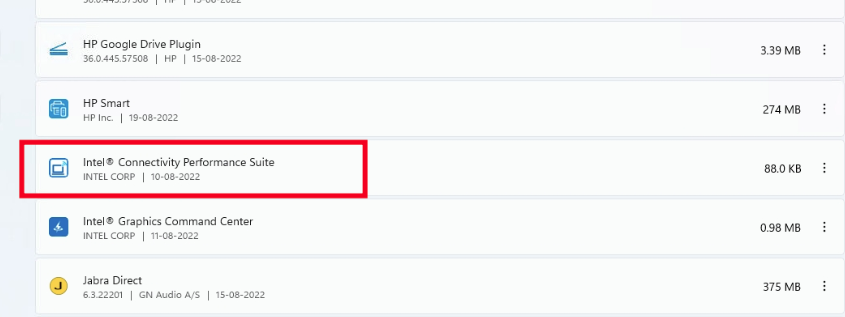
Uninstall the Intel Connectivity Performance Suite to ensure that the QVPN application will be able to connect to the NAS.
1. First, stop the Intel Connectivity Performance Suite application in the Task Manager

2. Then go to Windows Control Panel > Programs and Features > Add or Remove Programs, locate the Intel Connectivity Performance Suite, and uninstall it.