


Allow/Deny List is empty however the NAS reported that some IPs are blocked to access
Last modified date:
2022-12-21
Applied models:
Applied Firmware:
After configured a rule to block IPs for some services (FTP, SMB, …) when failed login attempts multiple times. 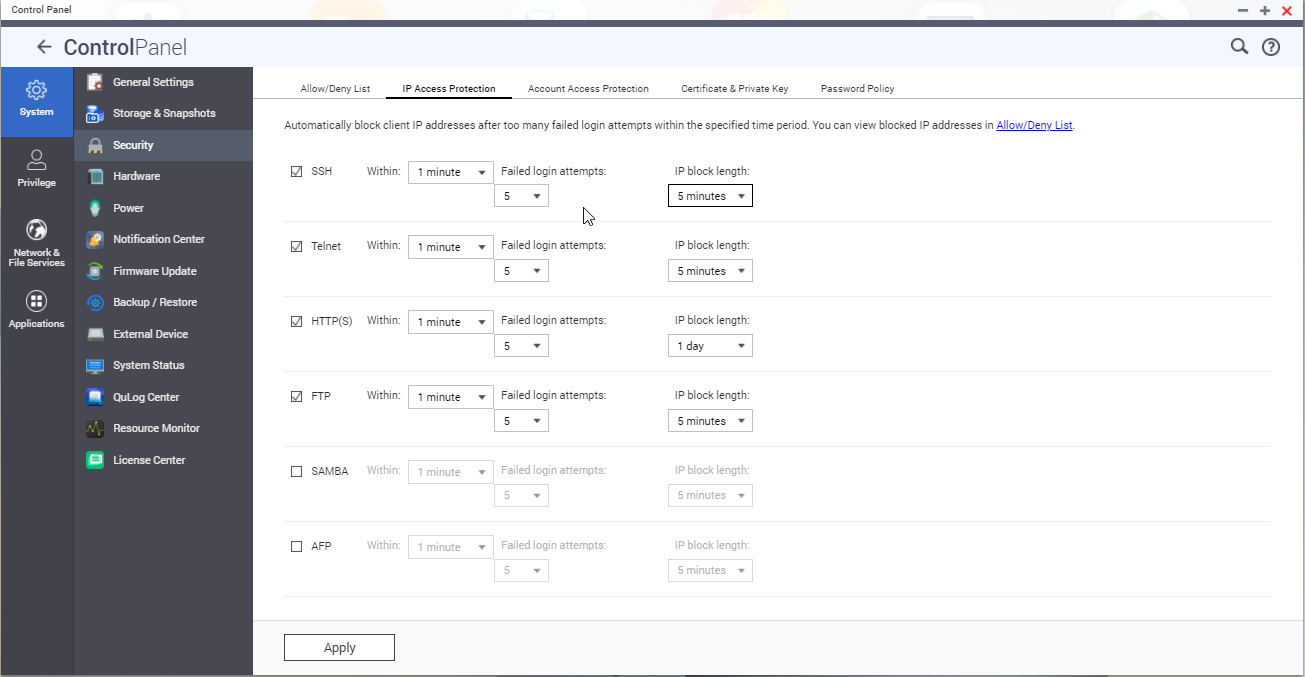
But however, some IPs already reported as blocked the list of blocked ip is empty.
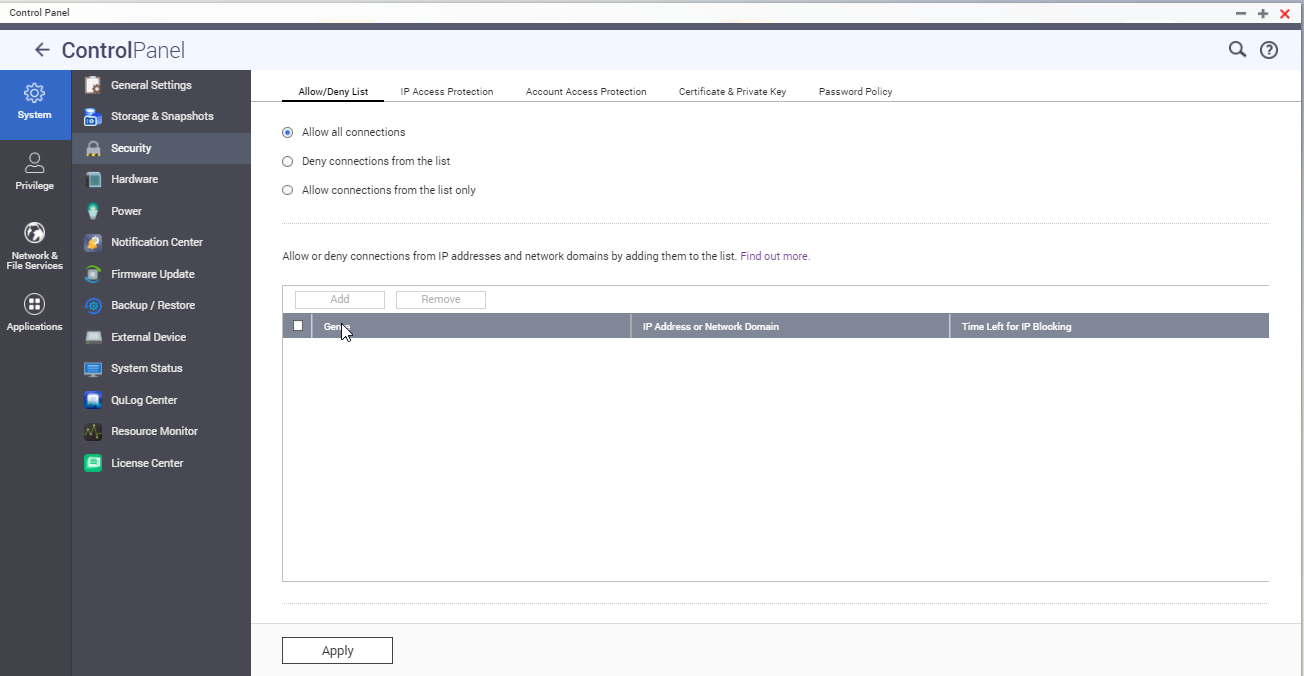
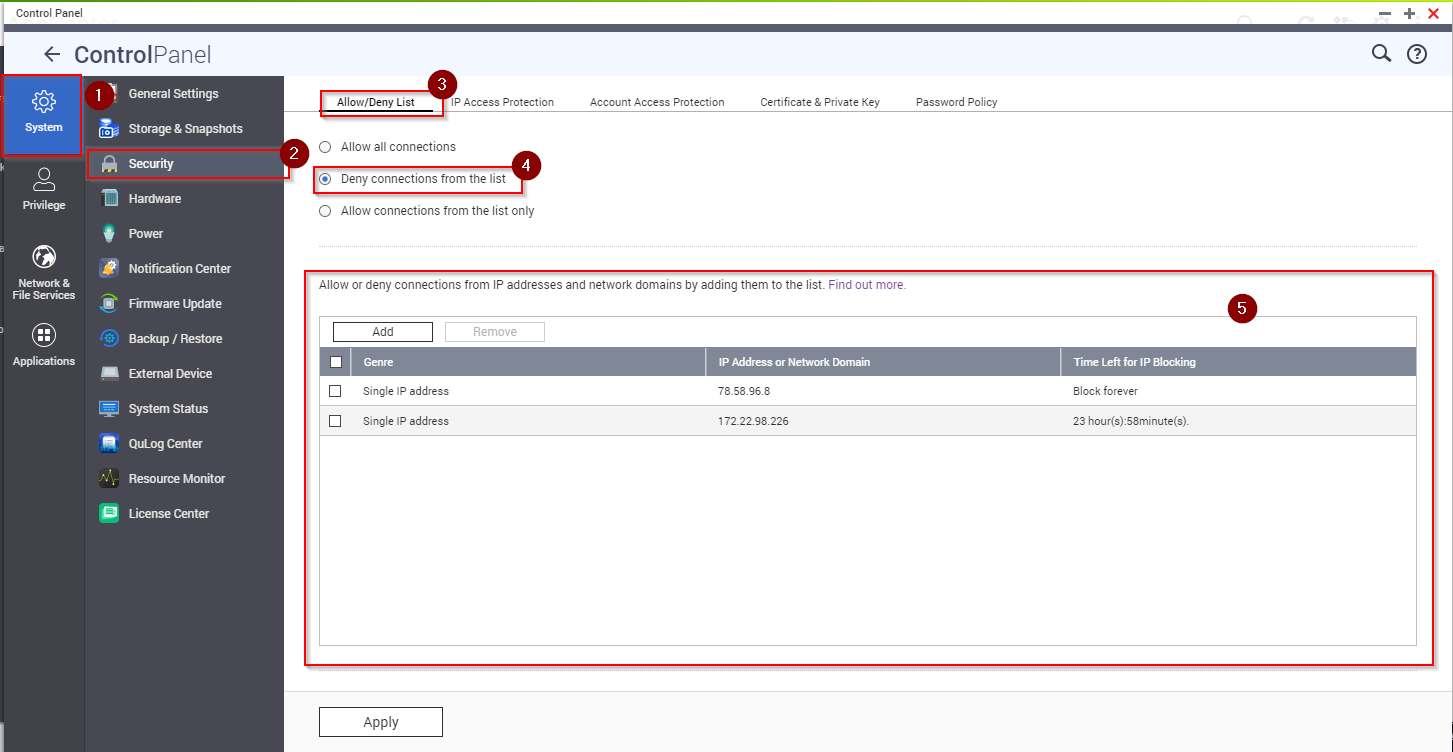
To see the blocked list, you have to go to “Control Panel > System > Security > Allow/Deny list” and then select “Deny connections from the list” and the blocked Ips will appear in the list.
For further assistance, ask other users and QNAP experts in the community. Go to QNAP Community


