


Creating a myQNAPcloud Account
Last modified date:
2022-03-30
myQNAPcloud provides you with remote access to your QNAP NAS. With myQNAPcloud, even when you are away from the home or office, you can still easily access, manage, and share files stored on your NAS.
Create an account to start using myQNAPcloud.
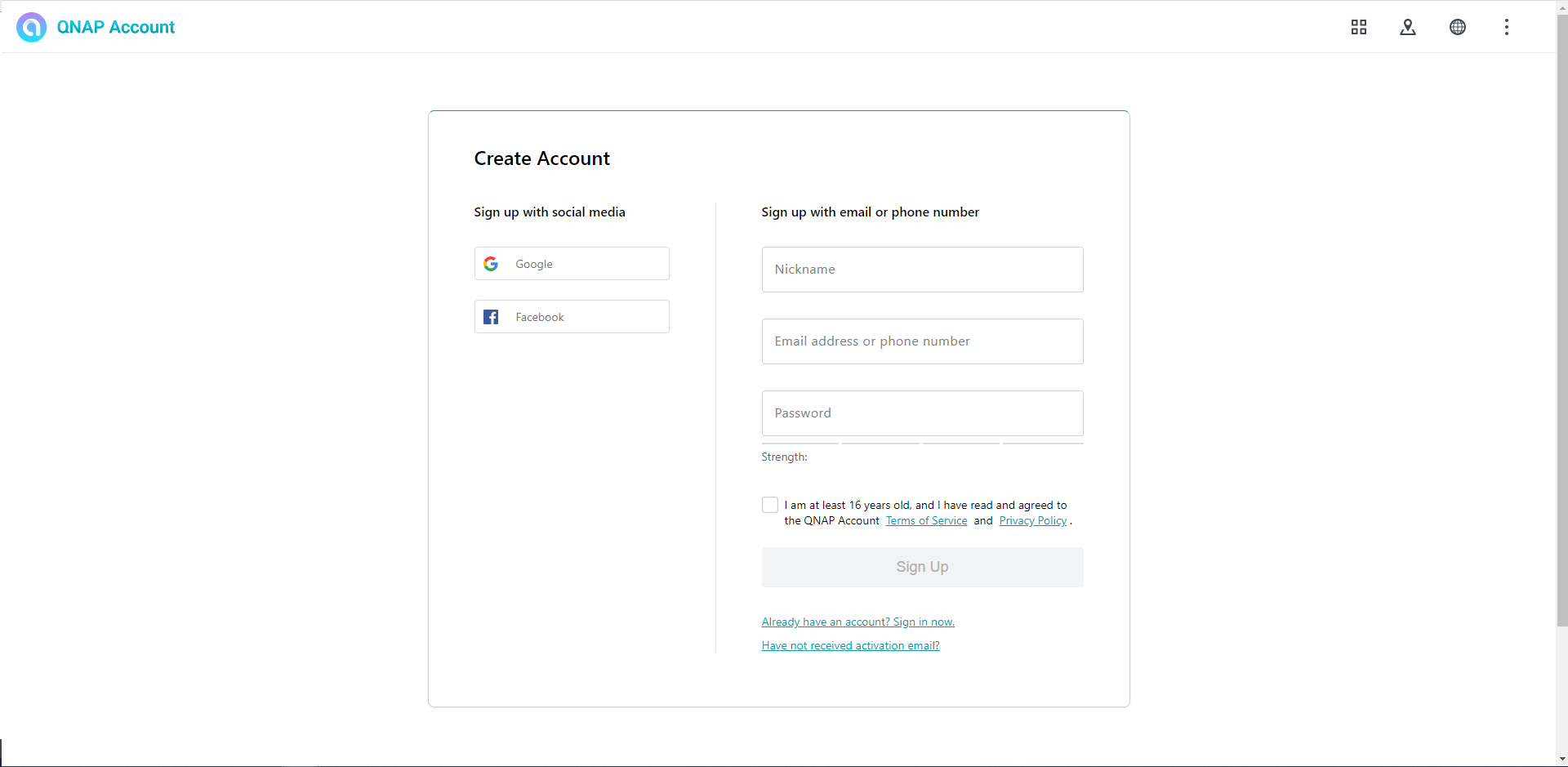
- Go to https://www.myqnapcloud.com.

- Under Sign up with email, specify the required information.
 Tip:
You can also sign up for an account using your Facebook or Google account.
The myQNAPcloud account is created.
Before you can start using myQNAPcloud, you must first verify your account. Check your email for the confirmation message and then click Confirm Registration.
Bạn vẫn cần hỗ trợ?
Hãy đăng câu hỏi của bạn trong Cộng đồng QNAP. Nhân viên QNAP và những người dùng giàu kinh nghiệm sẽ trả lời.


