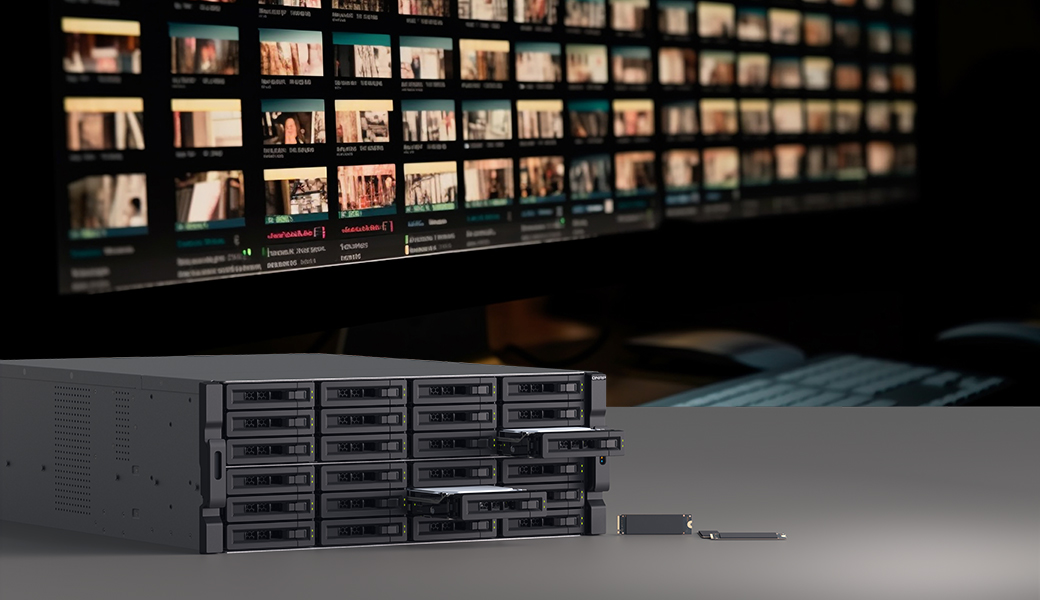
Best Storage for Video Production
Streamline film production workflow from on-set footage to post-production.
Unrivaled Storage Solution
from Production to Archive.
-
On-set
A lightweight portable NAS that accelerates on-location import/backup of footage and securely stores it with RAID protection.
-
Editing
Ultra-fast all-flash NAS and 10/25/100GbE network switch delivers superior performance and reliability over traditional USB hard drives, making centralized storage a more efficient solution.
-
Rendering/VFX
SSD caching is essential, especially for VFX work, that dramatically accelerates the rendering process and saves time and effort. Learn more
-
Storage & Backup
Various SSD/HDD NAS models with different form factors and connection speeds are available. Benefit from automated backups, multi-version protection, and secure offsite backup. Learn more
-
Archiving
Store and easily access archived projects with high-density JBODs or LTO drives. Learn more
Coming Soon
FileTiers:
Automated File Tiering Across On-prem and Cloud
All data has a lifecycle. QNAP helps you automatically tier data based on access patterns, improving storage efficiency.
Fully Compatible with Editing Software
Compatible with popular NLE (Non-Linear Editing) software such as Adobe Premiere Pro®, Apple Final Cut Pro®, and Blackmagic DaVinci Resolve®.
-
QNAP is an official Adobe® Partner for video and audio solutions. Learn more
-
Supports multi-user collaboration with DaVinci Resolve Studio and Adobe Premiere Pro®. See FAQ
Why Choose QNAP for Your Studio NAS
-
RAID protection
No need to worry about data loss due to drive failure. Learn more
-
World support
Get global support from QNAP's technical and service teams.
-
Scalability
QNAP NAS supports storage expansion with JBOD enclosures. Learn more
-
High-speed I/O
QNAP NAS models come with Thunderbolt™, 25GbE, 10GbE, 2.5GbE, or USB 4 ports.
-
Compatibility
Fully compatible with Windows® and macOS®. Access NAS folders like local ones.
-
Access control
Multiple users can access files simultaneously. Folder-level permission settings keep data secure.
Fast and Smooth. Connect All Teammates
-
Networking switch
Connect your teammates with stable, high-speed switches offering higher switching capacity. Available in 100GbE, 25GbE, 10GbE, and 2.5GbE for optimal performance. Learn more
-
Adaptor & expansion card
Easily boost network speed or add extra SSD slots with an expansion adapter or network card. Learn more
-
Recommended
100GbE Switch. Best for media teams
Install a 100GbE switch as backbone networks and resolve network bottlenecks, improving production efficiency. Explore now
Use Scenarios
See how QNAP improves collaboration across different workflows.
-
>10 Users
Collaboration, storage, and backup for multi-workstation editing teams.
-
>25 Users
Low-latency all-flash storage for high-resolution video workflows.
-
<10 Users
Compact high-performance NAS for Thunderbolt™ Mac-based teams.
-
On-set
On-site DIT and post-production with Thunderbolt™ 4 NASbook.
-
Solo Creator
Dedicated, high-capacity storage with fast connectivity for individuals.
>10 Users
Collaboration, storage, and backup for multi-workstation editing teams.
- Simultaneous access and online editing for multiple editors using multiple workstations.
- Requires backup for large video files and effective version control.
- Office has space for a small server room.
>25 Users
Low-latency all-flash storage for high-resolution video workflows.
- Professional studios working with 8K footage that require maximum bandwidth and connectivity.
- Workstations are mostly non-Mac® systems.
- Online post-production editing is critical; storage capacity is less of a concern.
<10 Users
Compact high-performance NAS for Thunderbolt™ Mac-based teams.
- Suitable for compact office layouts with independent workstations.
- Workstations are primarily Mac® systems with Thunderbolt™ support.
- Teams require online post-production editing.
On-set
On-site DIT and post-production with Thunderbolt™ 4 NASbook.
- DIT imports footage from camera memory cards to a Thunderbolt™ 4 NASbook for transcoding.
- Stores RAW files, while smaller proxies can be shared with remote teams or saved to QNAP DAS for later use.
- Basic editing can be done on-site via Thunderbolt™ 4.
Solo Creator
Dedicated, high-capacity storage with fast connectivity for individuals.
- Offers 2.5GbE or faster (5/10GbE) network access.
- Multiple NAS units can be mounted and synced across the office.
- 10GbE switch supports high-speed transfers for efficient solo workflows.
Easily Archive. Large-scale or Long-term
Keep your projects safe for the long run. QNAP NAS offers flexible archiving options:
- High-density JBOD: Scale up to 5 PB with SATA, SAS, and PCIe support. Learn more
- LTO tape: Works with external LTO drives, including UNITEX USB-connected models for easy setup. Learn more
Customer Success Stories
-
Academy of Motion Picture Arts and Sciences
We've completely streamlined our workflow—loading films directly onto the NAS and delivering them seamlessly to projectors. No more physical hard drives, no more delays. Everything just works.
- Ryan Carpenter - Director, Projection Engineering
-
Reno Studios
VFX work demands massive capacity, ultra-fast access, and seamless workflows. QNAP eliminated our key bottlenecks, enabling our team to focus on creativity. The productivity gains have been remarkable.
- Tomi Kuo, VFX Supervisor & CEO
-
SAMG Entertainment
Thanks to the TS-h3087XU-RP, our studios around the world can access the same projects and assets in real time, allowing our creative teams to focus entirely on storytelling and visuals.
— Sunghyun Cheon, Deputy General Manager
Contact us
Our media workflow specialists are here to help you build the right storage and collaboration environment for your production needs — from editing suites to on-set backup.
FAQ
Yes. With sufficient network bandwidth and SSD performance, multiple editors can work on the same QNAP NAS simultaneously without performance bottlenecks, using 10/25GbE or Thunderbolt™ connections to edit directly from shared media.
It depends on the workflow. HDDs are well suited for storing large volumes of media and backups, while SSDs are better for real-time editing, playback of high-resolution 4K+ footage, and multi-track or multi-camera editing. QNAP NAS systems support HDDs with SSD cache or all-flash configurations, allowing creators to balance performance and cost based on actual production needs.
Yes. A QNAP NAS can be mounted on macOS® via SMB (SMB3 recommended) or NFS and used as the media storage location for Final Cut Pro®. Read the tutorial >
With Thunderbolt™ connectivity, editors can access media on the NAS directly from their Mac, edit in Final Cut Pro®, and write projects back to the NAS in real time. This provides near–local disk performance while keeping media centrally managed. Learn more >
Yes. QNAP NAS can serve as the central media storage for DaVinci Resolve Studio® collaboration environments, allowing editors, colorists, and audio professionals to access the same media simultaneously. Read the tutorial >
Yes. Adobe Premiere Pro® can edit high-resolution media directly from QNAP Thunderbolt™ or 10/25GbE NAS systems with smooth multi-track 4K/8K performance. Read the tutorial >
QNAP NAS uses snapshots and access control to protect against accidental deletion or overwriting. With QuTS hero NAS, ZFS-based data integrity and WORM (Write Once, Read Many) further prevent media files from being altered during retention, making it suitable for long-term preservation of original footage and critical project versions.