


How do I install and configure an M.2 SSD as the system drive on my new NAS and migrate the storage pool from my old NAS?
Last modified date:
2026-01-13
Applicable Products
- TS-451+
- TS-464
- QTS 5.2.x
- Other NAS models listed as compatible migration pairs in the QNAP NAS Migration Compatibility List
Scenario
I have purchased a new TS-464 NAS with onboard M.2 slots. I would like to install an M.2 SSD and configure it as the system drive. Afterwards, I want to migrate the RAID 5 storage pool from my old TS-451+ NAS to the TS-464.
Procedure
Notice:
- Ensure that both your source (TS-451+) and destination (TS-464) NAS are running the same or compatible QTS firmware versions before starting the migration. This helps prevent compatibility issues during the migration process.
- Always back up all important data before performing any migration or hardware changes to avoid potential data loss.
Step 1: Install the M.2 SSD and initialize the TS-464 NAS
- Physically install the M.2 SSD into the onboard M.2 slot of the TS-464 NAS.
- Power on the TS-464 NAS without any 3.5-inch drives installed.
- Follow the QTS initialization wizard to set up the NAS using the M.2 SSD as the system drive.
- Complete the setup and ensure the system is running normally on the M.2 SSD.
Step 2: Prepare the RAID 5 disks for migration
- Shut down your old TS-451+ NAS safely.
- Remove all four RAID 5 disks from the TS-451+ NAS.
- Label the disks in the order they were installed to preserve the RAID configuration.
Step 3: Migrate the RAID 5 storage pool to TS-464 NAS
- Shut down the TS-464 NAS.
- Insert the four RAID 5 disks into the 3.5-inch drive bays of the TS-464 NAS in the same order as in the TS-451+ NAS.
- Power on the TS-464 NAS.
- In Storage & Snapshots > Storage > Disk/VJBOD, ensure all inserted disks are detected.
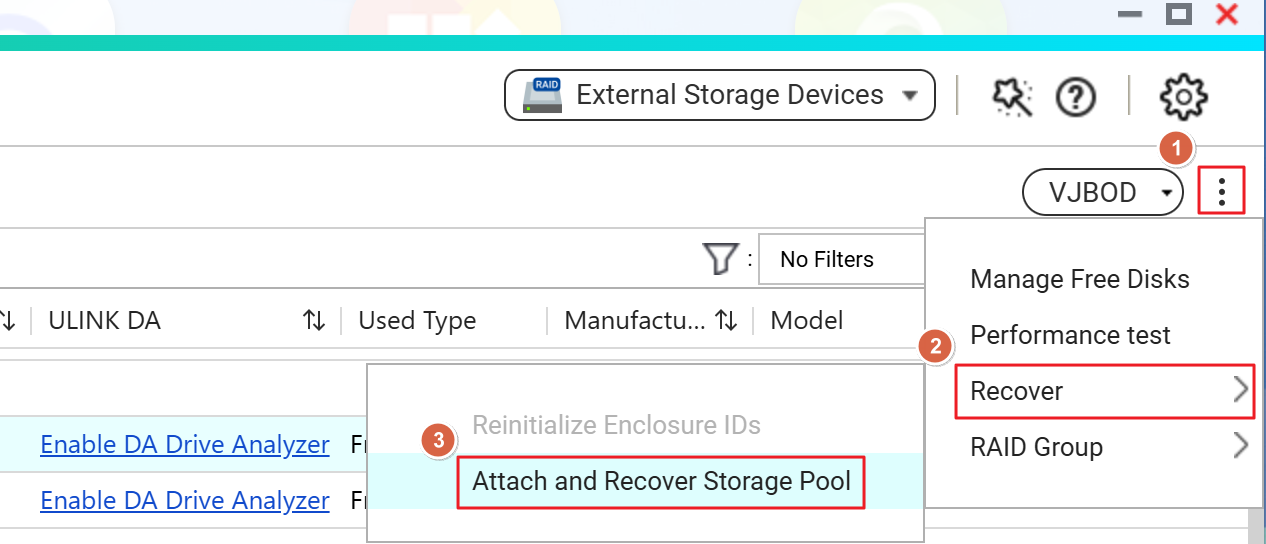
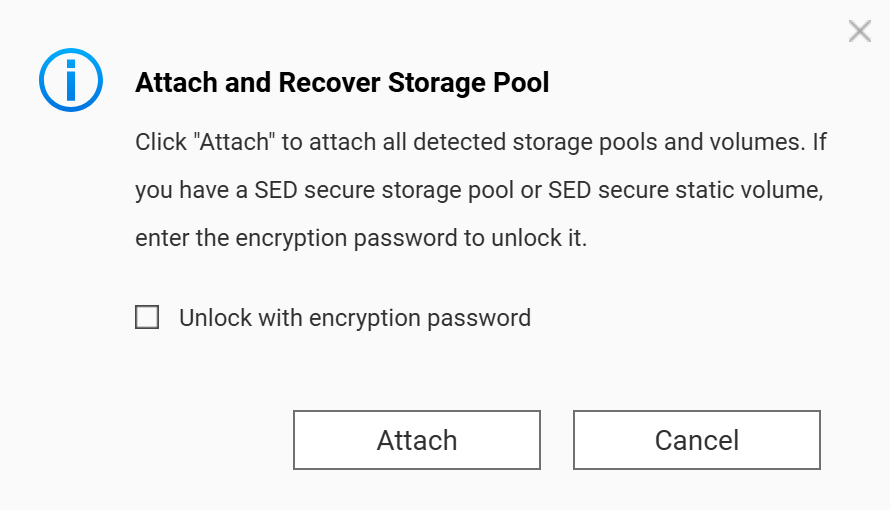
- Click the 'More' icon (three vertical dots) at the top right. Select Recover > Attach and Recover Storage Pool to start the pool recovery.
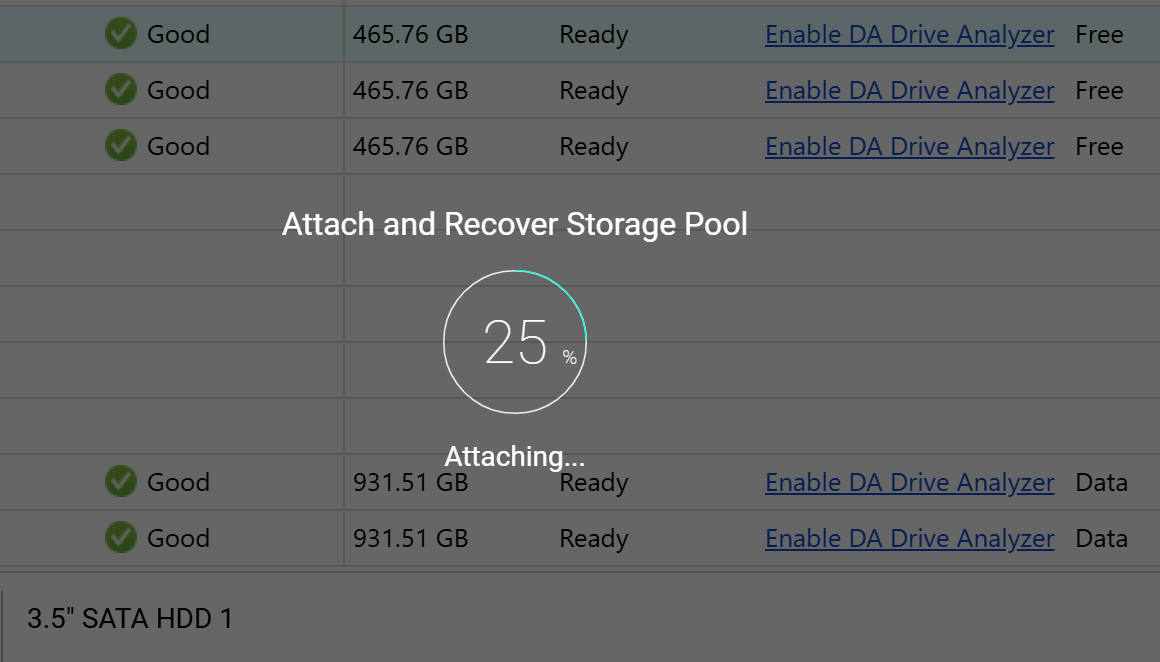
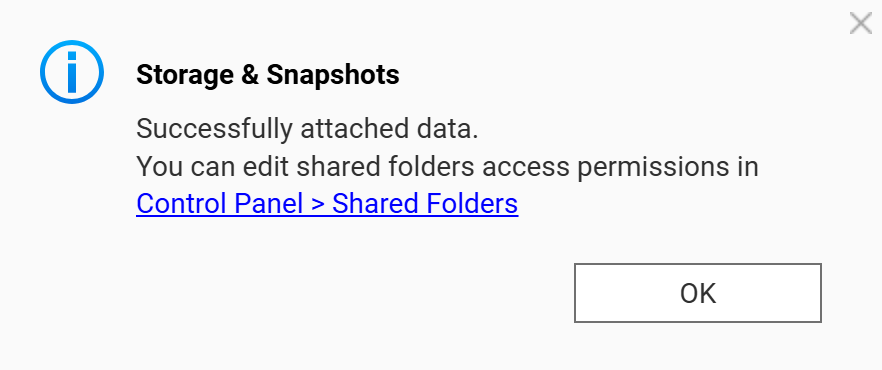
- Follow the on-screen instructions to complete the migration.
Limitations
- Migration of system volumes and storage pools between different NAS models may have compatibility limitations.
- If the RAID pool is not recognized, do not initialize the disks⎯this will erase your data.


