NAS Storage Management
Manage storage, snapshots, and drive health monitoring with minimal efforts.
Storage & Snapshots empowers your storage management
‘Storage & Snapshots’ is the built-in application for managing storage and snapshots of QNAP NAS. It provides an intuitive interface for you to efficiently create NAS storage spaces, configure RAID and storage pools, set up SSD caching, expand storage capacity, and enable snapshot protection and restoration, keeping your stored data safe and sound.
-
Storage management
-

SSD caching
-
Storage expansion
-

Snapshot protection
-
Drive health monitoring
Kickstart your QNAP NAS experience: Create storage space first
Before you start, here are some basics you need to know about storage.
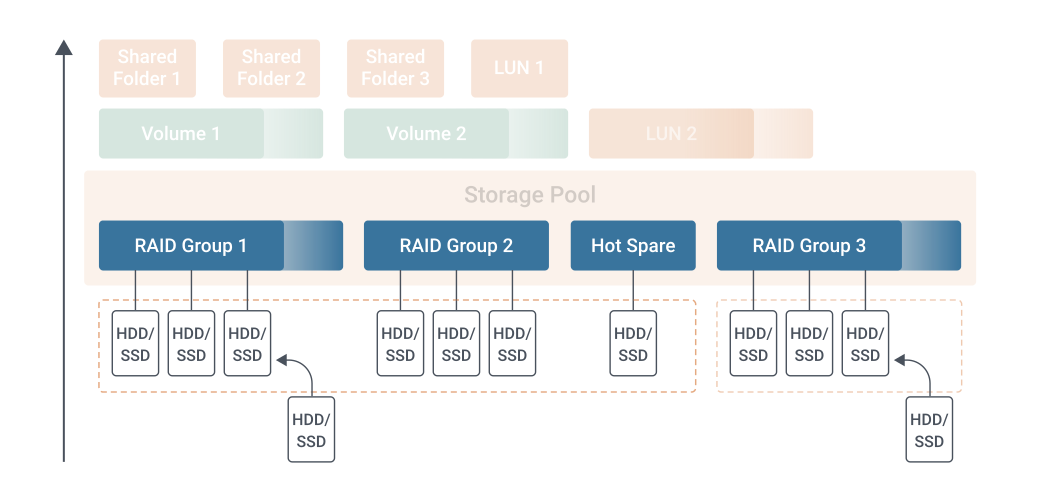
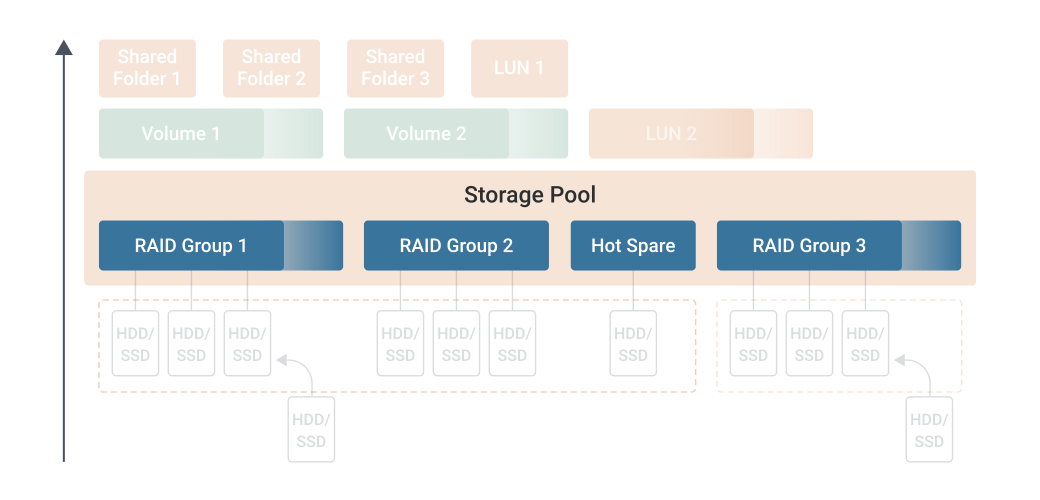
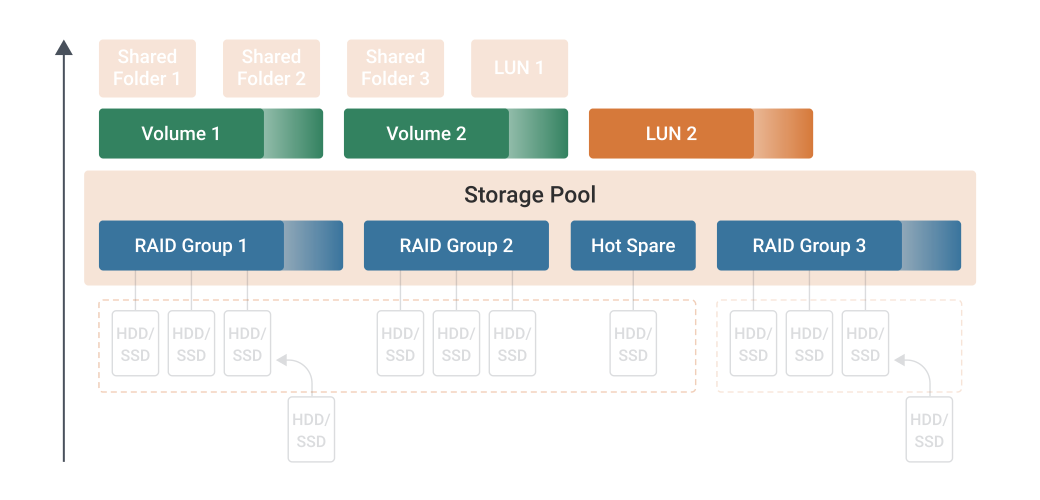
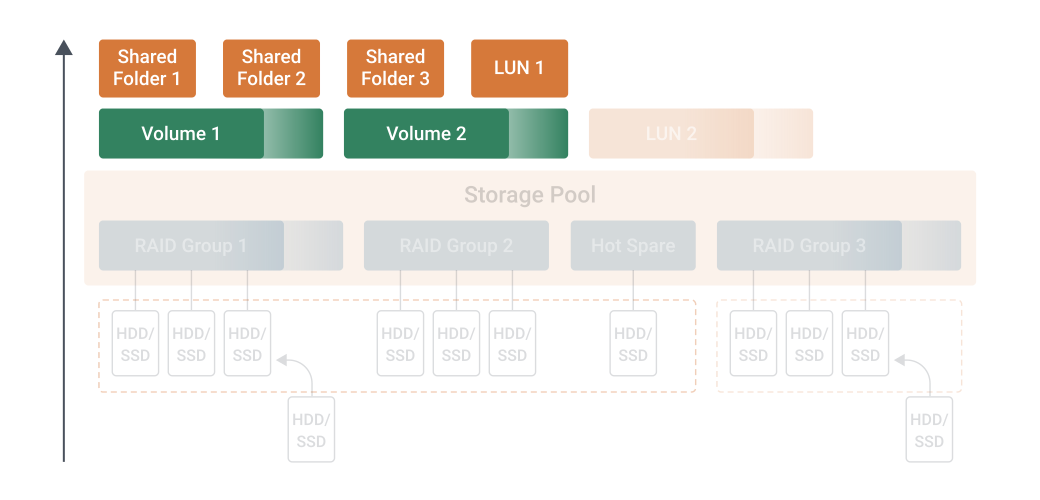
Flexibly manage NAS storage space
Easily monitor the status of HDDs and SSDs; check space utilization and types of storage pools, volumes, and LUNs.
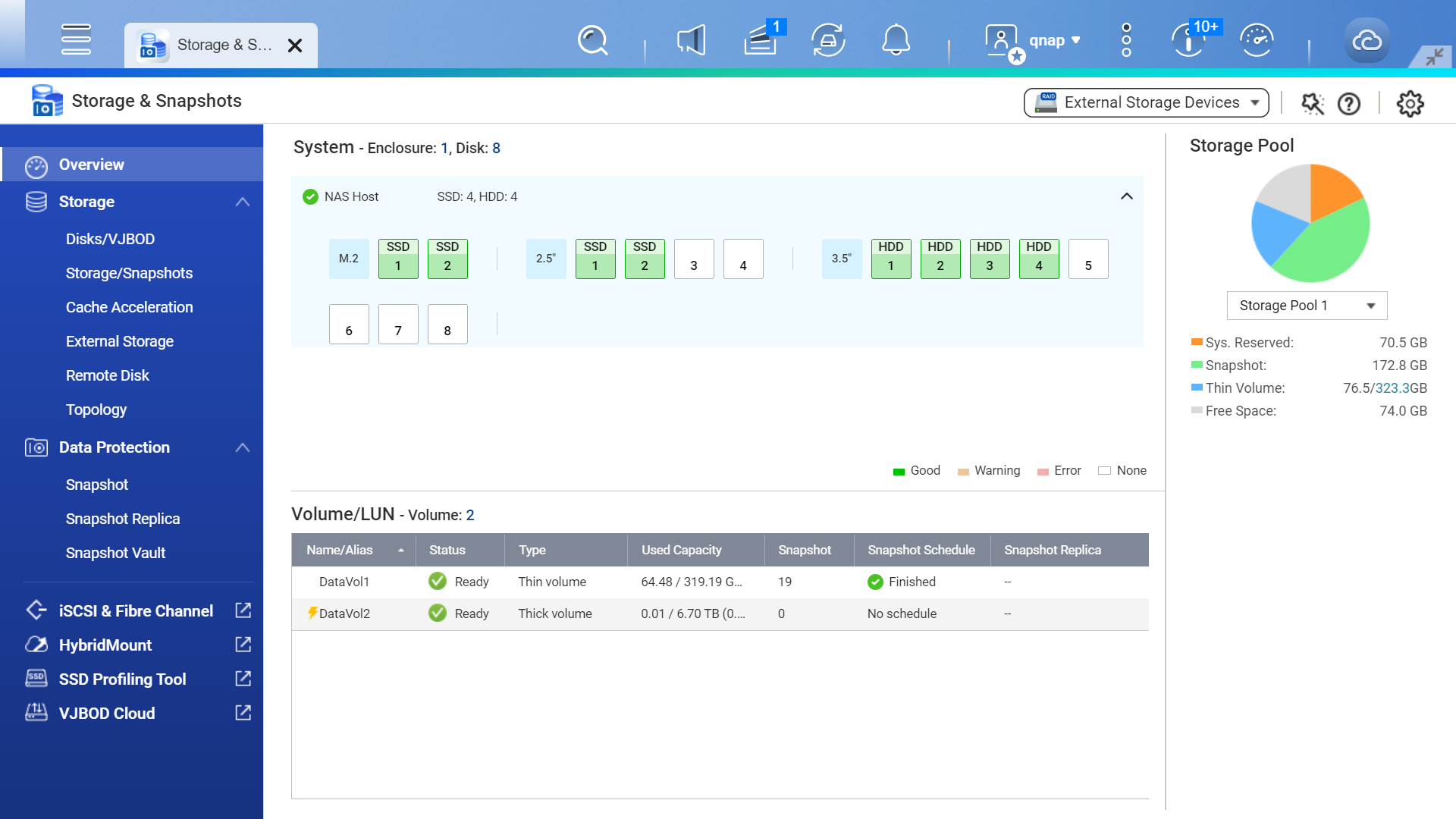
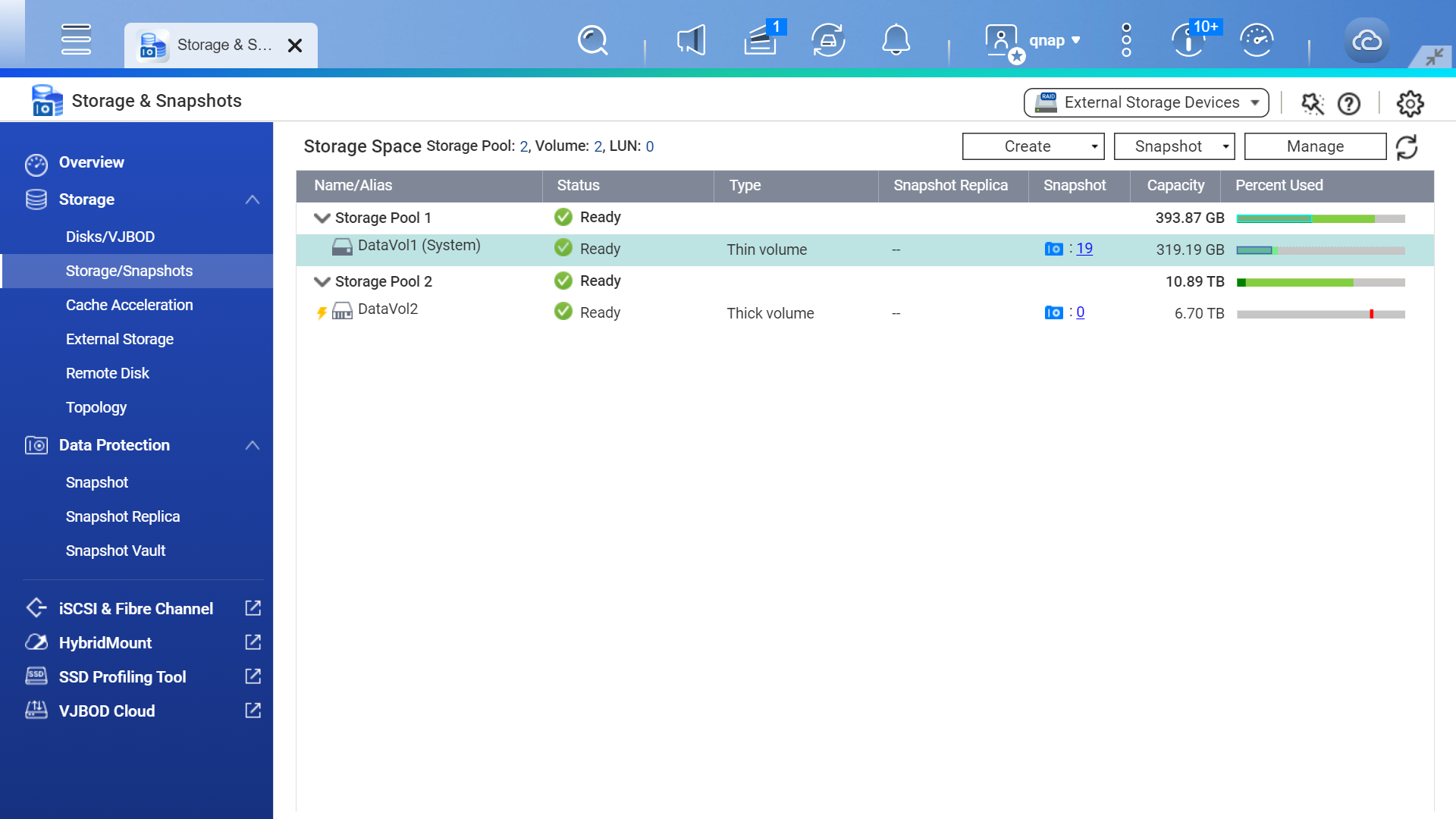
Quickly create storage pools and volumes/LUNs, and view their status, type, snapshots, and storage utilization. You can also view all the applications installed on the volumes and other details.
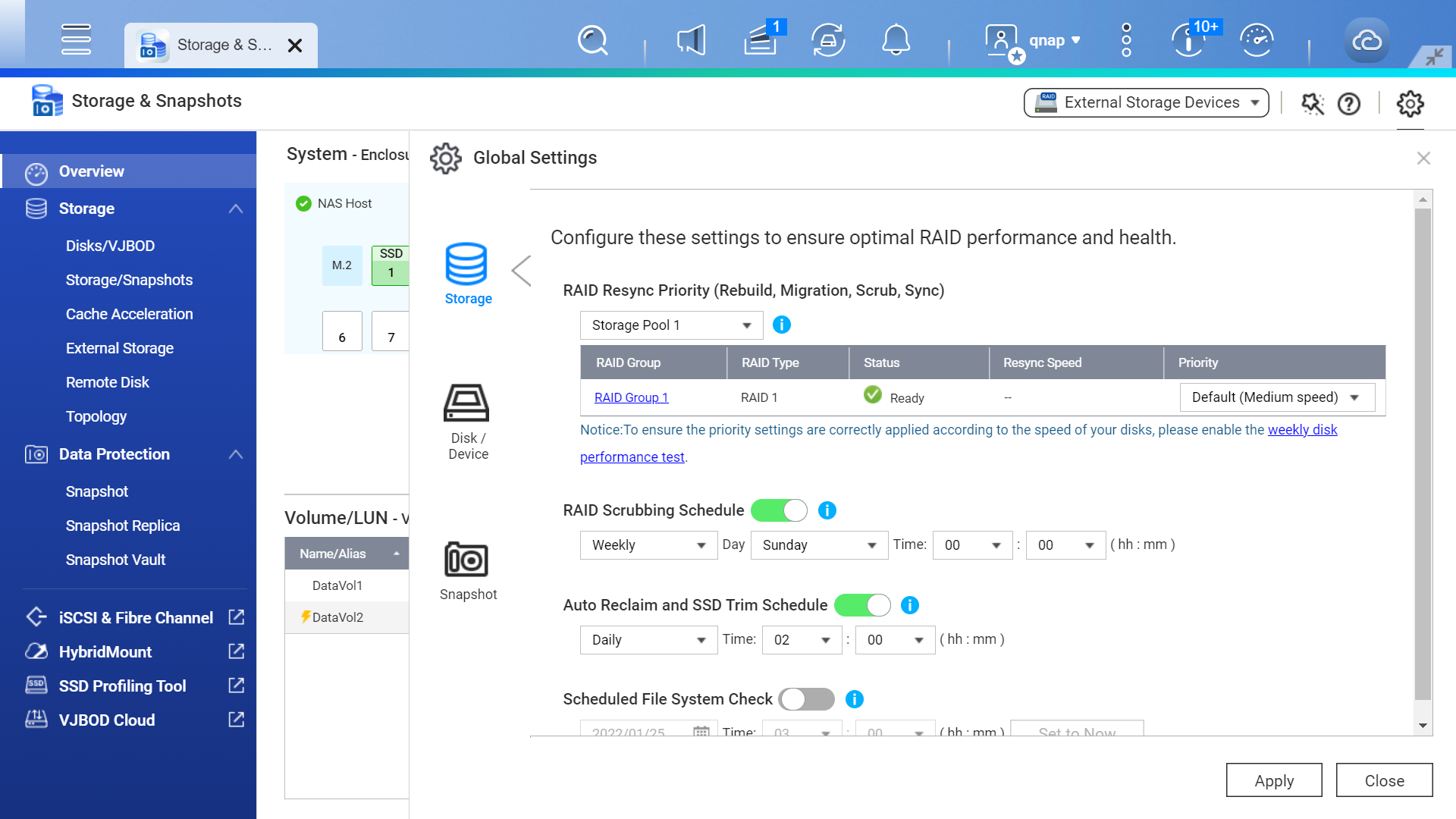
Configure global settings for storage spaces, disks, and snapshots to optimize RAID performance and health. Adjust snapshot settings across the entire NAS.
RAID is the core storage unit of NAS
-
RAID provides diverse redundancy protection
RAID combines multiple physical disks into one large storage space. It supports various configuration types that offer different levels of data redundancy, data access performance, and storage capacity.
-
Automatic RAID replacement saves time on RAID rebuilding
If drive errors are detected, the NAS system automatically moves data from the affected drive in a RAID group to a spare drive – saving time on RAID rebuilding and minimizing data loss risks.
-

RAID scrubbing ensures data integrity
Regularly perform RAID scrubbing to check data consistency and use redundant data to correct errors, ensuring RAID group protection against data corruption.
Which type of volume or LUN should I choose?
Choose a volume type that fits your needs. When creating a volume using Storage & Snapshots, thin volume is set by default.
-

Static Volume
- Create static volumes on a RAID group to acquire the best overall read/write performance
- Add physical drives to increase storage capacity
- Does not support snapshot backup/recovery
Best overall read/write performance, but less data protection
-

Thick Volume
- Pre-allocate a specific storage capacity for thick volumes, ensuring available resources are reserved for an application
- Allocate more space from the parent storage pool for increasing capacity
- Supports snapshot backup/recovery
Sufficient storage space is guaranteed for critical applications
-

Thin Volume
- When data is written to the volume, storage pool space is allocated to thin volumes on-demand for maximizing space utilization
- Allocate more space from the parent storage pool for increasing capacity
- Supports snapshot backup/recovery and pool guaranteed snapshot space
Enhanced efficiency of storage space allocation along with data protection
-

Block-based iSCSI LUN
- Mount iSCSI LUN space to another NAS or virtual server using the iSCSI protocol. Learn more
- Use storage space from storage pool
- Supports snapshot backup/recovery
Suitable for storage mounts for virtual machines and data center
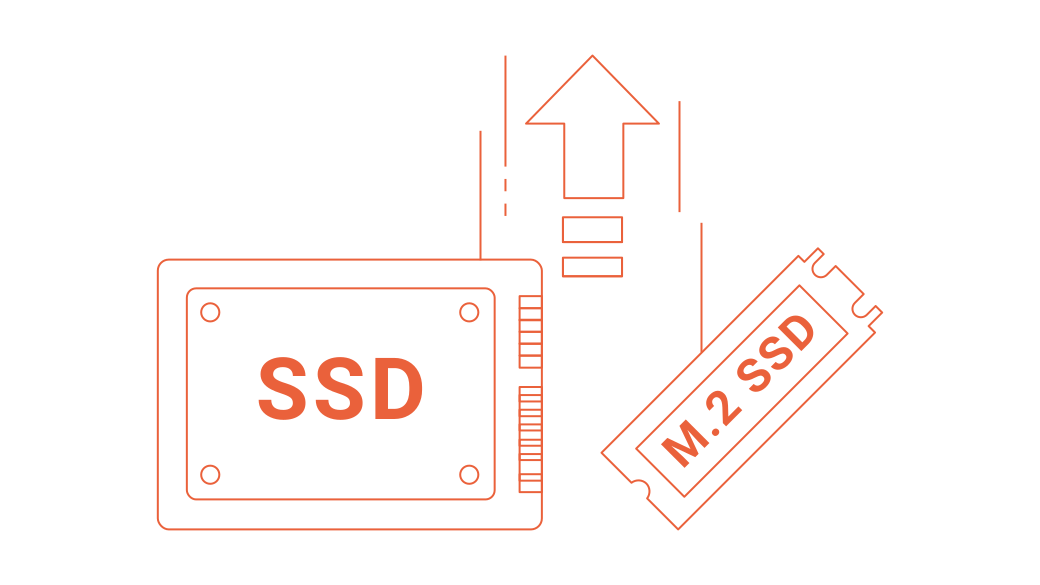
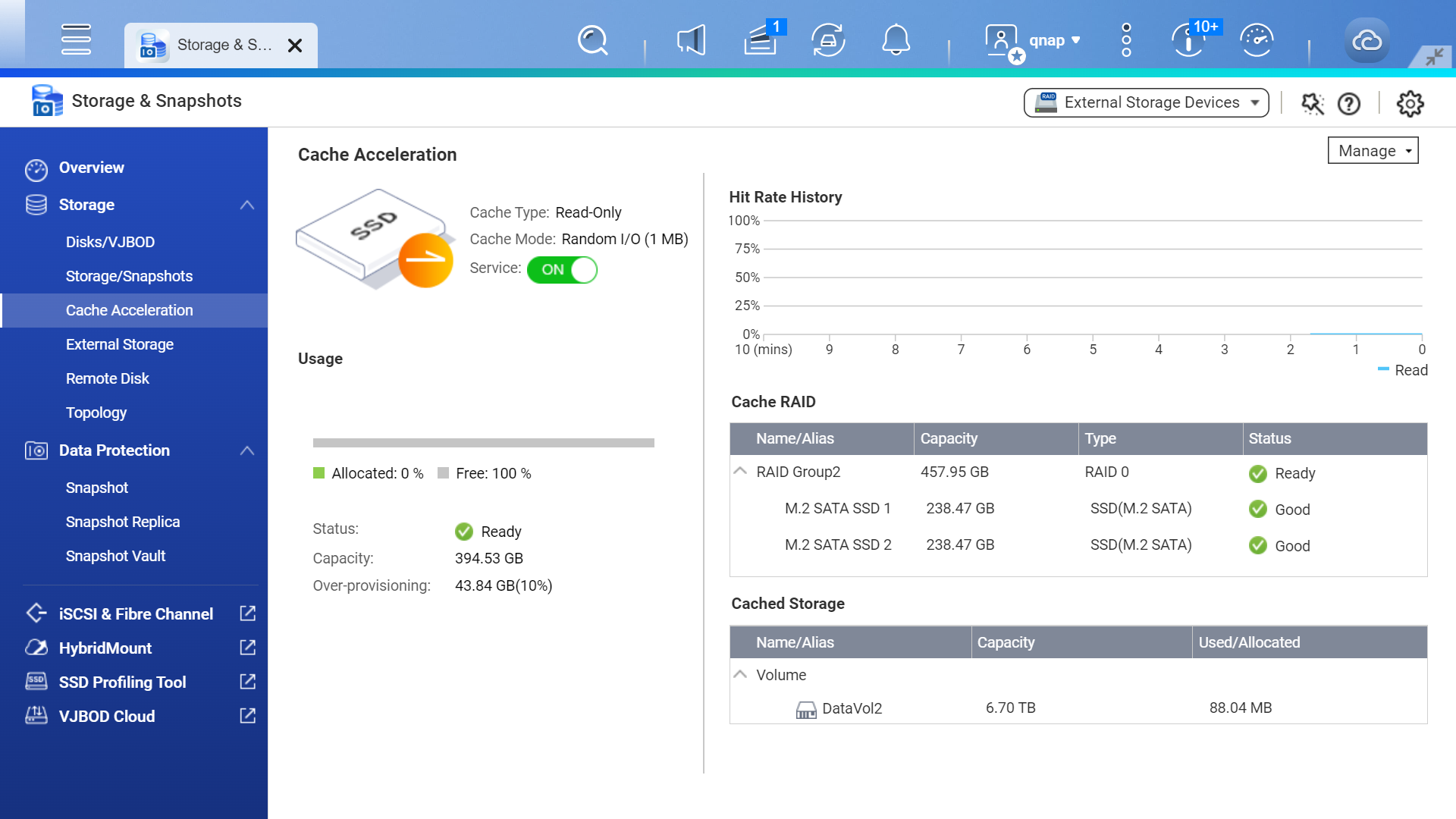
Boost data access performance using high-speed SSDs
SSDs (Solid State Drives) deliver superior performance compared to traditional hard drives and offer greater durability and reliability. Using SSDs in your NAS is a great way to elevate your storage performance.
Centrally manage expanded storage space
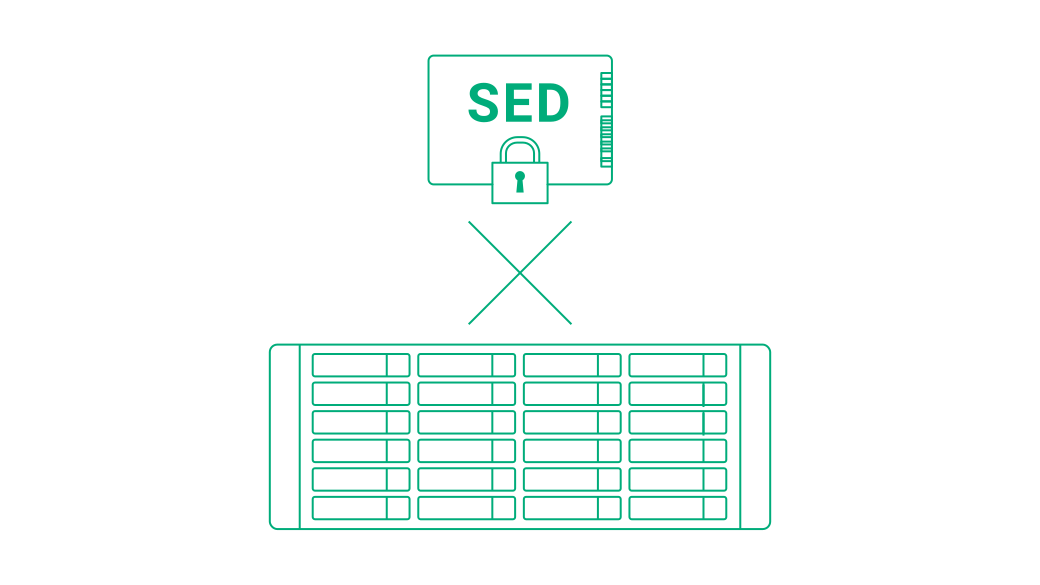
You can connect JBODs or add remote disks to your NAS to expand storage capacity.
Connect JBOD units
QNAP offers a wide range of storage expansion enclosures to meet your growing data storage needs. JBOD units are available with various interfaces including SAS, PCIe, SATA, and USB. You can centrally manage all JBOD units and their disks in the Storage & Snapshots.
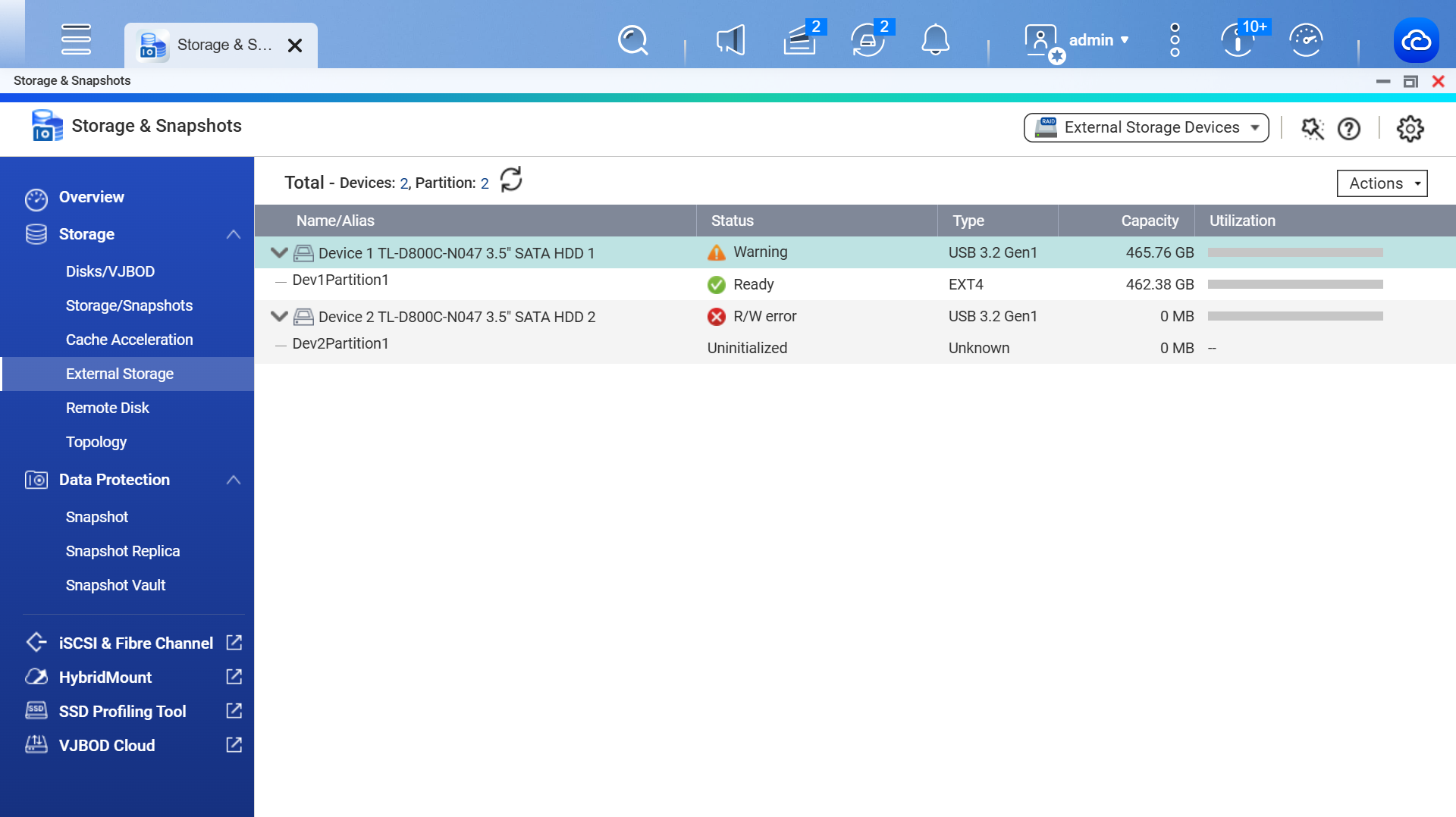
Overview QNAP JBOD solutions
Explore the “essence” of QNAP JBOD
Explore PB-level storage solution

Mount remote disks
Remotely mount iSCSI LUNs from another NAS or server to your local NAS for storage expansion.
Create snapshots regularly to protect against ransomware
Create and manage snapshots with Storage & Snapshots. View all snapshot versions and the time of your latest snapshot precisely recorded in real-time through the interface.
Snapshots record the complete system status of your NAS and data at any given point in time. If data is lost and corrupted, you can use snapshots to revert specific files, folders, and the entire volume or iSCSI LUN.
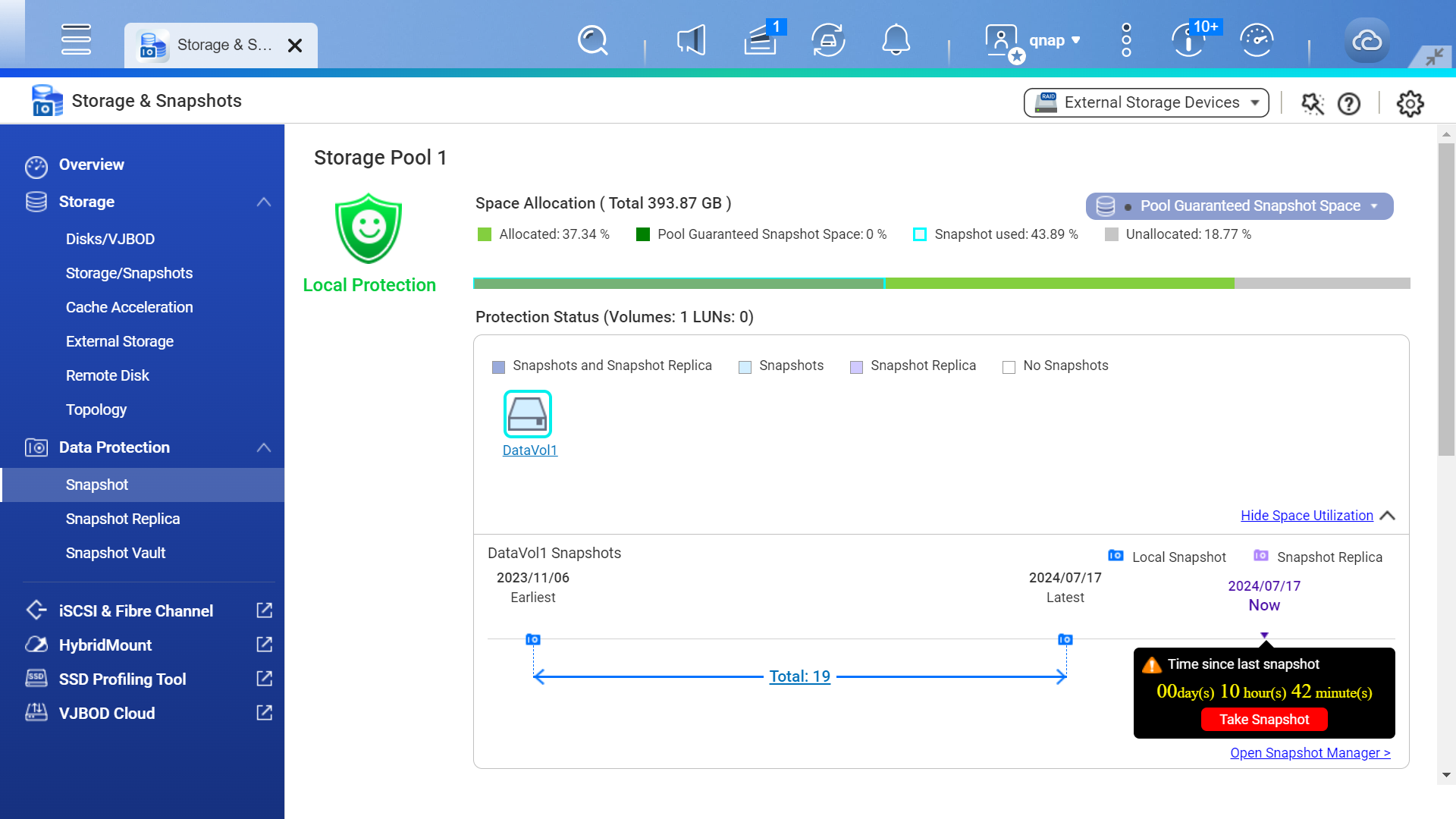

Secure Your Data with Snapshots
Snapshots is a standard feature in every QNAP NAS.
If NAS data is corrupted or attacked by ransomware, you can quickly revert your affected data to the previous state recorded by a snapshot.
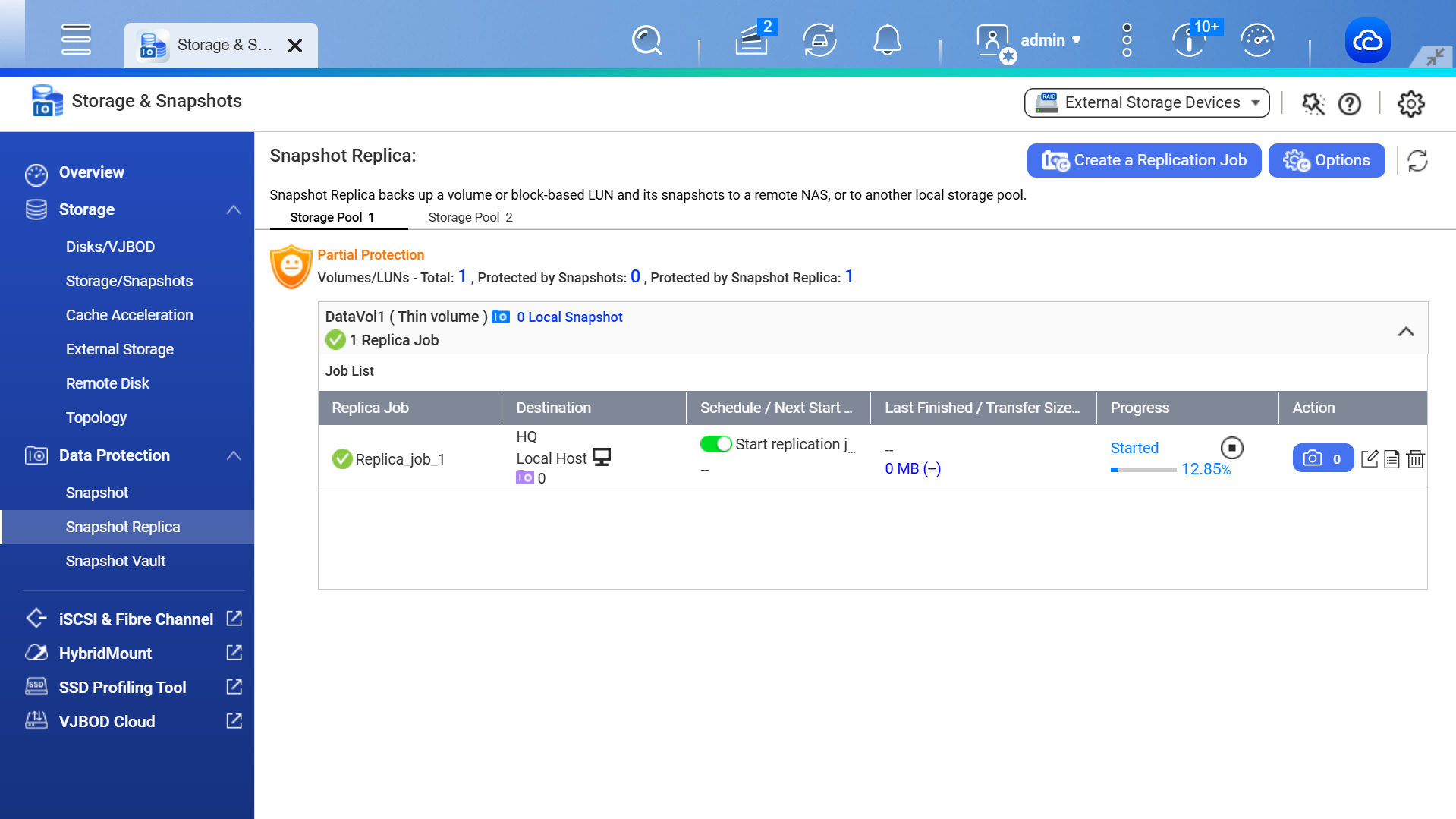
Doubled protection with snapshot backup
Backup volumes or LUN snapshots to another storage pool of the local NAS or remote NAS for enhanced data protection.
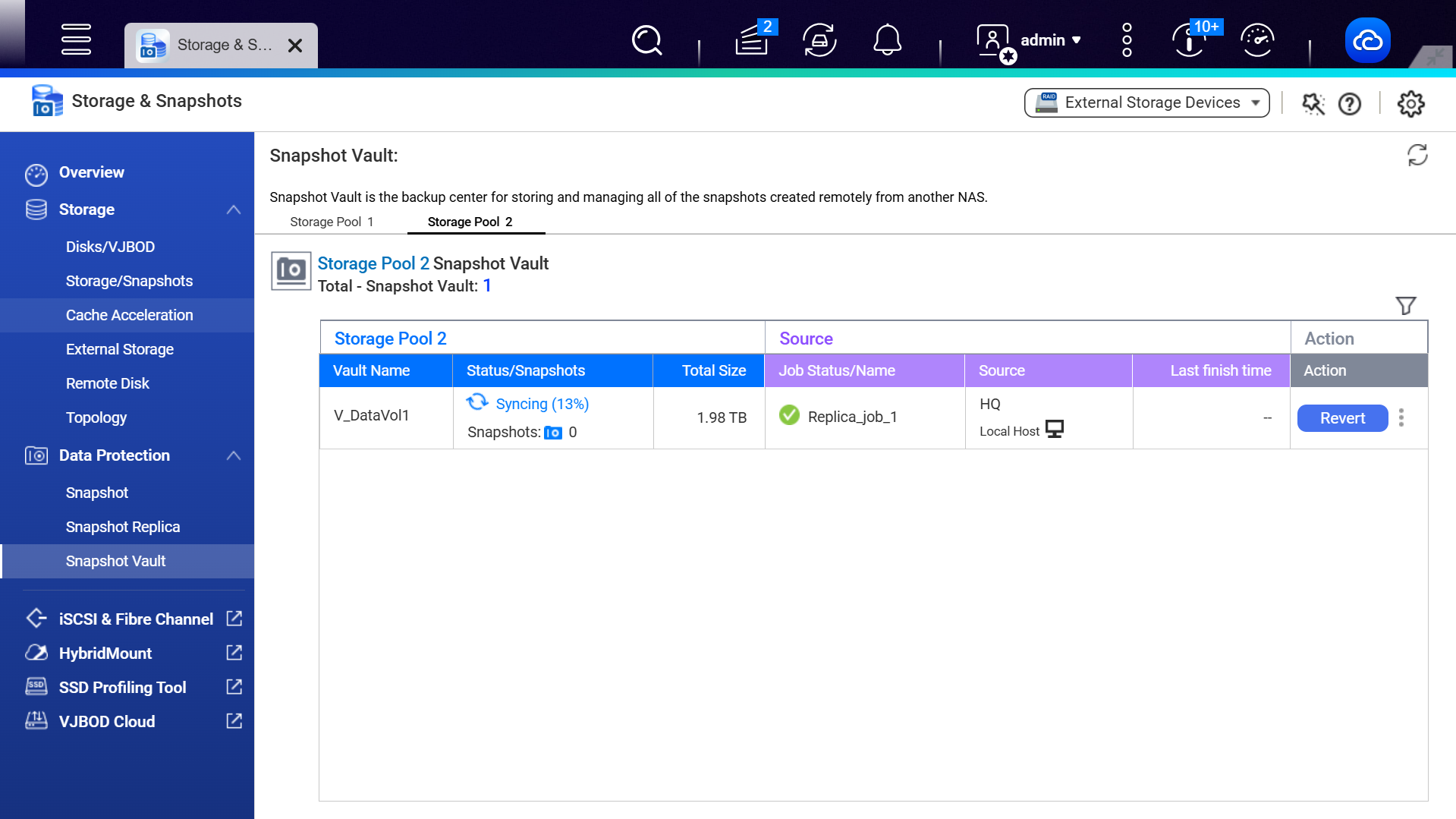
Centrally stores snapshots from other NAS systems. You can clone a snapshot here as a local volume for data access.
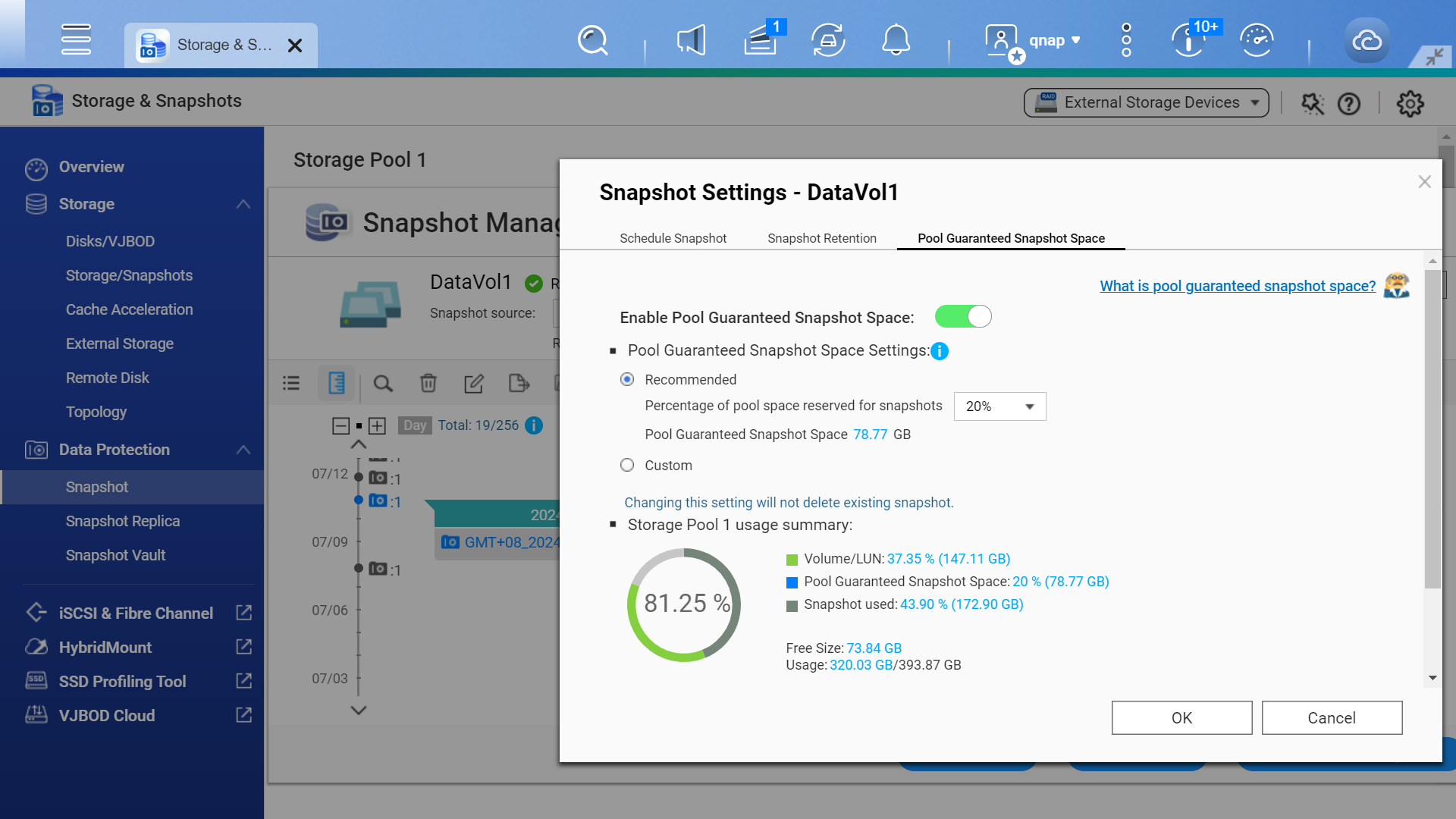
Reserve dedicated space for storing snapshots (the default value is 20%) to ensure you have sufficient space for new snapshots.
Comprehensive drive health management
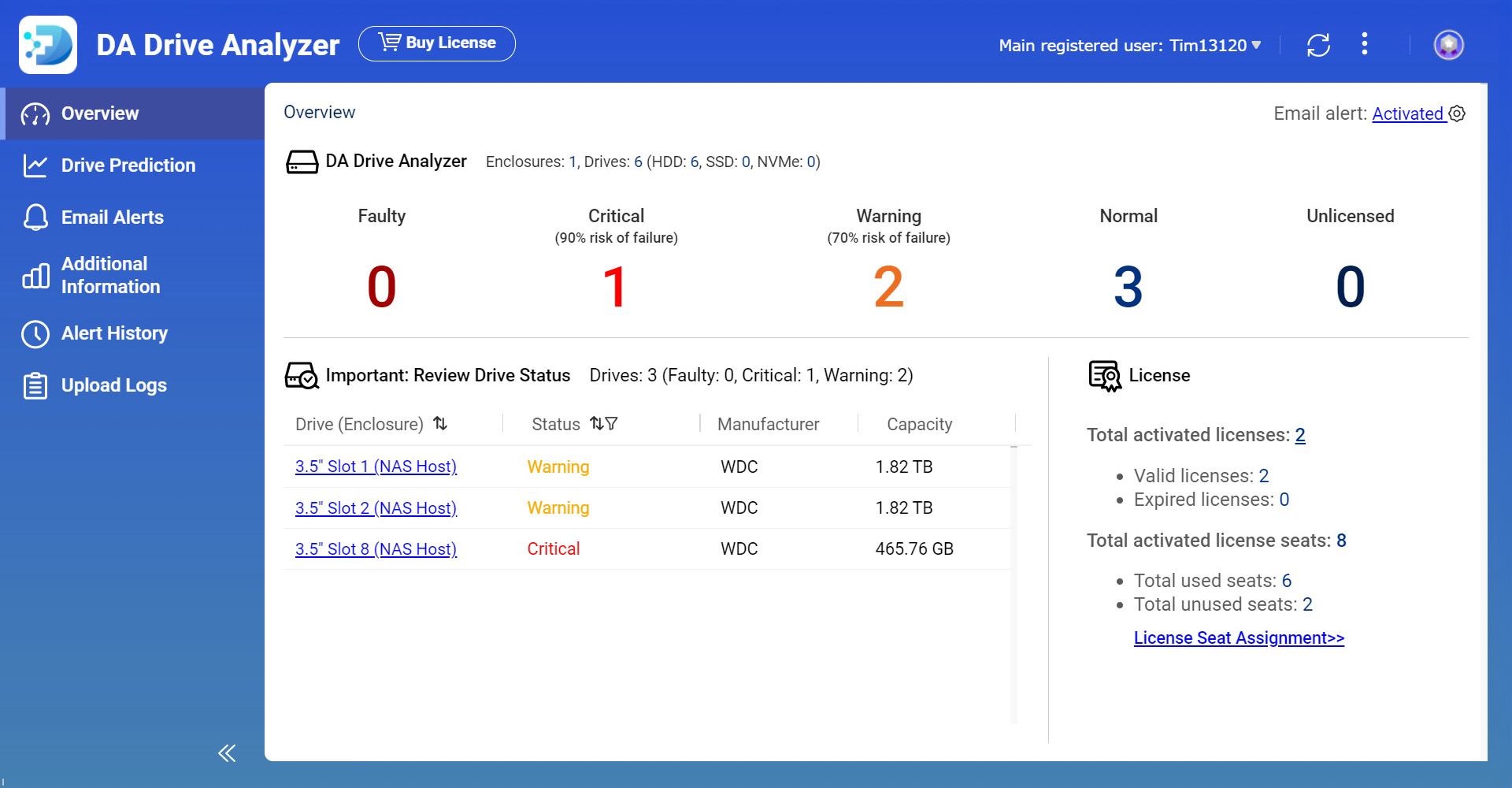
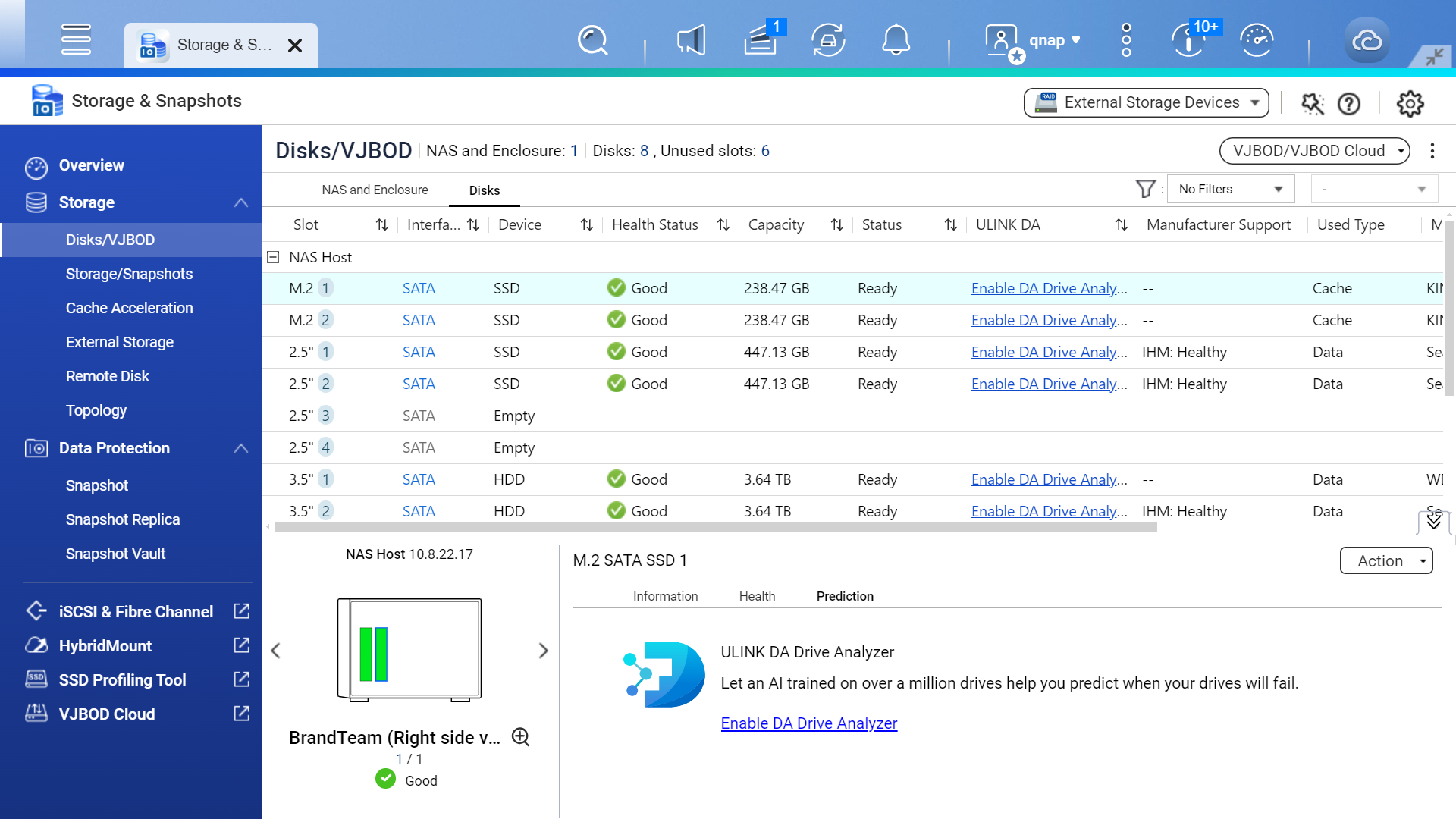
Storage & Snapshots allows you to quickly access information on all your drives, including drive types and details. Through ULINK® DA Drive Analyzer, Seagate® IHM, WD® DA, and S.M.A.R.T., you can monitor real-time drive health status.
Recommended
Use AI-powered drive failure prediction
Powered by a cloud-based AI engine, the ULINK® DA Drive Analyzer predicts drive failures and lifespan – allowing you to plan drive replacements in advance and preventing incidental downtime or data loss.