


External Drive RAID Storage
Storage on your workstation getting scarce? It doesn’t have to be.
When your local drives fill up and you’re hard pressed to make space for new projects, one of the quickest, easiest, and cheapest ways to resolve this is external storage, and QNAP’s options are a great balance of capacity, reliability, and cost-effectiveness.
Enhance your Creative Workflow
From high-definition footage to over-bloated cache files data gets eaten up quickly when you're working in the creative space. QNAP’s external storage provides potentially dozens of terabytes of storage to plug directly into your computer.

Large-Scale Storage Expansion
For those working with numerous large projects these models can serve either as external storage for your PC or Mac, or it can be used as a QNAP NAS expansion unit enabling you to manage the storage of the device via the QNAP NAS operating system.
-

TL-D800C
Supports software RAID configurations of the host software USB 3.2 Gen 2 Type-C Speed Test:
Read: 1028 MB/s
Write: 949 MB/s Maximum Capacity: 144TB
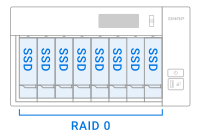 Performance Mode
|
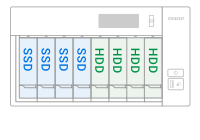
 Hybrid Mode
|
 JBOD/Single Mode
|
|---|---|---|
|
Pros Best for users who require faster read/write speeds Great for content creators |
Pros High-speed SSD storage for intensive applications HDD storage for Time Machine backup and data archive |
Pros Good for plug/play use Drives can be shared between computers |
|
Cons Data loss in the event of a defective disk Not suitable as backup storage |
Cons Data loss in the event of a defective disk for Raid 0 |
Cons Each disk needs to be managed separately Data loss in the event of a defective disk |
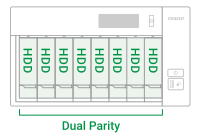 High-Capacity Storage
|
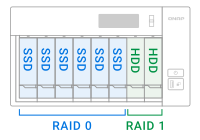 Hybrid Mode
|
 JBOD/Single Mode
|
|---|---|---|
|
Pros Extensive storage expansion for internal PC storage Great for large-scale archiving storage |
Pros High-speed SSD storage for intensive applications Large-scale HDD storage for project archiving |
Pros Good for plug/play use Drives can be shared between computers |
|
Cons Write speed significantly reduced compared to single parity Rebuilding RAID array takes longer time because of its complex structure |
Cons Drive space is shared between both RAIDs |
Cons Each disk needs to be managed separately Data loss in the event of a defective disk |
Direct-Attached Rackmount Storage
The TL-R400S and TL-R1200C-RP serve as expansion storage or external storage to your QNAP rackmount NAS. You can automate scheduled backups of various shared folders on your rackmount QNAP NAS to the external storage.
-
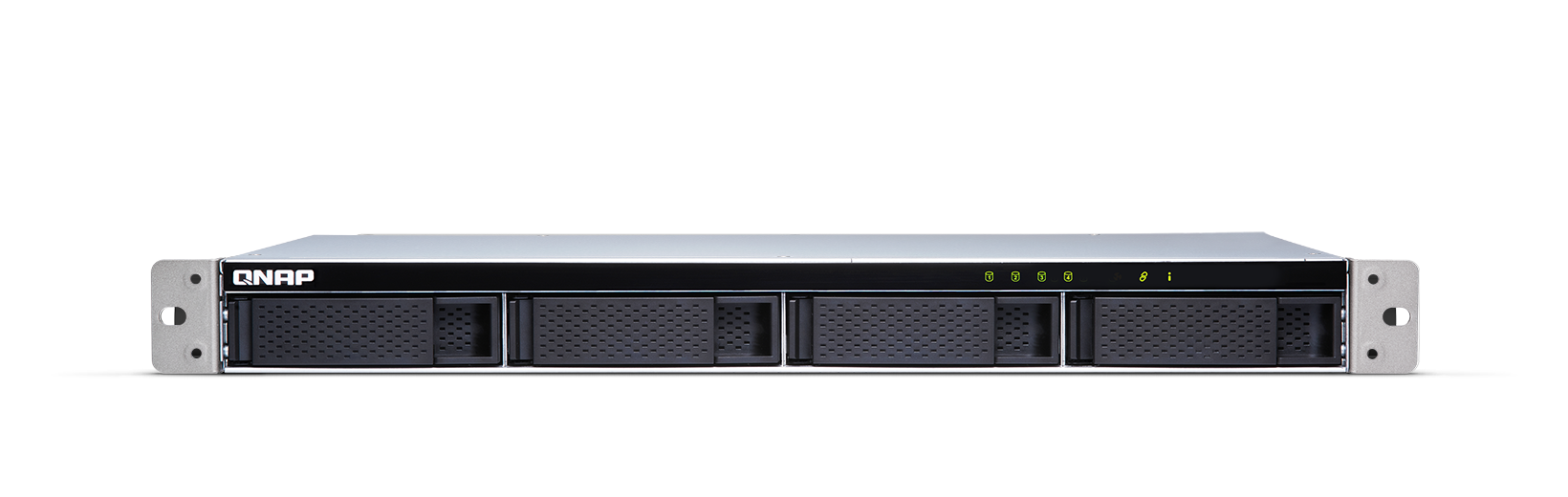
TL-R400S
Supports software RAID configurations of the host software SFF-8088 SATA Speed Test
Read: 1667MB/s
Write: 1649MB/s Maximum Capacity: 72TB -
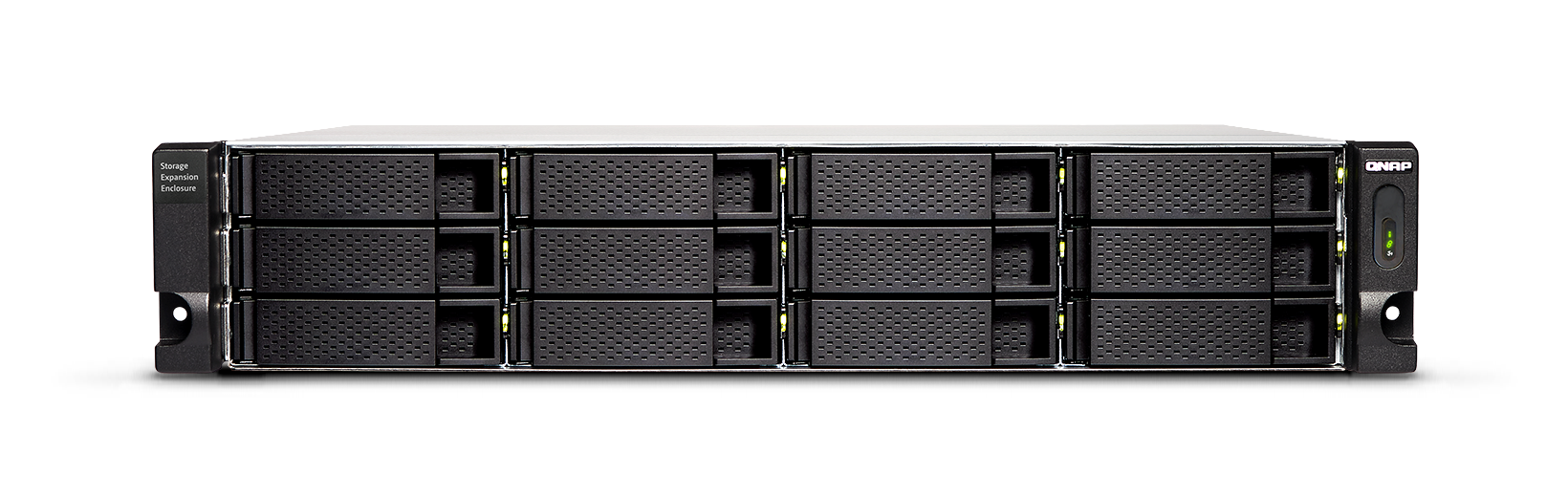
TL-R1200C-RP
Supports software RAID configurations of the host software USB 3.2 Gen 2 Type-C Speed Test:
Read: 950 MB/s
Write: 906 MB/s Maximum Capacity: 216TB

USB-C Hardware RAID Expansion
The TR-002 and TR-004 are great choices to plop on your desk and plug in to your PC or Mac via the high-speed USB-C connection. These models can support software RAID or be configured as a hardware RAID which requires fewer overhead resources. Simply set the hardware RAID switch, and you’ll be good to go.
-

TR-002
Supports RAID 0, RAID 1, and Single Disks USB 3.2 Gen 2 Type-C Speed Test:
Read: 469.0 MB/s
Write: 452.1 MB/s Maximum Capacity: 36TB -

TR-004
Supports RAID 0, RAID 1, RAID 10, RAID 5, RAID 6 and Single Disks USB 3.2 Gen1 Type-C Speed Test:
Read: 199MB/s
Download: 227 MB/s Maximum Capacity: 72TB

QNAP JBOD Expansion
|
TR-002
|
TR-004
|
TL-D800C
|
TL-R400S
|
TL-R1200C-RP
|
|
|---|---|---|---|---|---|
| Hardware RAID | - | - | - | ||
| QTS Storage Expansion Support | |||||
| RAID Types | RAID 0, RAID 1, Single Disk, JBOD | RAID 0, RAID 1, RAID 5, RAID 6, RAID 10, JBOD, Single Disk | Determined by the host software | Determined by the host software | Determined by the host software |
| Drive Bays | 2 x SATA III Drive Bays | 4 x SATA II Drive Bays | 8 x SATA III Drive Bays | 4 x SATA III Drive Bays | 12 x SATA III Drive Bays |
| Learn More | Learn More | Learn More | Learn More | Learn More |


