


3rd party developer software submission guide
This is a guide to introduce 3DS (3rd party developer system) for developers to join QNAP developer's program or submit their software through this system.
The system will prompt you to sign in with your QID (QNAP ID). If you haven't had it yet, please register one first

After signing in with your QID, you can click on Apply Now button to apply to become a QNAP developer.
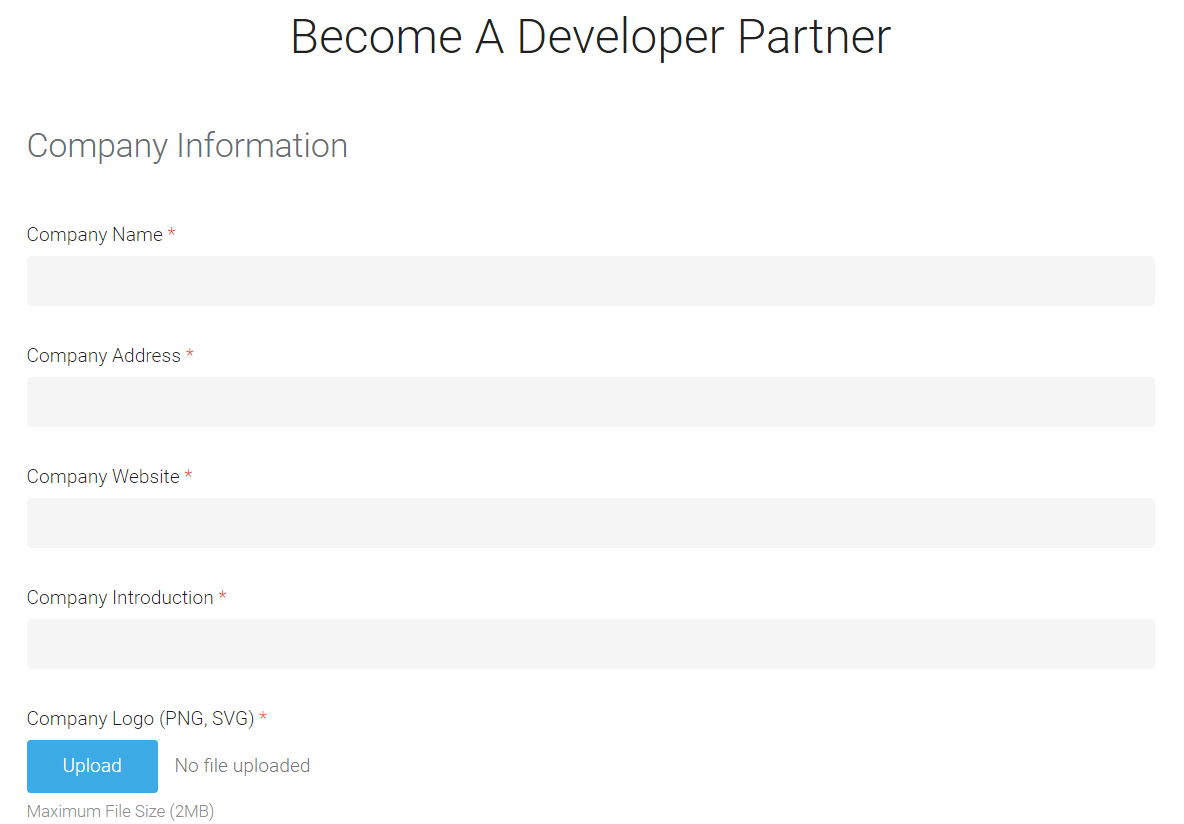
Fill out the form and then submit it.
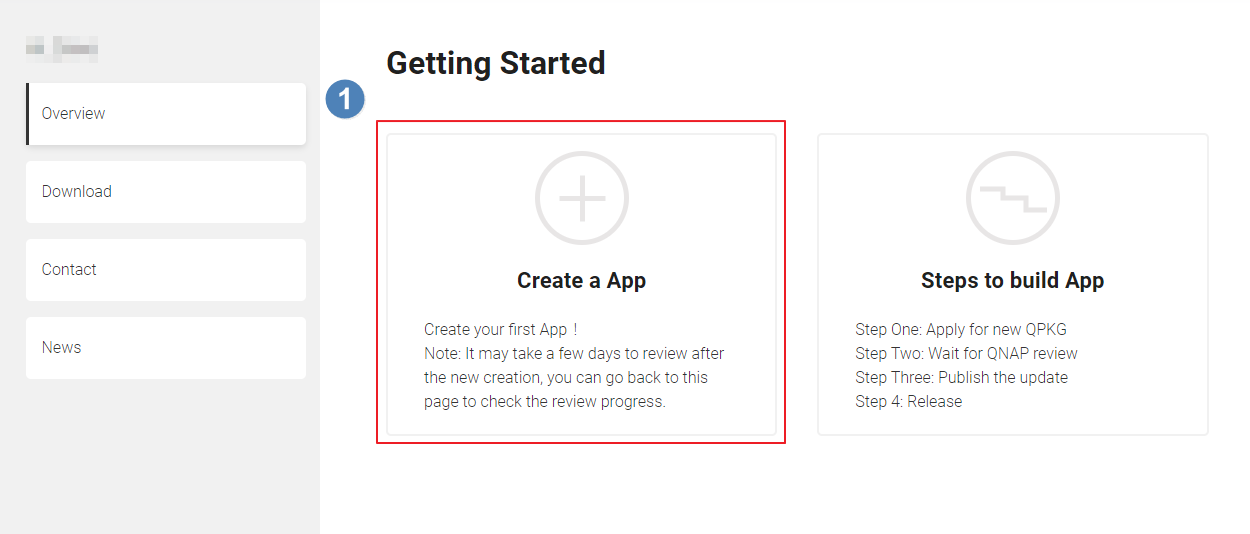
Your request to become a QNAP developer will be proceeded soon. Once your request is approved, you should receive a notice in your mailbox. After it, you can login 3rd party developer system with your QID again. Click on Create a App
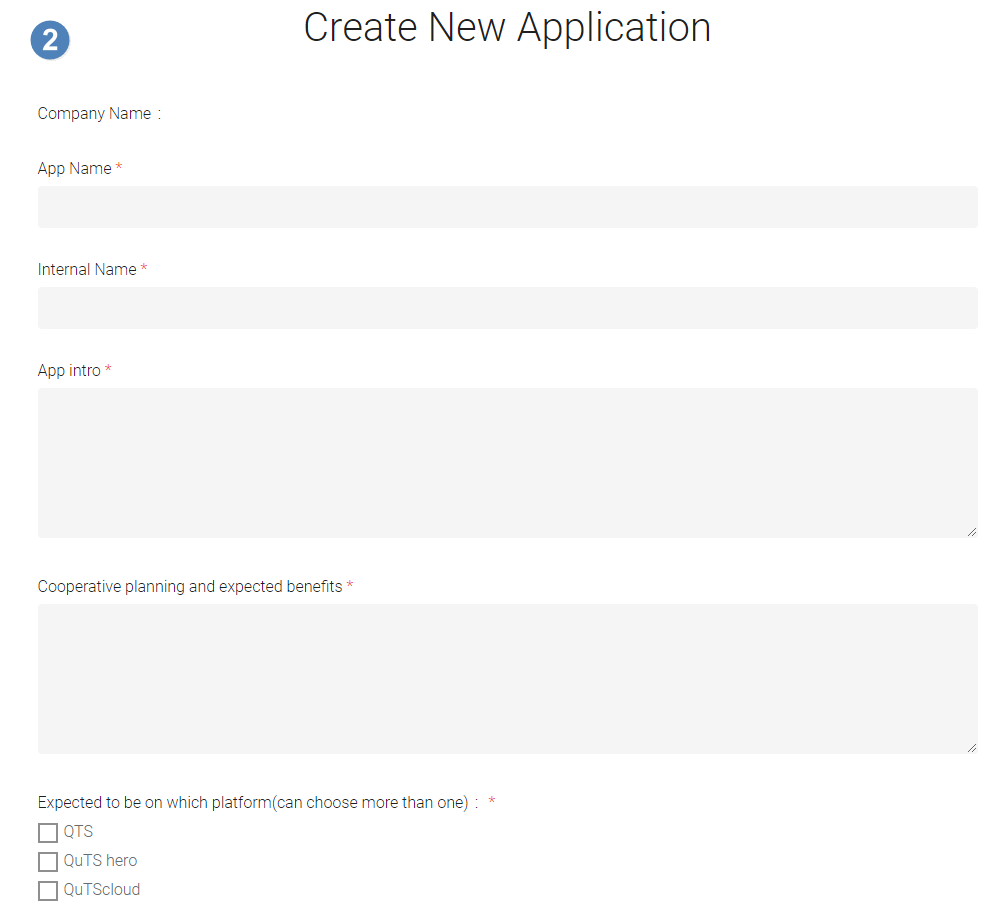
Fill out the form and then submit the request.
 Once your request is approved, you should receive another notice in your mailbox.
After it, you can login 3rd party developer system with your QID again. Click on Release New Version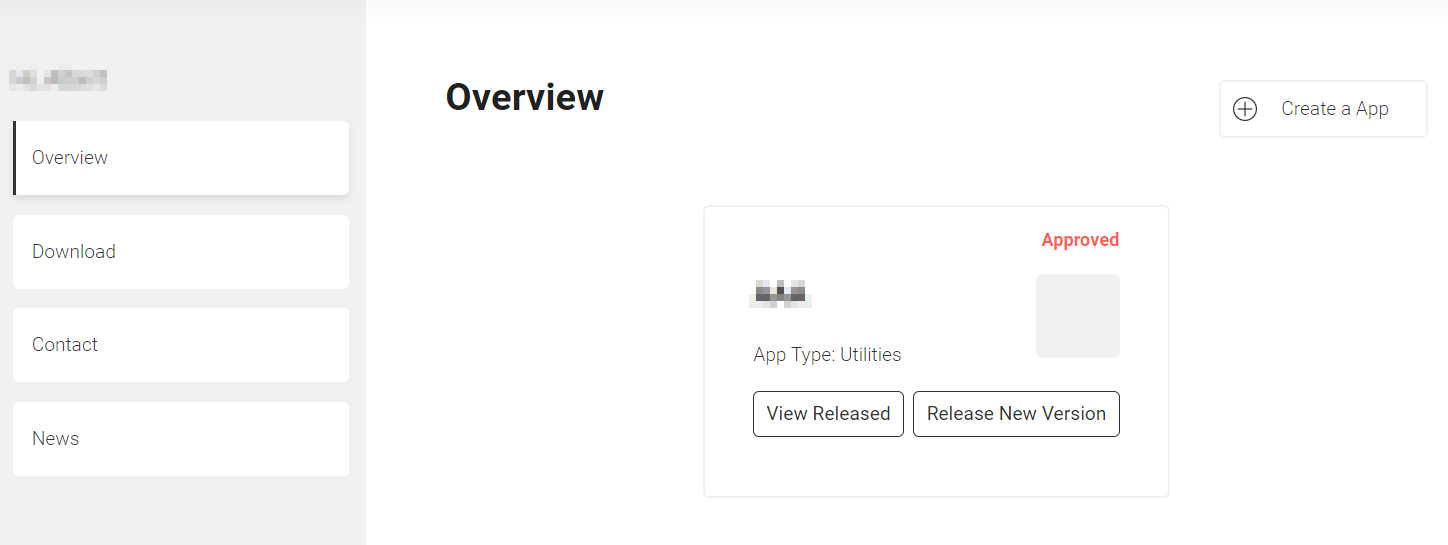 Fill out the form and then submit the request.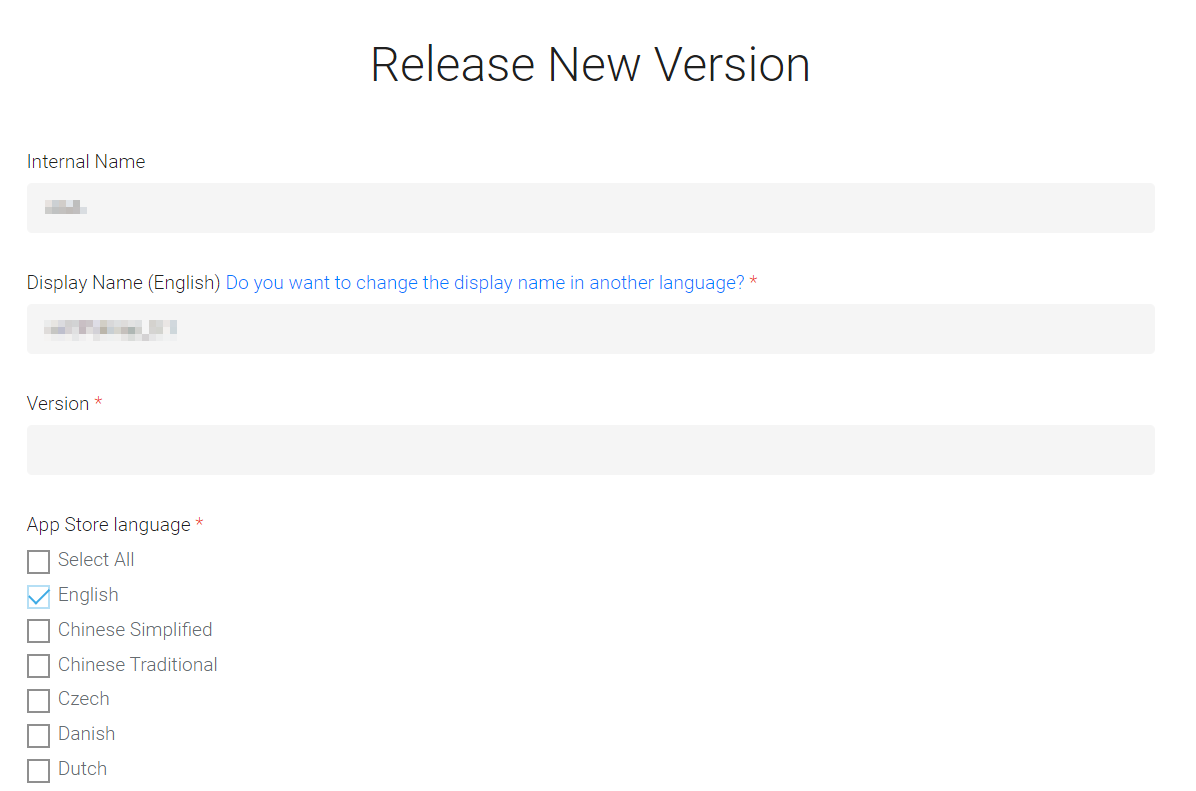
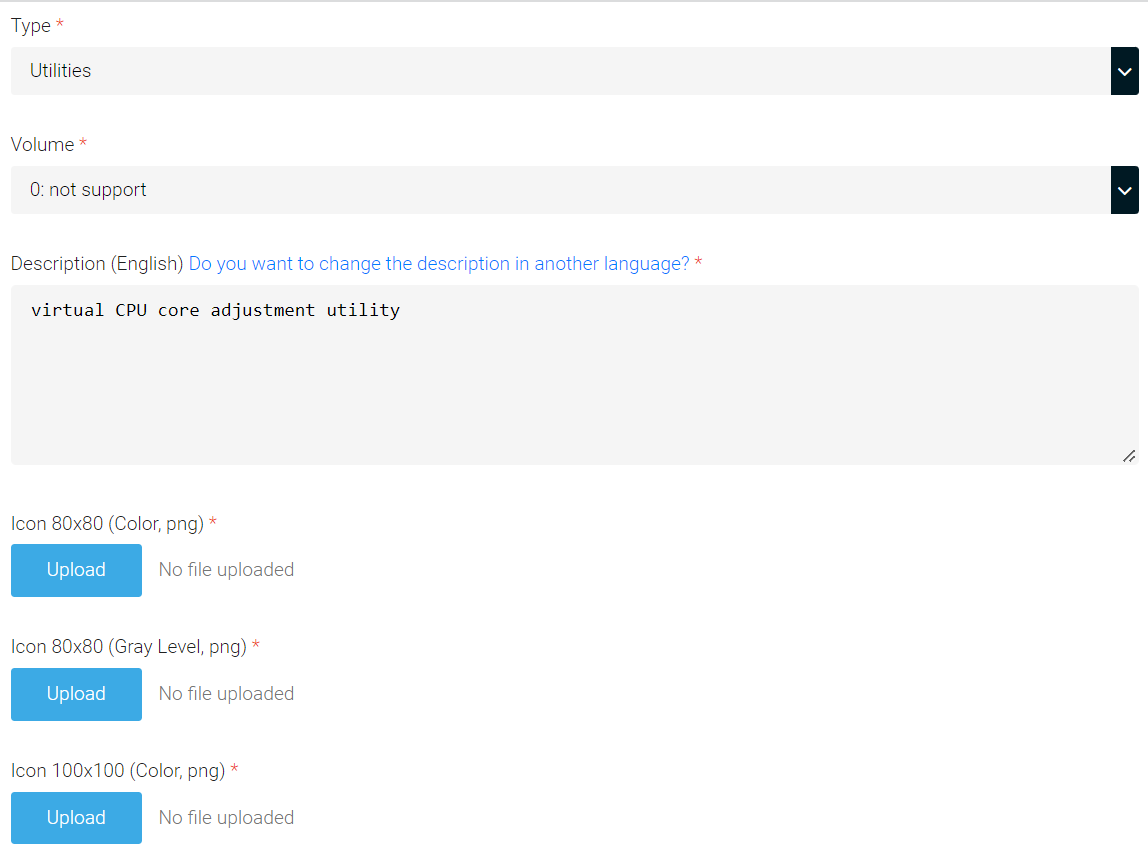
After receiving your request and your submission is approved, it will be queued for testing and then published in App Center.


