


Why do the recent files categories of Qfile Pro appear empty after transferring data to a new iPhone/iPad?
Last modified date:
2025-03-13
Applicable Products
Qfile Pro iOS
Scenario
After transferring my data to a new iPhone/iPad, there are no files displayed in the Recent Opened, Recent Deleted, or Recent Upload tabs in the Qfile Pro Home screen on the new iPhone/iPad.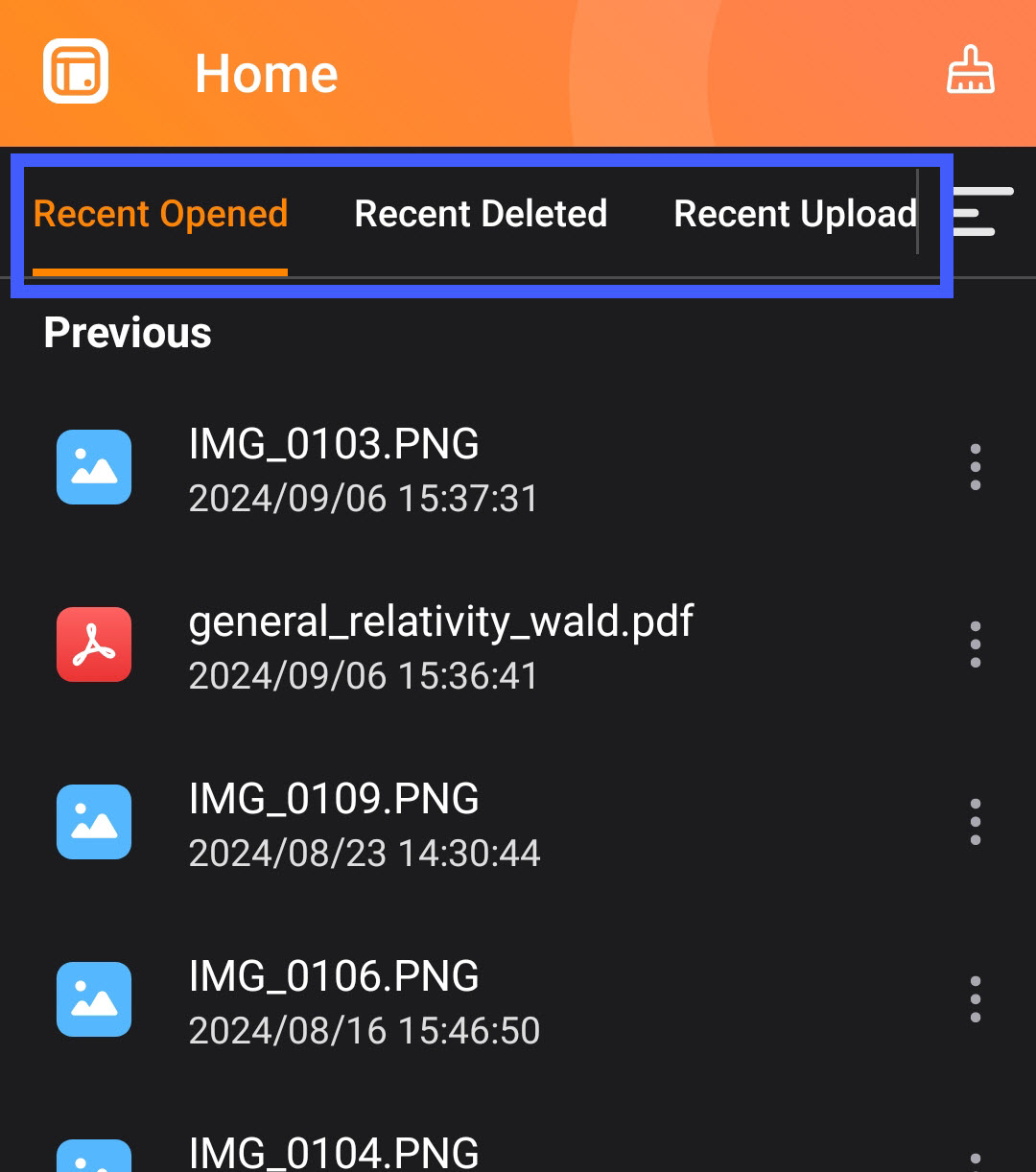
Root cause
Qfile Pro on iOS saves recent file data to a temporary folder, and iOS does not transfer temporary folders when transferring data to a new iPhone/iPad. After transferring data to a new iPhone/iPad, the tabs Recent Opened, Recent Deleted, or Recent Upload in Qfile Pro on the new device are empty.
Further reading
Transfer data from your previous iOS or iPadOS device to your new iPhone or iPad - Apple Support


