[iOS/Android Qfile] Why date information of a photo is shown as date uploaded in File Station/Qfile instead of date taken after uploading to a NAS?
Last modified date:
2022-03-30
Applied models:
All NAS Series
Applied firmware:
All NAS firmware
Scenarios:
Using Qfile to upload a photo to NAS, date information of a photo is shown as date uploaded instead of date taken in File Station/Qfile.
Solution:
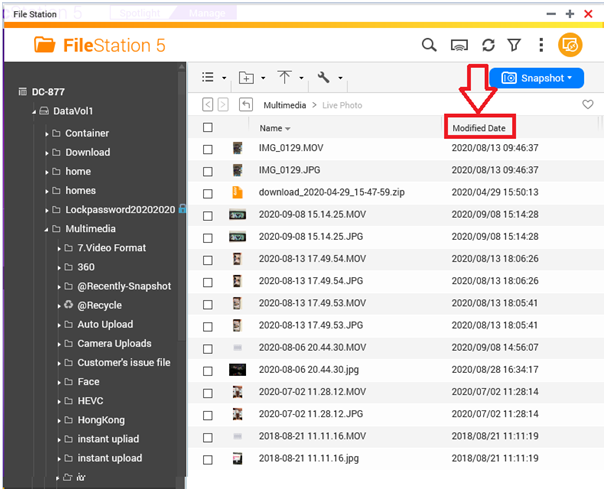
File Station/Qfile only supports Modified Date of a file; please refer to picture below:
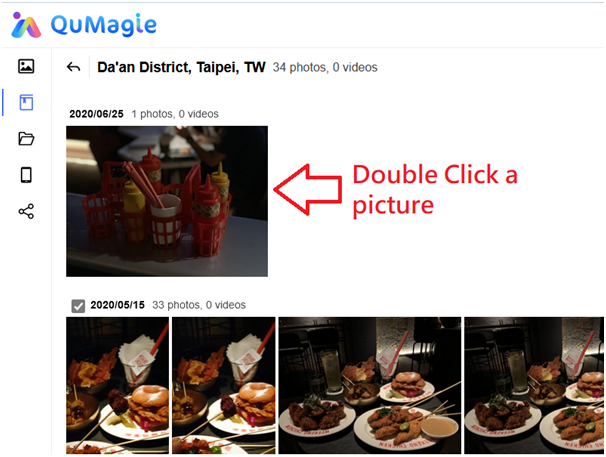
To see Date Taken, please use QuMagie/Photo Station(Qphoto) instead.