


How to set up Multimedia Console and AI Recognition Engines for use in Qsirch (5.2.0 or later)?
Applicable Products:
- Qsirch
General Information
To provide AI-driven search functionality in Qsirch (5.2.0 or later) you must enable Multimedia Console and AI Recognition Engines.
Enabling Multimedia Services
-
Log on to the NAS as an administrator.
-
Open the App Center.
-
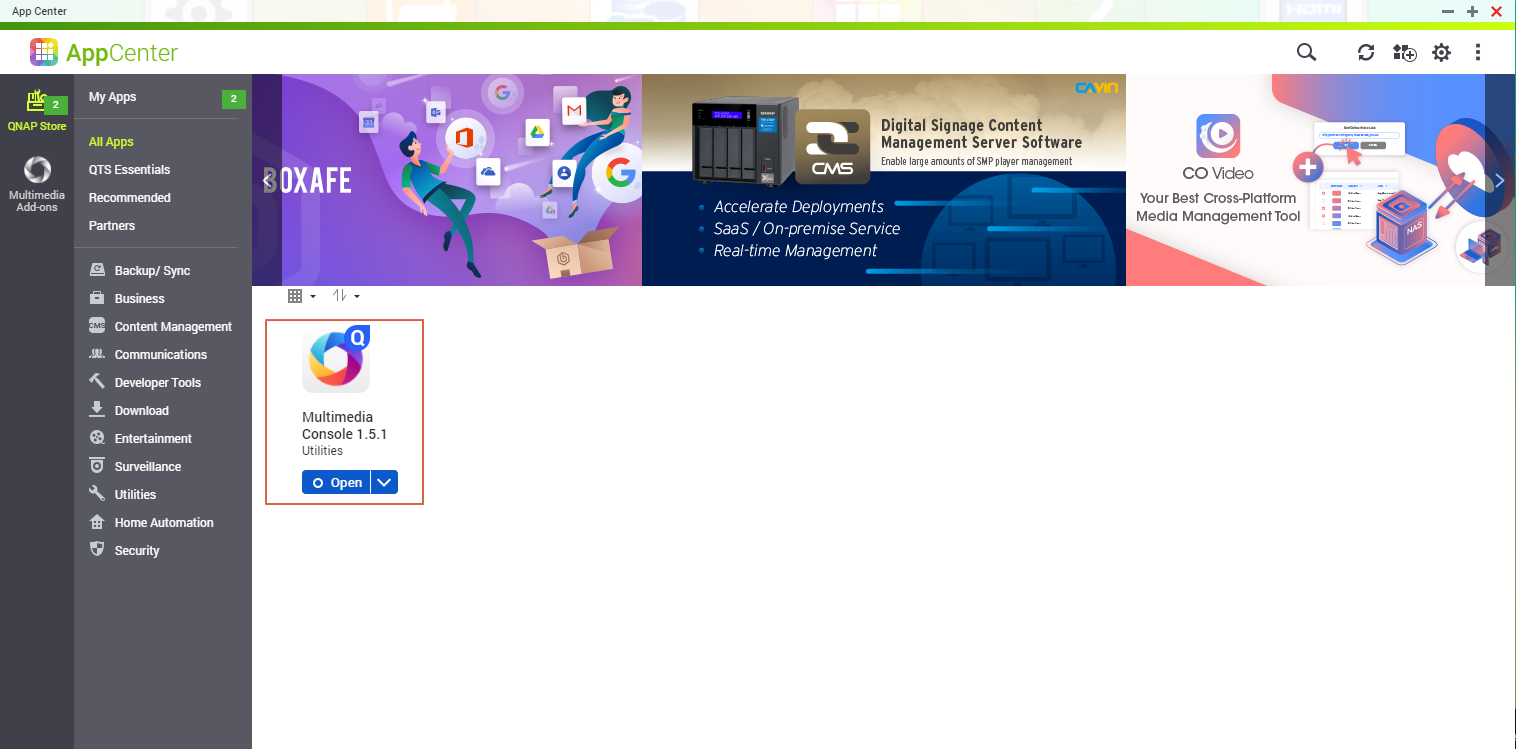
Install Multimedia Console.
Note: From QTS 5.0.0, Multimedia Console will not be automatically installed on your NAS.
-
Open Multimedia Console.
-
Enable Multimedia Services
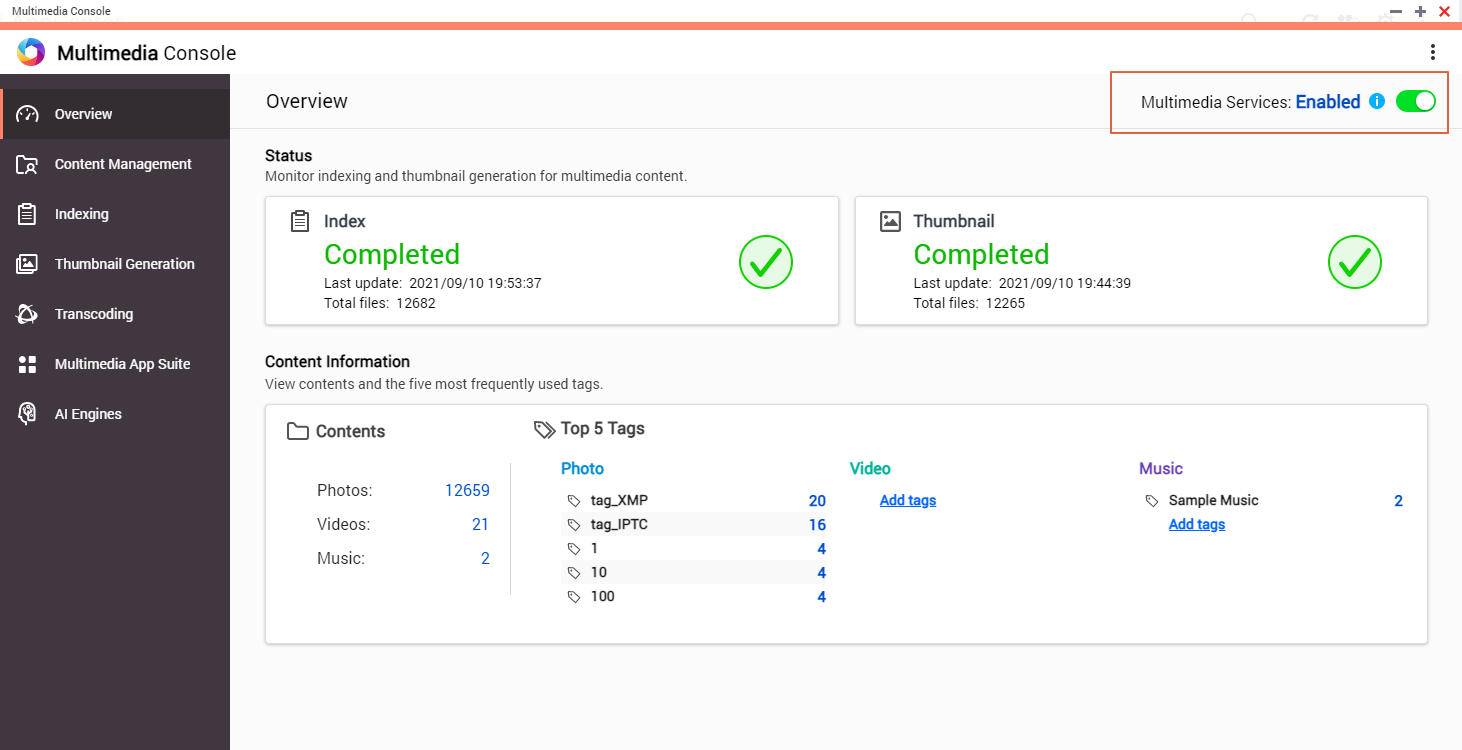
Important: In QTS 5.0.0 (or later) this option will not appear as Multimedia Services are always enabled when Multimedia Console is installed.Your Multimedia Services are running.
Enabling AI Recognition Engines
-
Log on to the NAS as an administrator.
-
Open the App Center.
-
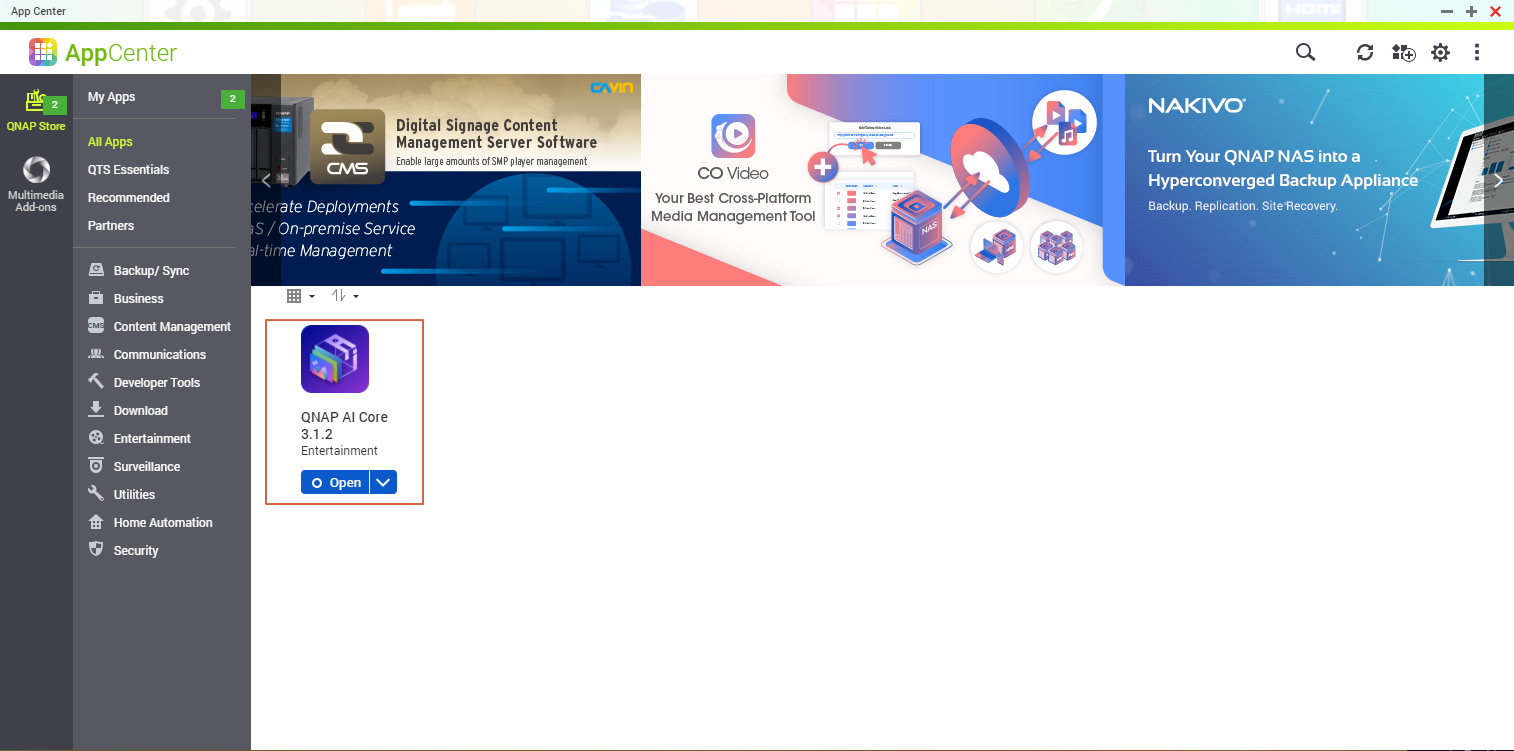
Install and start QNAP AI Core.
-
Open Multimedia Console.
-
Go to AI Engines.
-
Confirm that the Facial Recognition and Object Recognition AI Engines have the status of Completed.
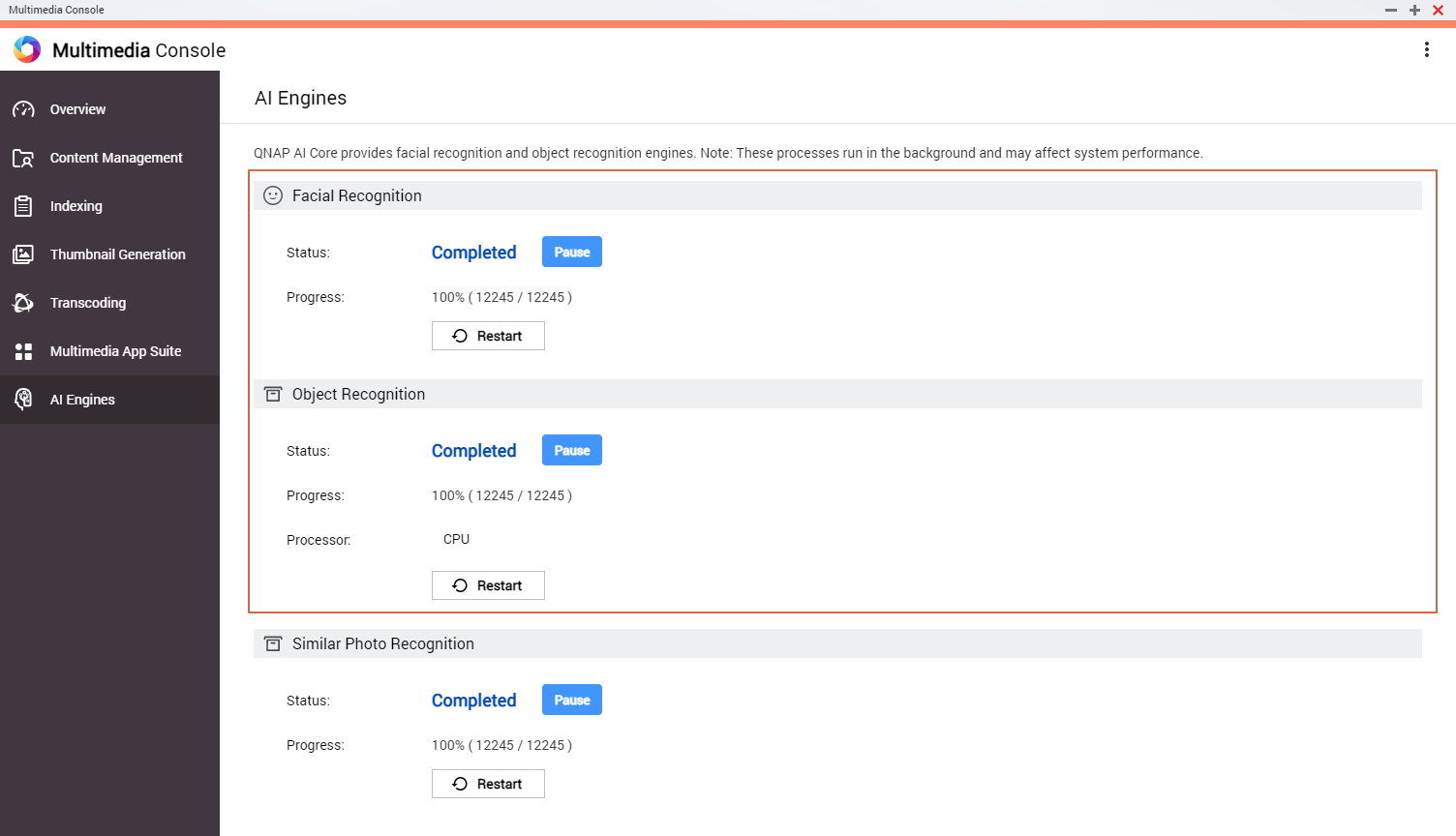
The AI Engines are ready to use in Qsirch.


