


I need to move Virtualization Station to a new volume keeping the VM
Last modified date:
2022-03-30
Applied models:
Applied Firmware:
-
All Firmware Versions
To move Virtualization Station a new volume, you will need to remove it and reinstall it. To be sure that your VM will be stay in the current status, You can run a backup of them from inside of the app.
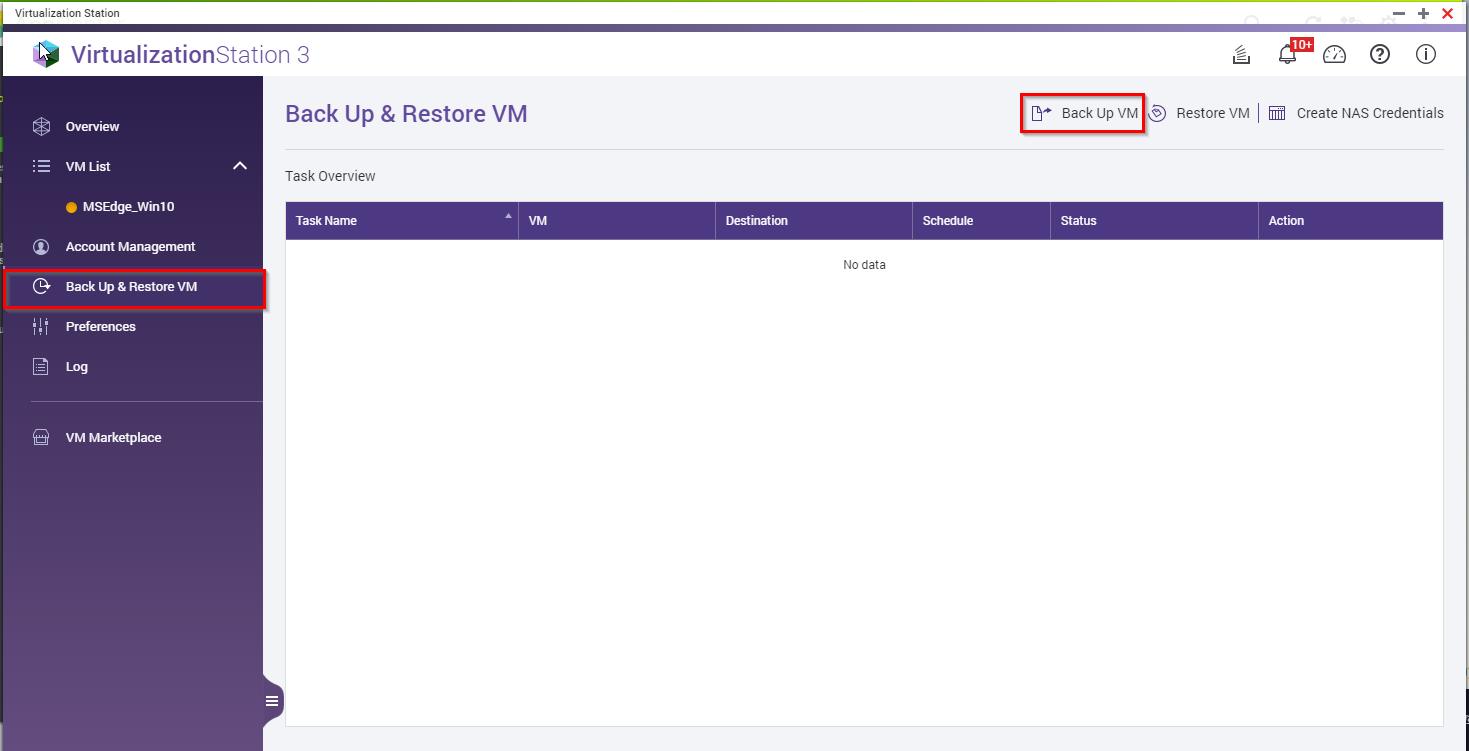
After it you will be able to remove the application complete and finally install it directly from the App center. During the installation process you will be able to select the desired volume.
When the app is installed successfully you will be able to restore the VM from the previous backup.


