How to make an App Icon available on the desktop screen?
Zuletzt geändertes Datum
2024-05-30
Applied models:
-
All NAS Series
Applied Firmware:
-
All QTS Firmware Versions
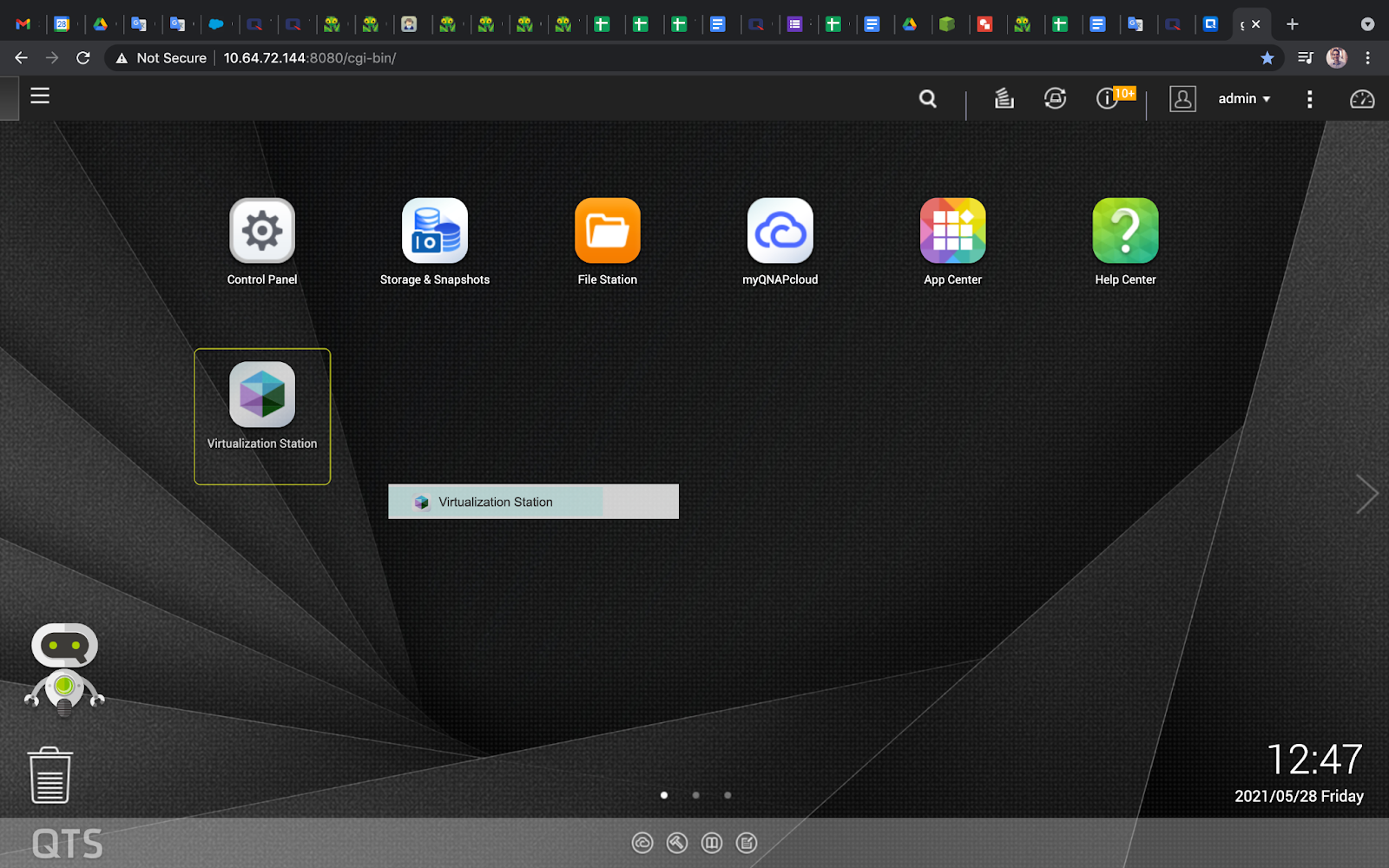
You can make the Application icon appear on the NAS desktop by clicking on the Menu, the three stripes up in the left side, see the image below as a reference.

Select the application you want, click, hold the button and drag to the desktop, see the example on the image below.