


The flow chart of Hybrid Backup Sync Sign in an OAuth2 provider
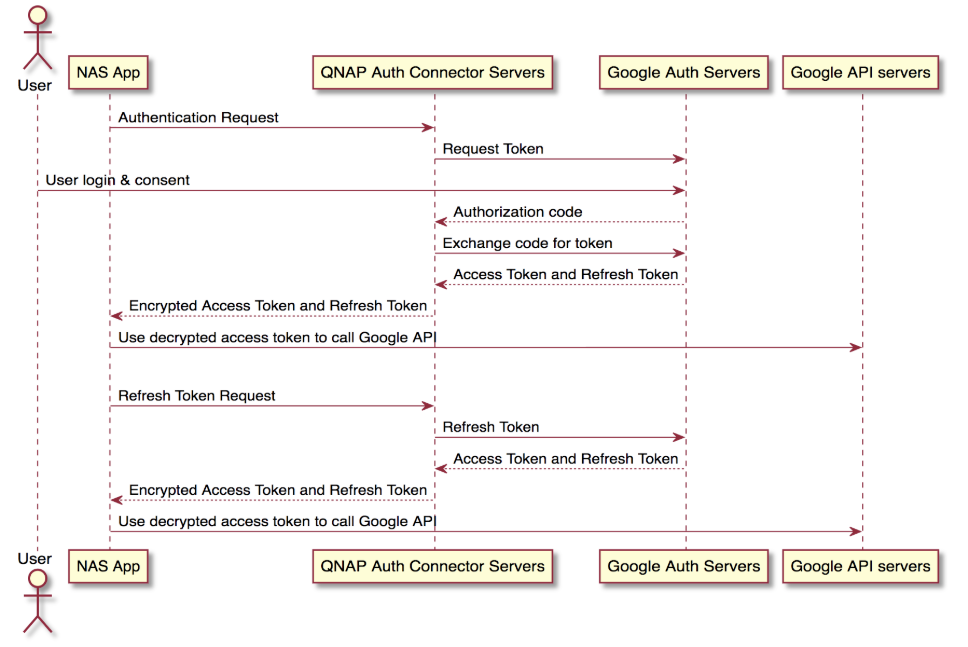
Here lists the general flow to sign in onto an OAuth2 provider to get an access token (three parties are involved: NAS App, Cloud Connector Server, OAuth2 Provider):
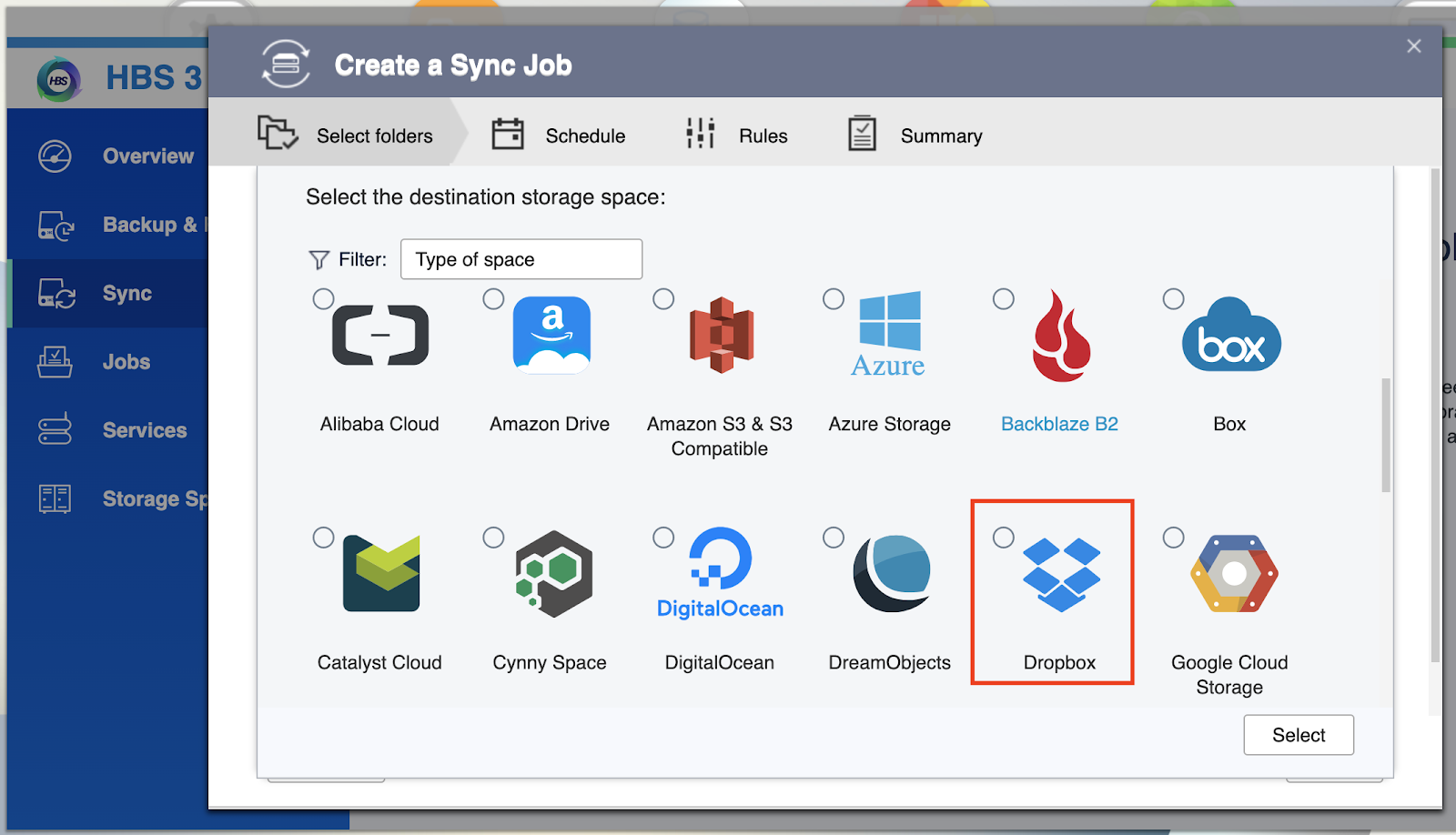
1. NAS App opens a new window/tab in the user's browser to the Connect URL (connect.myqnapcloud.com) on Cloud Connector Server and specify the Callback.
-
Cloud Connector Server redirects user's browser to the OAuth2 Provider's authorization endpoint (RFC6749)

-
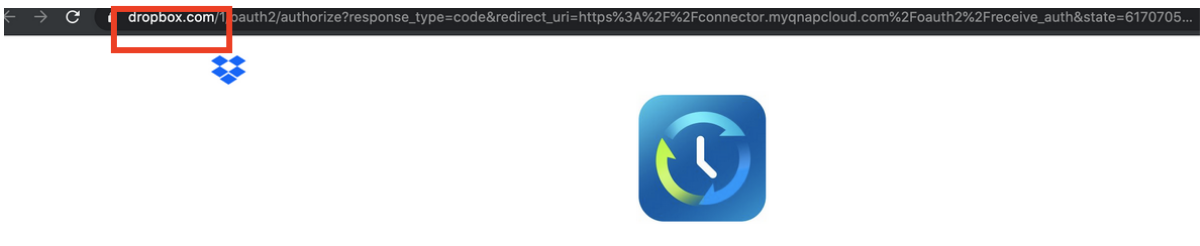
User enters his/her username password on provider's web page to sign in (authentication), and authorize the app to access his/her data in the cloud
-
The provider redirects the user's browser to the Receive Auth URL (https://connect.myqnapcloud.com/oauth2/receive_auth) on Cloud Connector Server, with code query parameters described in OAuth2 authorization code flow.(RFC6749)
-
The Cloud Connector Server uses code and app client_id,secret to obtain the real access_token from OAuth2 Provider's token endpoint.(RFC6749)
-
The Cloud Connector Server encrypts the access token and other information, redirects use's browser back to the app itself (to the Callback specified when initializing the flow).
-
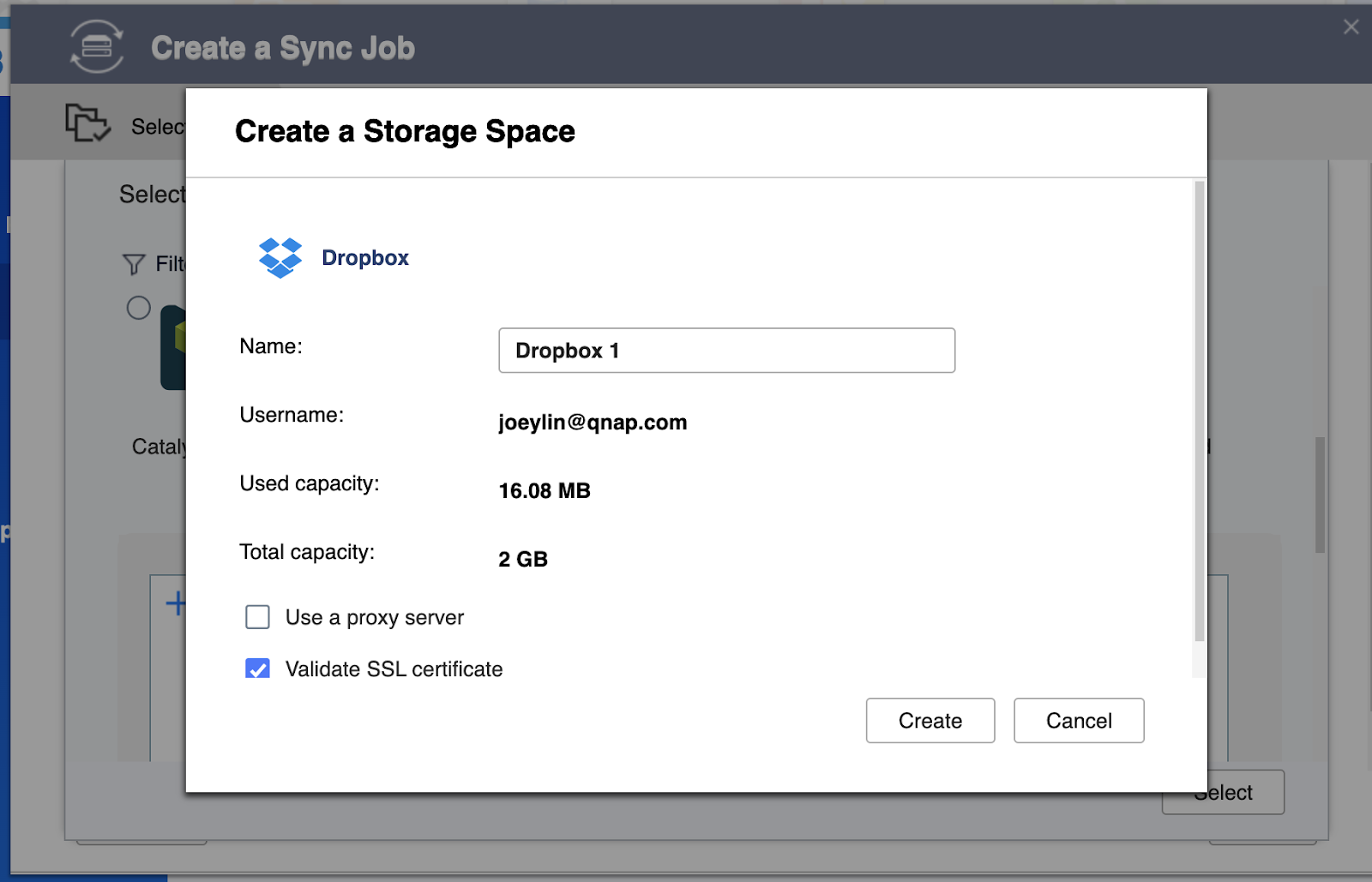
The NAS App decrypts and parses the query parameter to get the access token and other information from the OAuth2 Provider.
Reference link:
1.https://tools.ietf.org/html/rfc6749
2.https://www.oauth.com/oauth2-servers/access-tokens/
| 0Auth2 Provider | Domain | Domain Whitelisting |
| Dropbox | Dropbox.com | dropboxapi.com |
| Google drive | drive.google.com | googleapis.com |
| Box | Box.com | https://developer.box.com/guides/api-calls/domain-whitelisting/ |


