How to fix iTunes server problem (QTS 4.4.1 and priors)
Please note that: iTunes server is no longer supported since QTS4.4.2.

If you meet iTunes server issues on QTS 4.4.1 and priors
You may try to fix the issue by the following method .
Procedures
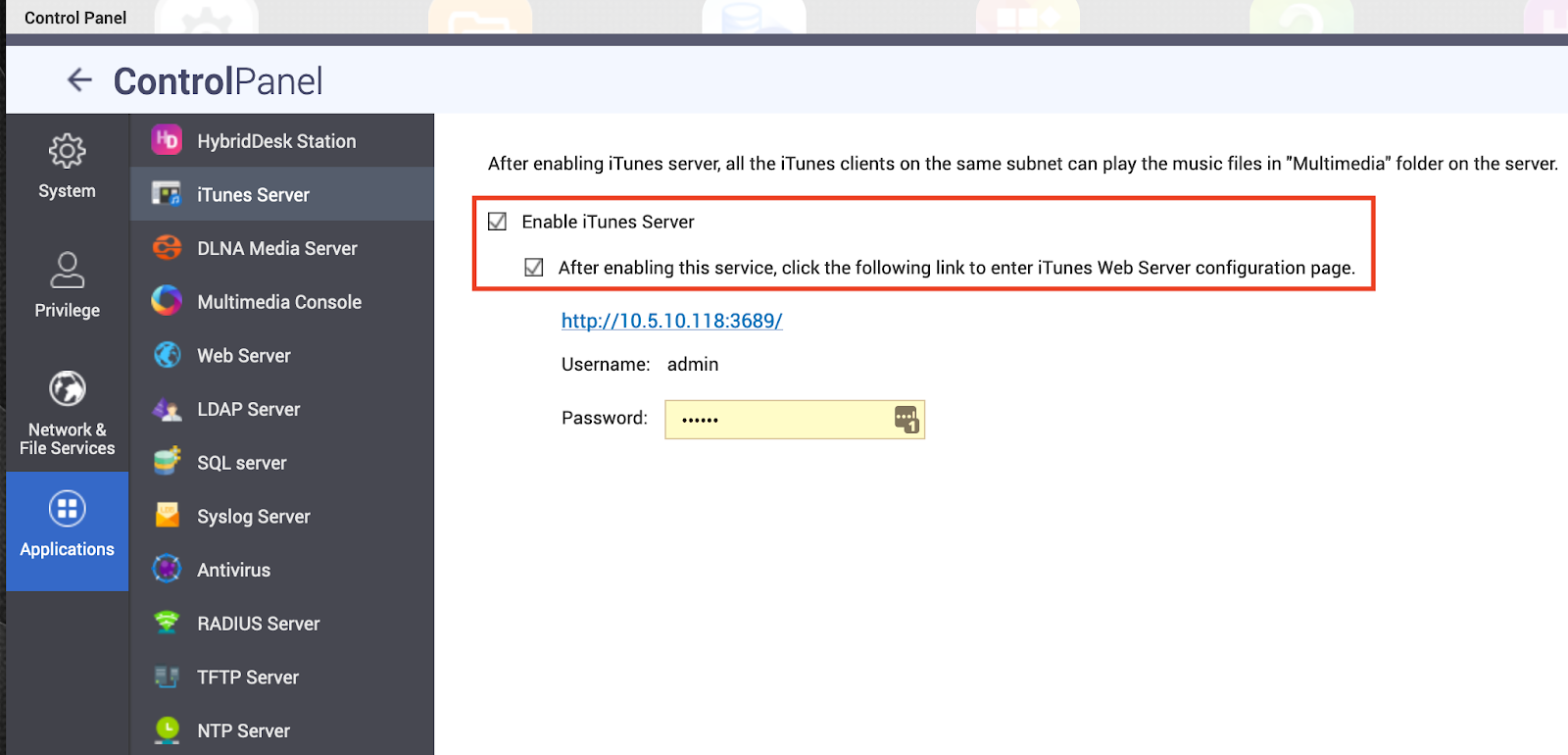
If the iTunes server has a problem starting up for example the configuration page can’t be opened or it does not operate correctly, you may follow the steps below to fix the issue:
2) Delete the config files by executing the following commands once you have successfully logged in via SSH:
| # rm /etc/config/mt-daapd.conf # rm `getcfg SHARE_DEF defVolMP -f /etc/config/def_share.info`/.appDB/mt-daap/songs3.db |
3) Restart the iTunes server service with the command below:
| # /etc/init.d/init_iTune.sh restart |
4) Re-configure your iTunes server from the Web UI
Additional Information:
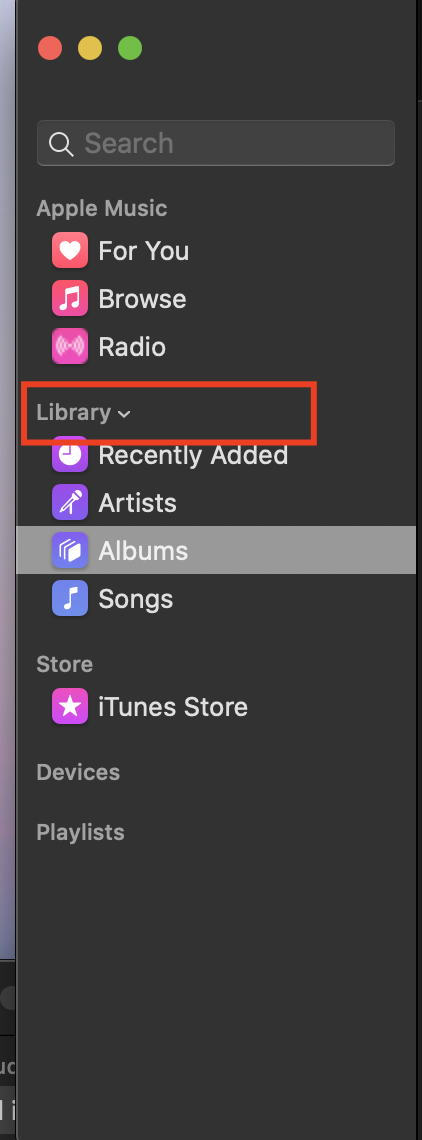
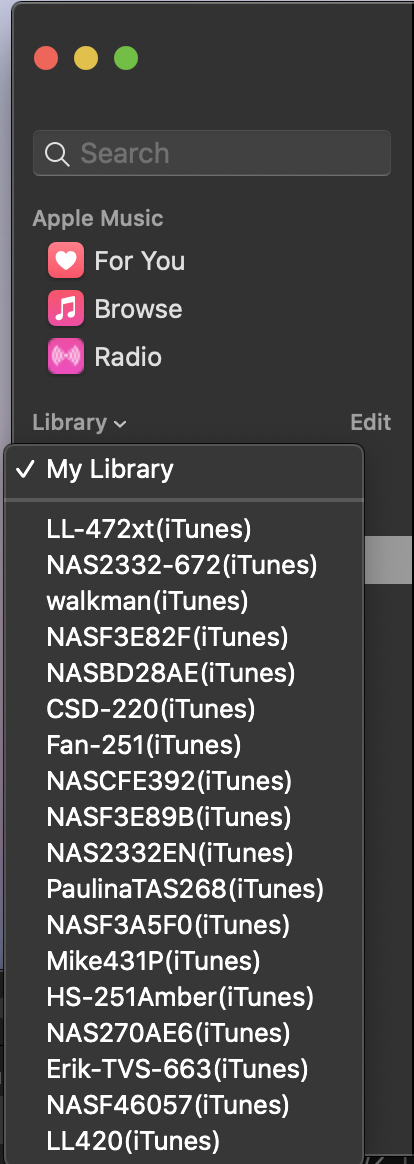
In macOS Catalina,Itunes servers can be found under Library in Music App.