Why Qfile Pro cannot continue data upload/download when running in the background?
Symptom
When downloading or uploading files, Qfile Pro cannot continue its upload or download tasks in the background on iOS or Android.
Root Cause
For security reasons, third-party apps on iOS, including Qfile Pro, do not have permission to run in the background. On Android, Qfile Pro is not on Android's battery optimization list and therefore is not allowed to run in the background.
Solution
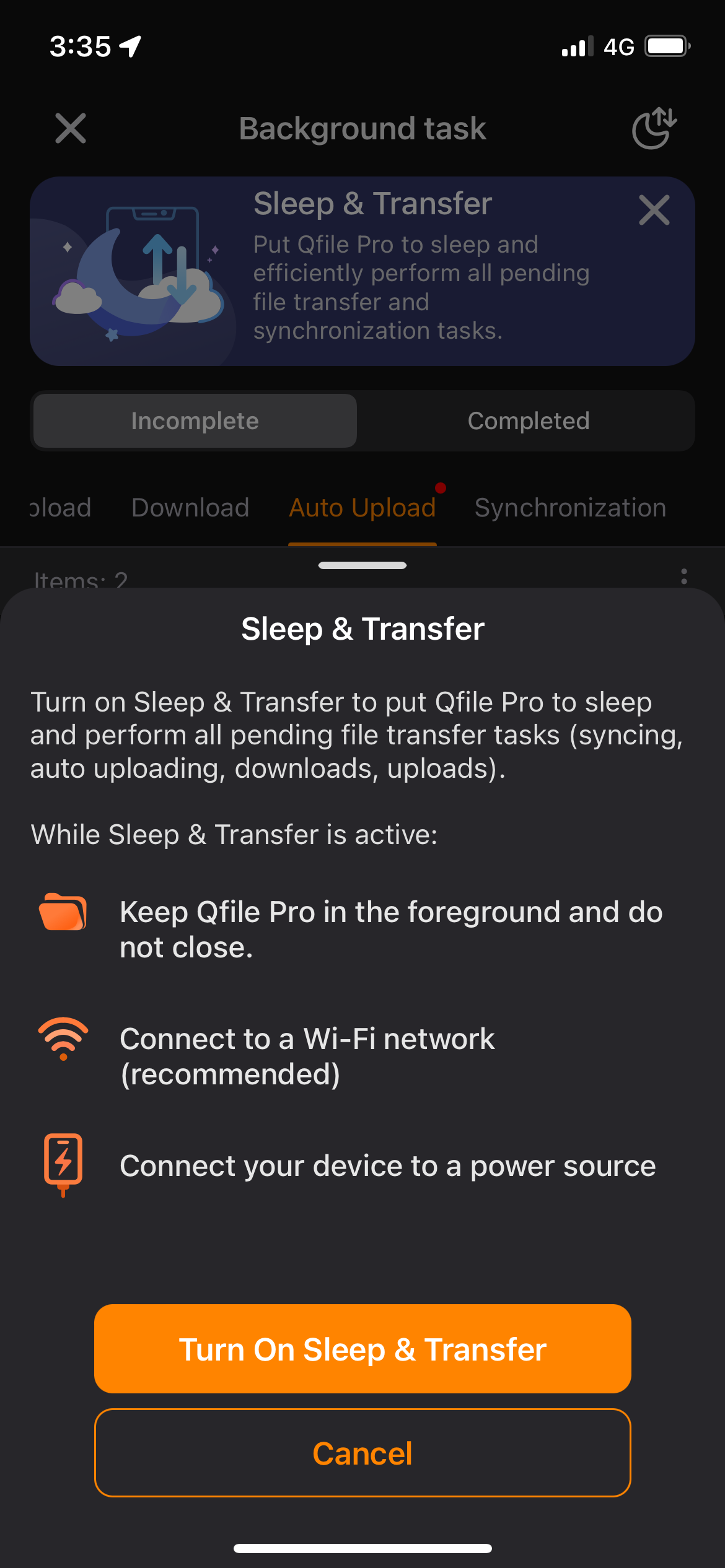
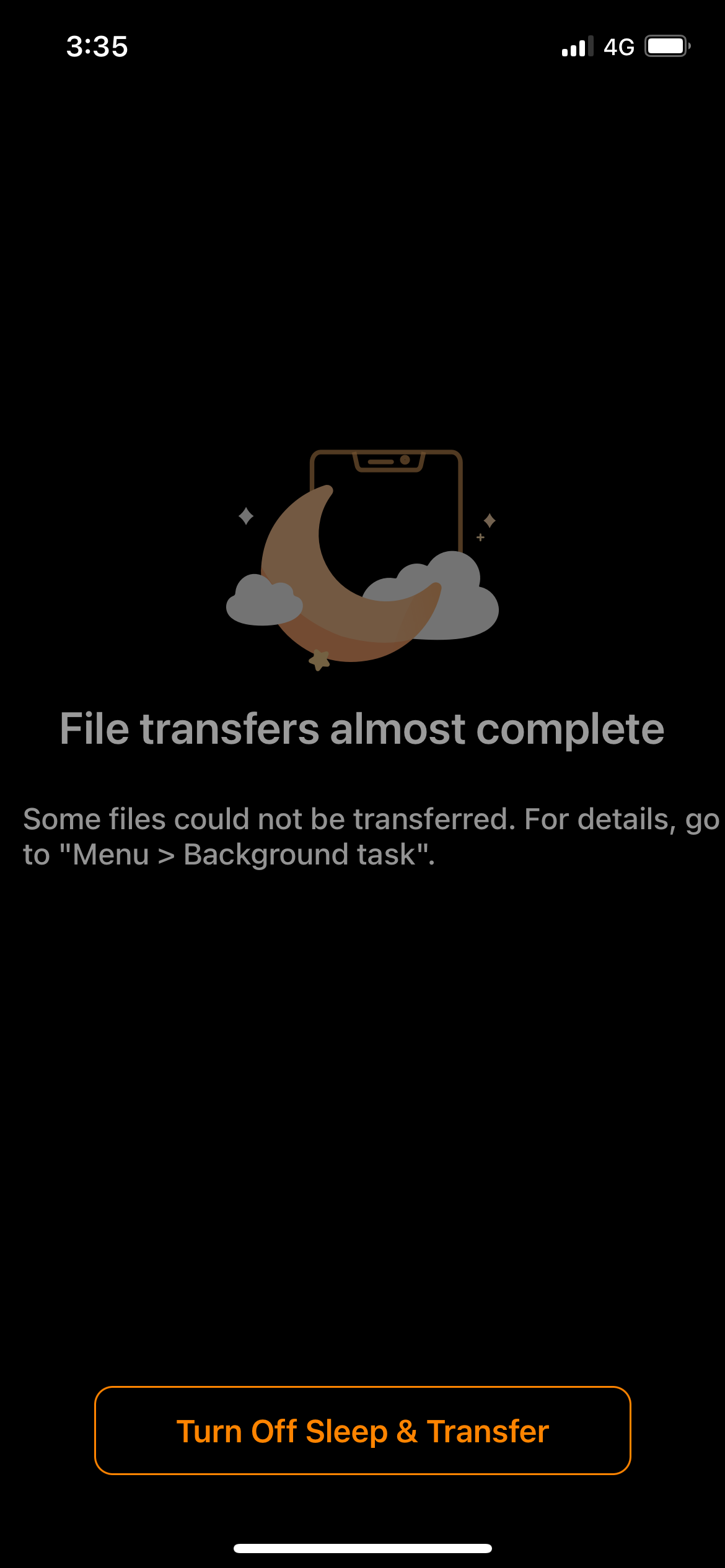
You can use Sleep & Transfer mode to complete upload/download tasks. This mode keeps Qfile Pro running in the foreground while setting screen brightness to the minimum for battery saving.
We recommend enabling Sleep & Transfer mode when you leave your mobile device idle for a long time. For example, you can use this mode when you are sleeping, doing chores, or taking a shower.
You can enable Sleep & Transfer mode in Menu > Background Task.