


The Best NAS for Plex - QNAP
Installation Should Be Easy!
Setting up your Plex Media Server with a NAS should only take a few minutes. Plex lets you store all your media-including movies, TV shows, photos, and music on the NAS, and allowing you to enjoy them on all your devices including your smartphone, tablet, Smart TV, as well as via most media streaming devices (e.g. Roku, Apple TV, Chromecast, Fire TV).

Your Media Should be
Accessible to You 24/7
A perfect media experience, whether it’s watching a movie or video or streaming music, requires a stable environment that includes your Plex Media Server and your network. Since our NAS is designed to run 24/7 without having to power off everyday like your PC, your multimedia files are available online all the time. The NAS acts as your private cloud which allowing you to remotely access and enjoy your media anytime on any device.
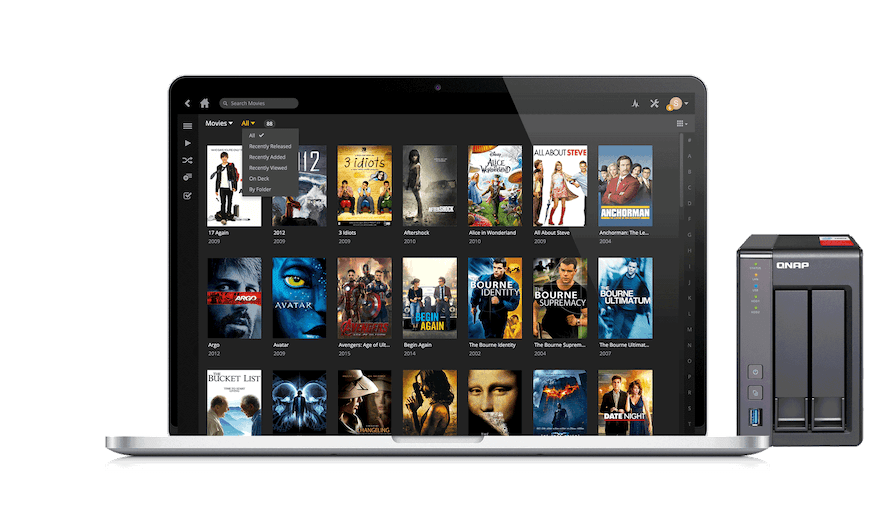
Share with Your Friends and Family
Share your year-long collections of music and movies to your favorite people. Simply add their username onto your list, you can select specific folders to share for specific people. Discover and enjoy even more content than ever with your friends.

Why Do I Need to Consider Transcoding Capabilities of a NAS?
Transcoding is crucial when it comes to enjoying smooth playback of your files without any interruptions. Original high definition content stored in formats such as .mkv, .mp4 and etc, often presents the challenge of file incompatibility with different streaming players. While on-the-go, bandwidth can lag while streaming high-def content stored from home, if it is not transcoding down to a suitable resolution would cause your bandwidth to lag. This is where Plex comes in-it transcodes media stored on your NAS and lets you play it on different media players and devices without stalling or hiccups.
Because Plex uses only software transcoding, it relies mainly on the processor of the NAS to do hardware transcoding using the power of the NAS’s CPU. Our suggestion: to guarantee a smooth video playback, choose the NAS model which has at least an Intel based CPU for HD content transcoding, and Intel® Core™ i3 (or higher end) for most scenarios, including extreme high bit rate HD video content.It is recommended to check out the official NAS compatibility list by Plex. Taking into account your budget and transcoding needs, you can make an informed decision.

| Models | CPU |
Memory |
Available Models |
HDMI |
PCIe Expansion |
Hardware Transcoding (PlexPass Required) |
Transcoding Support |
|---|---|---|---|---|---|---|---|
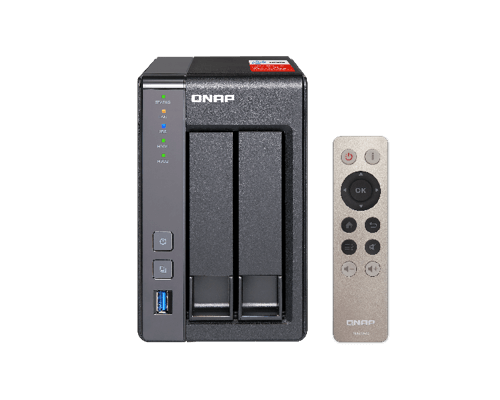 TS-x51+ series |
Intel Celeron™ J1900 Quad-core Processor |
2/8GB |
2, 4 bay |
1 x HDMI |
No |
Yes |
720P |
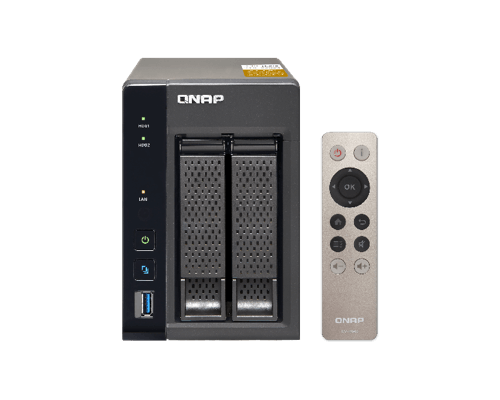 TS-x53Be series |
Intel Celeron™ J3455 Quad-core Processor |
2/4GB |
2, 4 bay |
2 x HDMI |
Yes |
Yes |
720P, 1080P* |
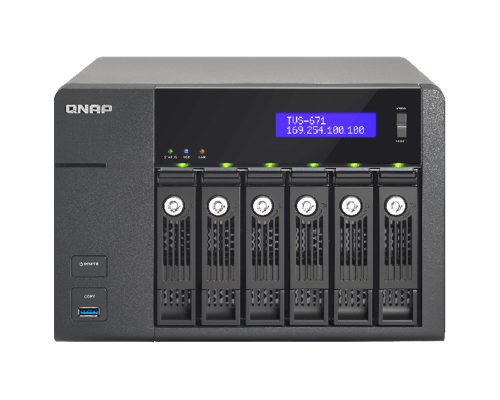 TVS-x73e series |
AMD R-Series RX-421BD Quad-core Processor |
4/8GB (up to 64GB) |
4, 6, 8 bay |
2 x HDMI |
Yes |
No |
720P, 1080P |


