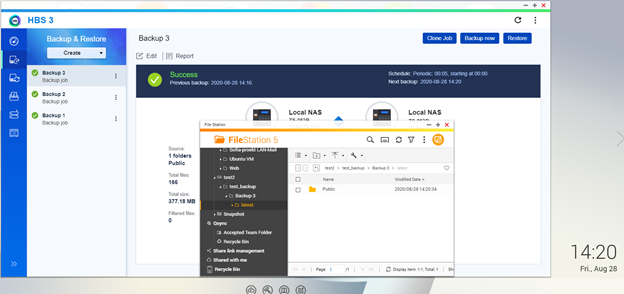
Backup NAS Data to two different external HDDs using HBS3
Applied models:
Applied Firmware:
Sometimes it is necessary to have data backup in different external HDDs which will be stored in different locations to prevent any data lost in case of catastrophe. A possible Scenario will be this:In the night job, all data is to be backed up to an external USB drive. This drive is changed daily and one is located outside the company to be able to fall back on a data backup in case of fire or theft!
To do it Firstly we will need at least 2 external HDD formatted for example in NTFS format and with the same label (for example test2) after that we will follow these steps:
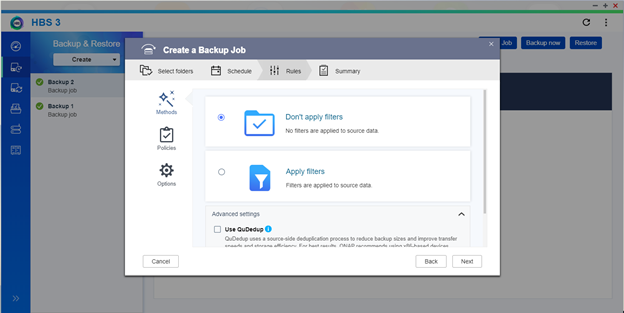
1. Open HBS3 and create a new backup job.
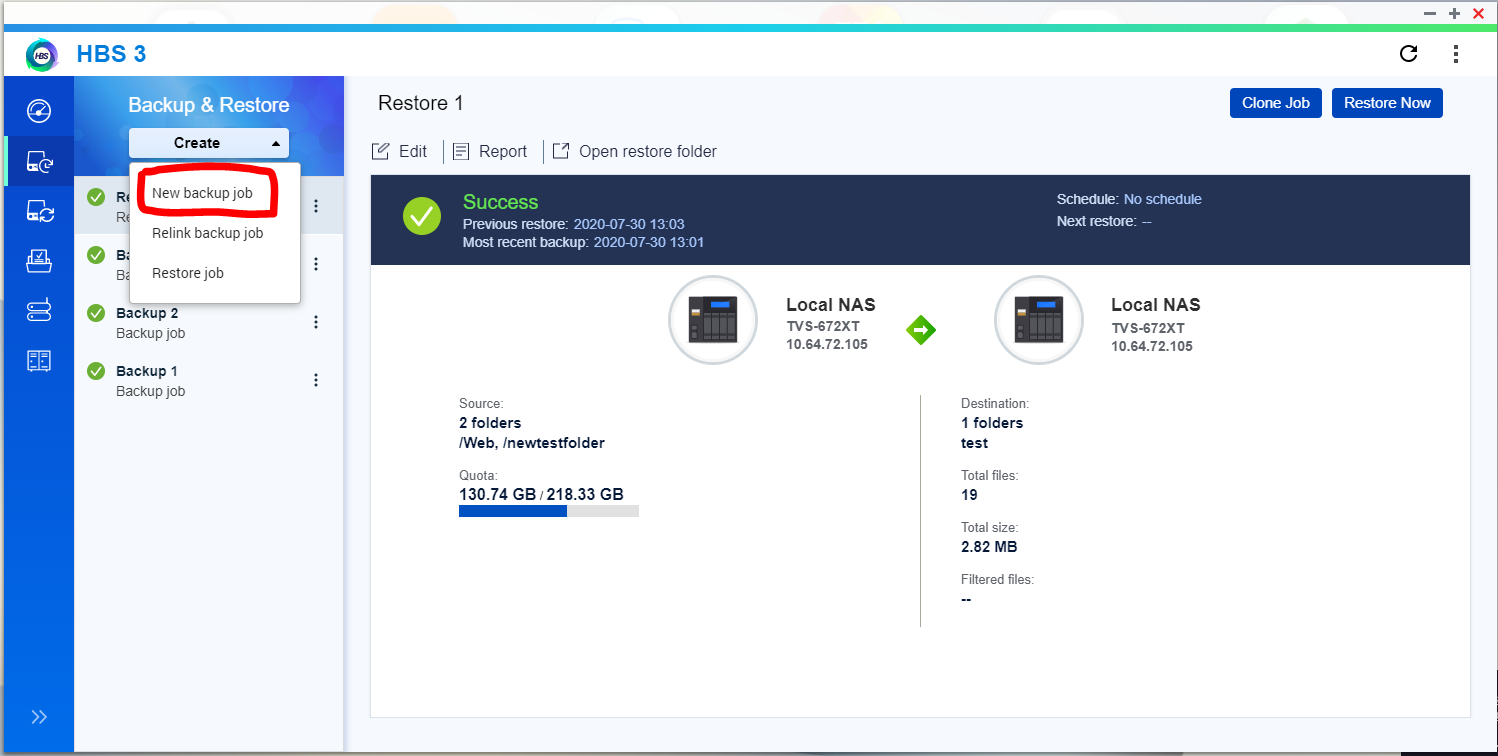
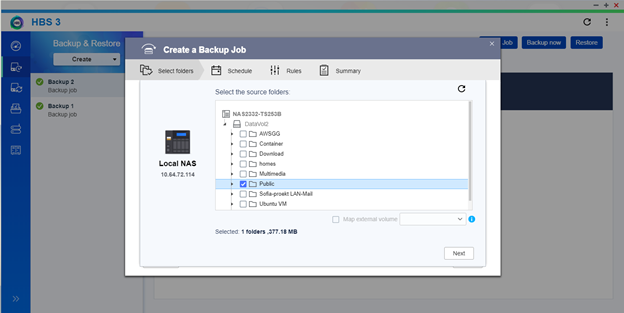
2. Select the folders you need to backup
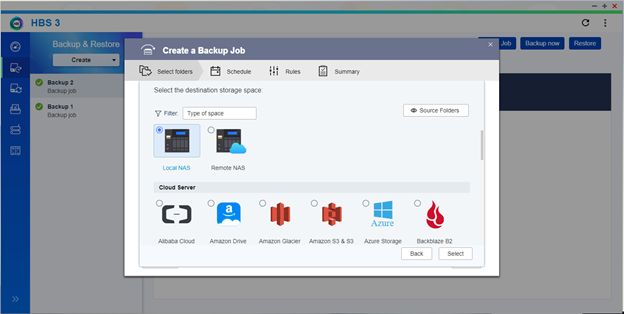
3. Select destination: Local NAS
4. Create a backup folder for example “test_backup” inside the USB “test2” (created previously)
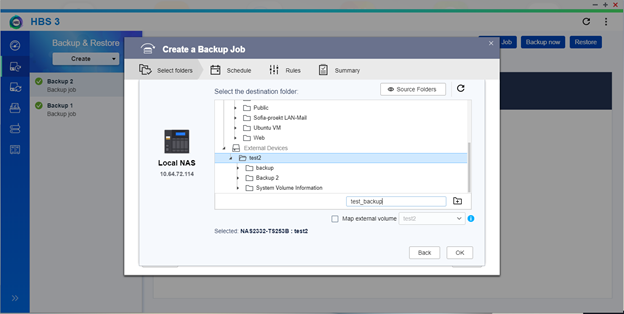
5. Select the new created folder and continue
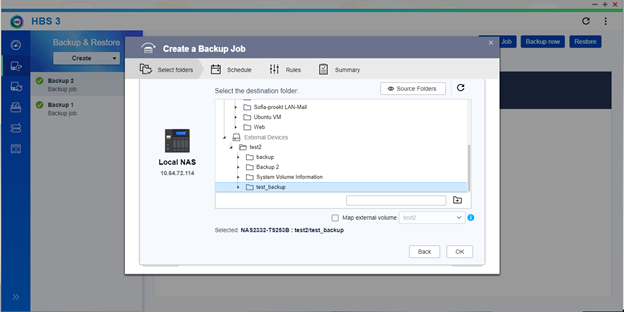
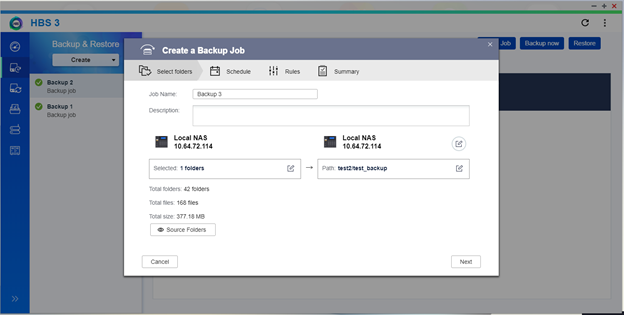
6. Here are the source and destination
7. Fix the Schedule as need it
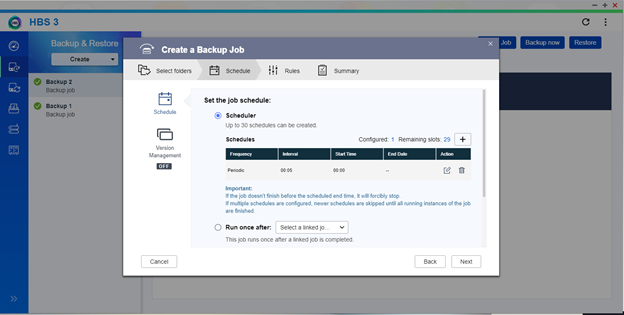
8. Finish to set up the backup job according to wizard instructions and run the backup manually once.
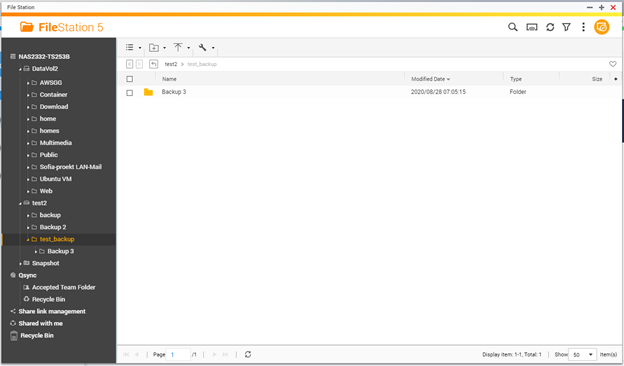
9. Go to FileStation and check the folder structure created for HBS3. You will find the structure like this “test2/test_backup/Backup 3”
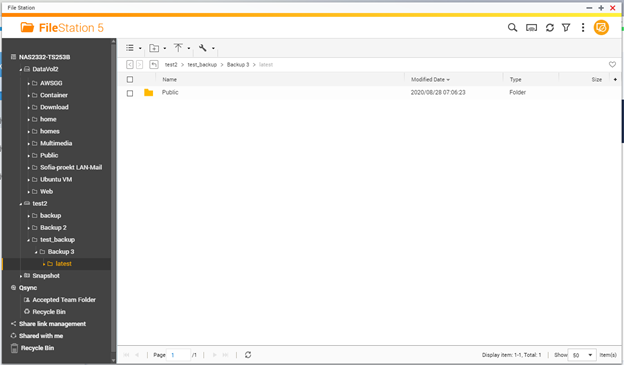
10. Plug in a computer the another External HDD with the same label in our case “test2” and create the previous path. In our case “test_backup/Backup 3”
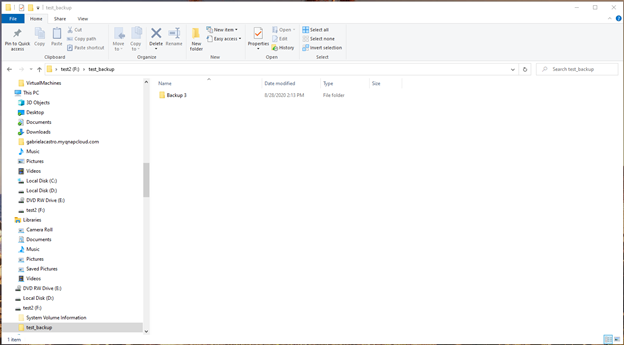
11. Eject the original USB with the backup from the NAS and plug the new empty USB.
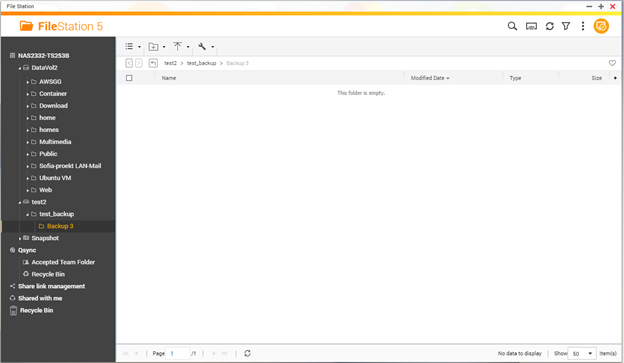
12. Wait until the scheduled backup starts or run a backup manually.
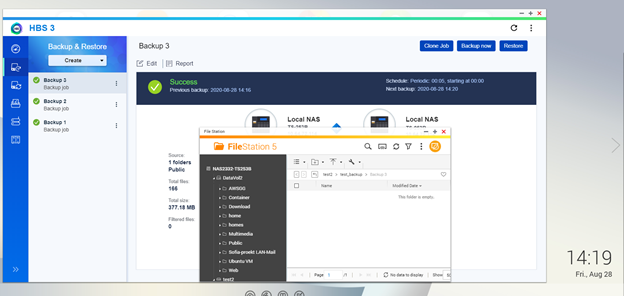
13. The backup started and run properly