


How to update BIOS version of NAS series TS-x73AU
最後修訂日期:
2022-06-24
Applied Products:
-
NAS Series TS-X73AU
-
All QTS Firmware Versions
This NAS serie does not include any video port output (No HDMI™ , VGA …)
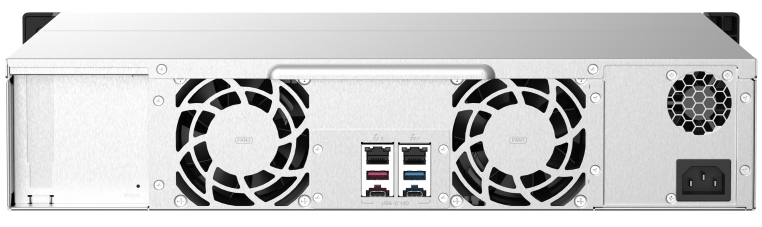
To be able to update the NAS BIOS version, you will need first to plug a compatible GPGPU card (cmopatibility list can be found here) to have a video output port. You can then download the latest BIOS version from our Download Center in the “Utility” section.
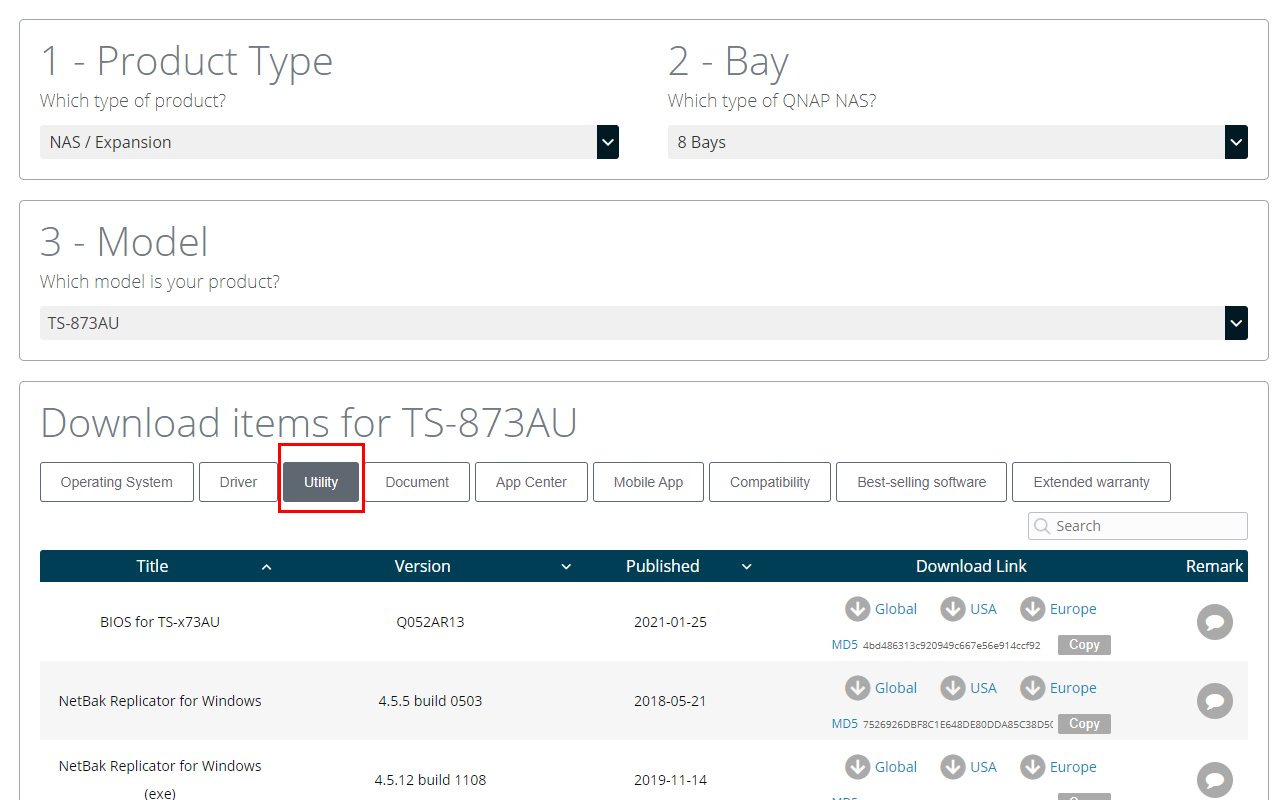
Finally follow the instructions of the below guide to complete the process:
還有疑問?
在 QNAP 官方社群提問,獲得 QNAP 官方與熱心用戶的第一手建議。


