What is the Pool Guaranteed Snapshot Space and How to Configure?
最後修訂日期:
2022-03-30
Applied models:
-
All NAS Series
Applied Firmware:
-
4.4.1 or above
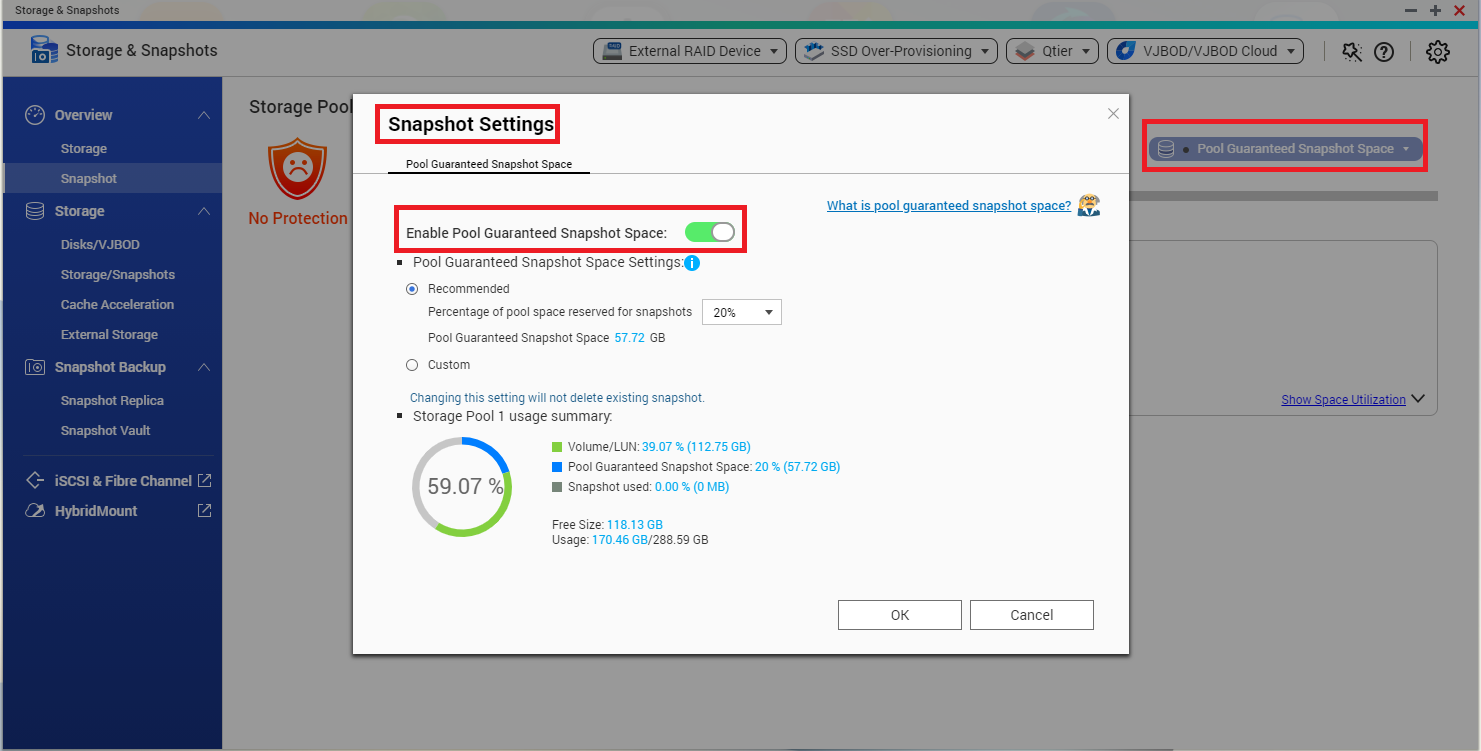
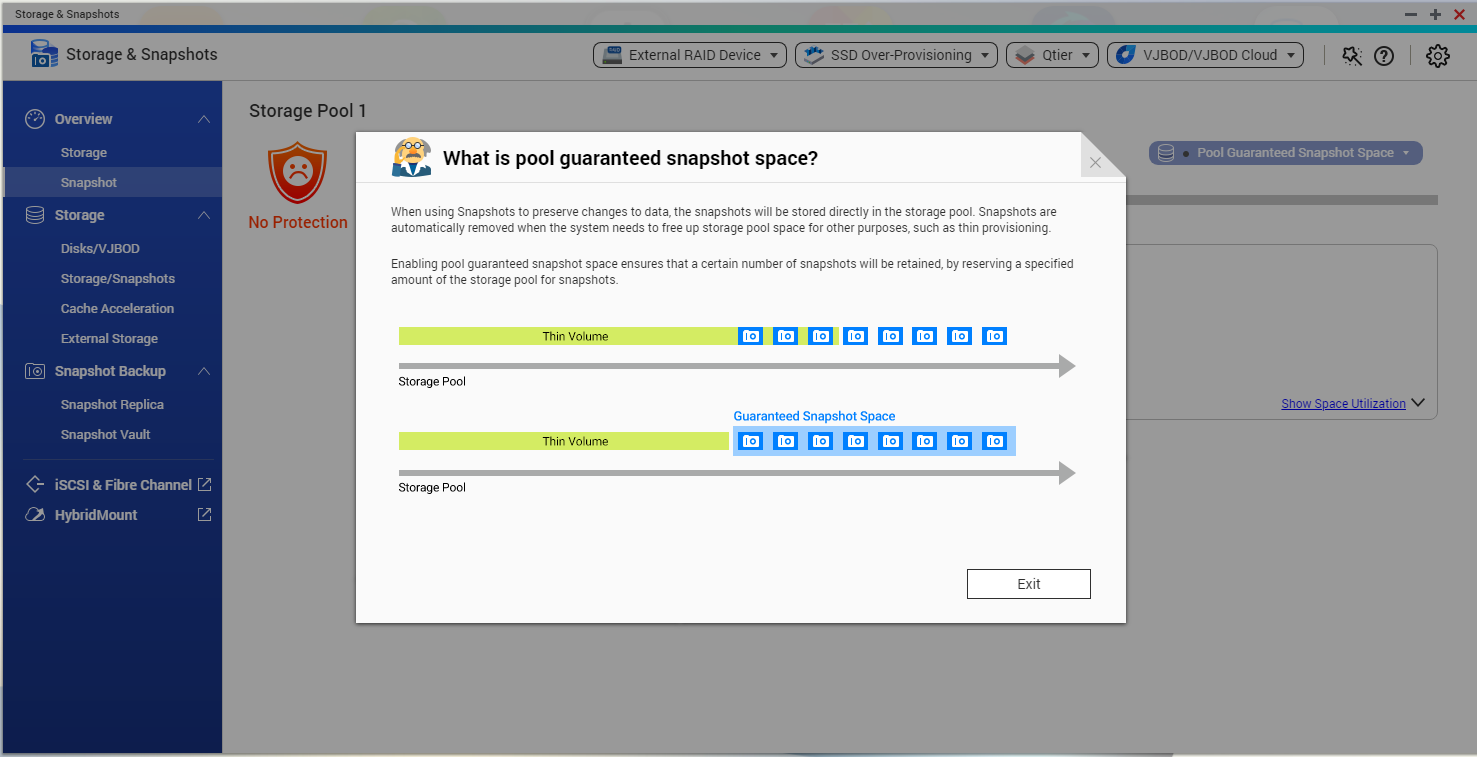
To ensure you will not meet space issues when taking snapshots, you can reserve a guaranteed snapshot space in the pool. When the guaranteed snapshot space is becoming full, the oldest snapshots will be automatically removed to ensure new snapshots can be taken.
How to configure the Pool Guaranteed Snapshot Space:
-
Go to Storage & Snapshots > Overview > Snapshot
-
Click on “Pool Guaranteed Snapshot Space” > “Configure”
-
Enable the Pool Guaranteed Snapshot Space
-
Configure the reserved space capacity.