


Q: I didn’t see the RAID type selection in SSD Cache acceleration function in QuTS Hero, is this normal?
Q: I didn’t see the RAID type selection in SSD Cache acceleration function in QuTS Hero, is this normal?
A: Yes, this is normal. In QuTS Hero, only Cache Type can be selected in Cache acceleration setup.
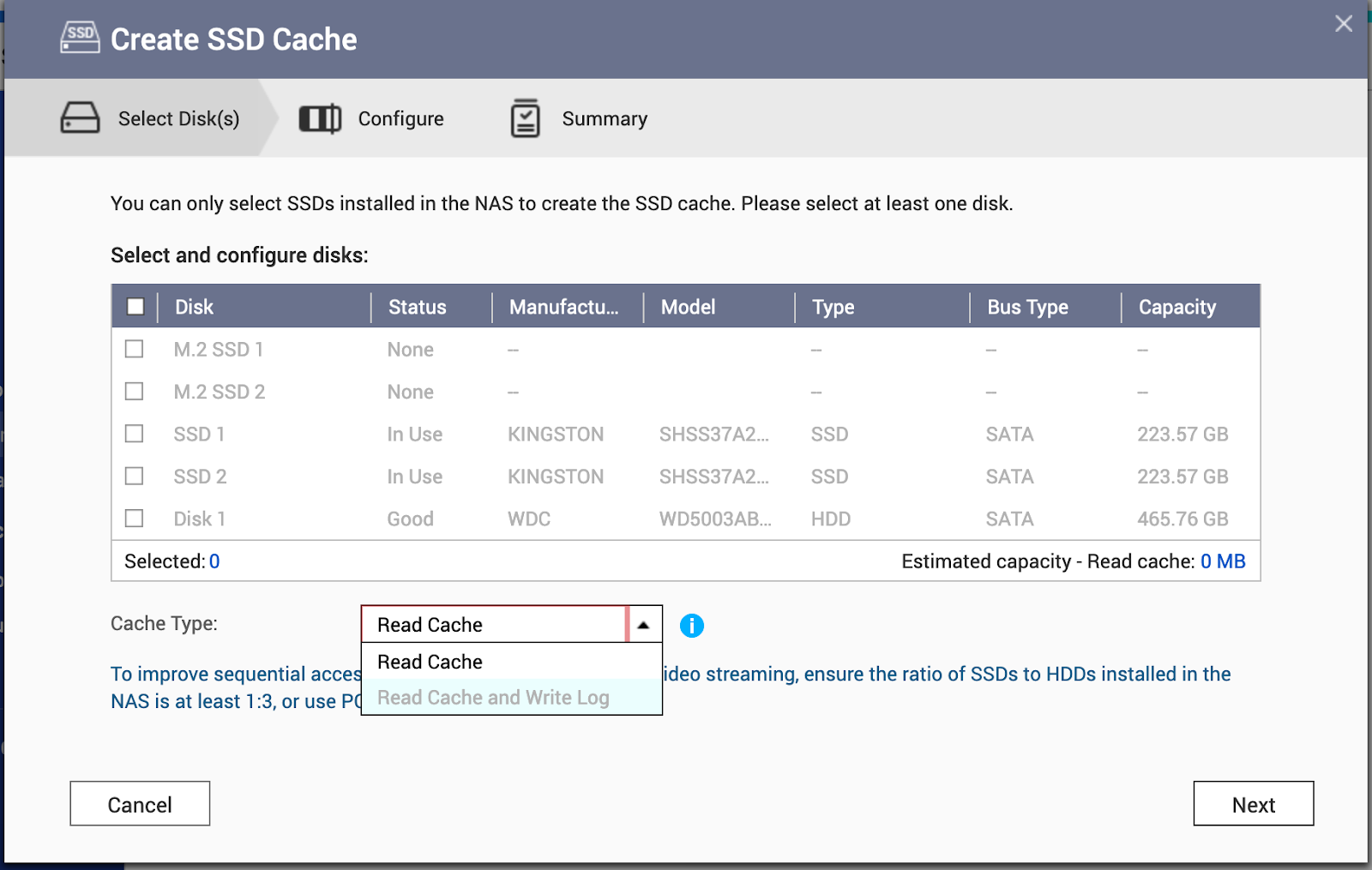
Depending on the number of SSD and Cache types selected, the system will set up different RAID types accordingly. Please refer to the table below.
| The number of SSD | Read Cache | Read Cache and ZIL synchronous I/O Write log (Read cache + Write Cache) |
| 1 | Single disk | Not Support |
| 2 | Stripe (RAID 0) | Stripe (RAID 0) + Mirror (RAID 1) |
| 3 | Stripe (RAID 0) | Not Support |
| 4 | Stripe (RAID 0) | Stripe (RAID 0) + Stripe of mirrors (RAID 10) |
If the cache type is set to Read Cache and ZIL synchronous I/O Write log, you must select an even number of disks.
Read cache will set up a RAID 0 with the third disk partition on each disk ,the size of the third partition is similar to the whole disk size.
ZIL synchronous I/O Write log will set up a RAID 1 or RAID 10 by 2 or 4/6/8 or more disks with the sixth disk partition on each disk. the size of the sixth partition is fixed to 10TB.
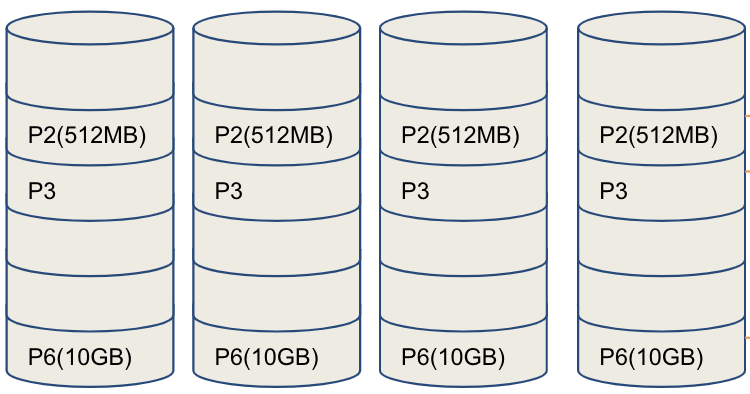
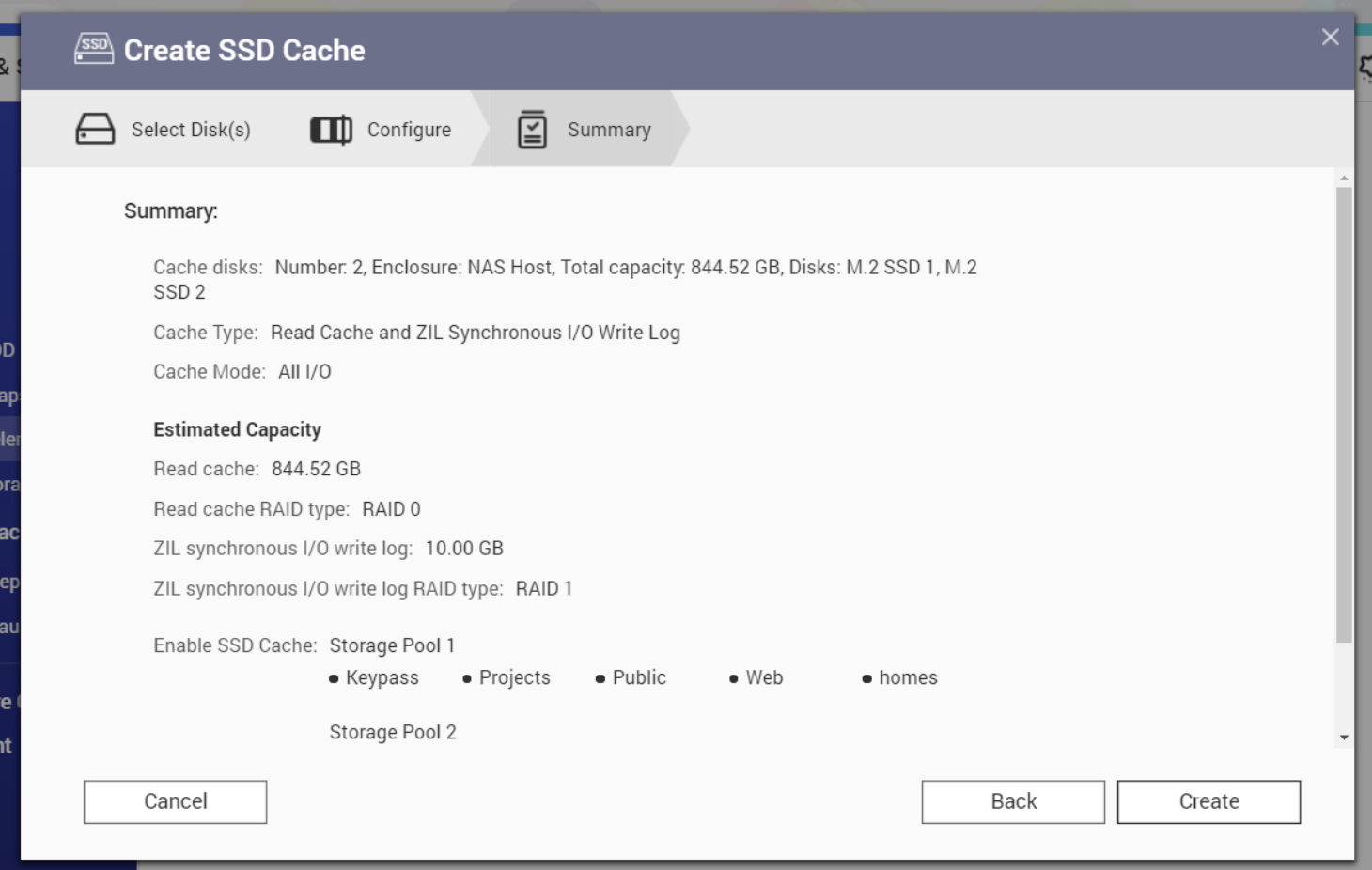
For example: if 2 x 450GB SSDs are set up with Read Cache and ZIL synchronous I/O Write log.
Read cache is around 2 x 422GB in RAID 0 = 844.52 GB.
ZIL synchronous I/O Write log is 2 x 10GB in RAID 1 = 10GB
Behöver du fortfarande hjälp?
Ställ din fråga i QNAP Community. QNAP-personal och erfarna användare svarar.


